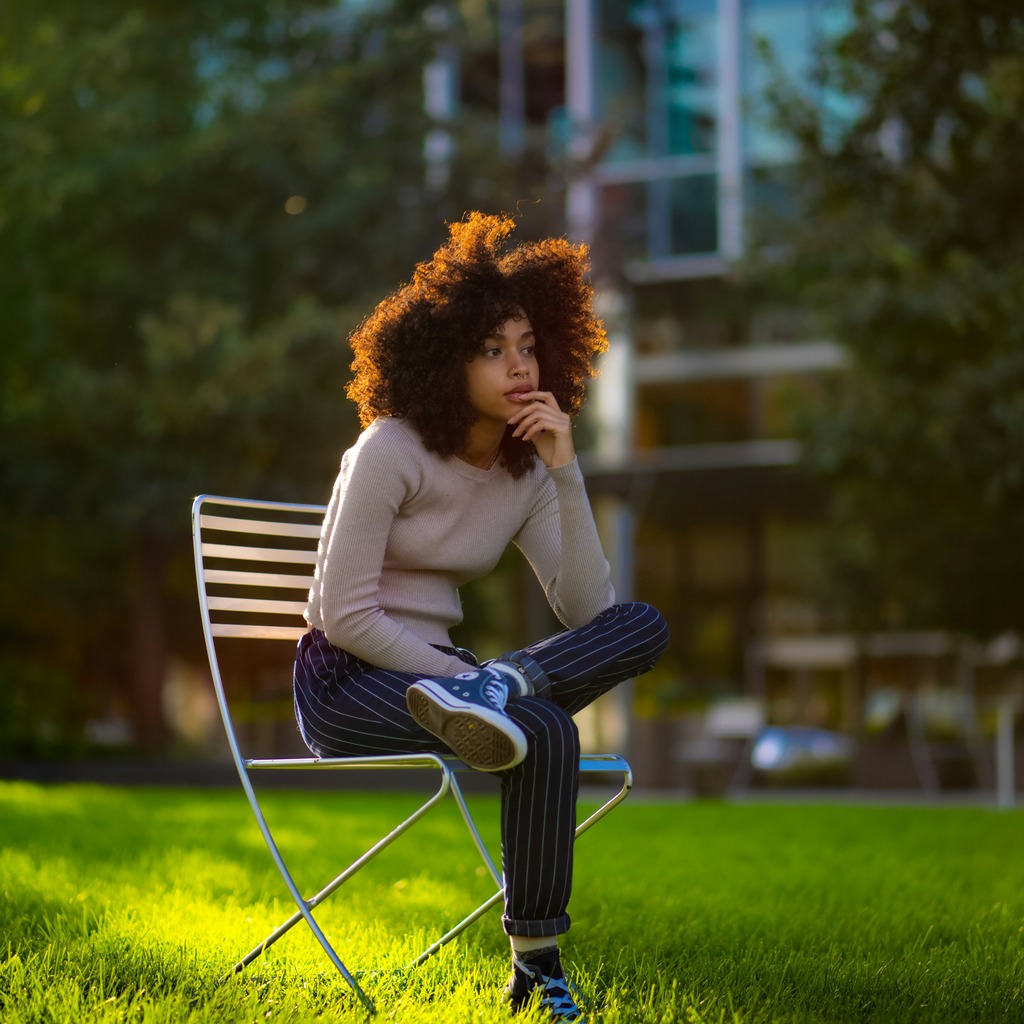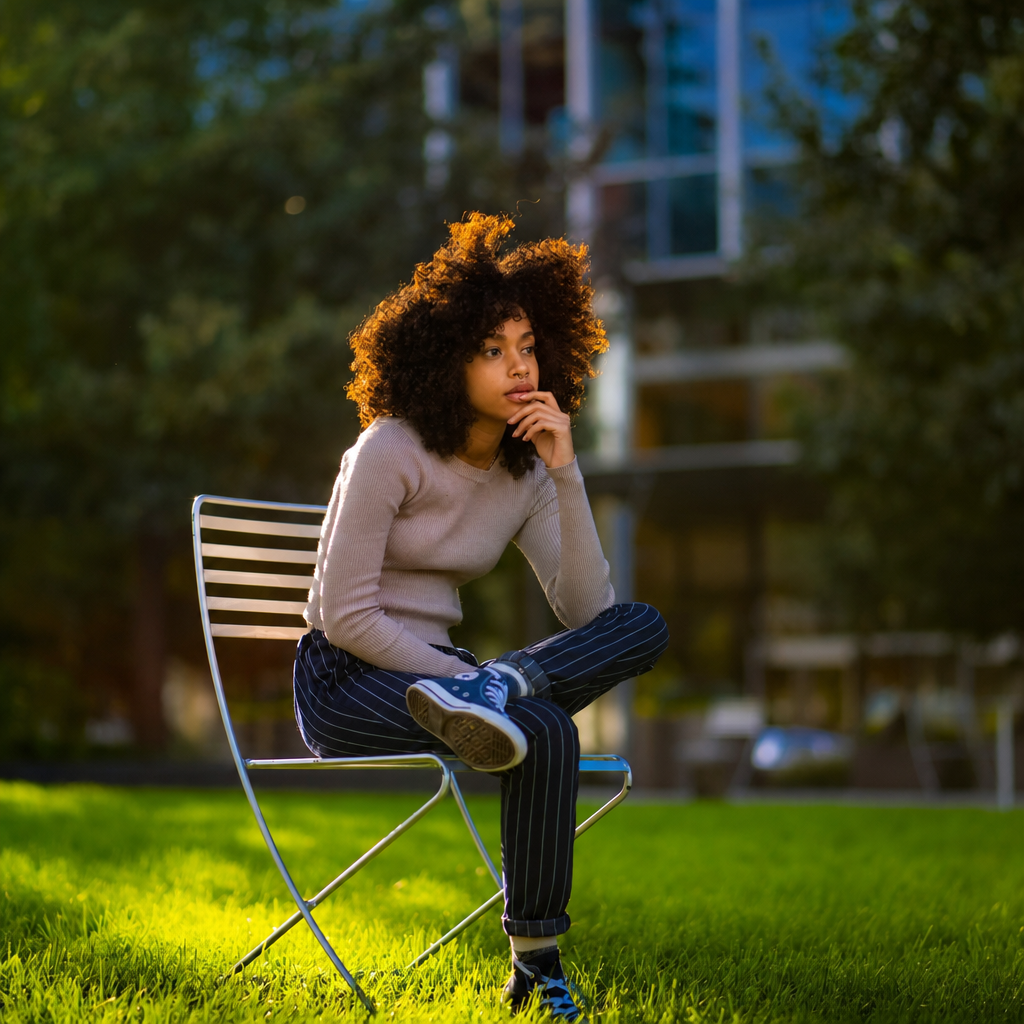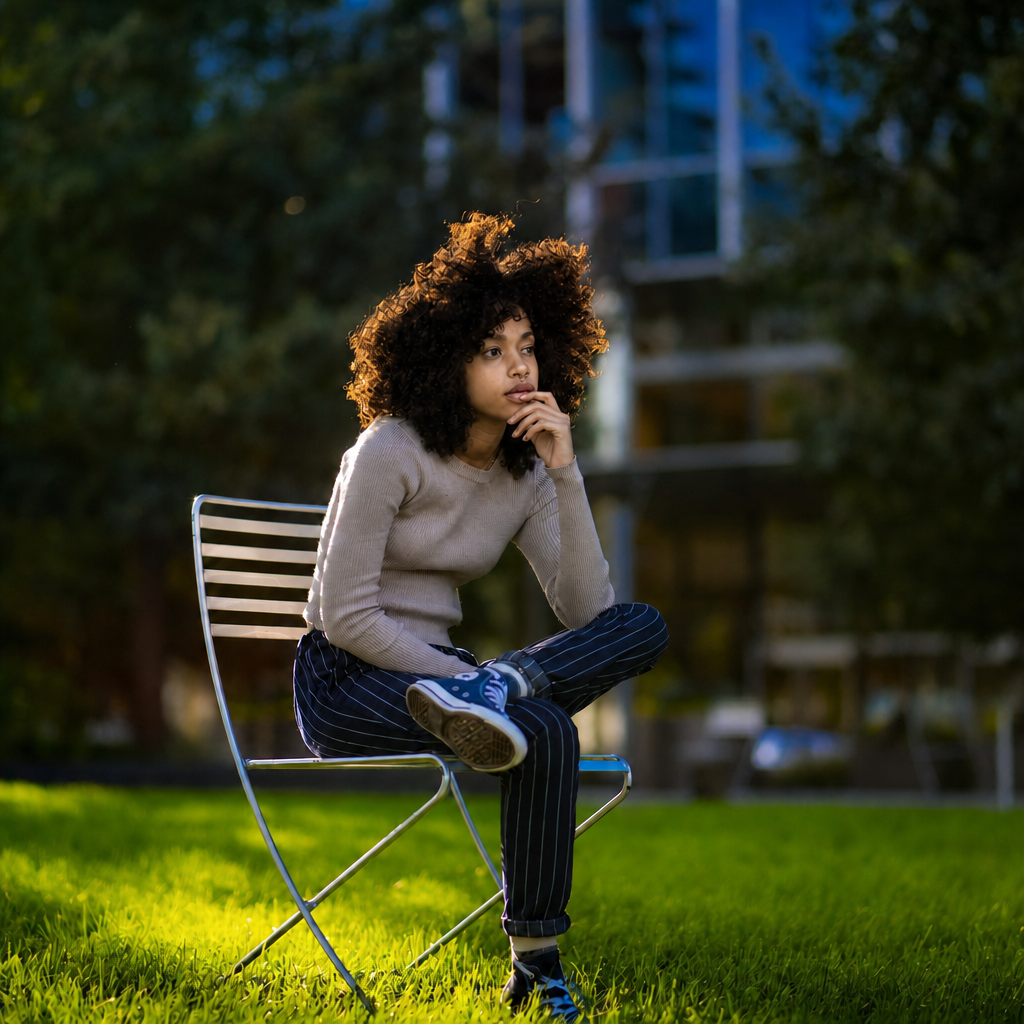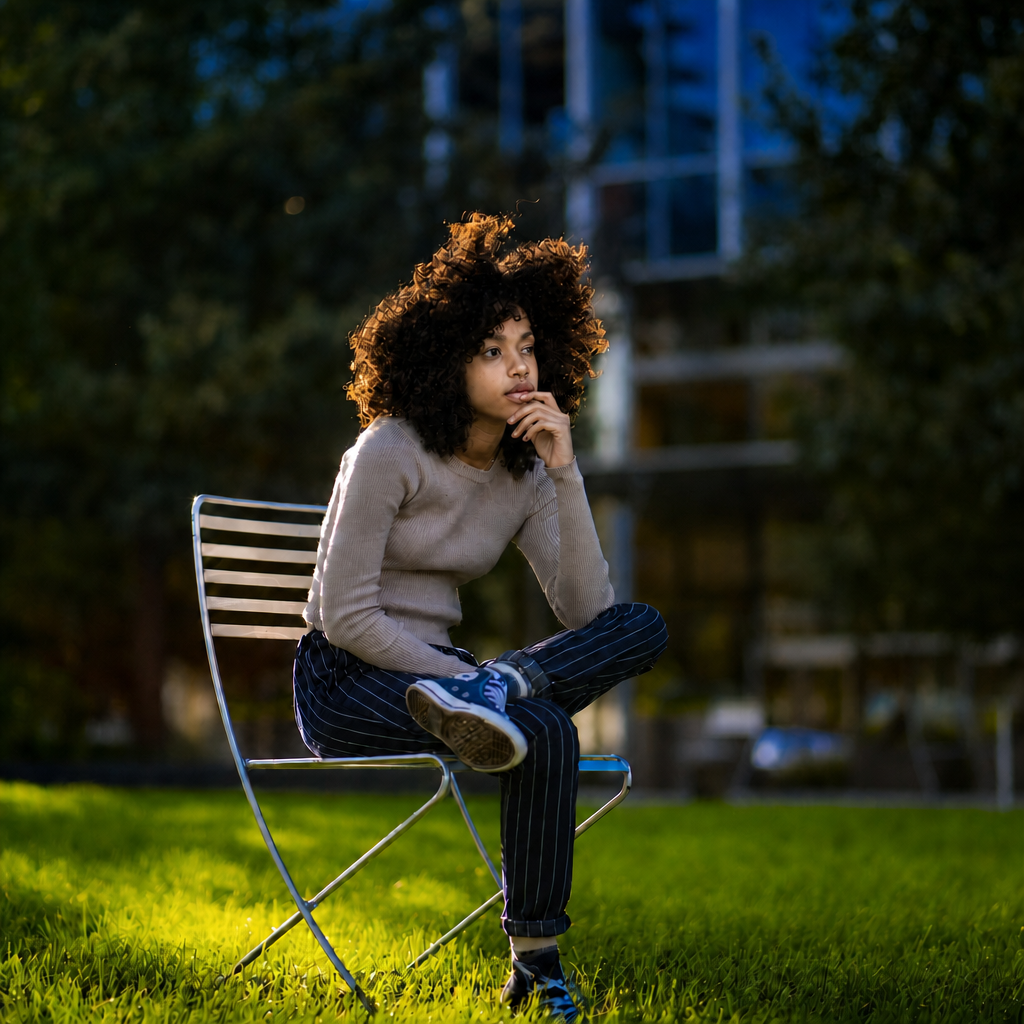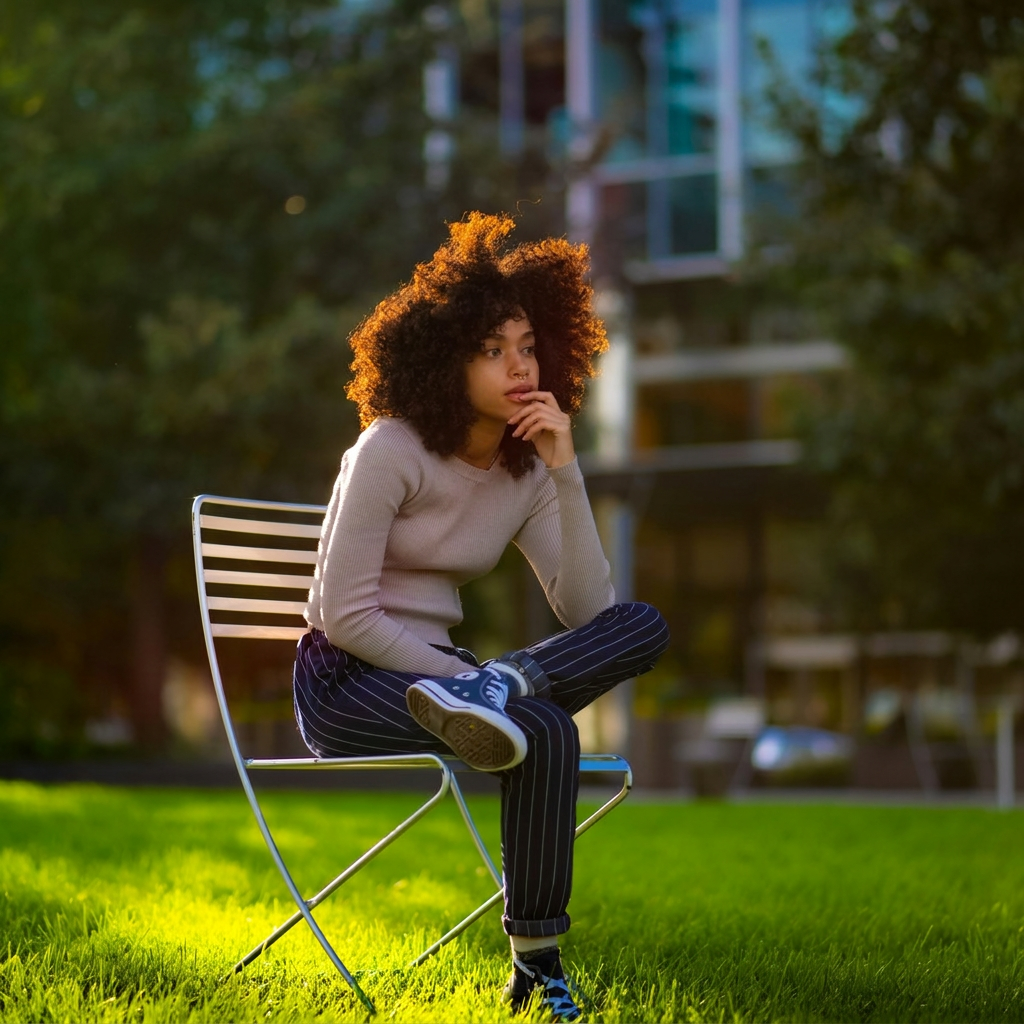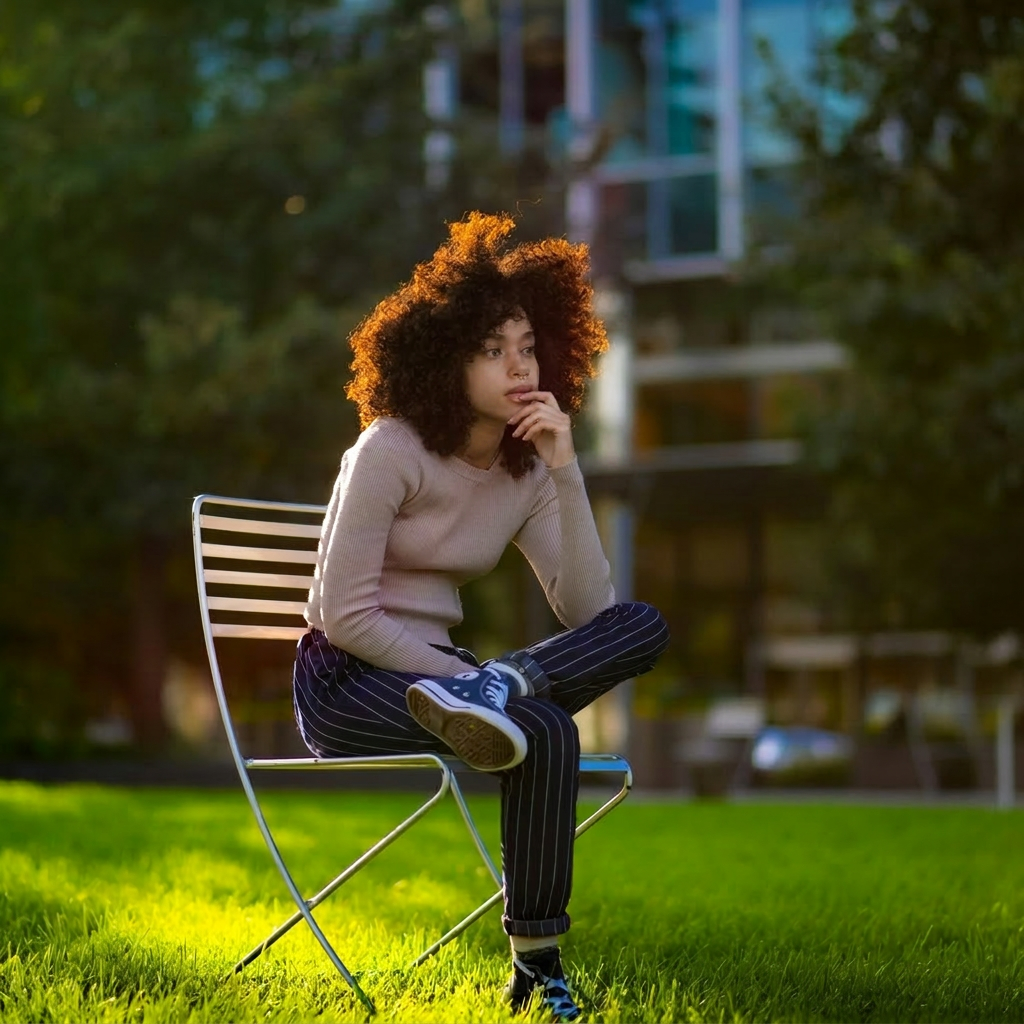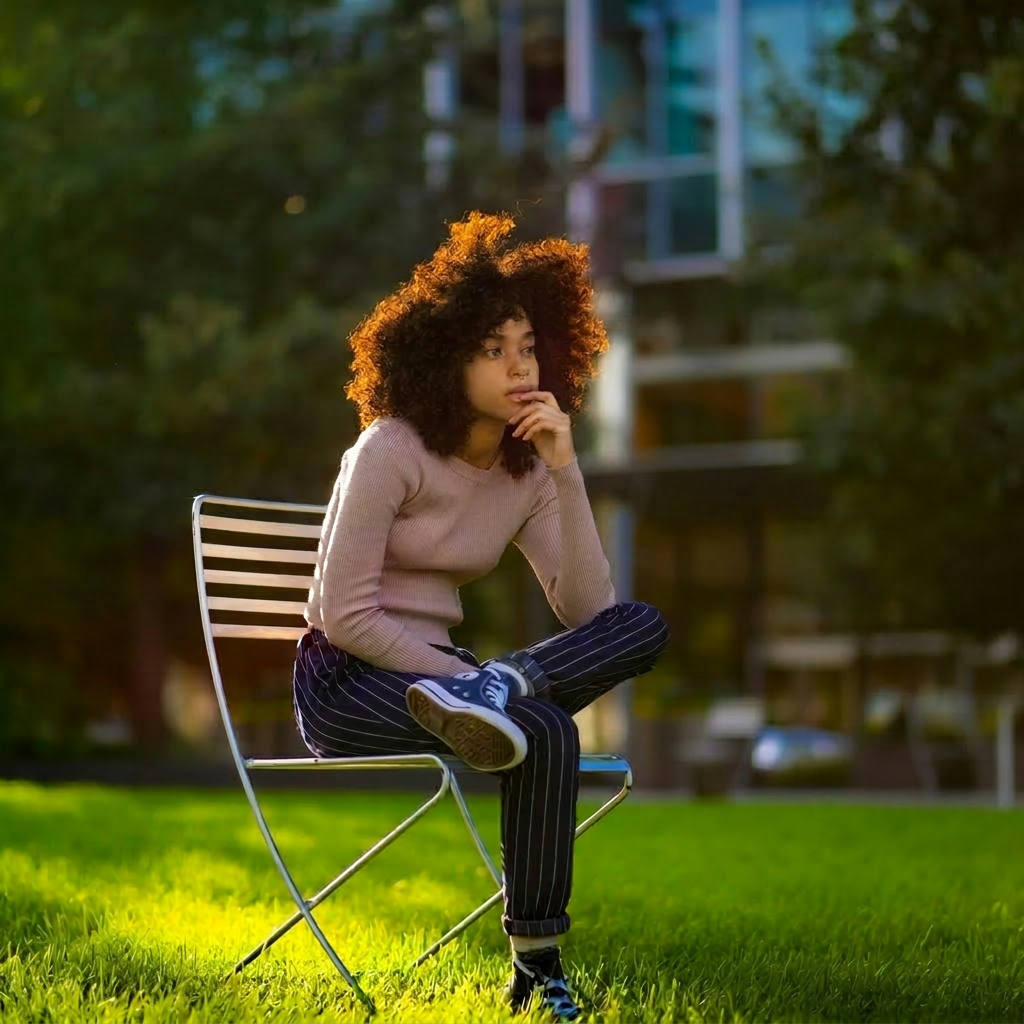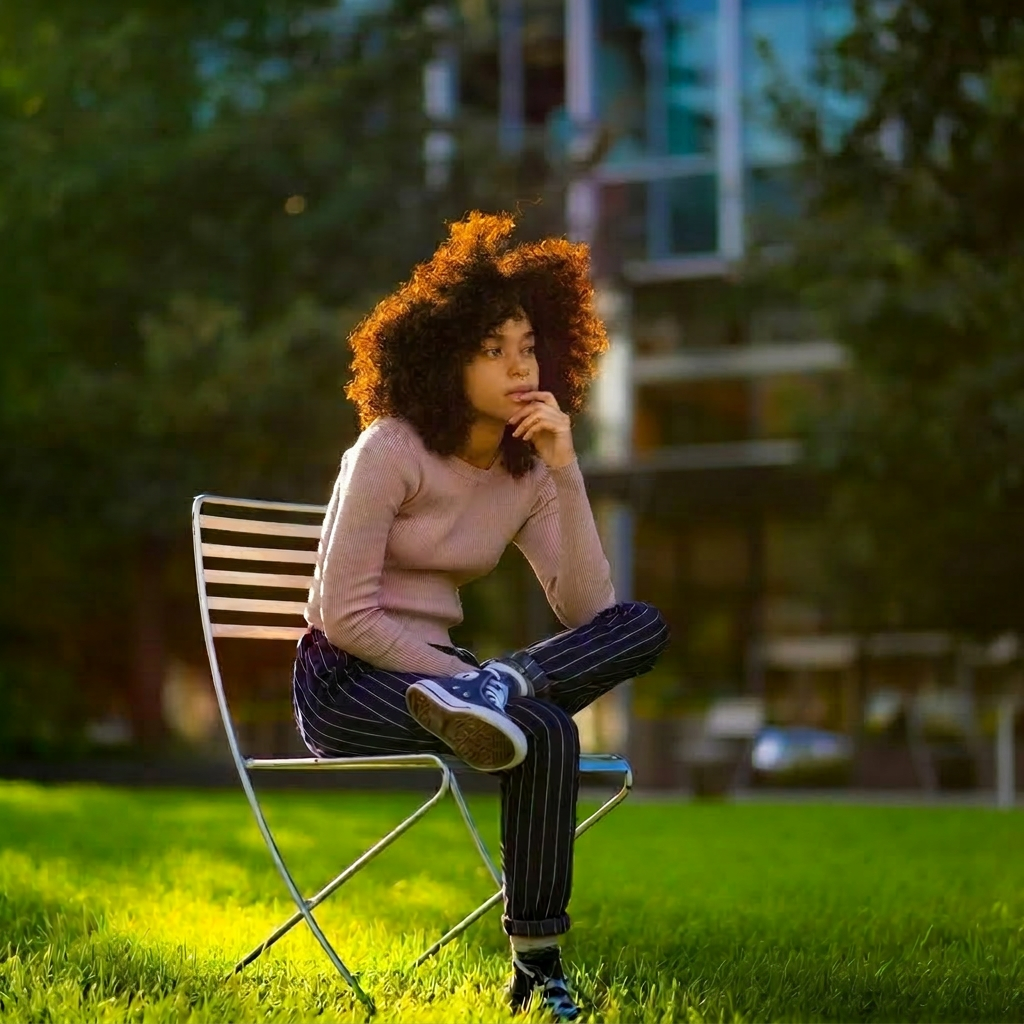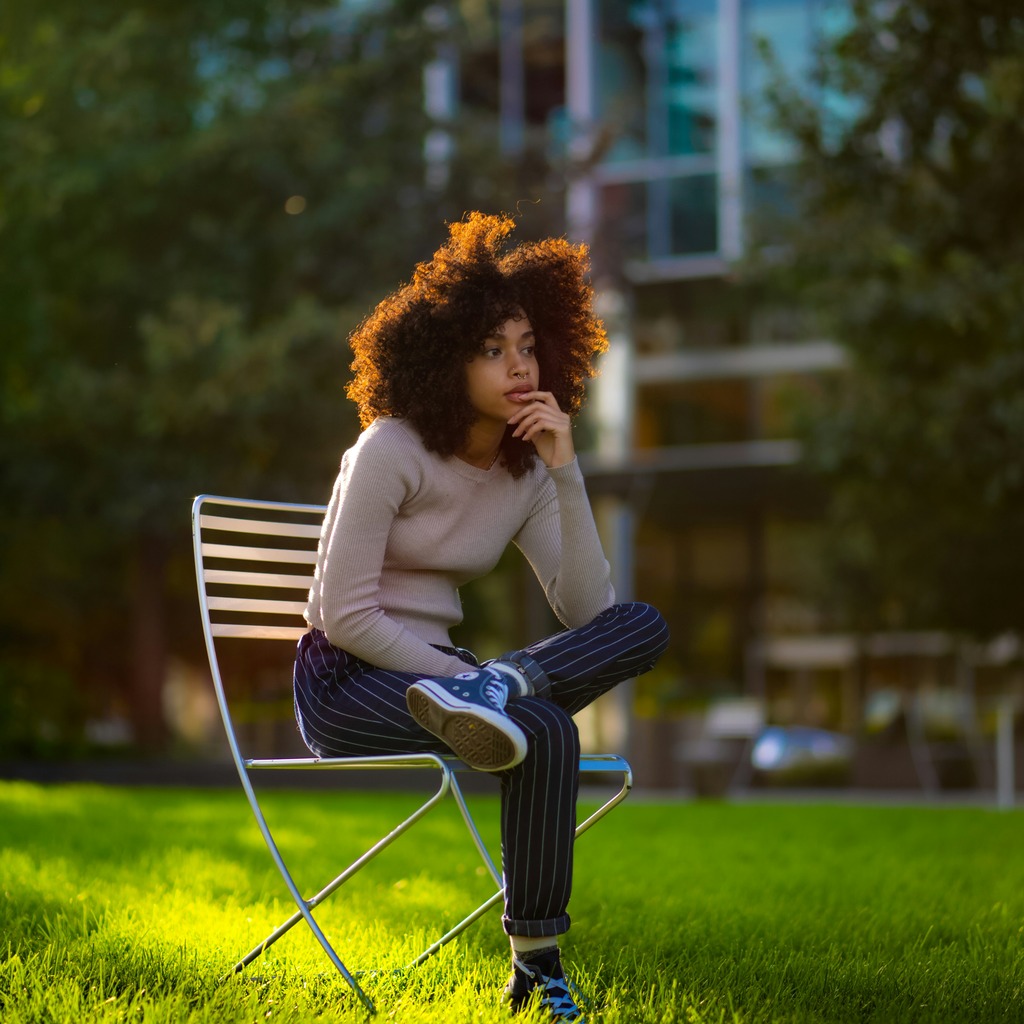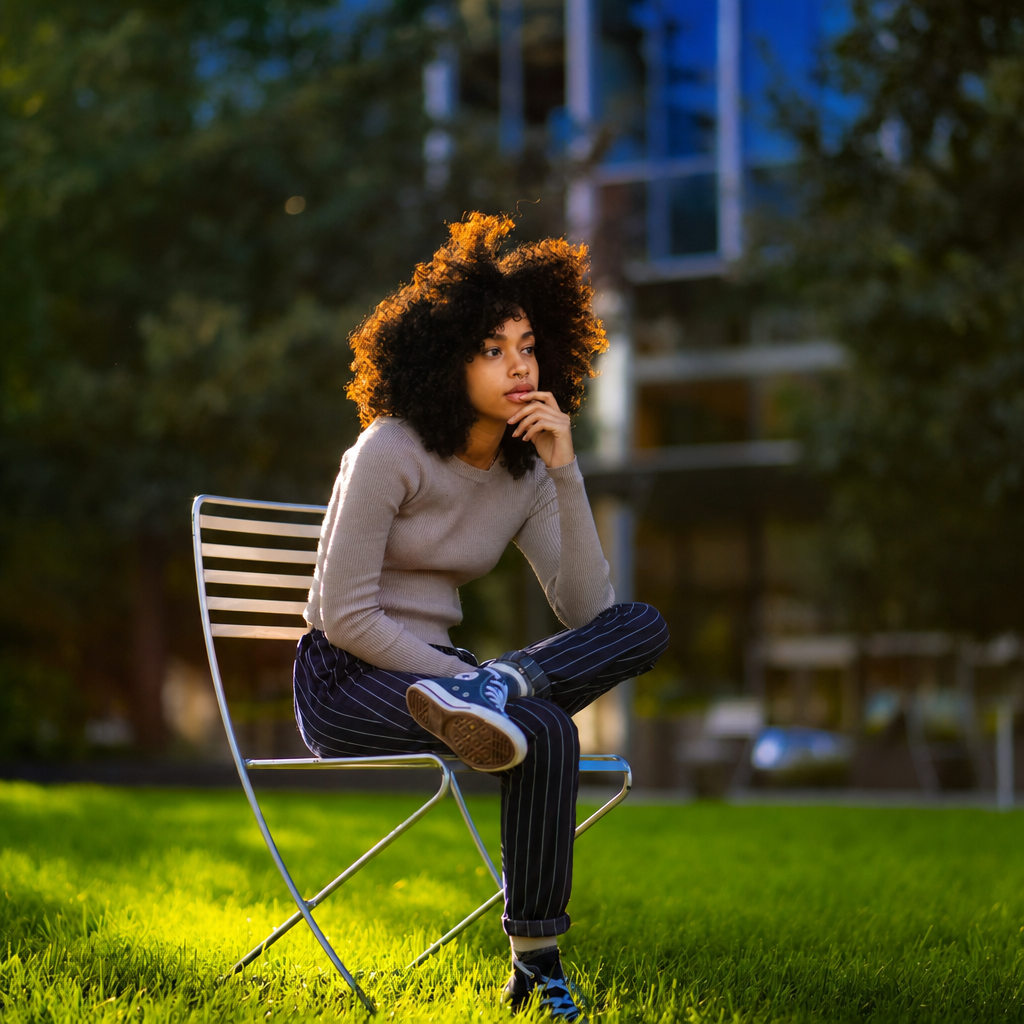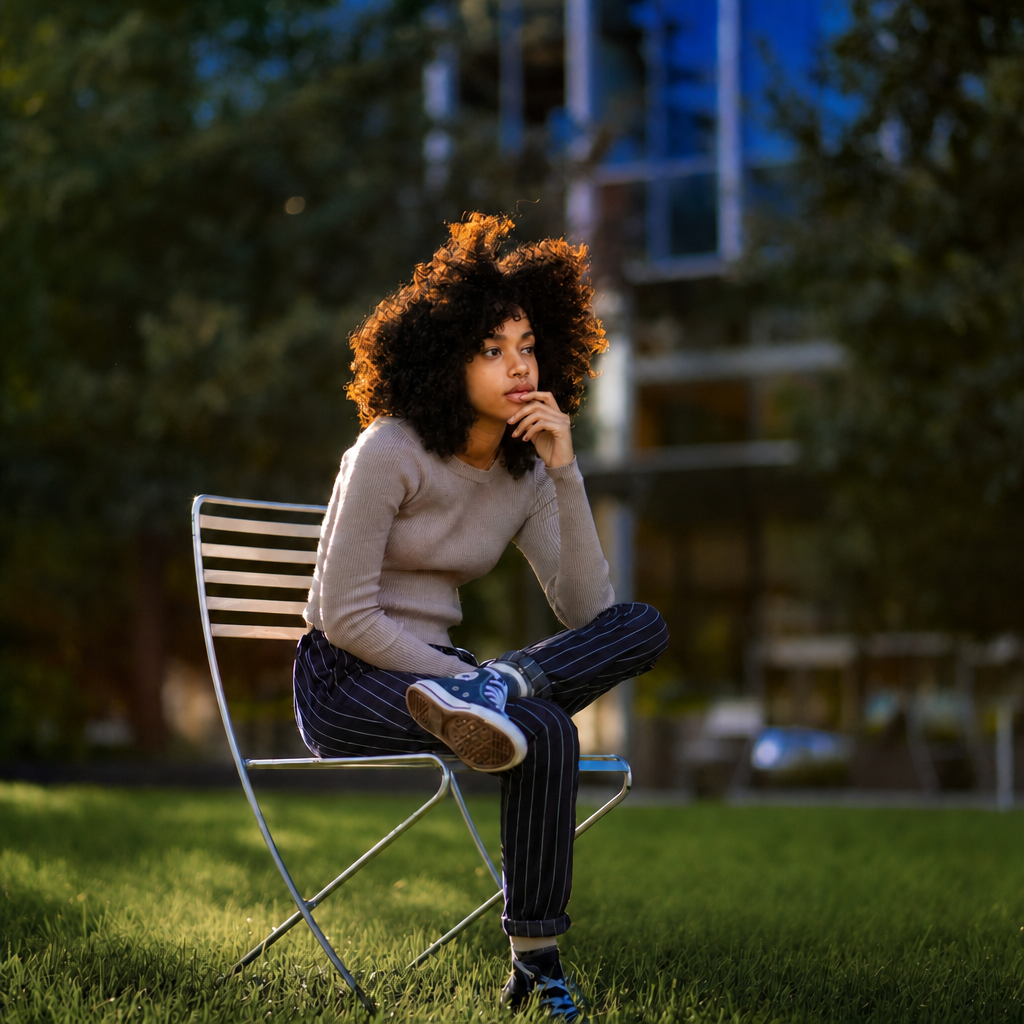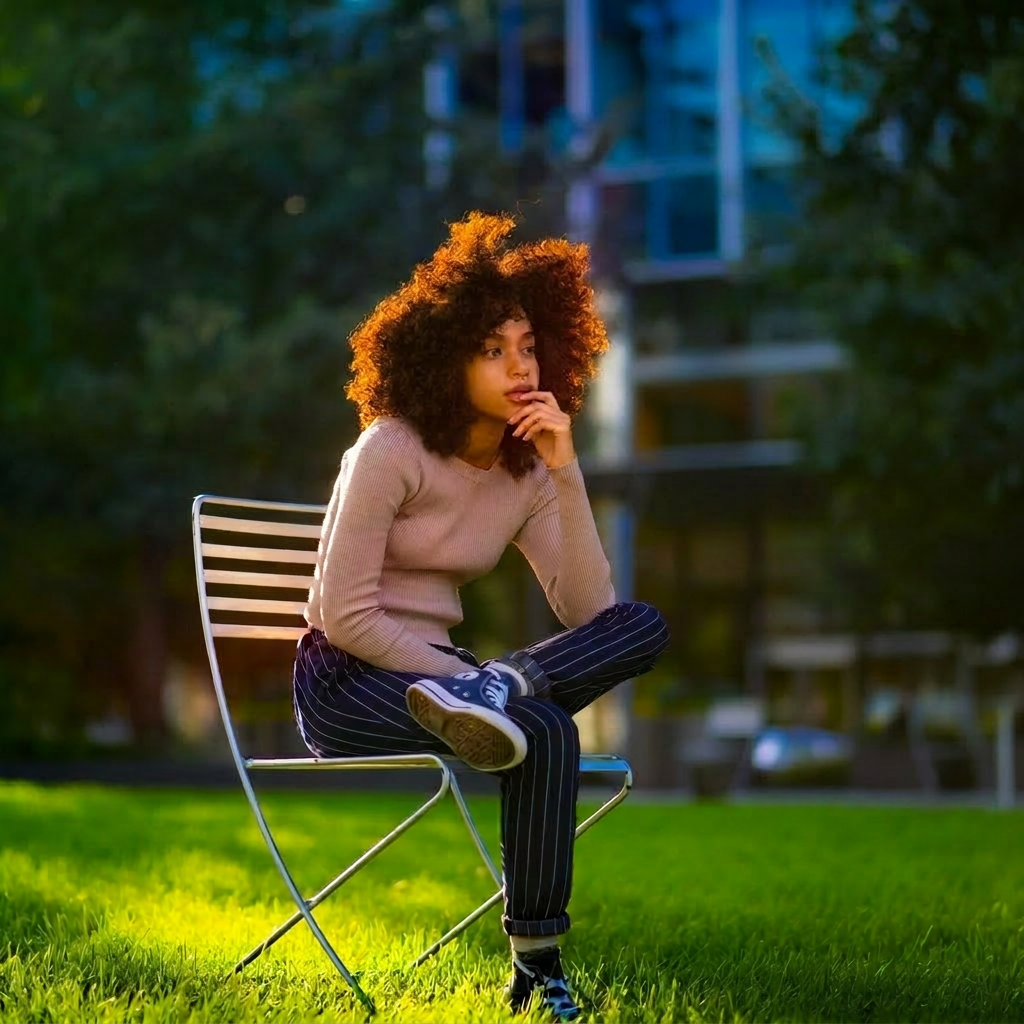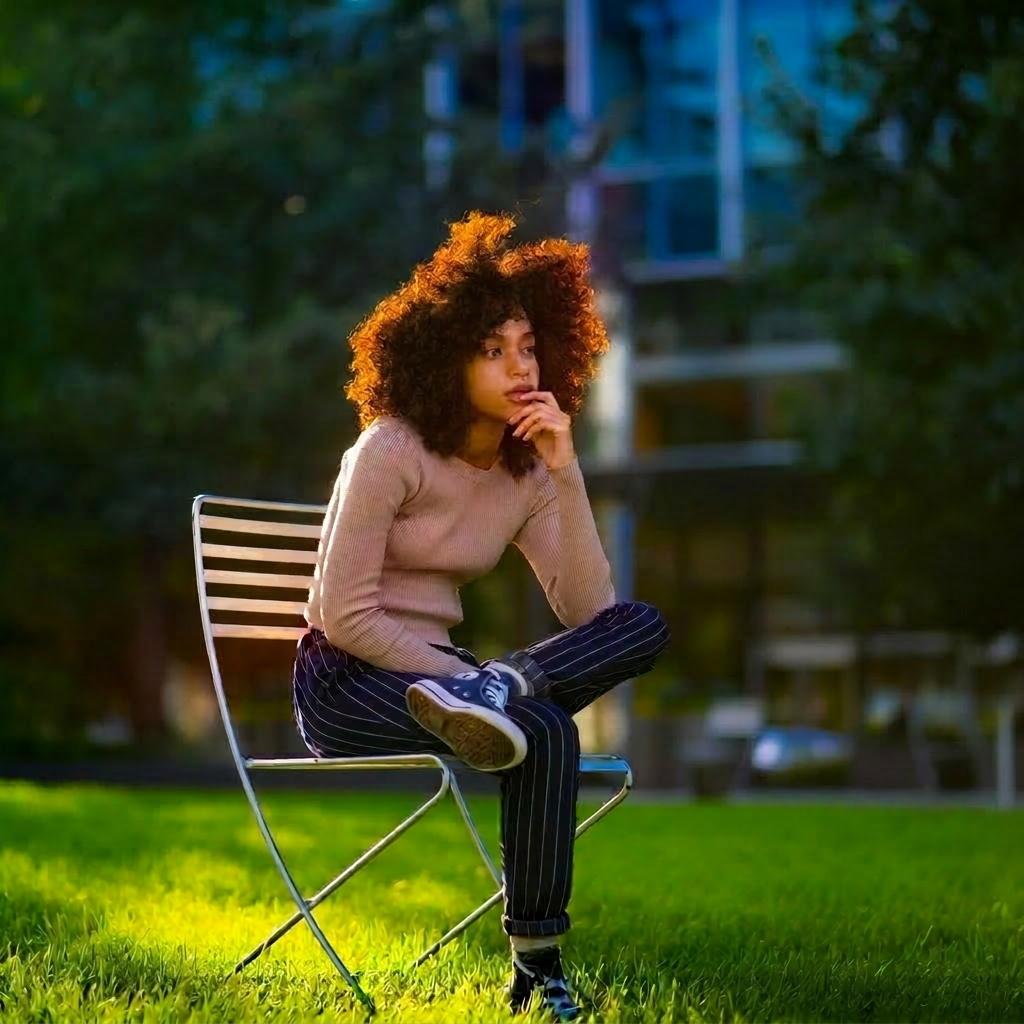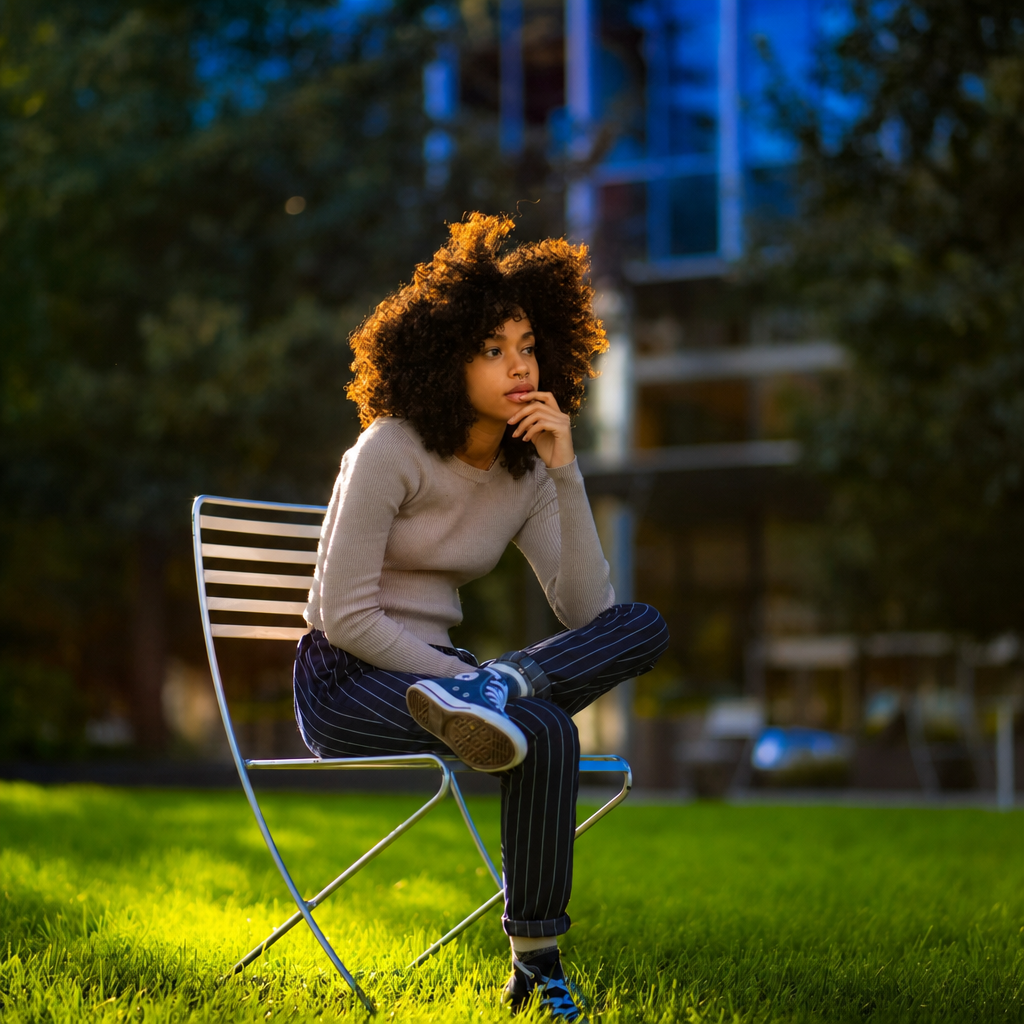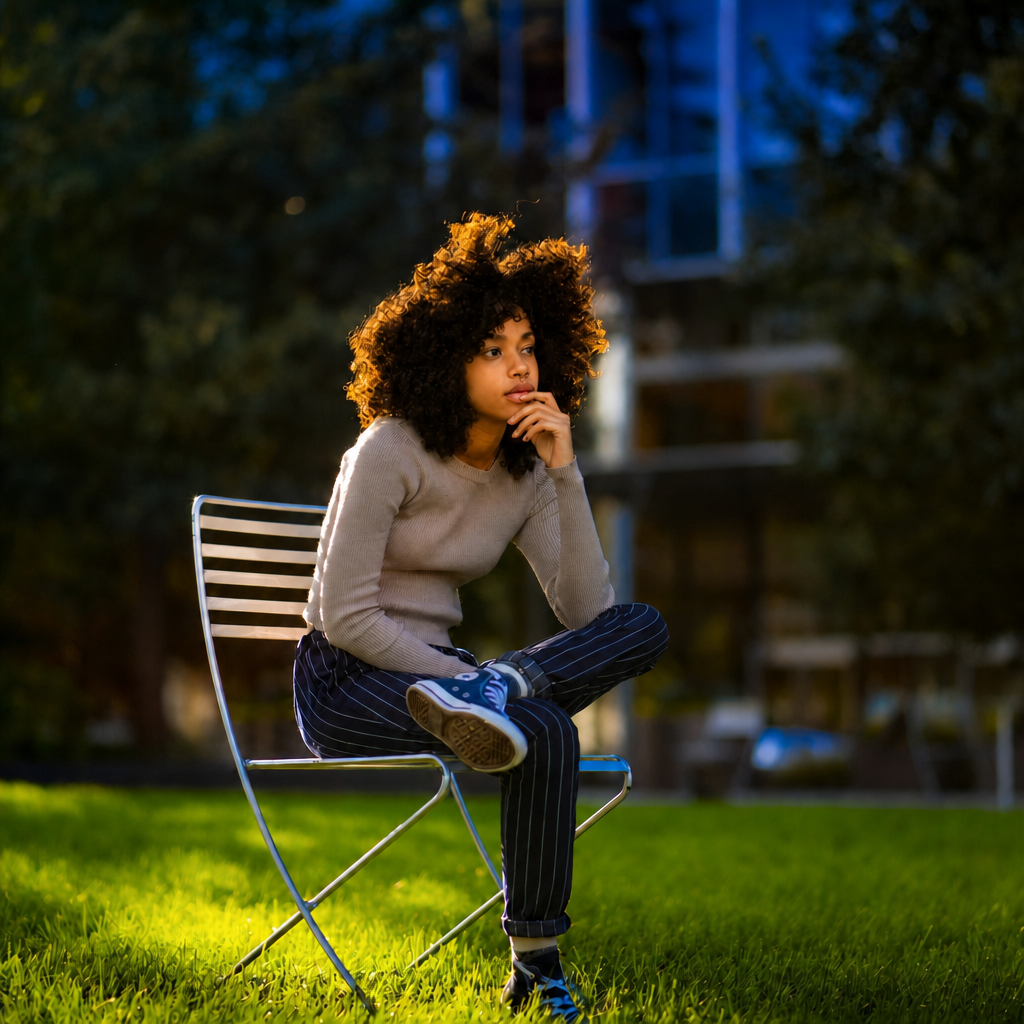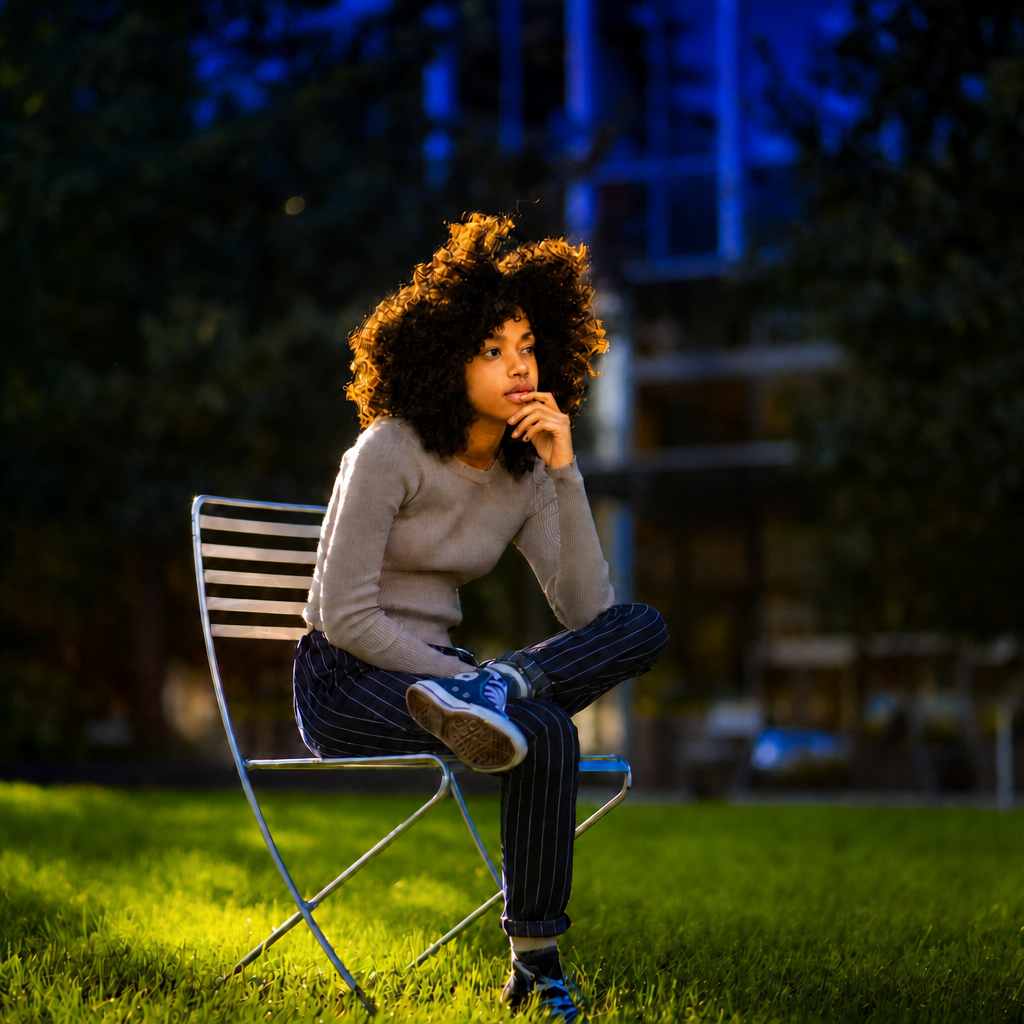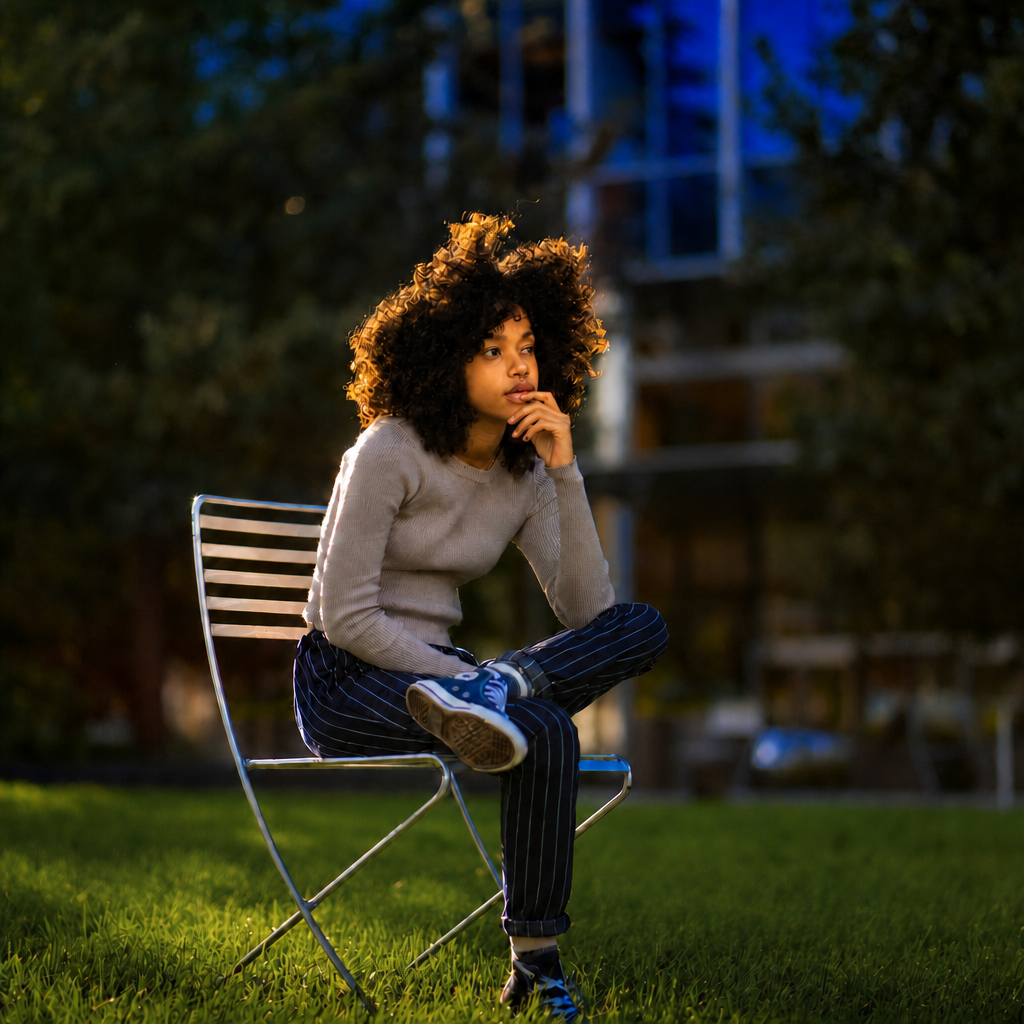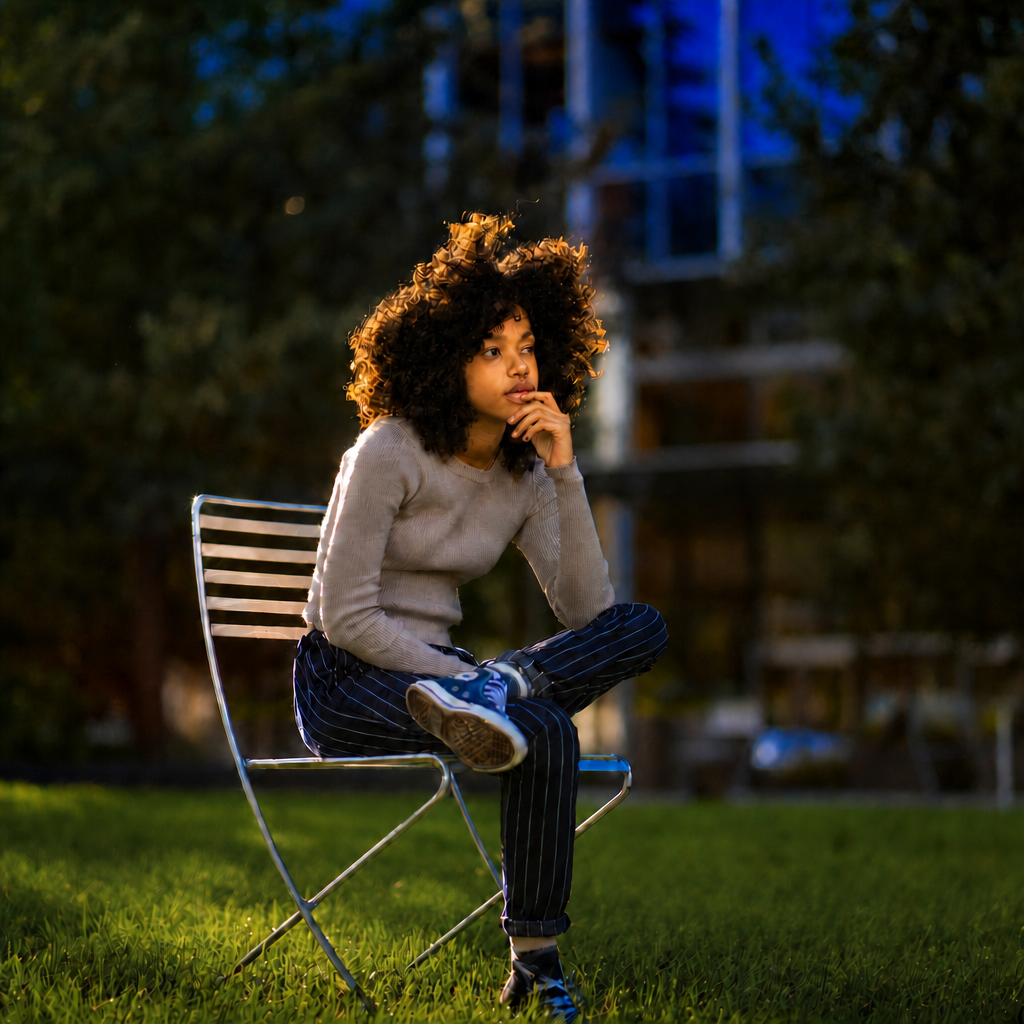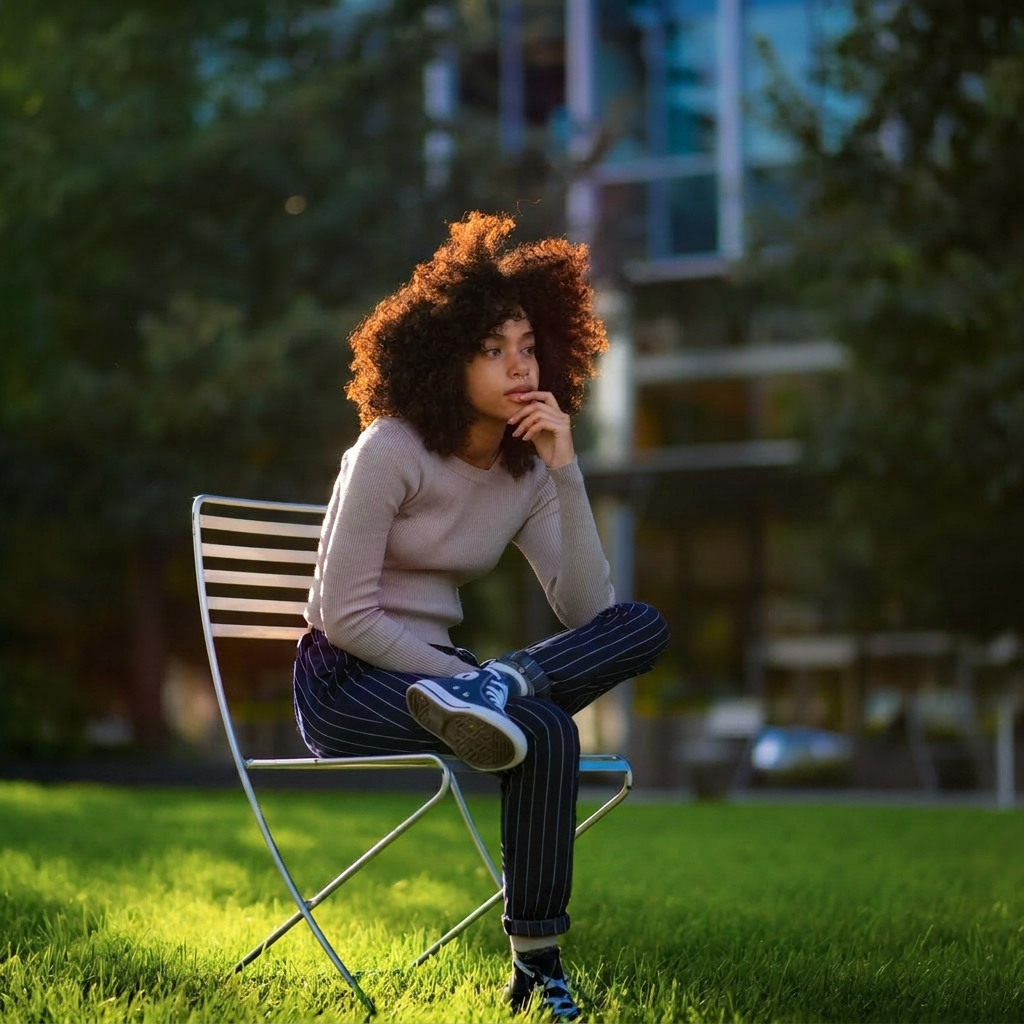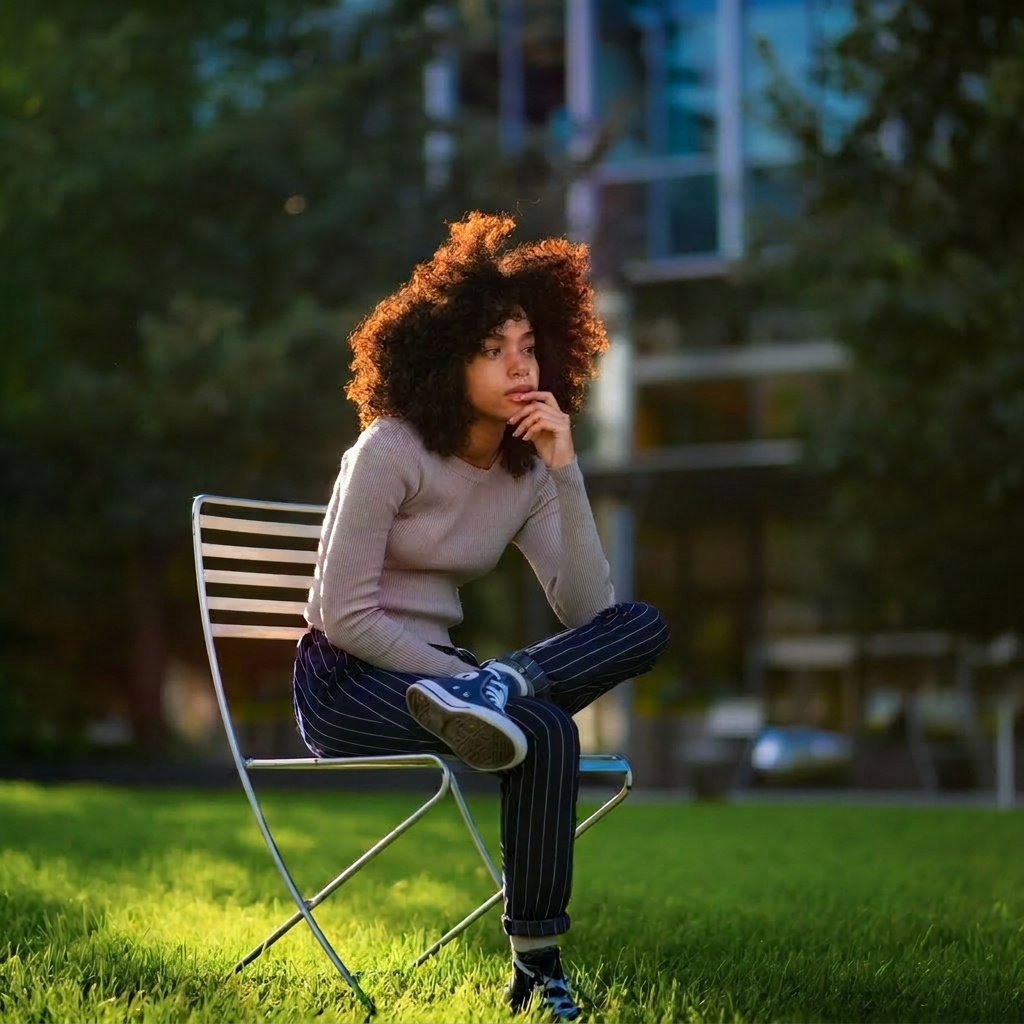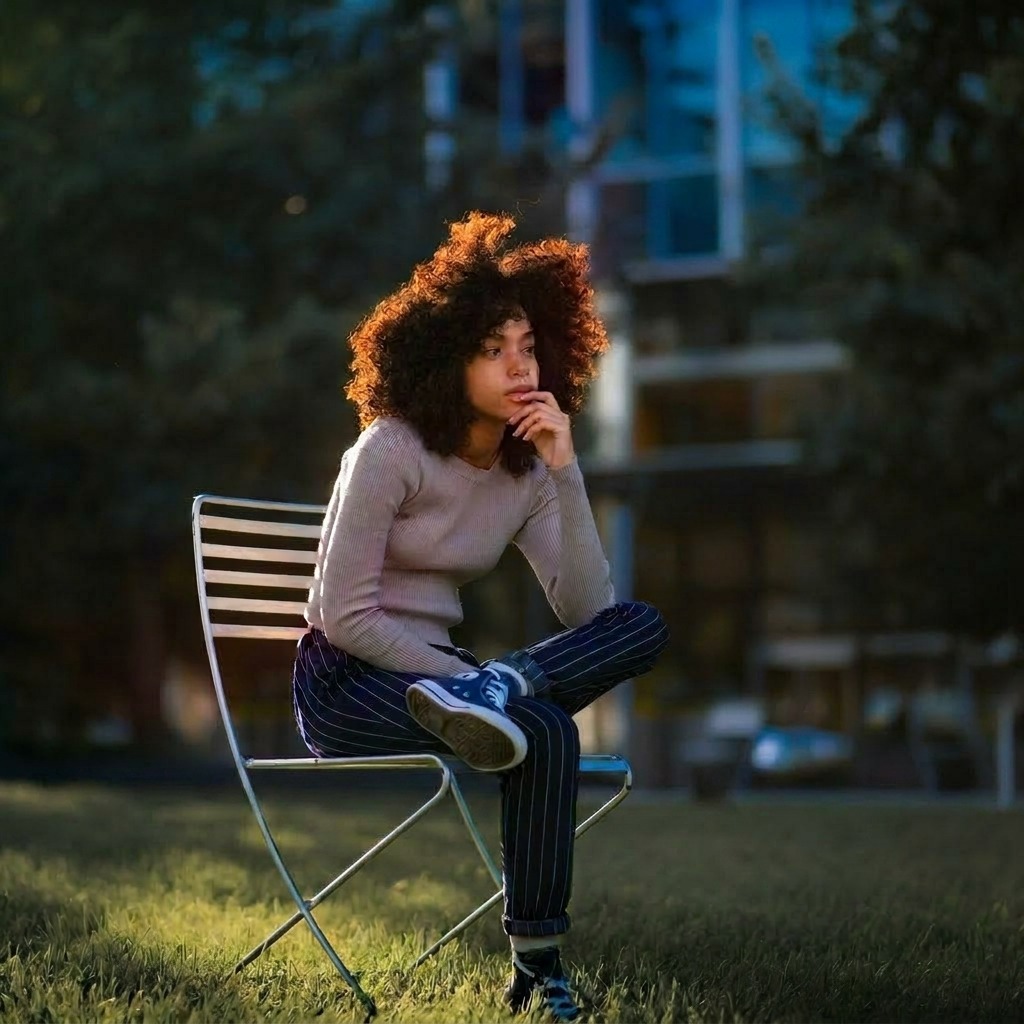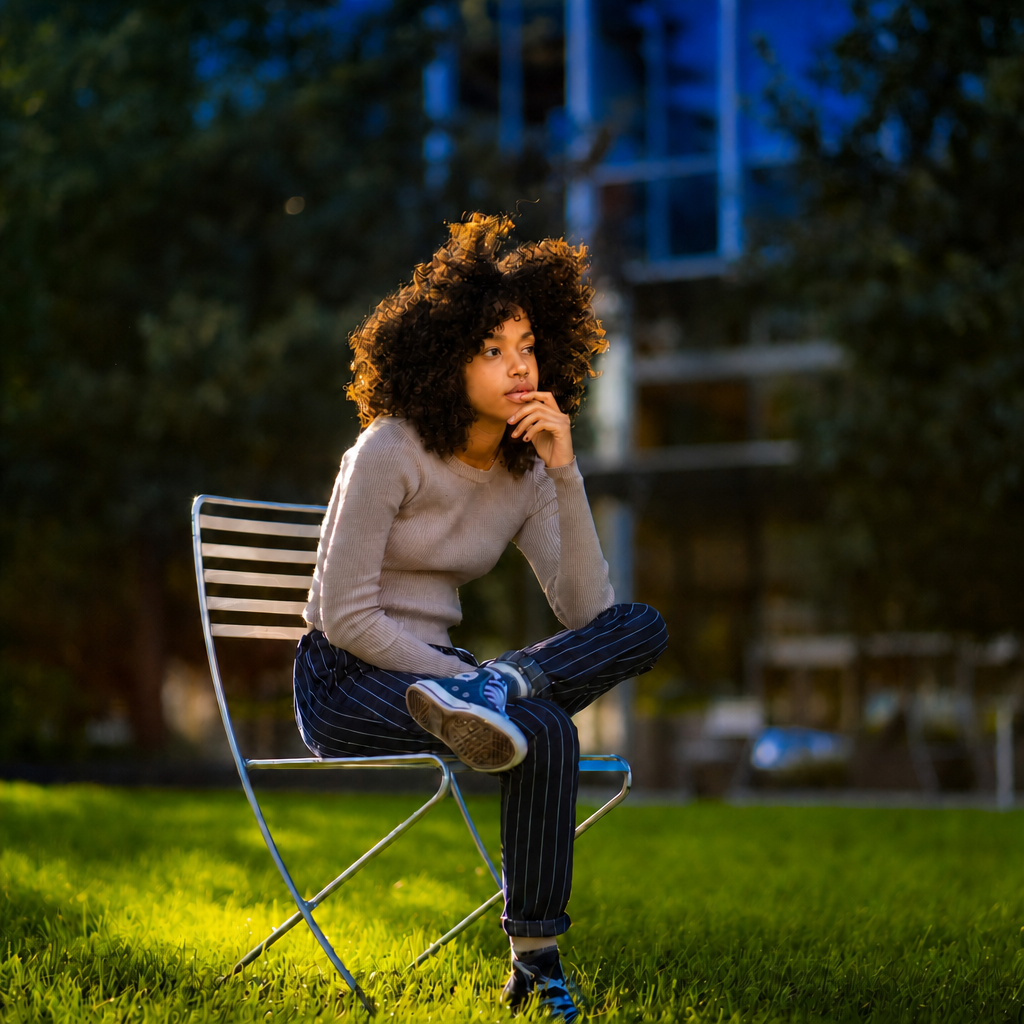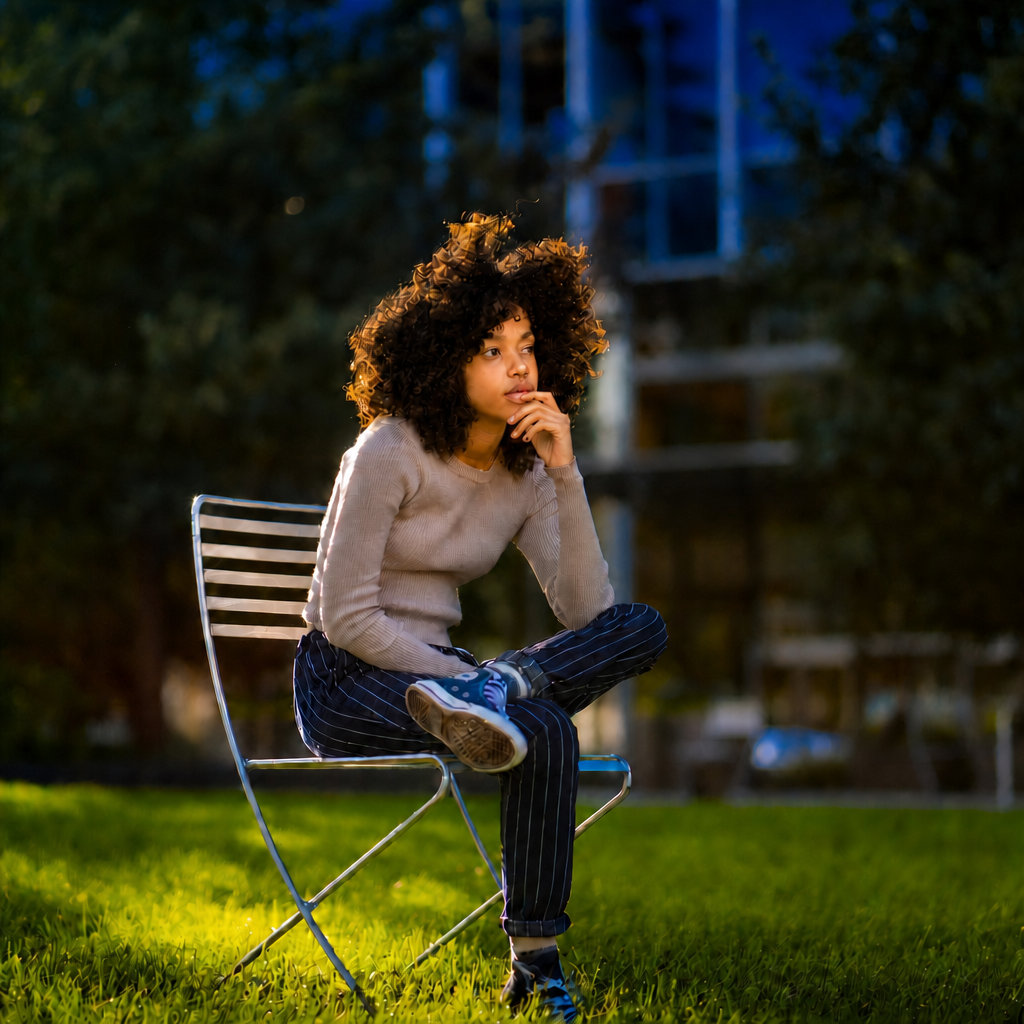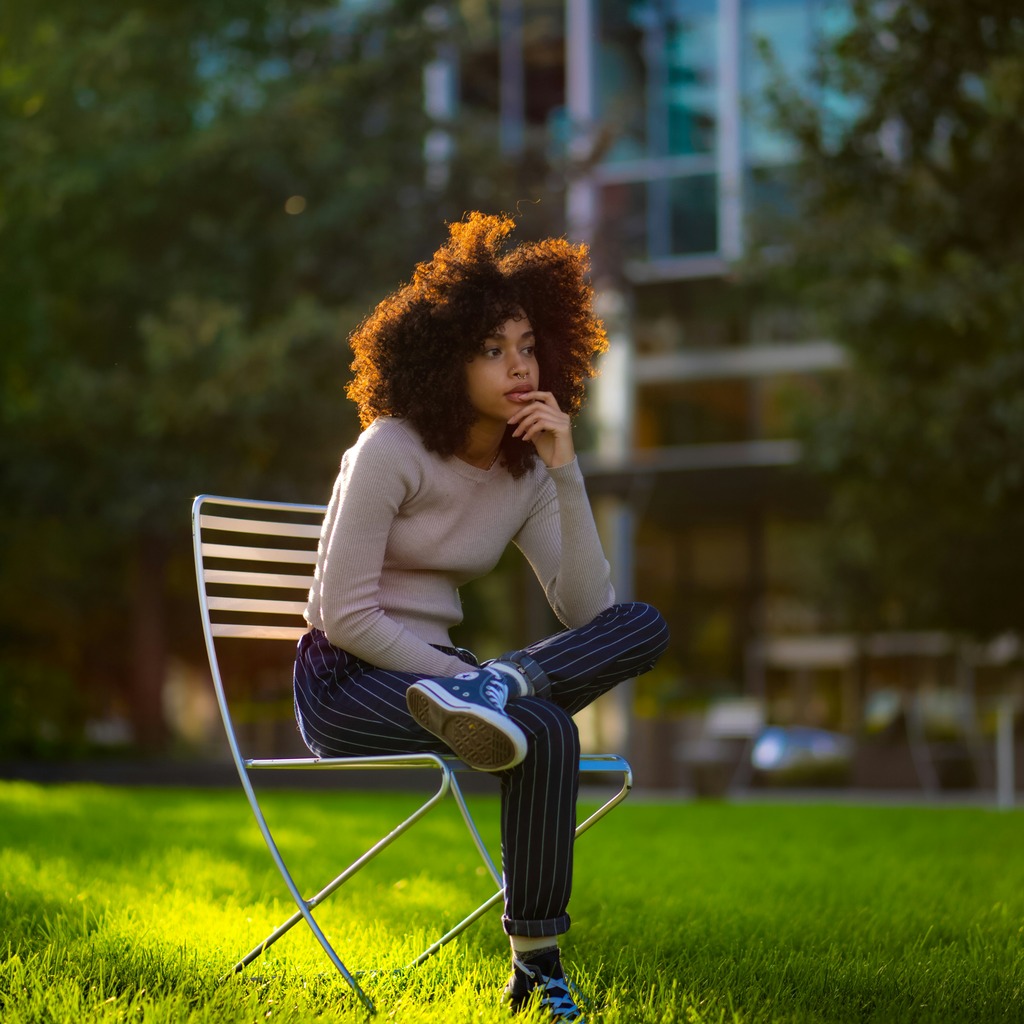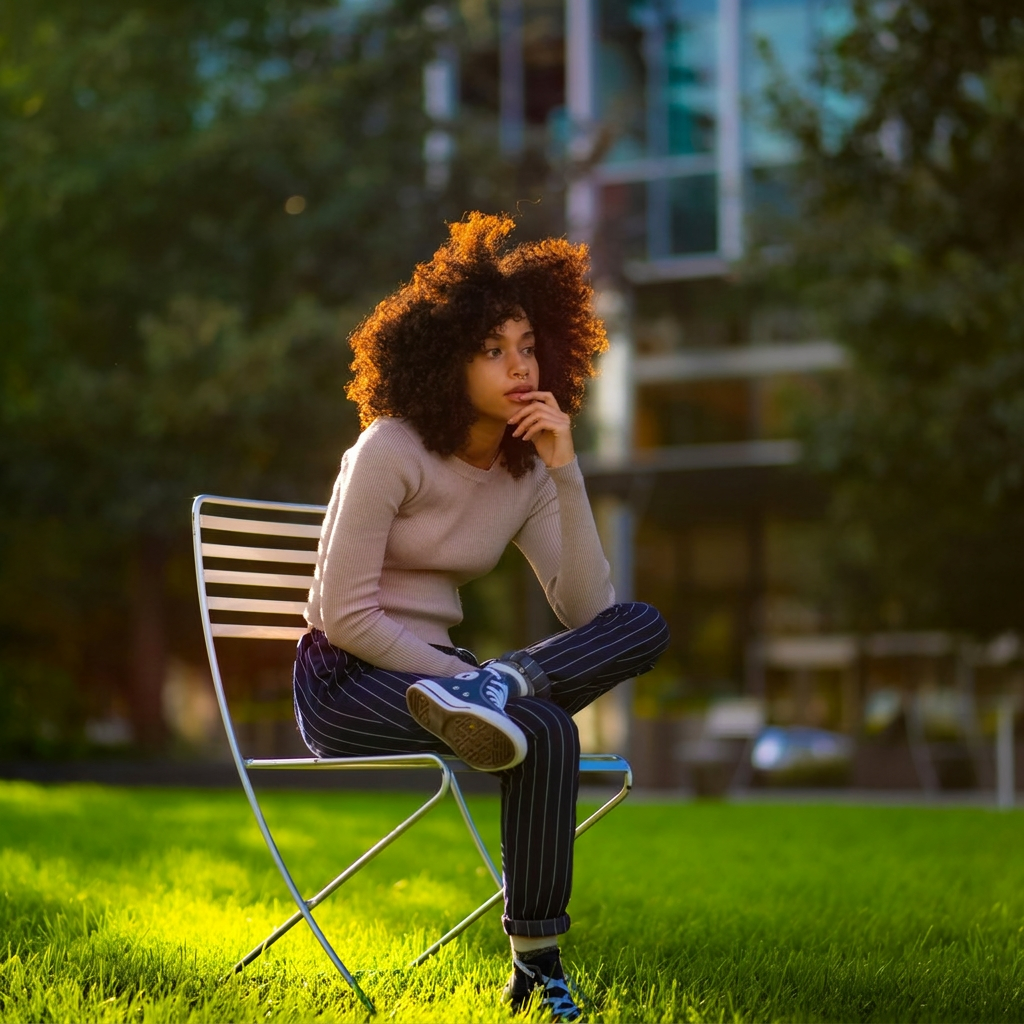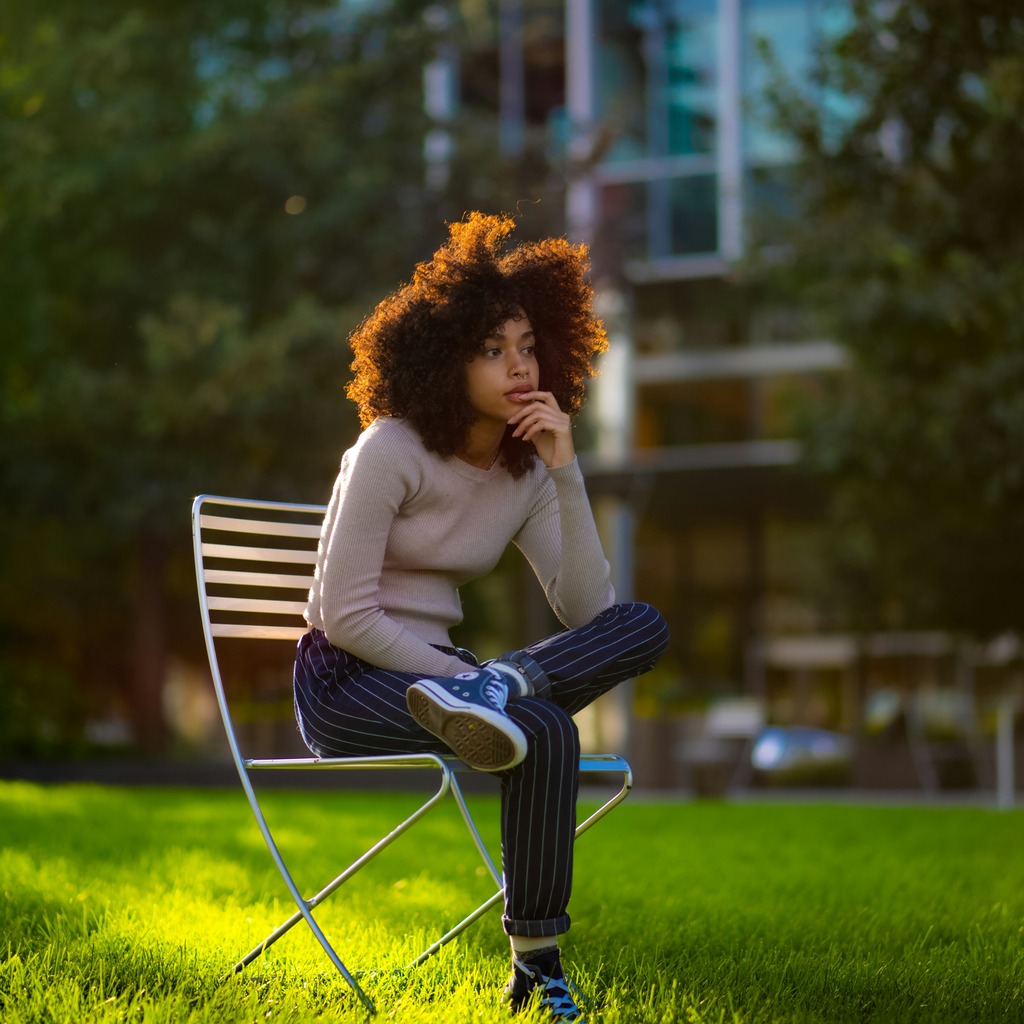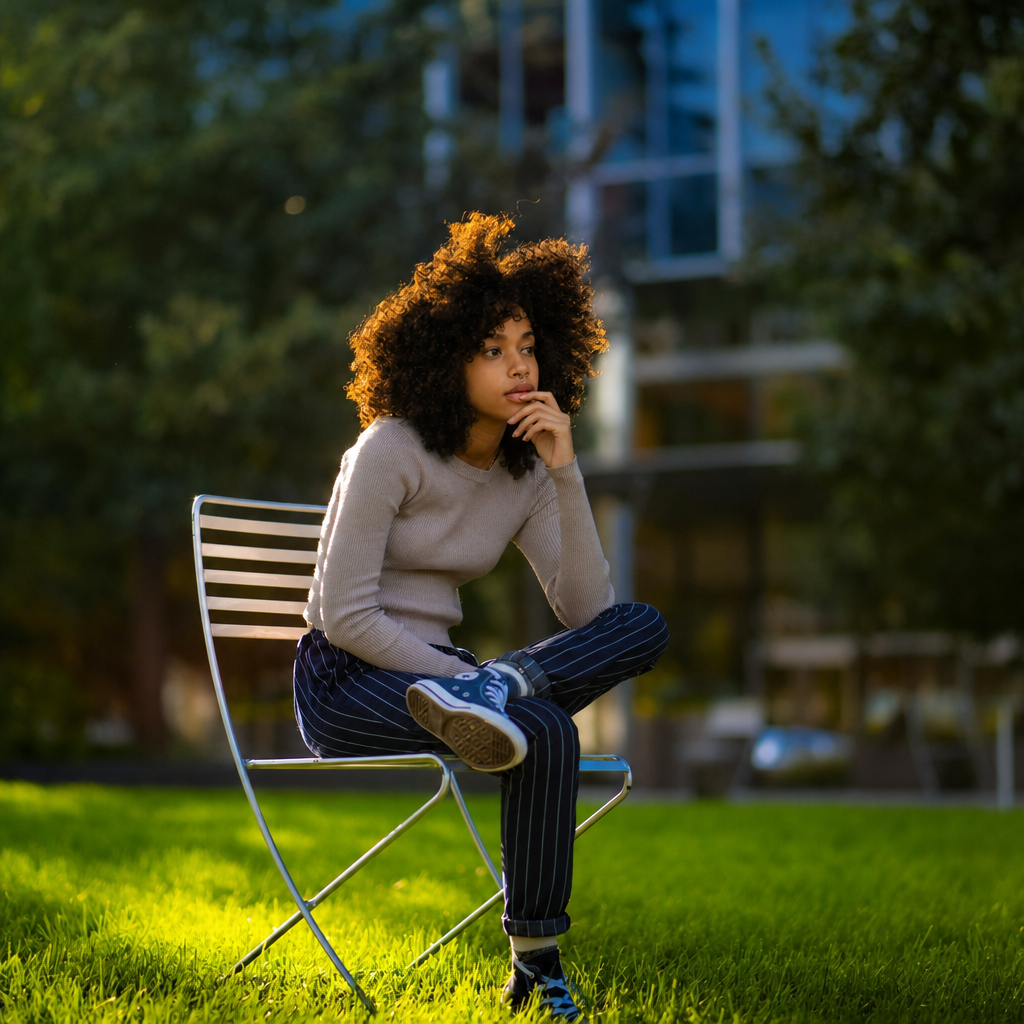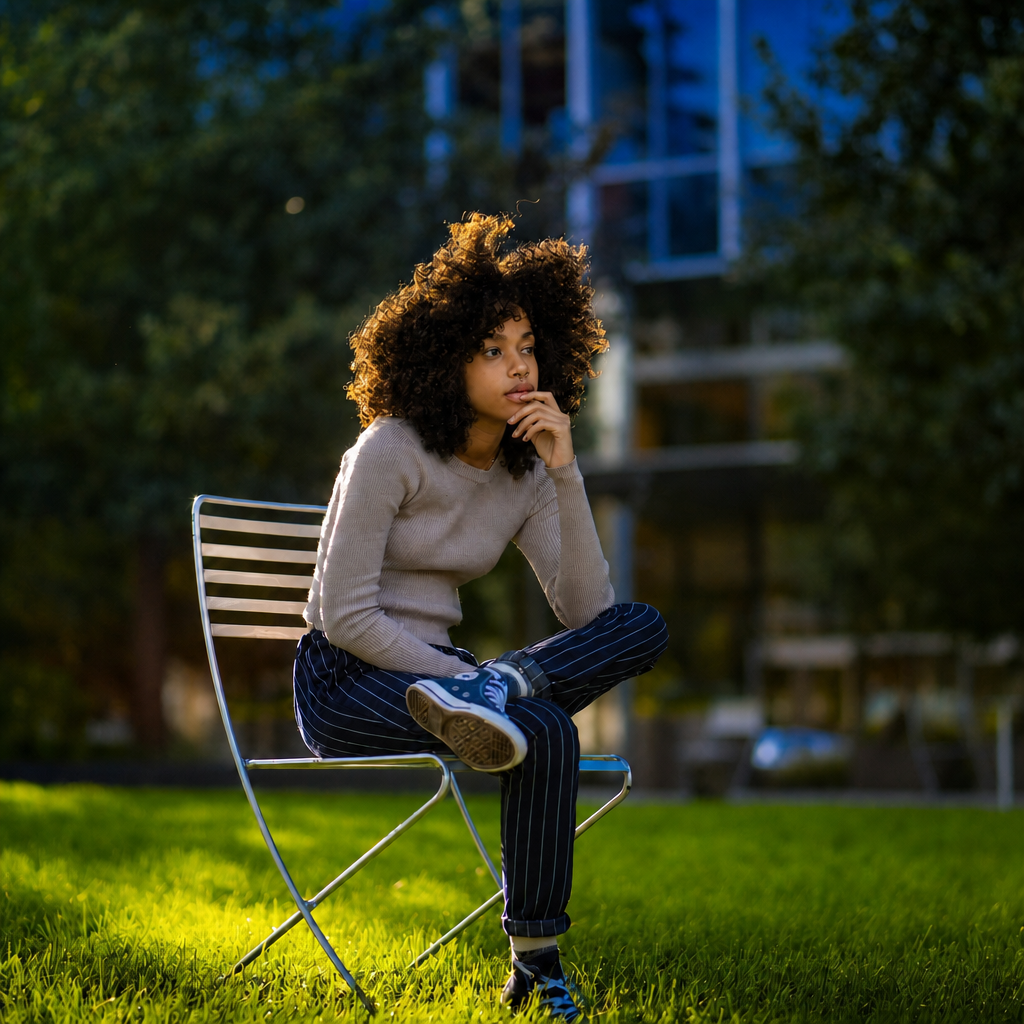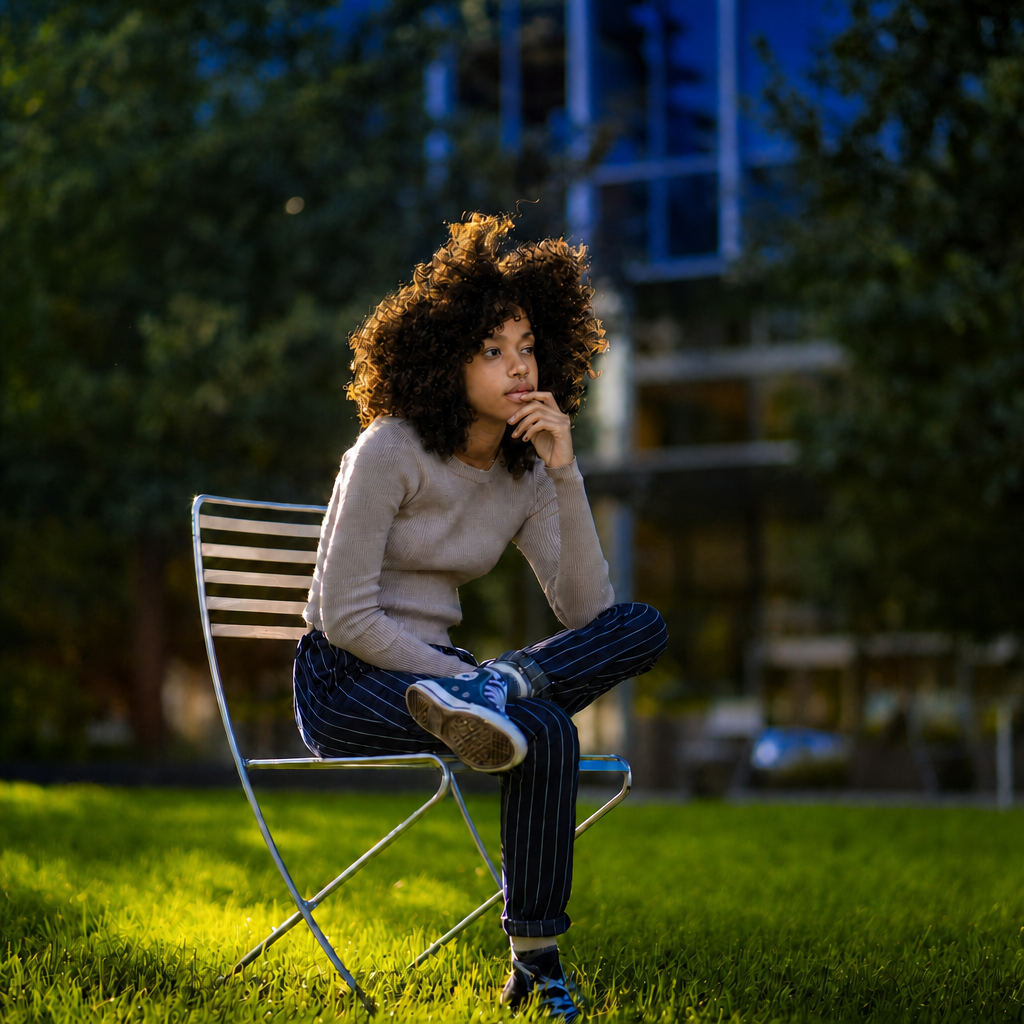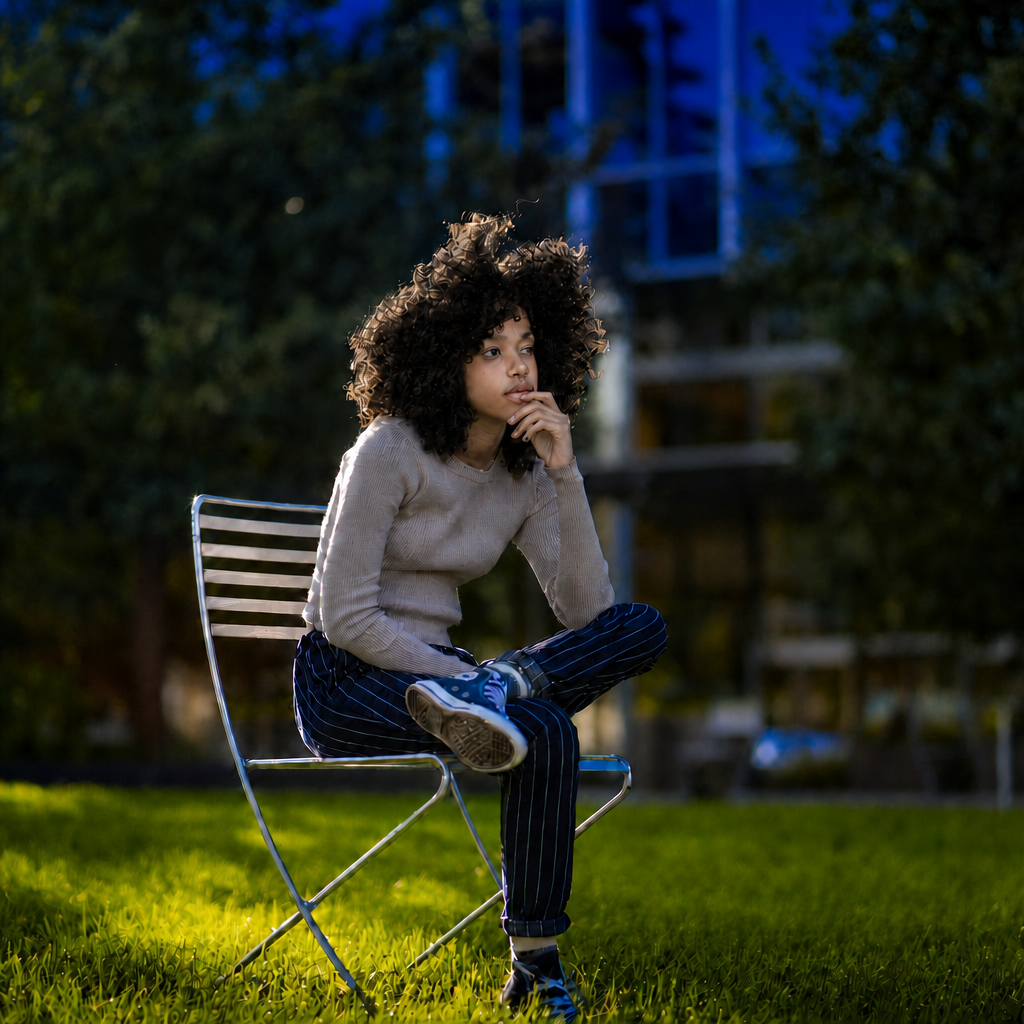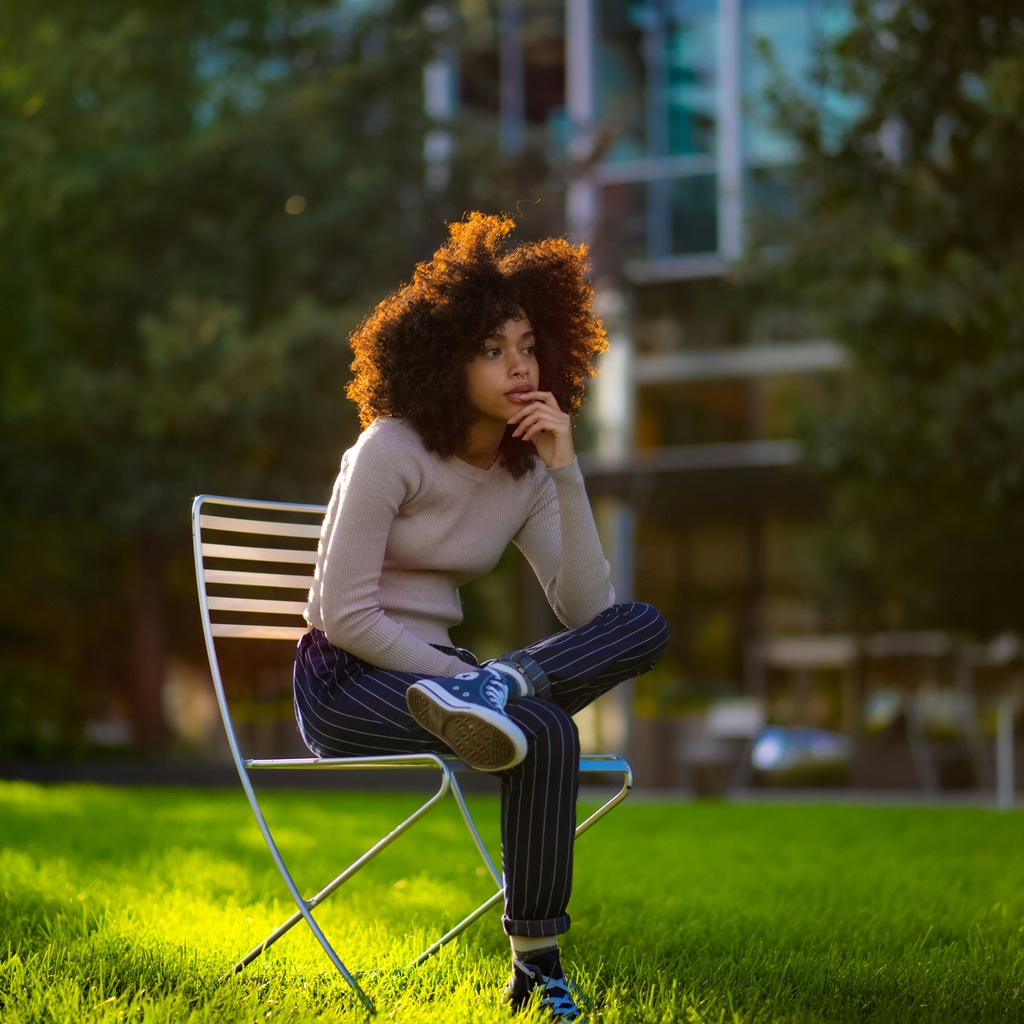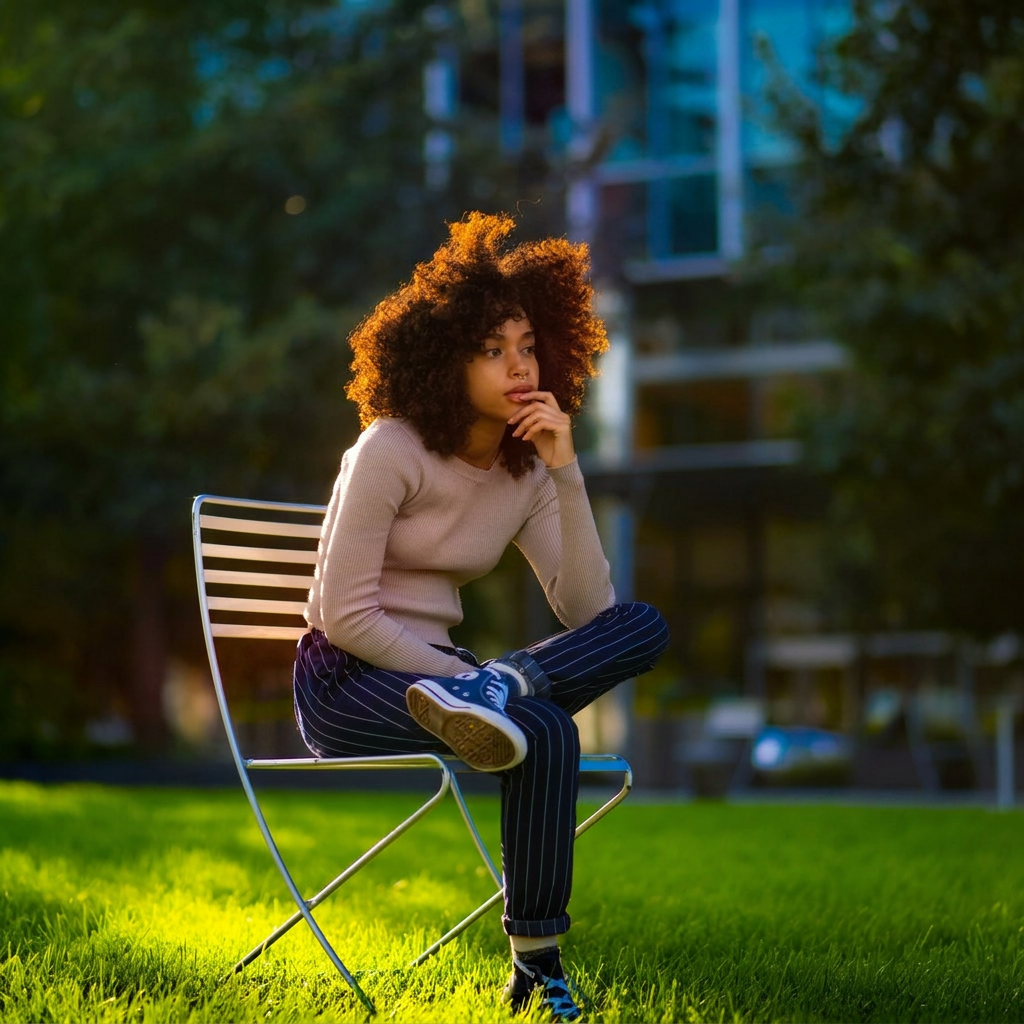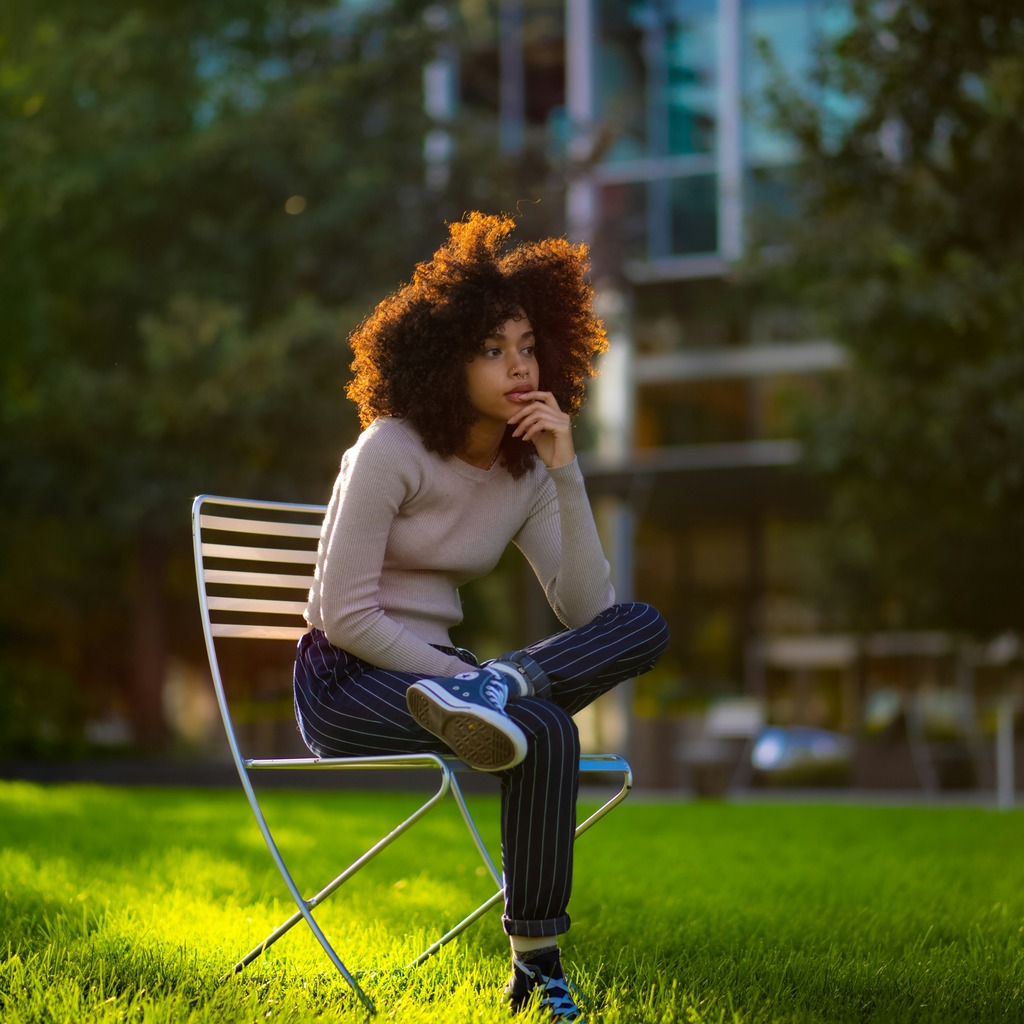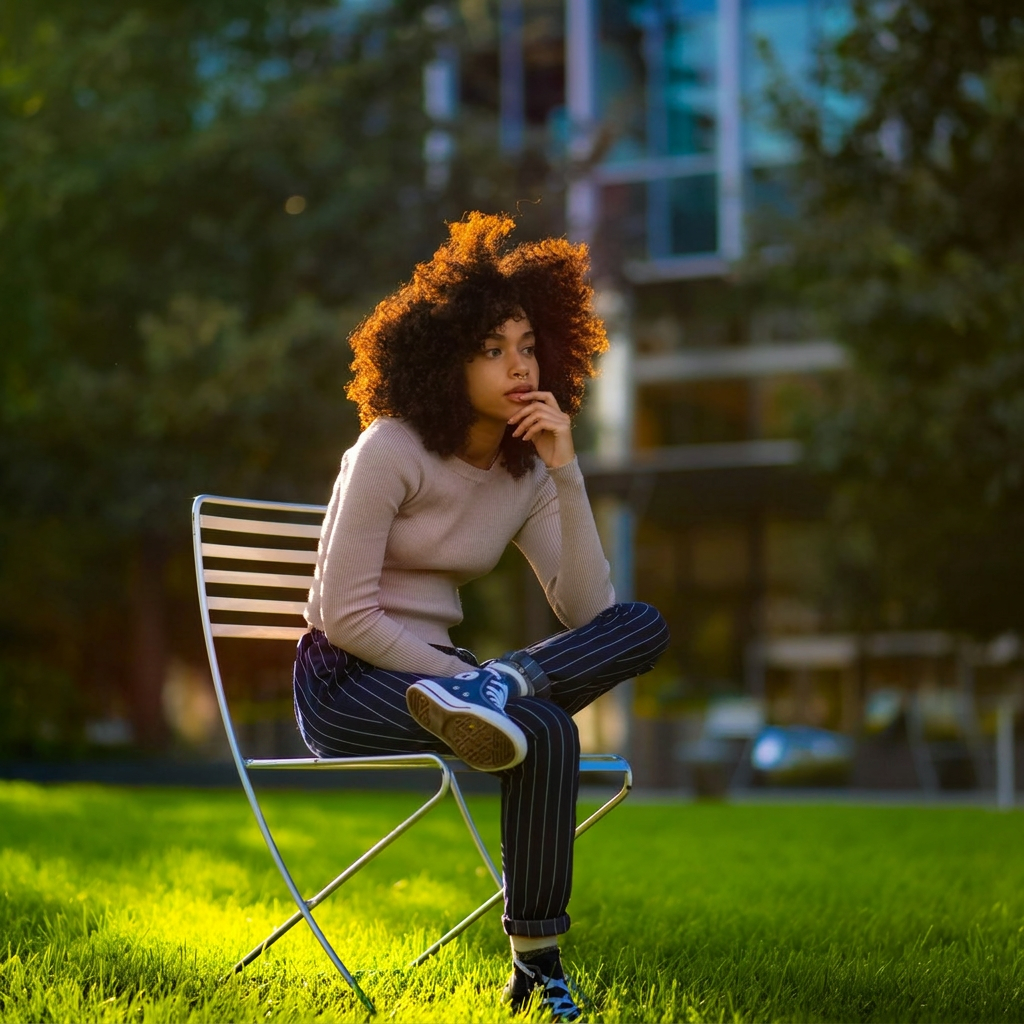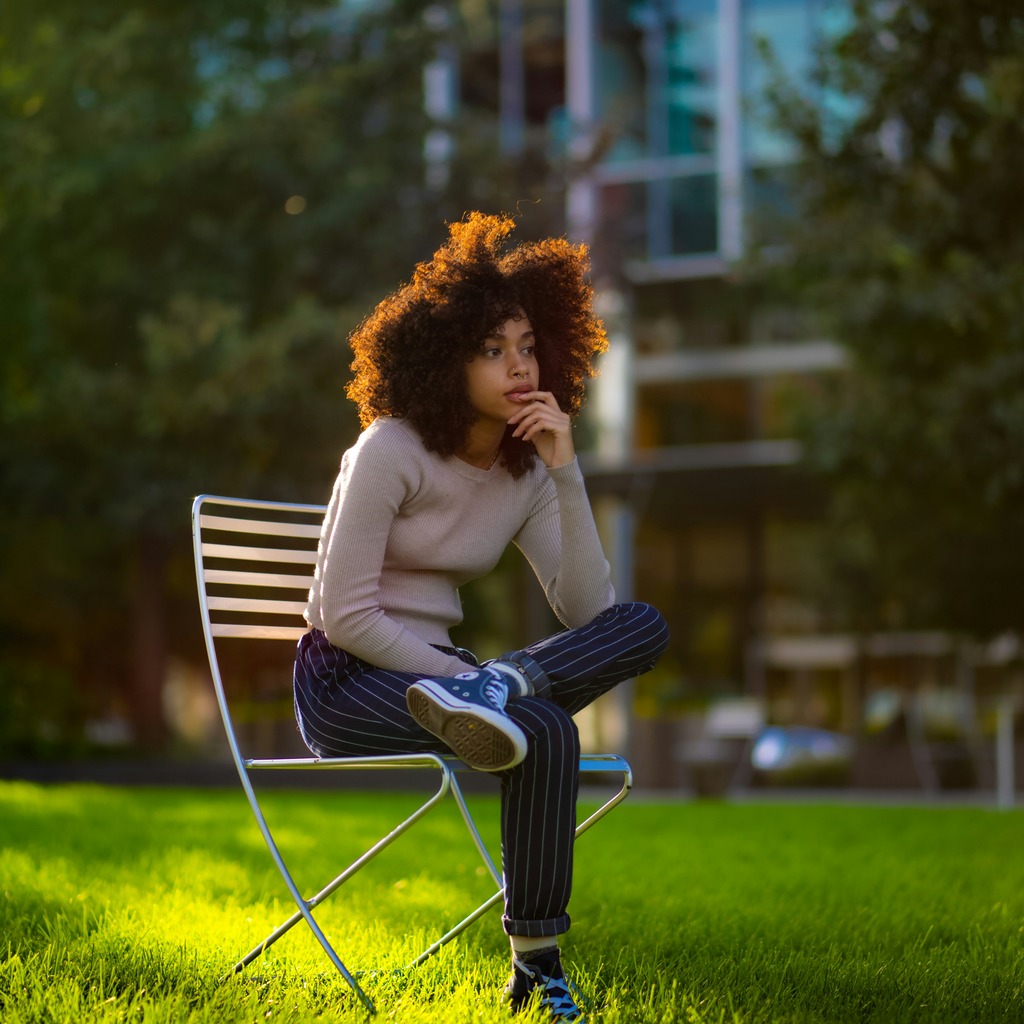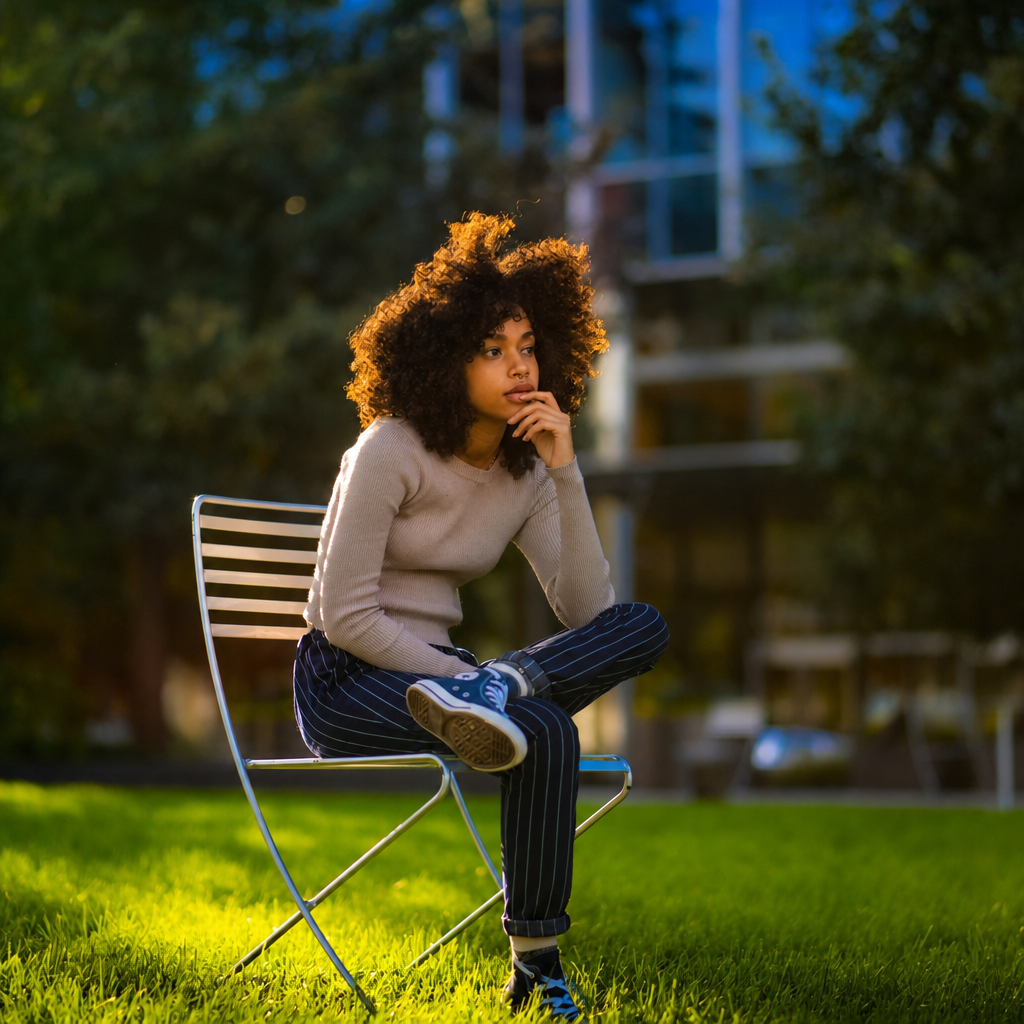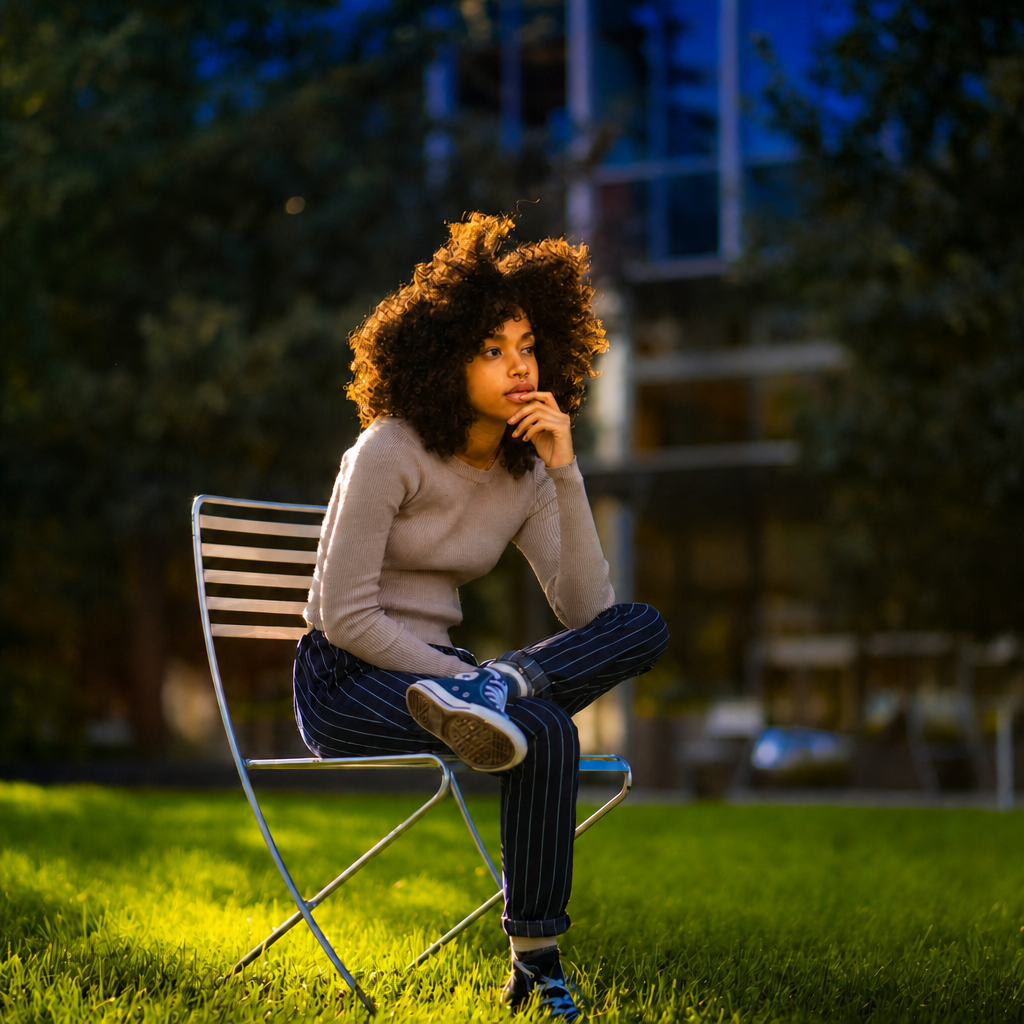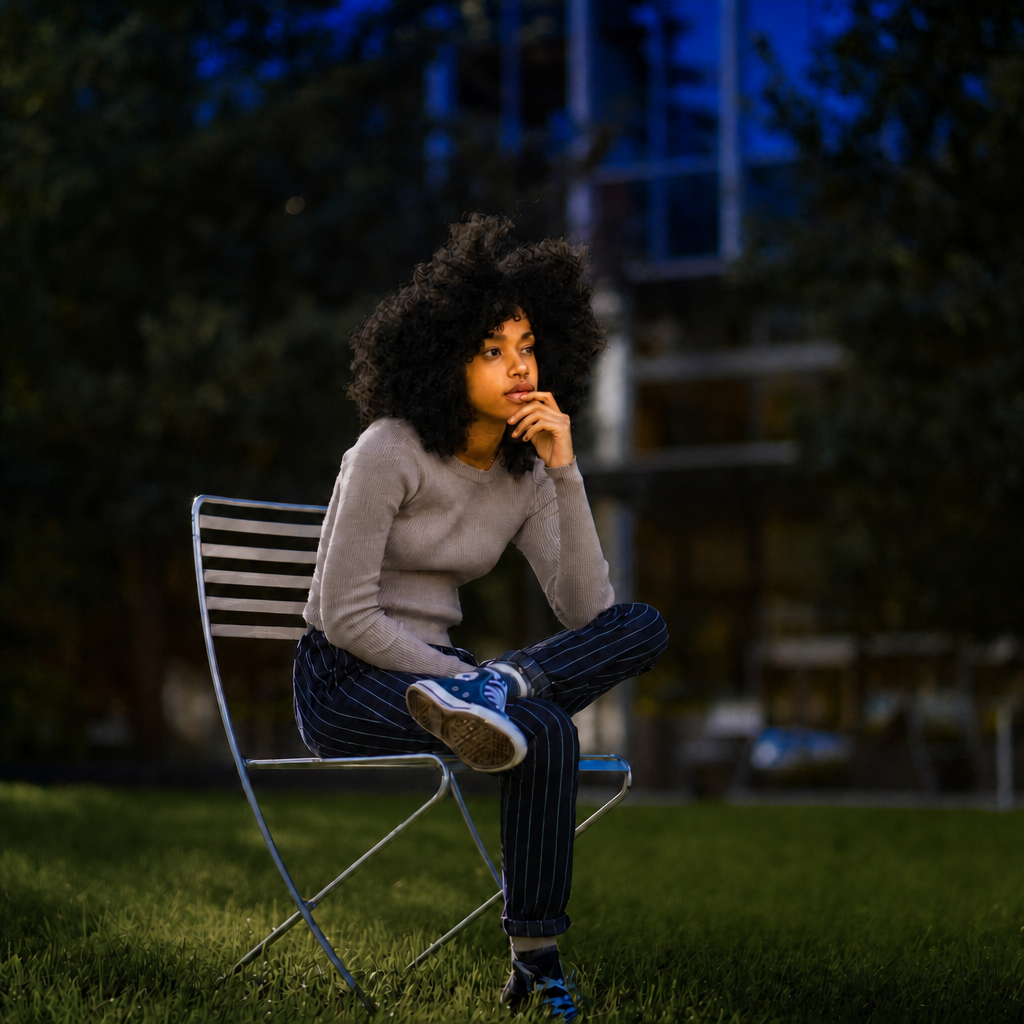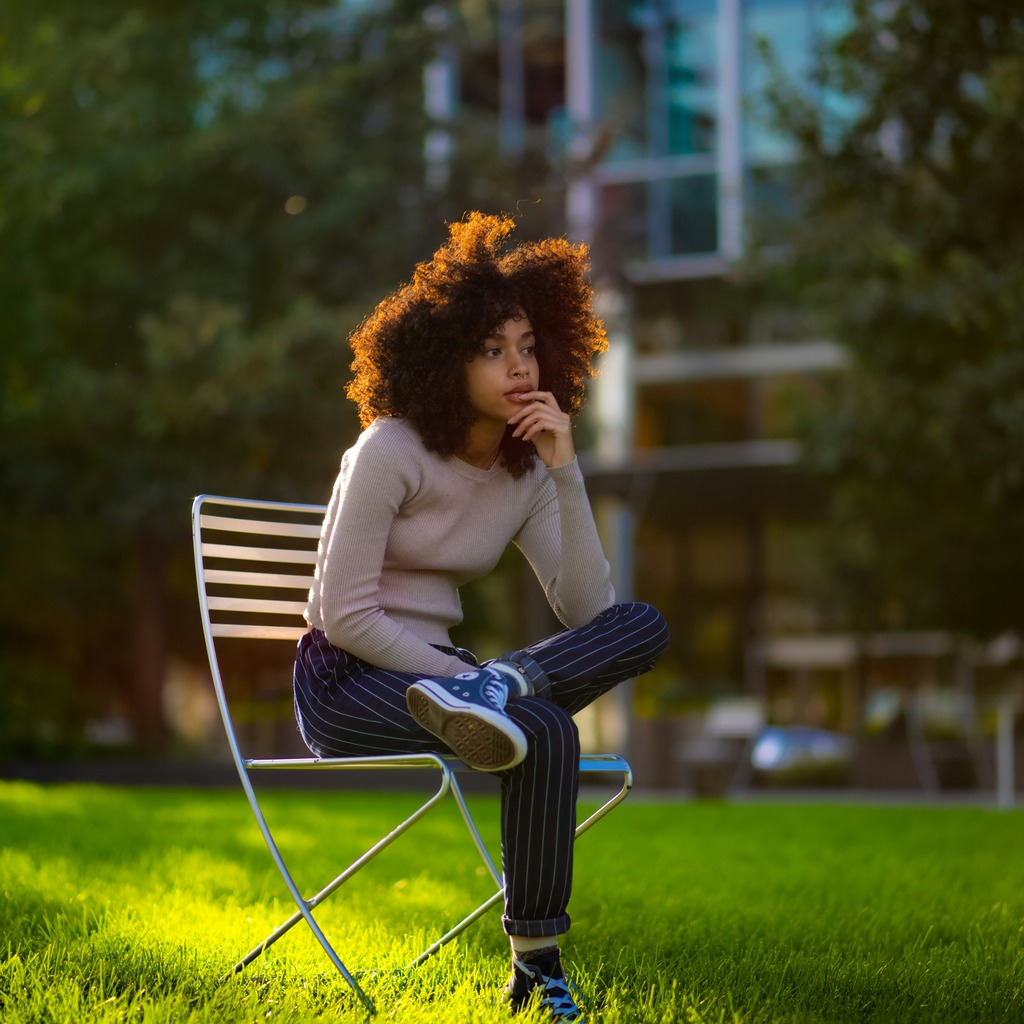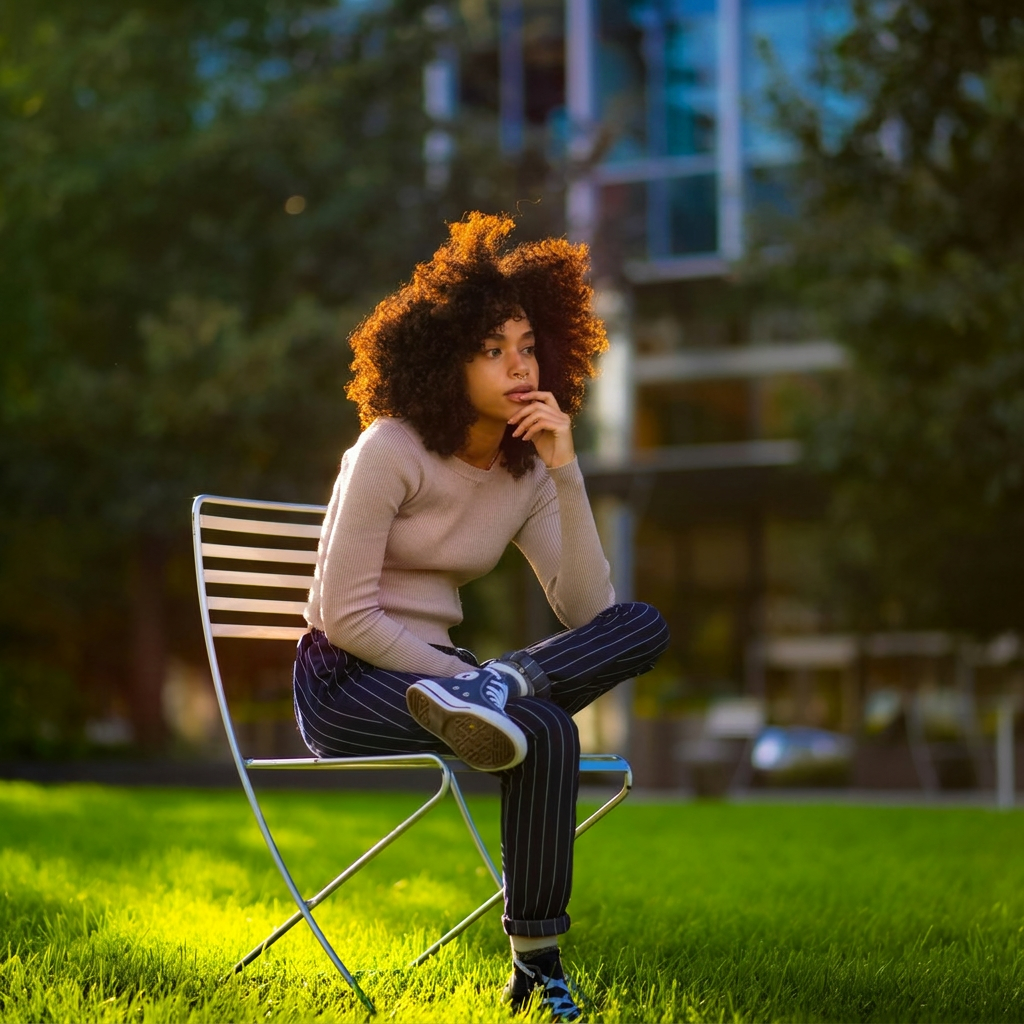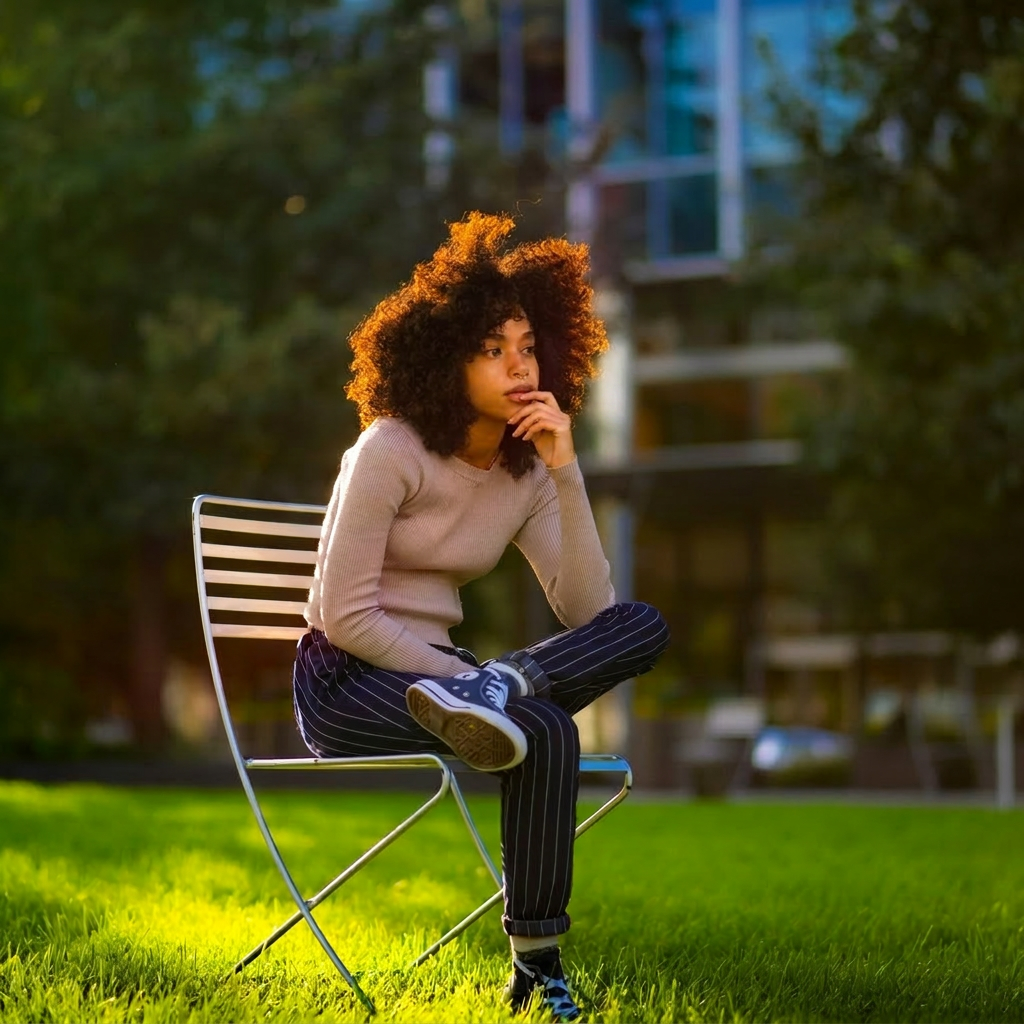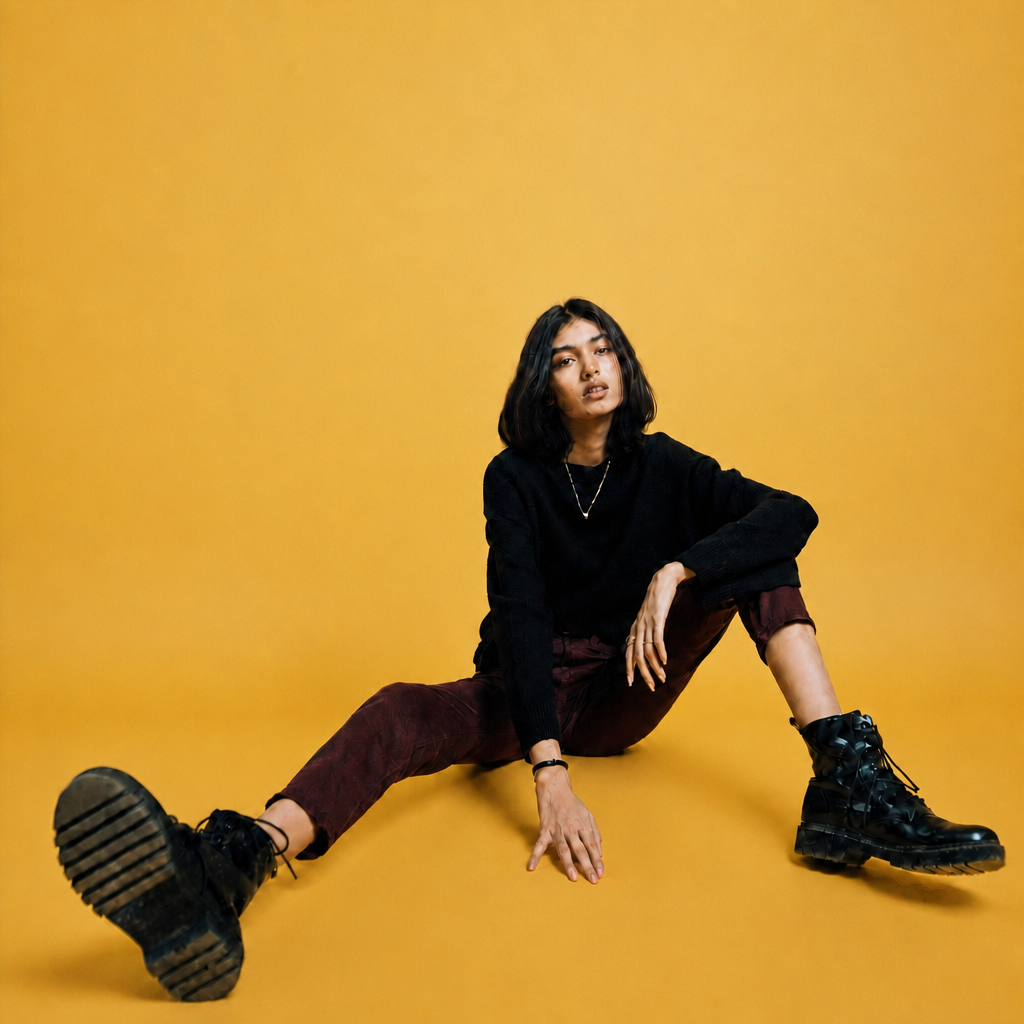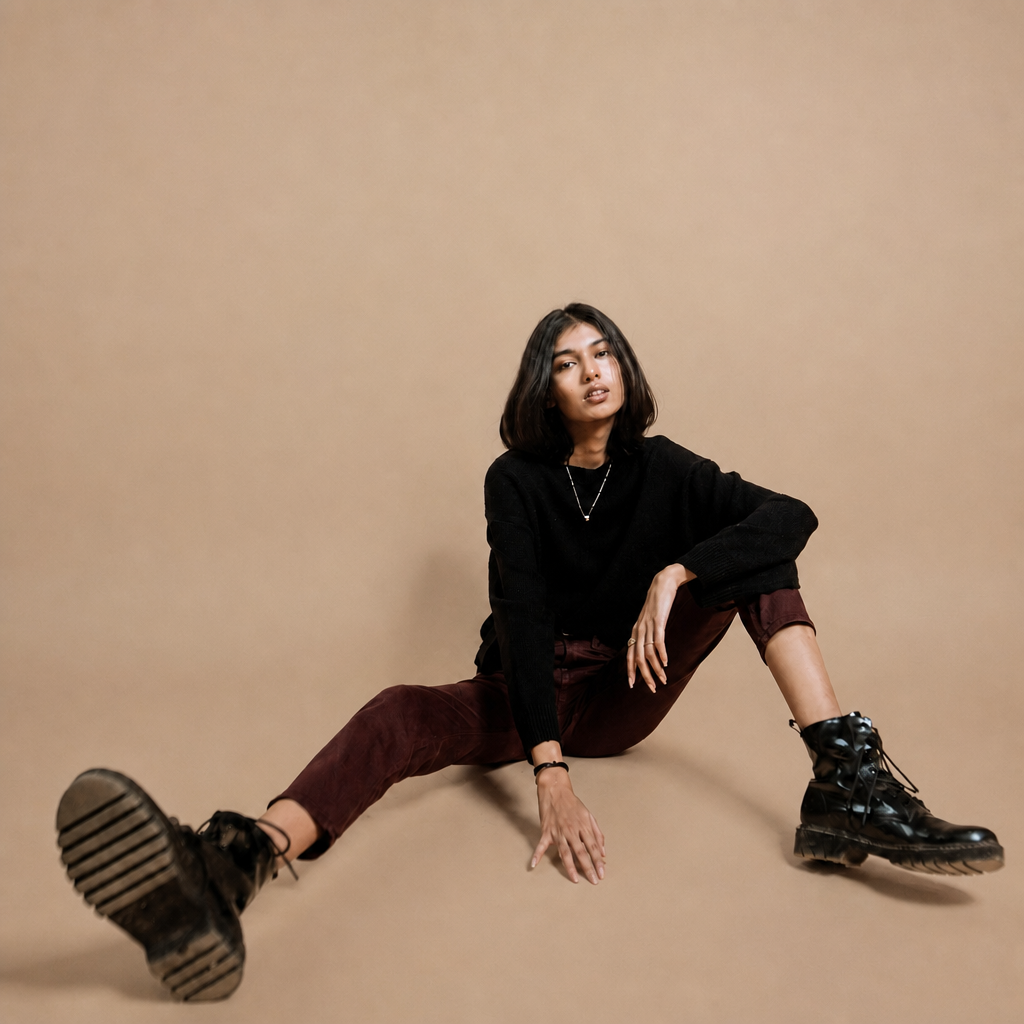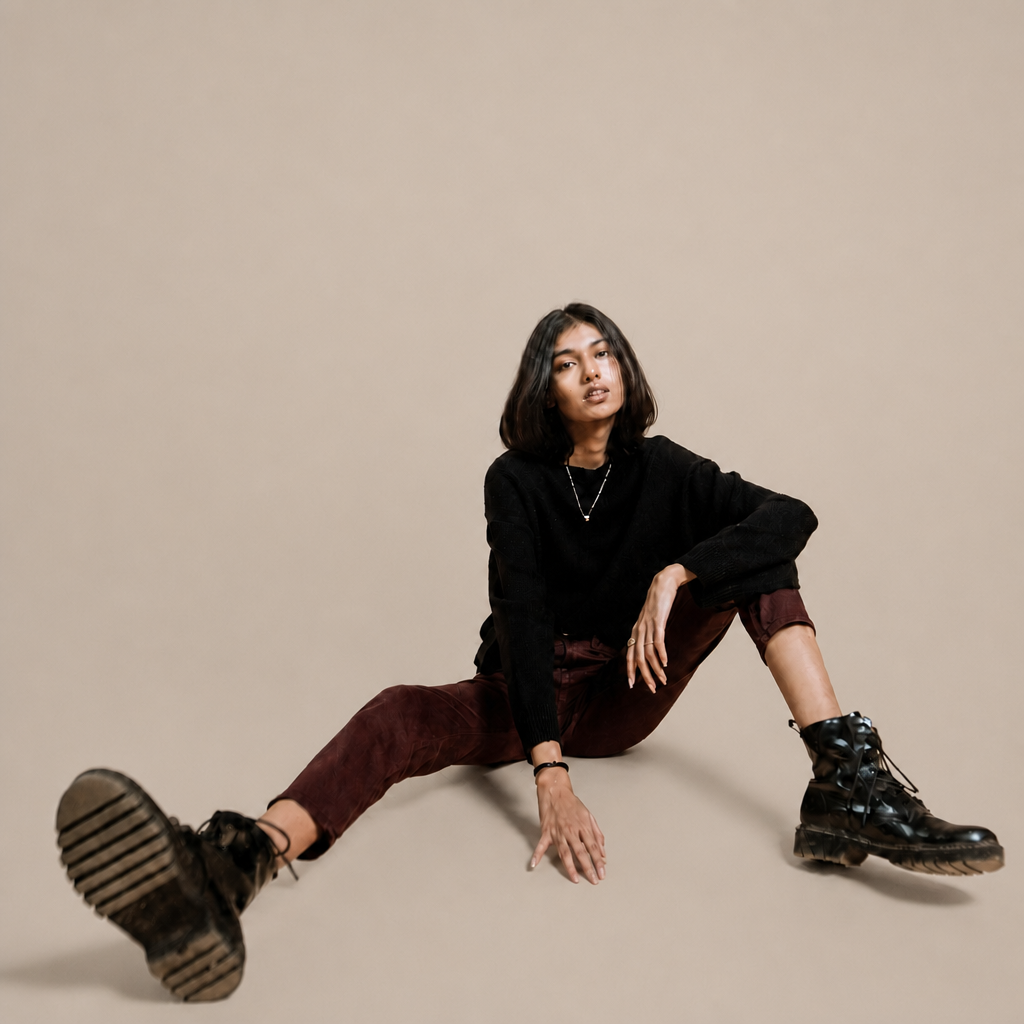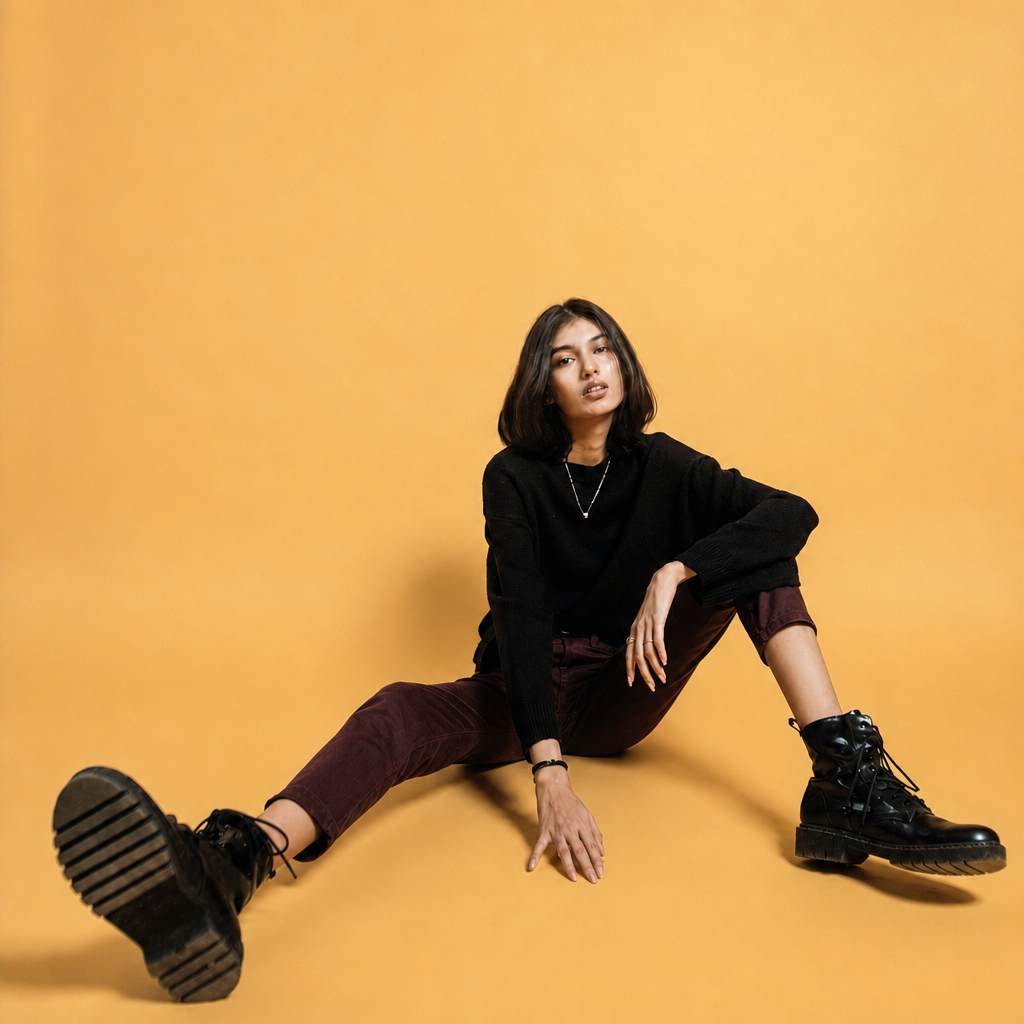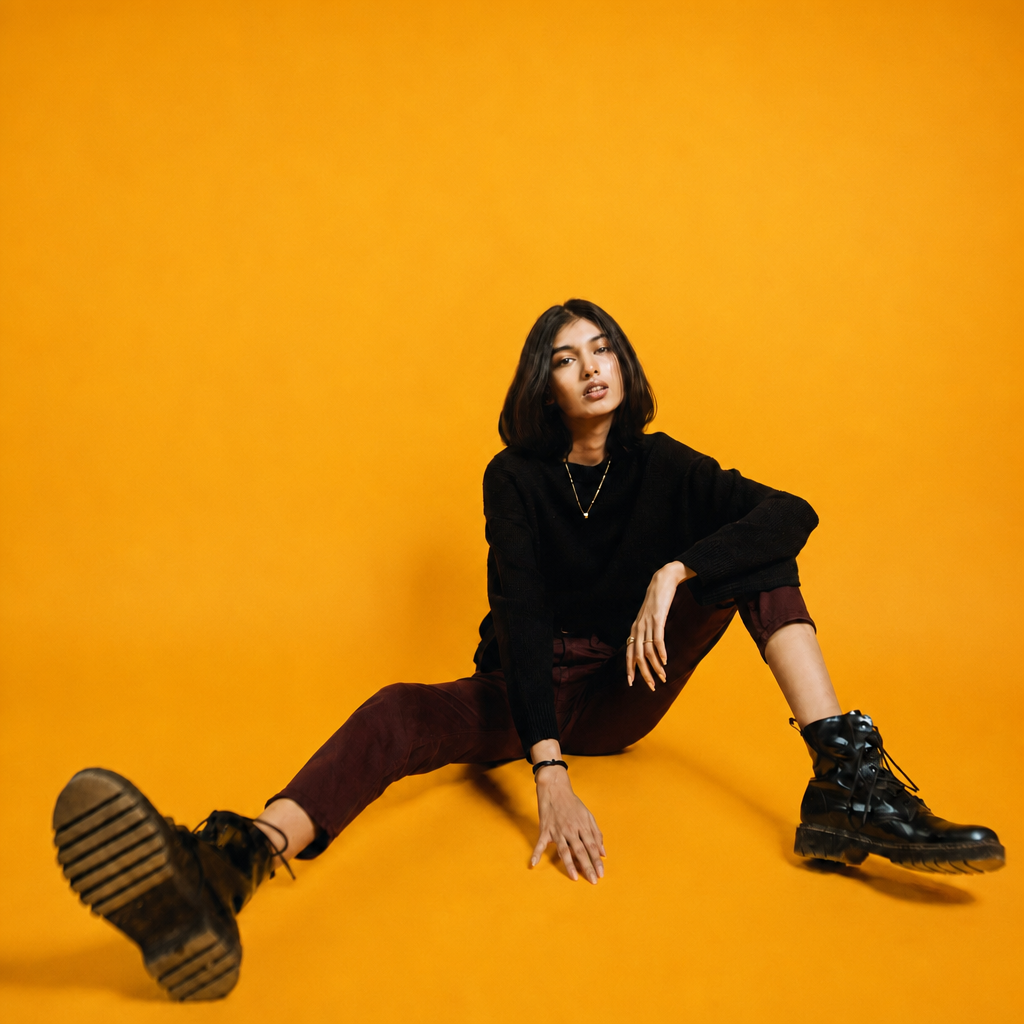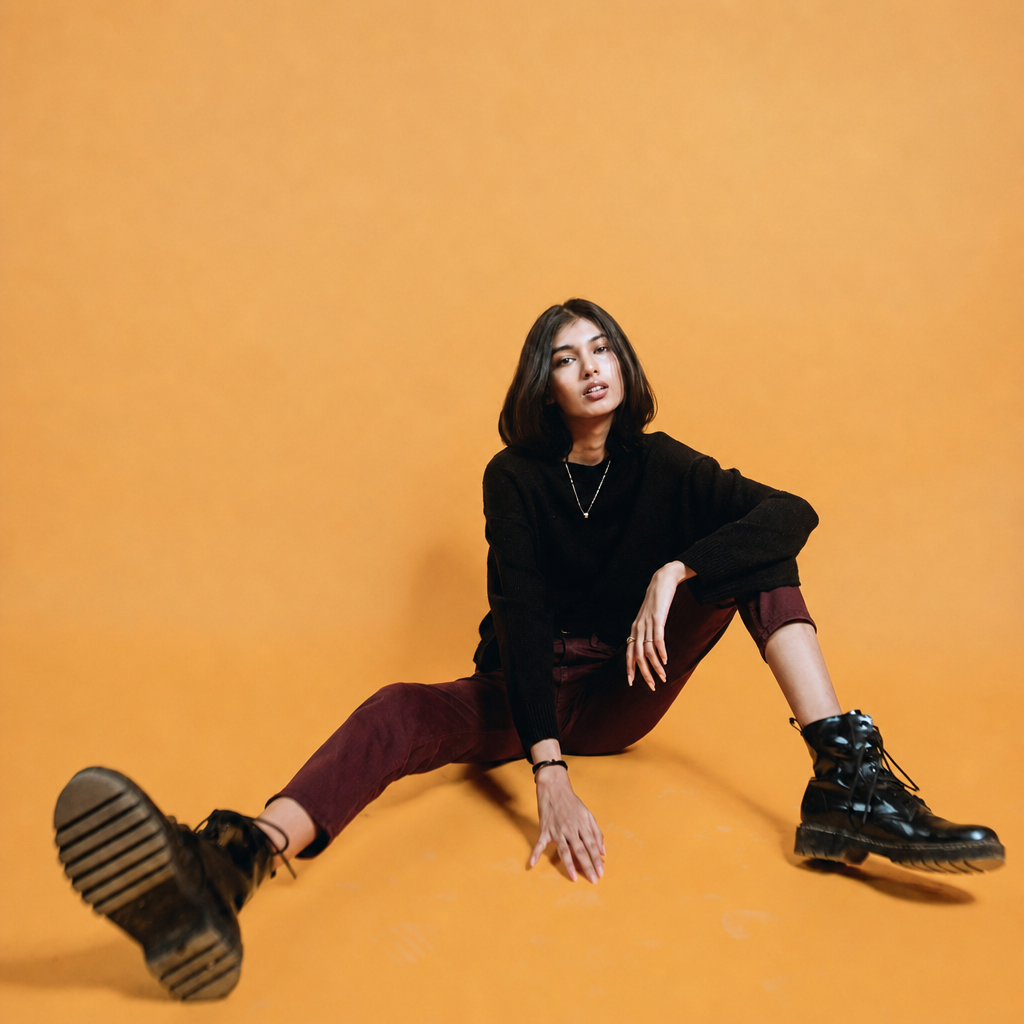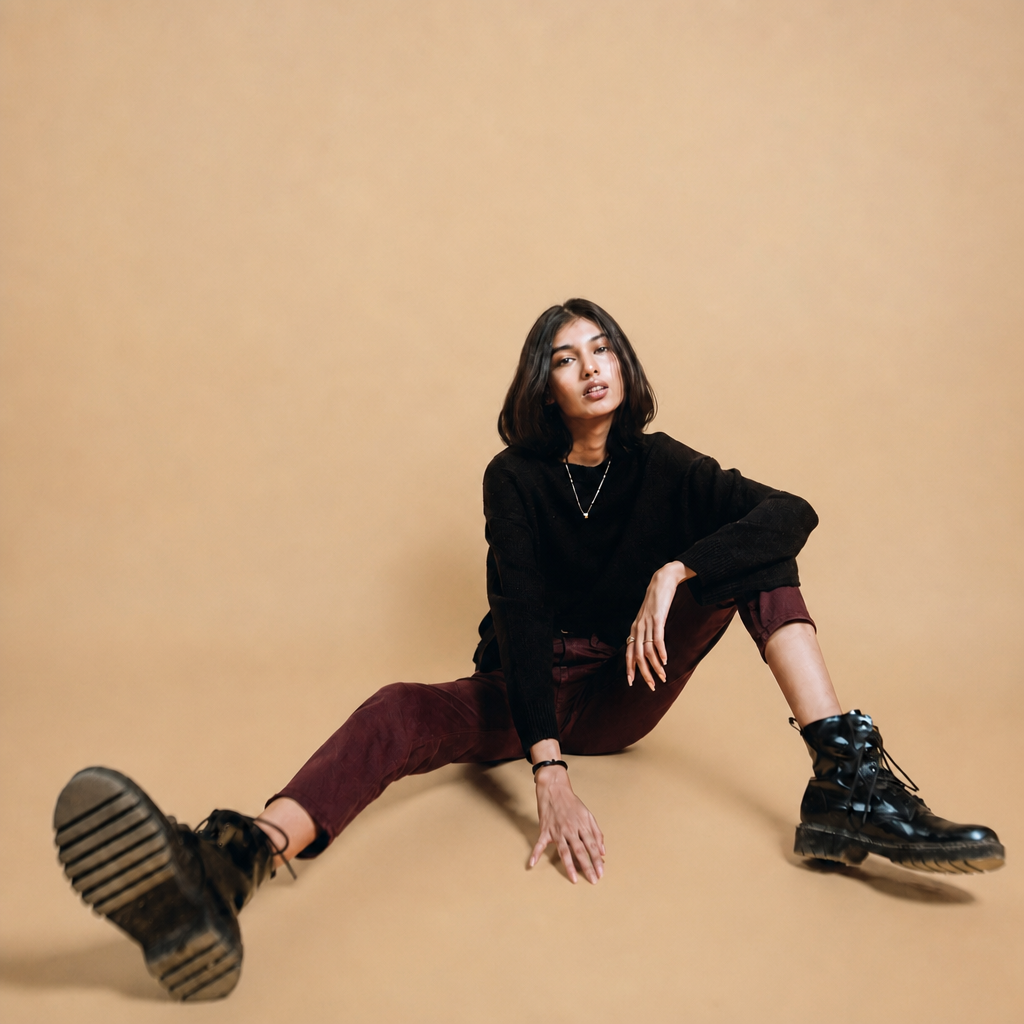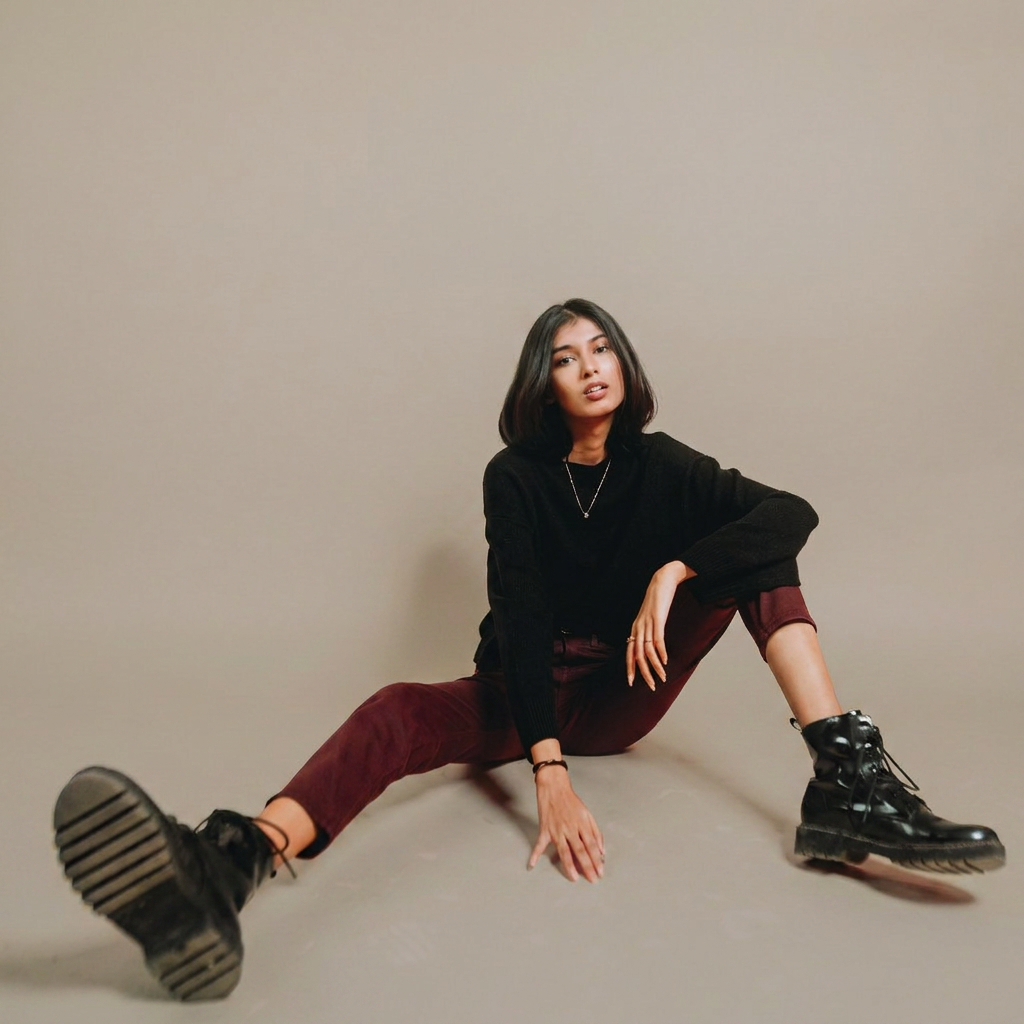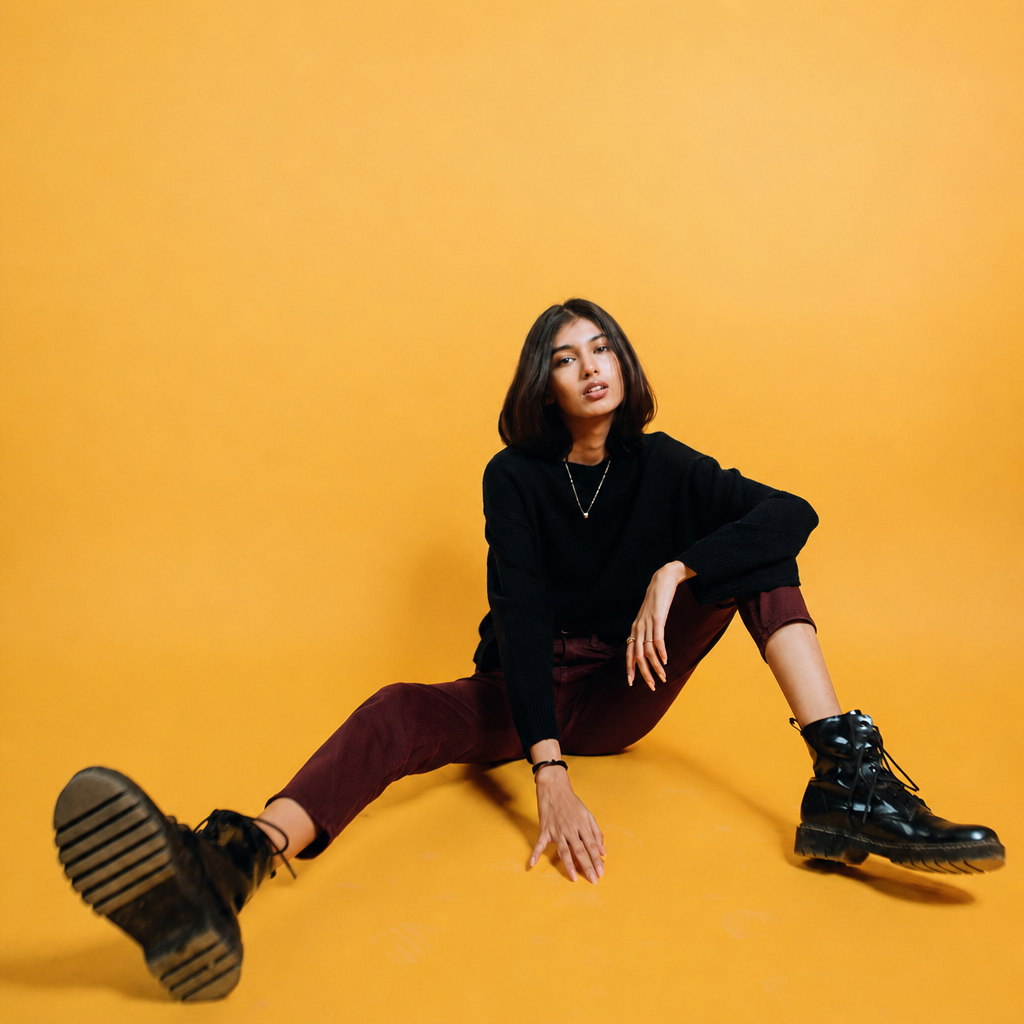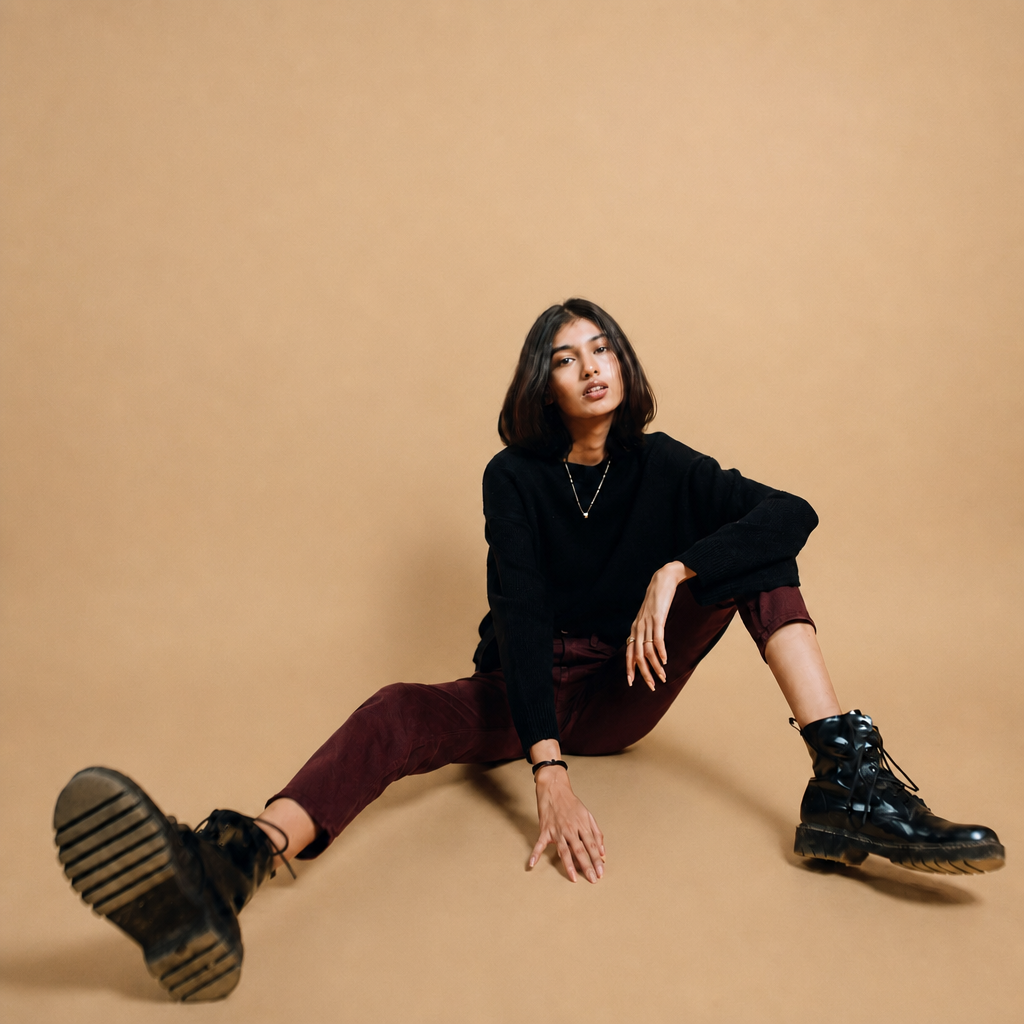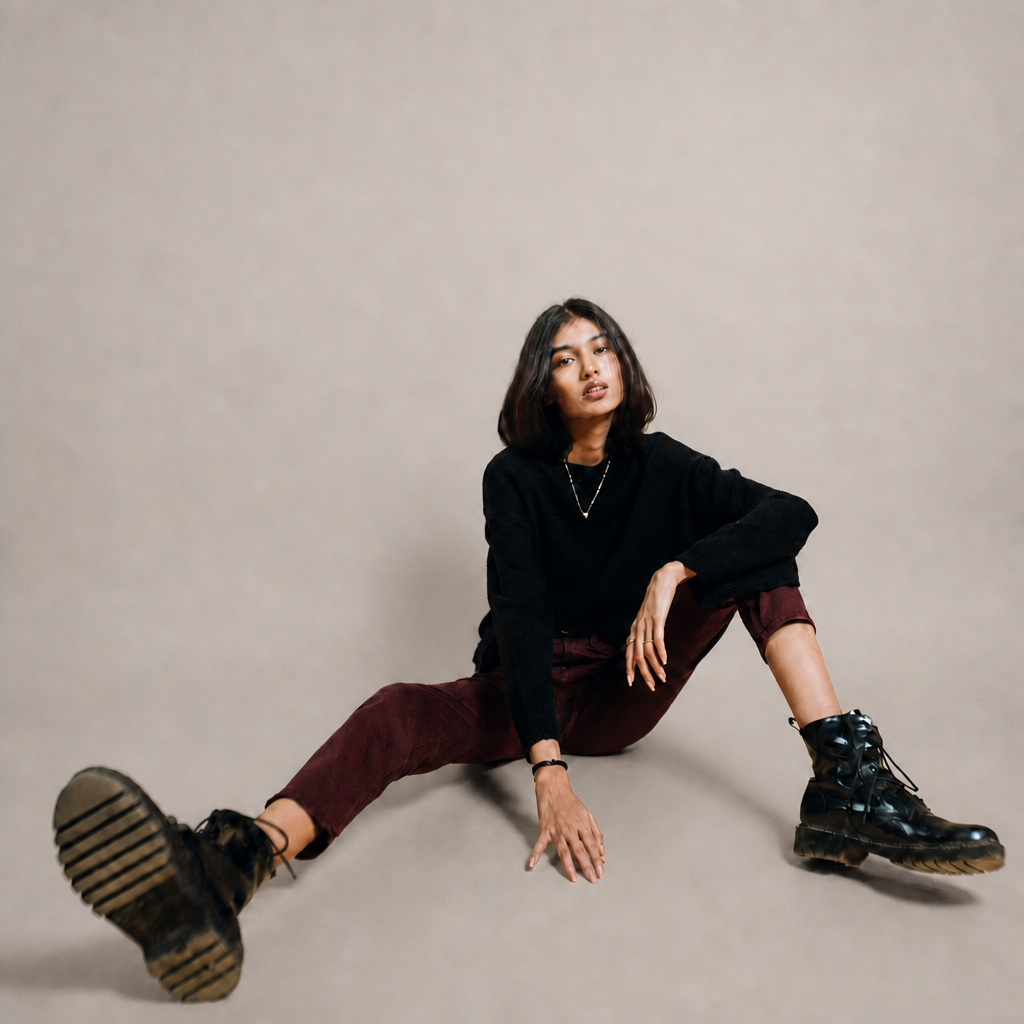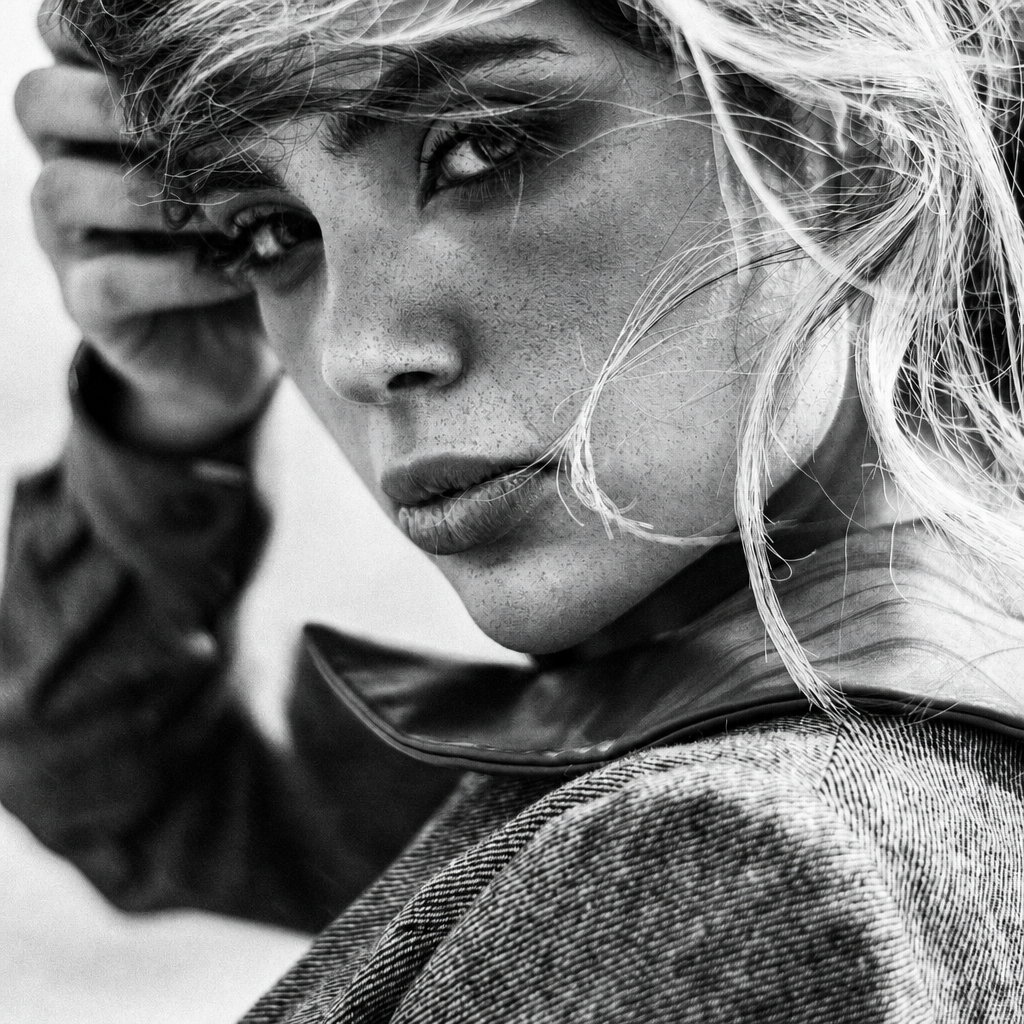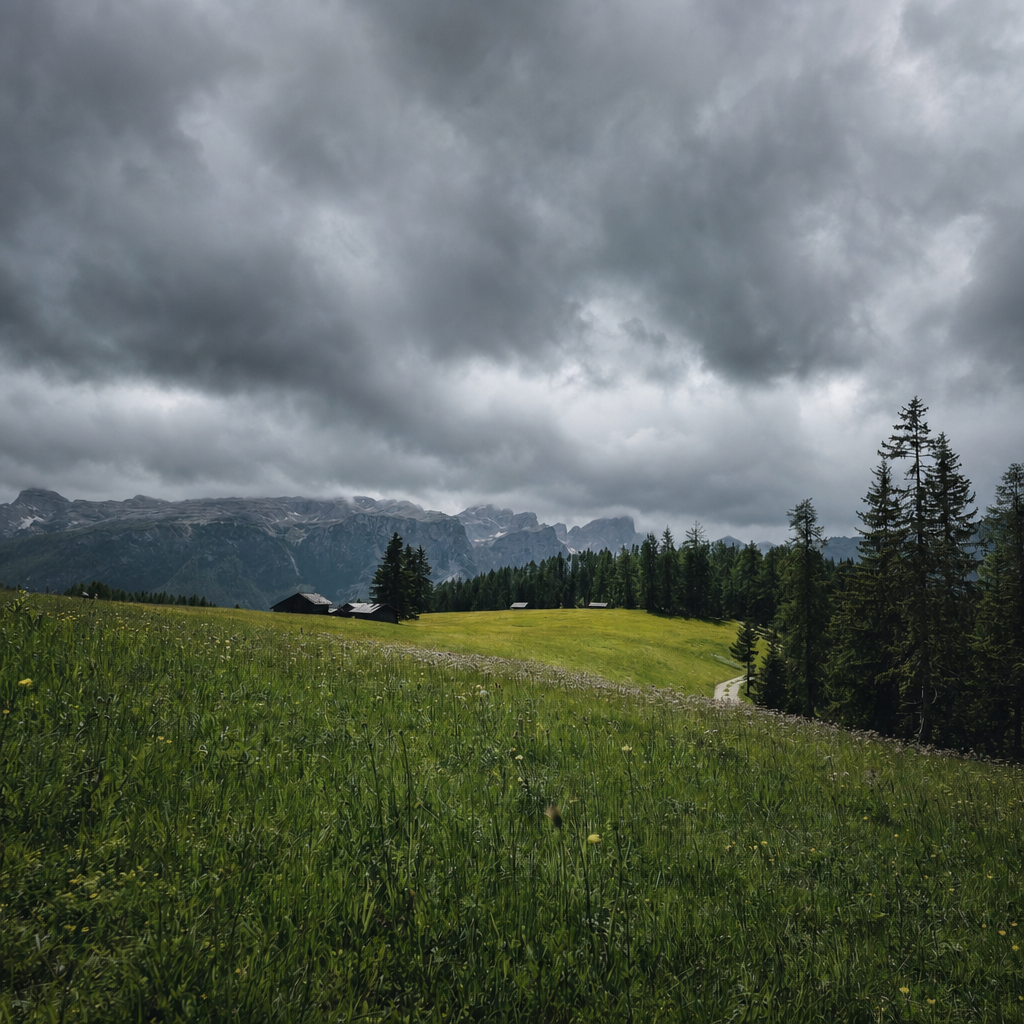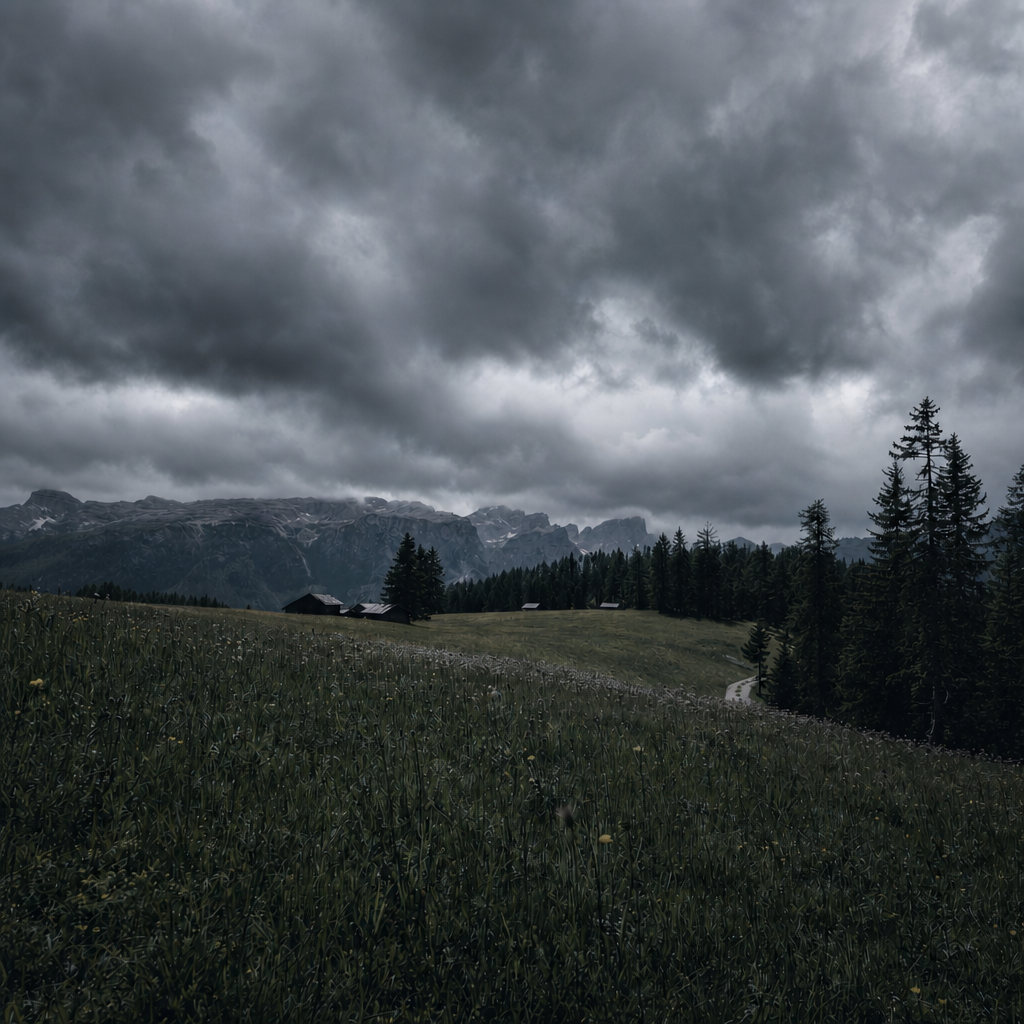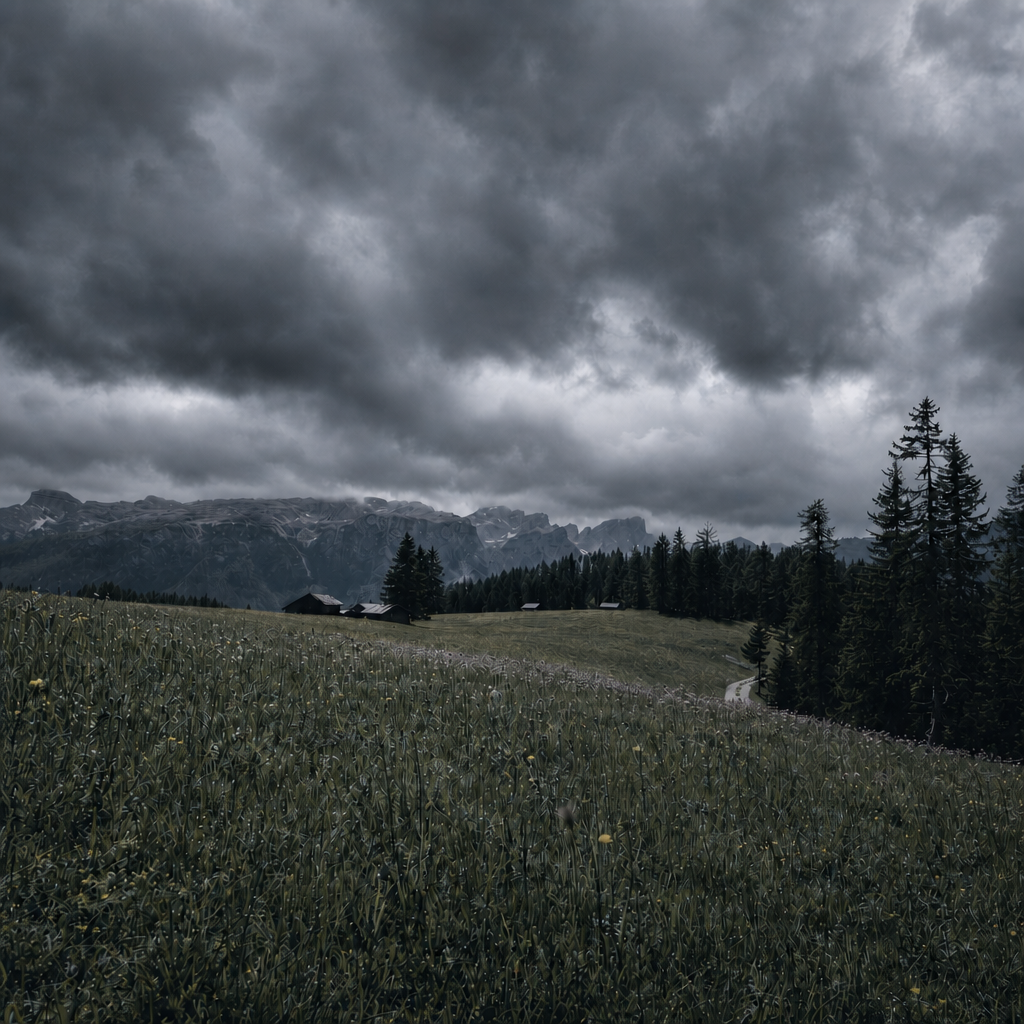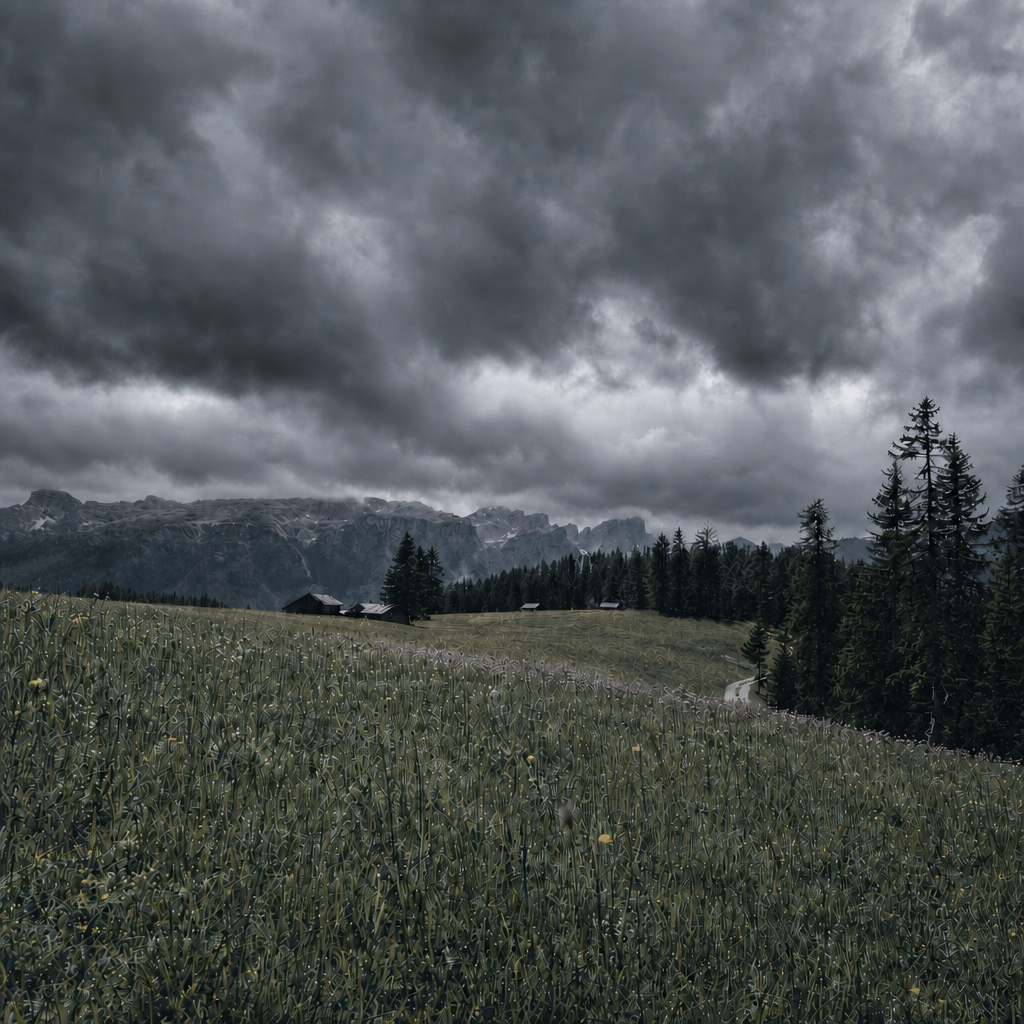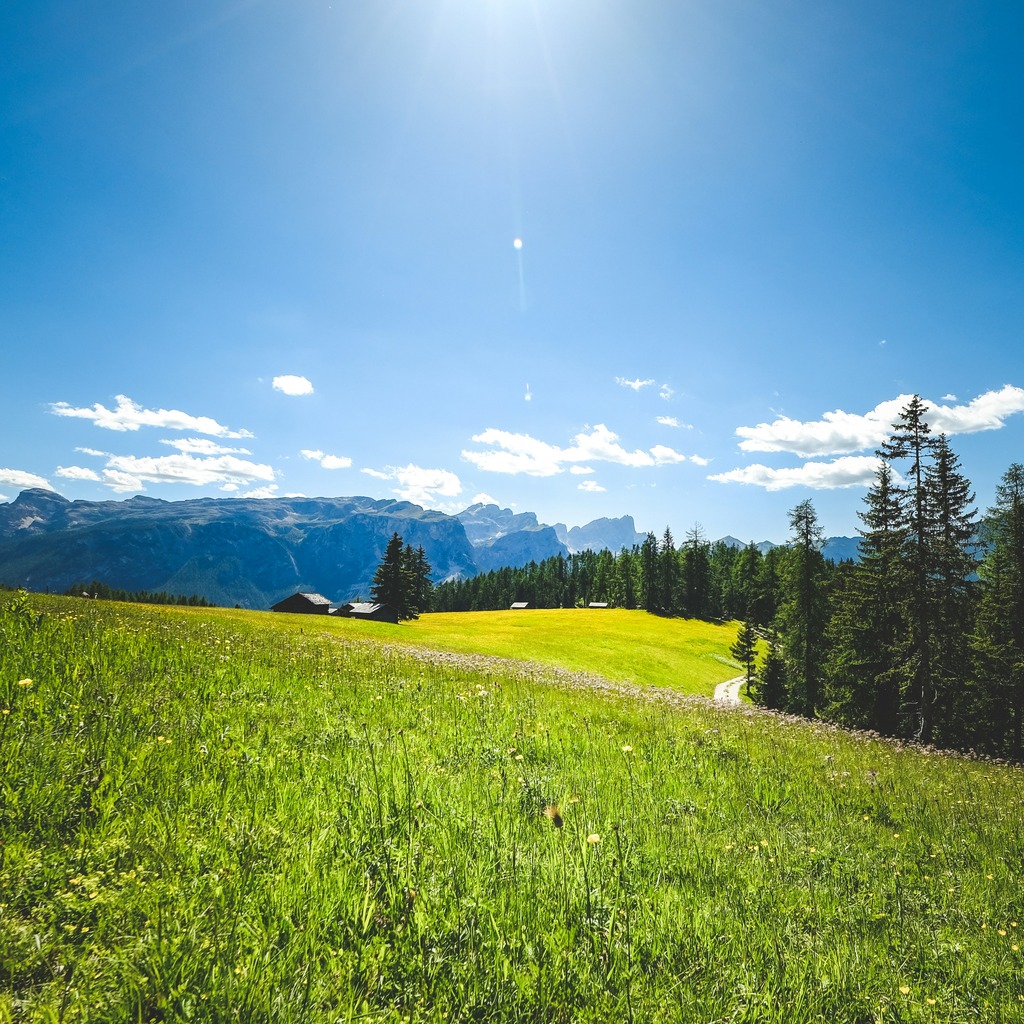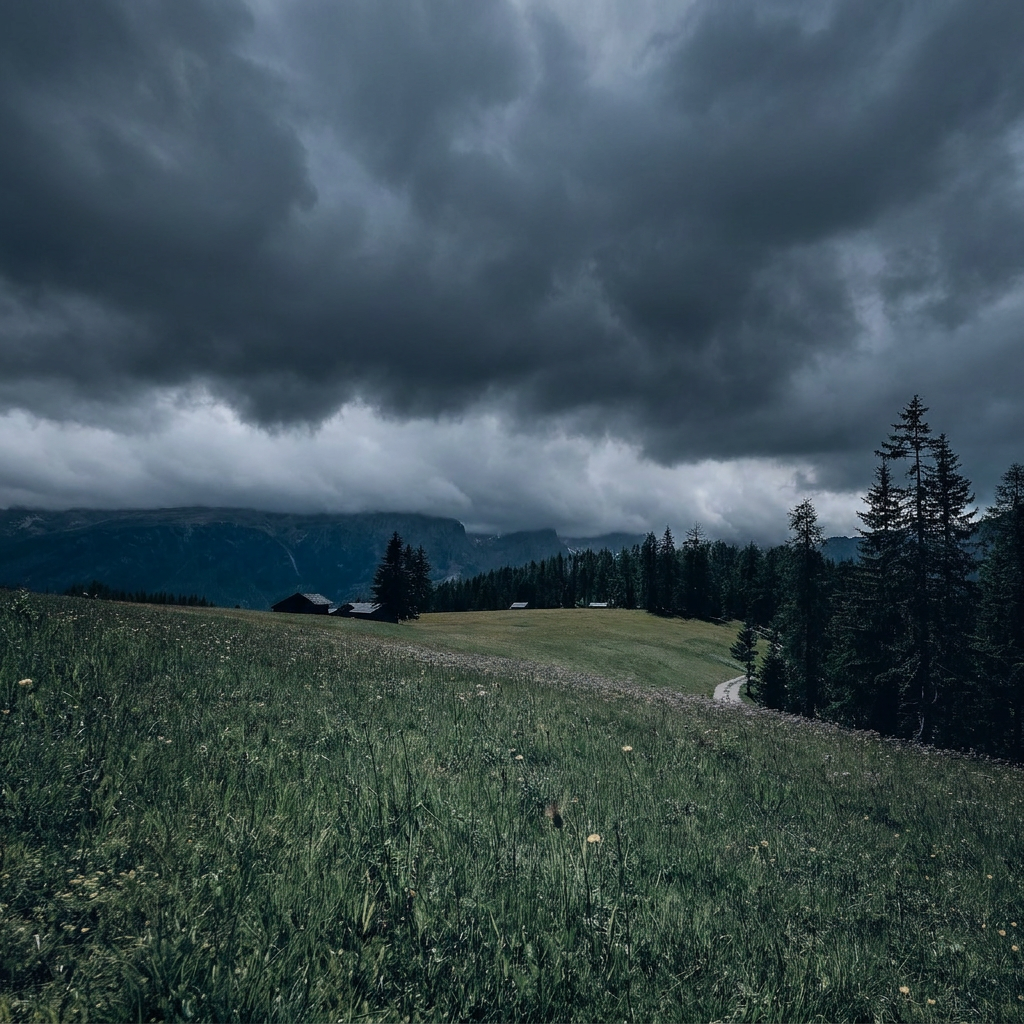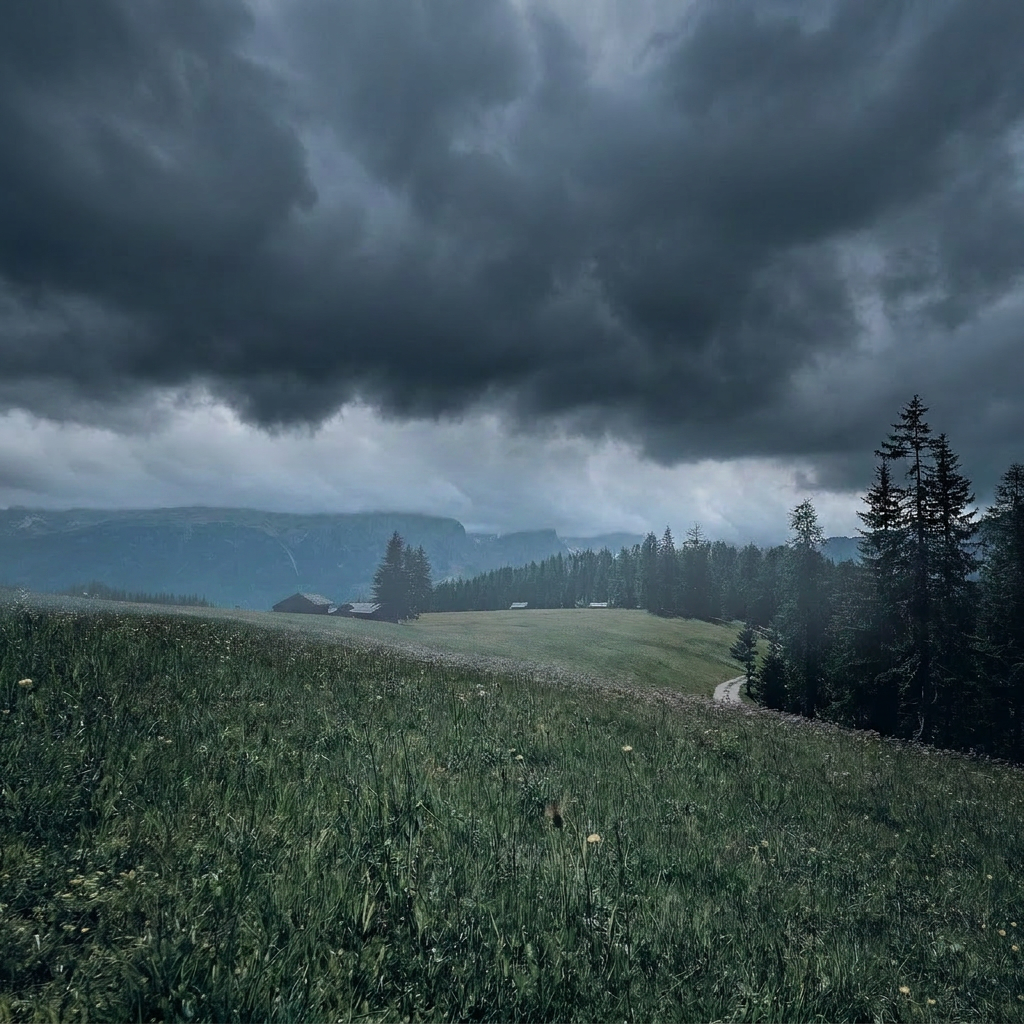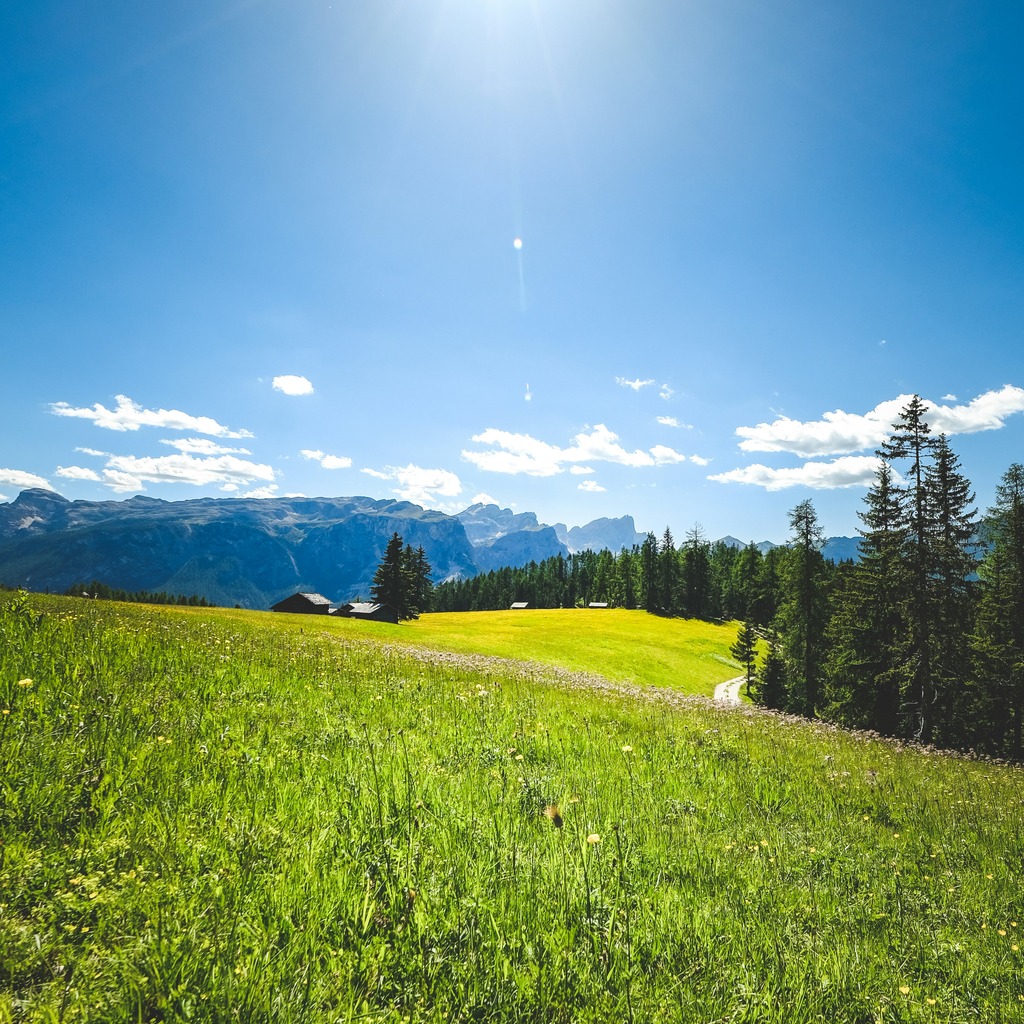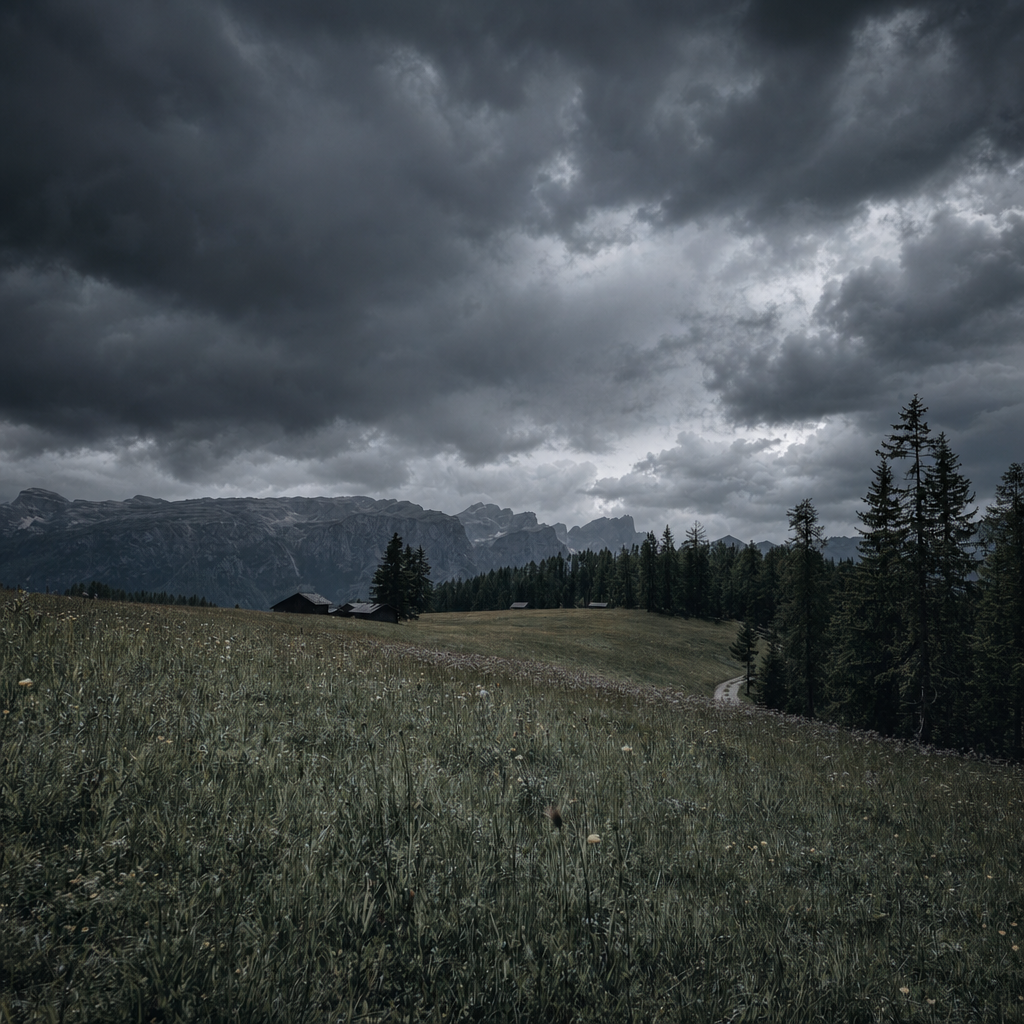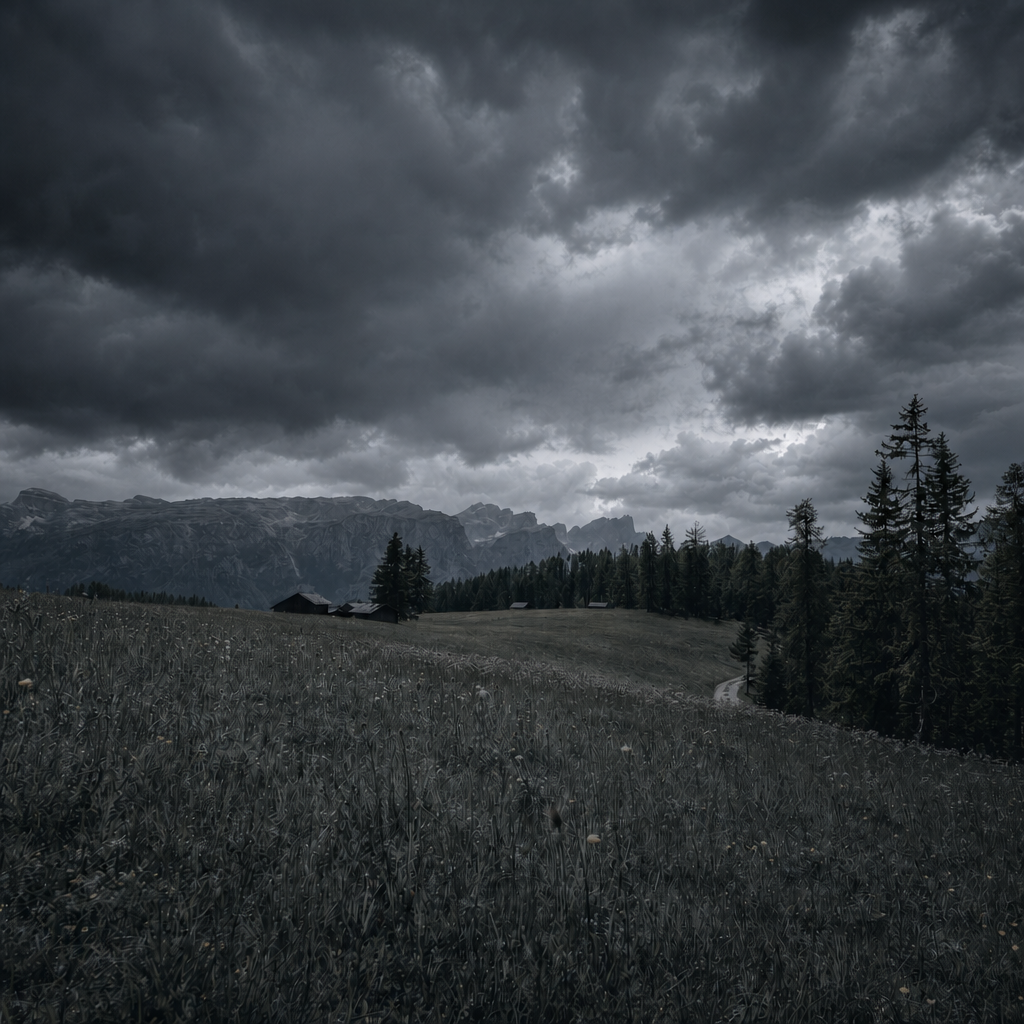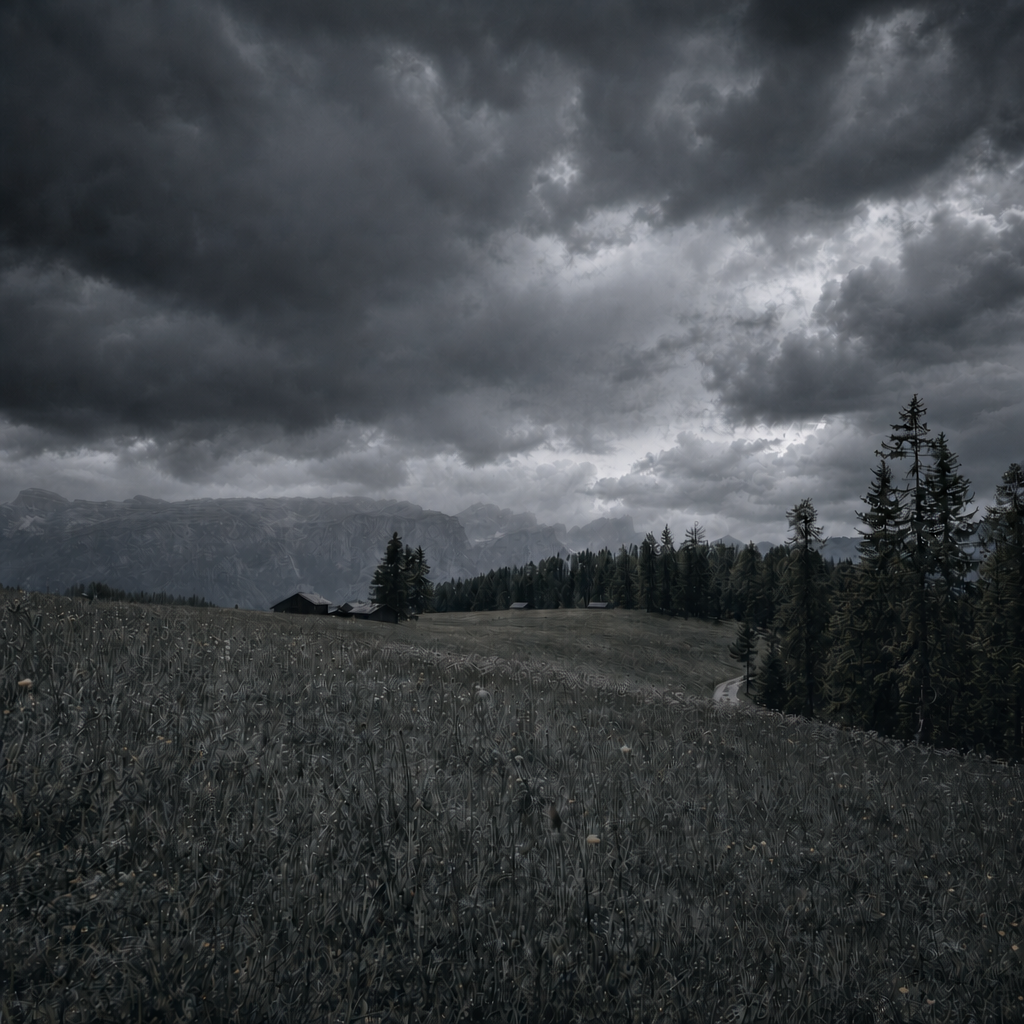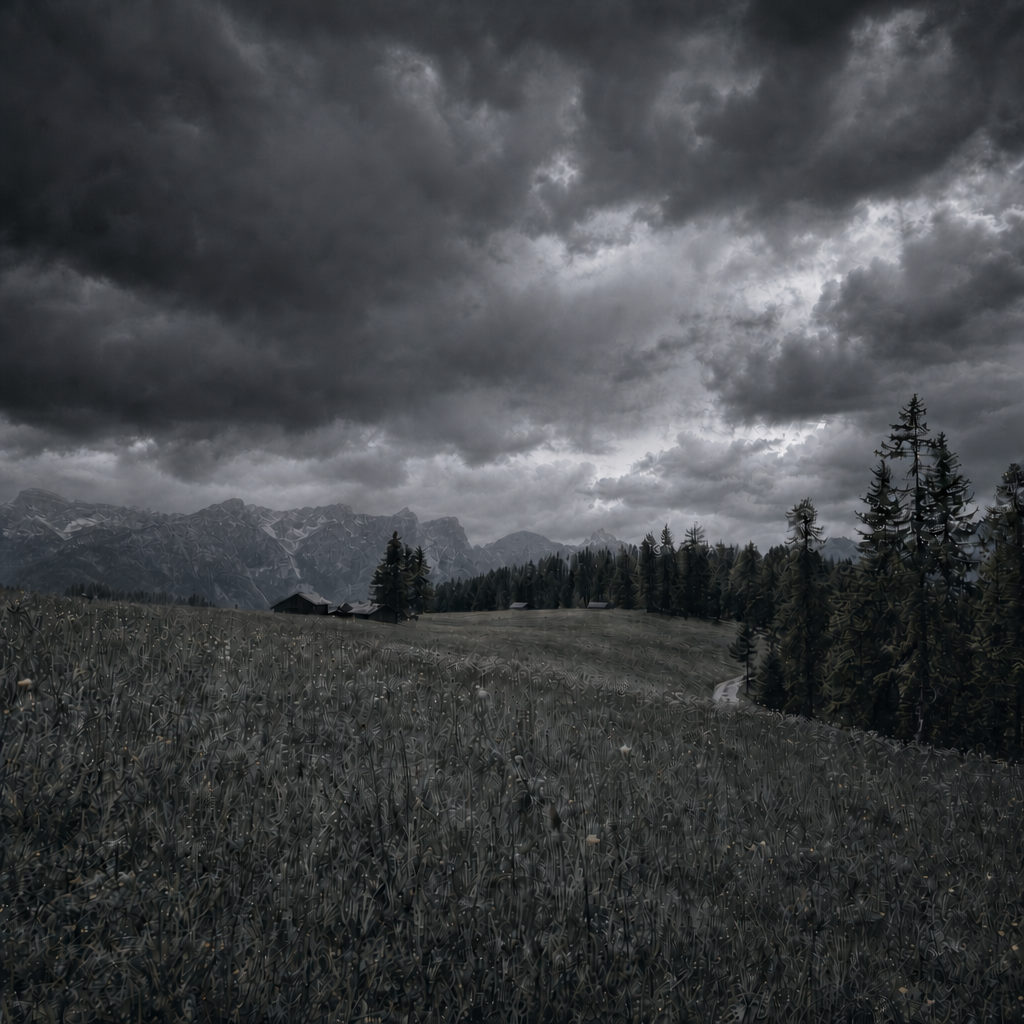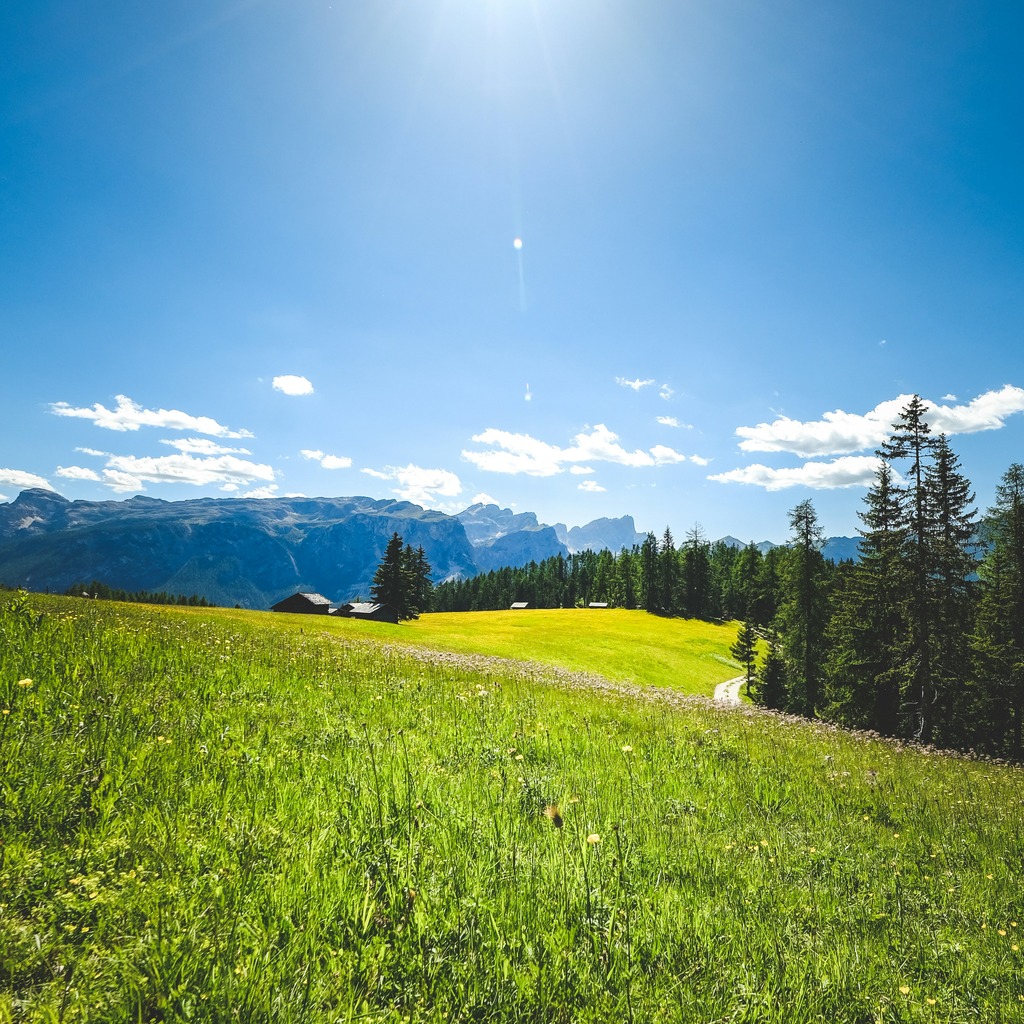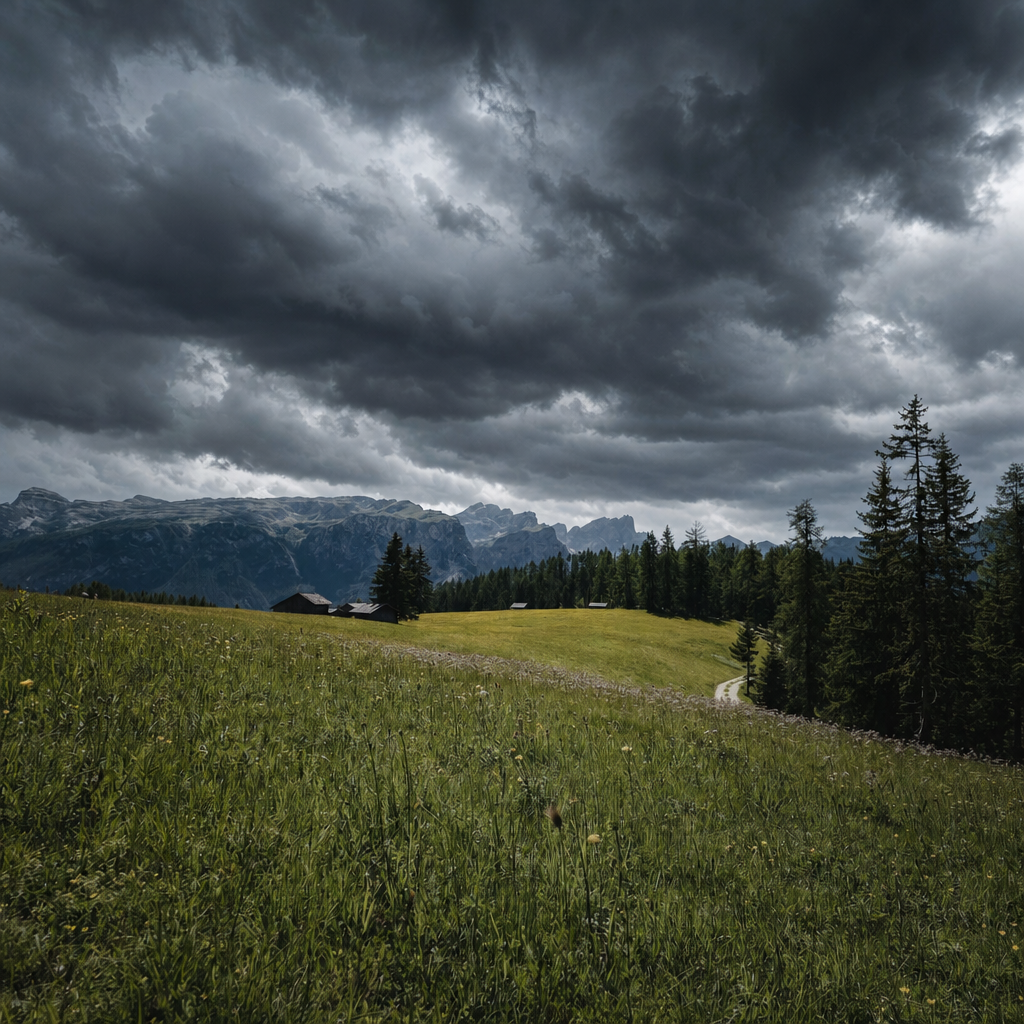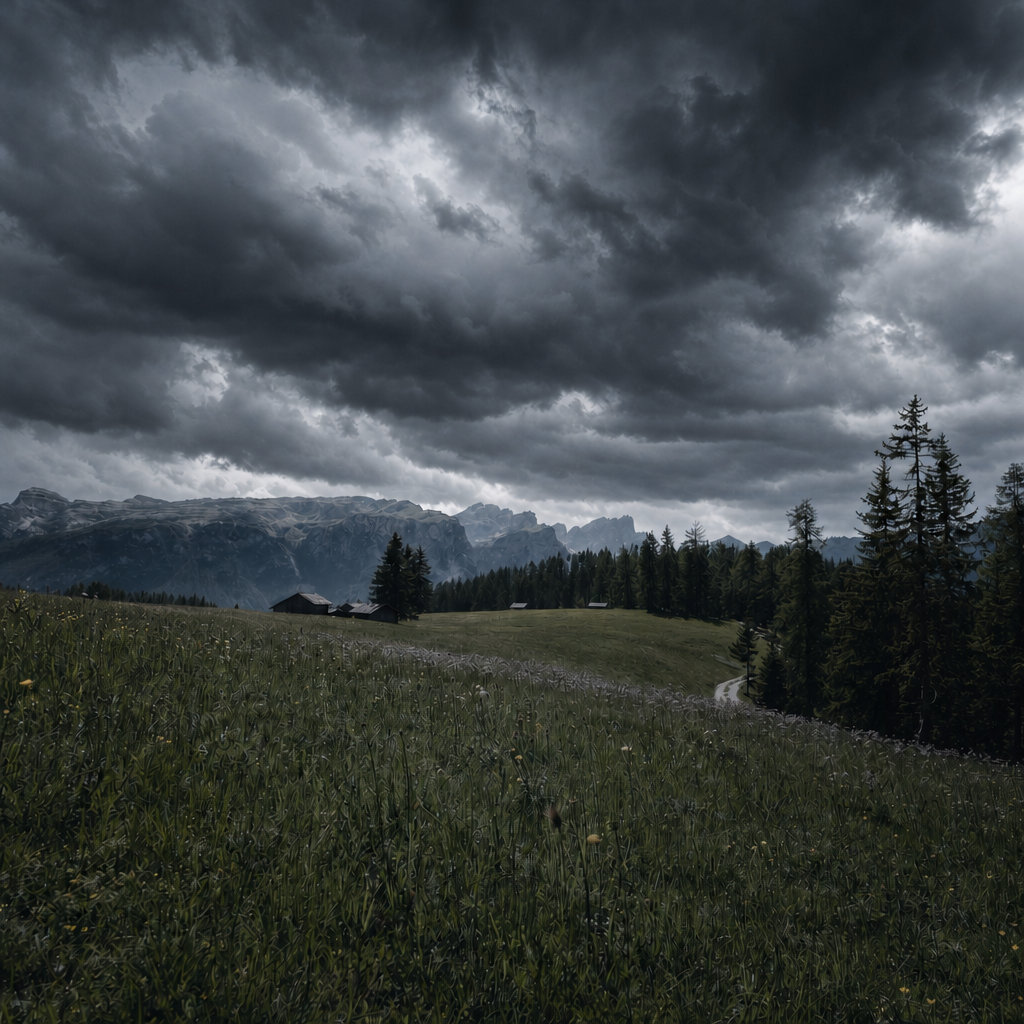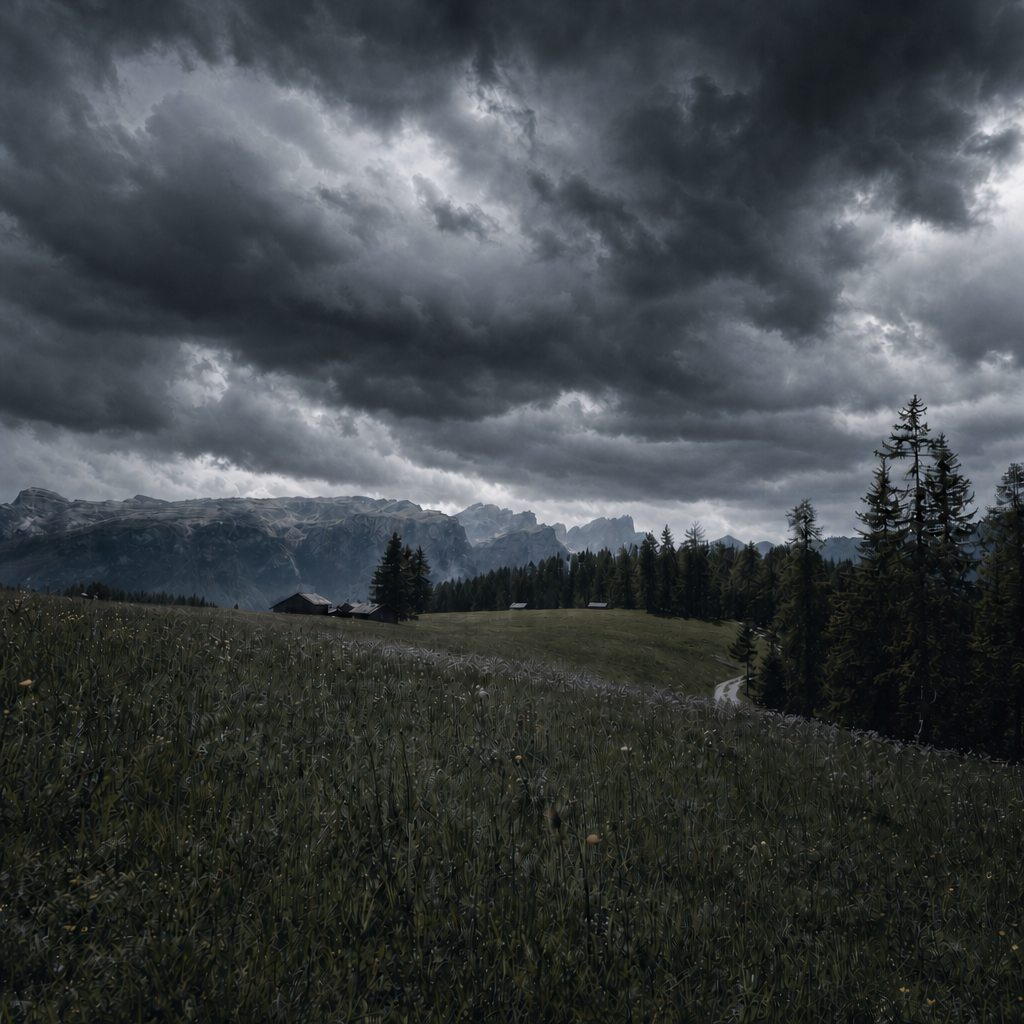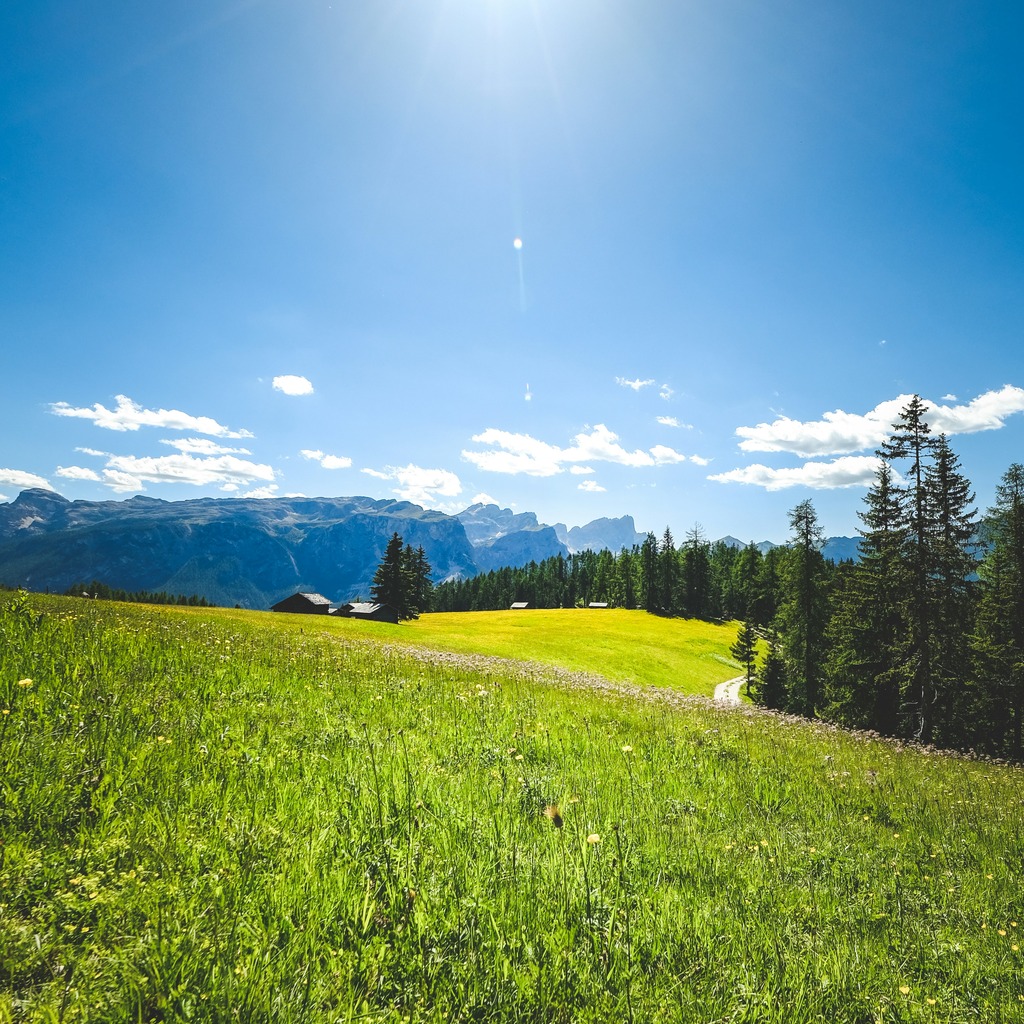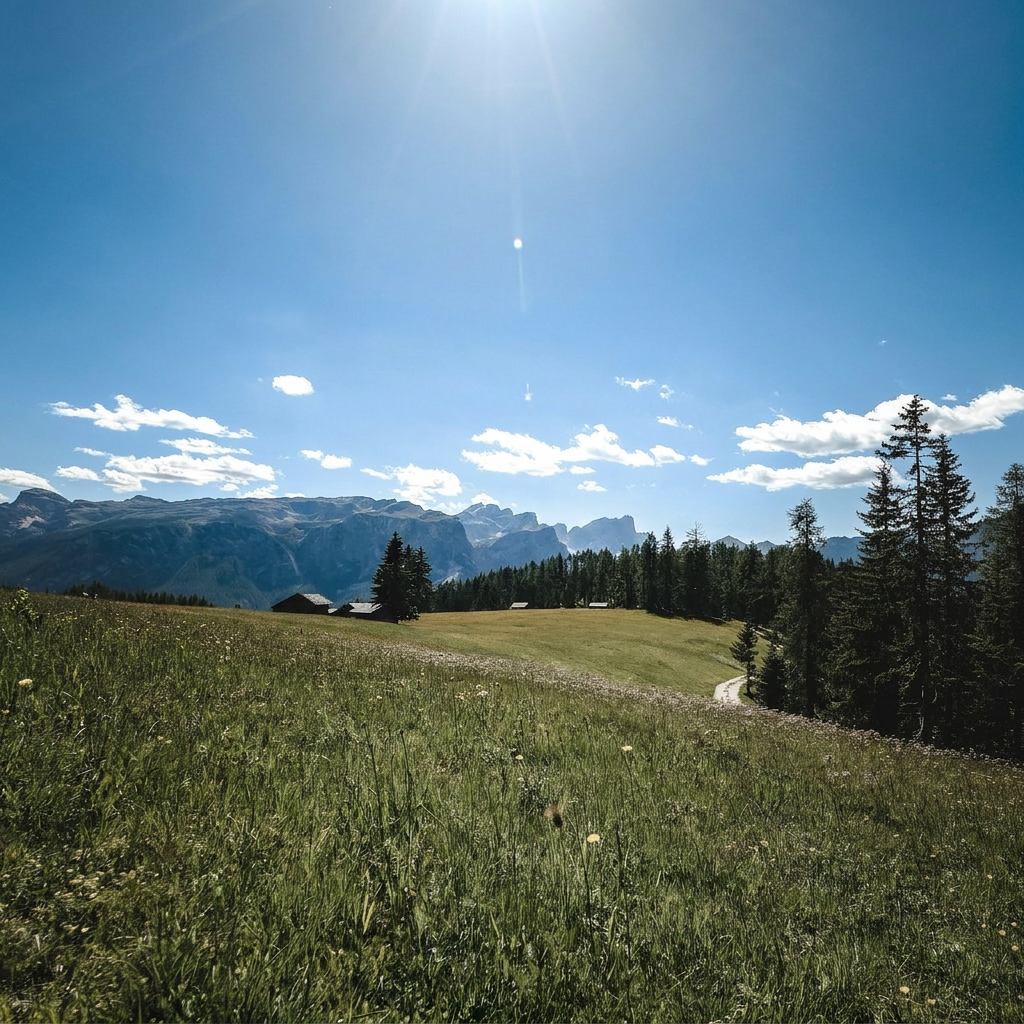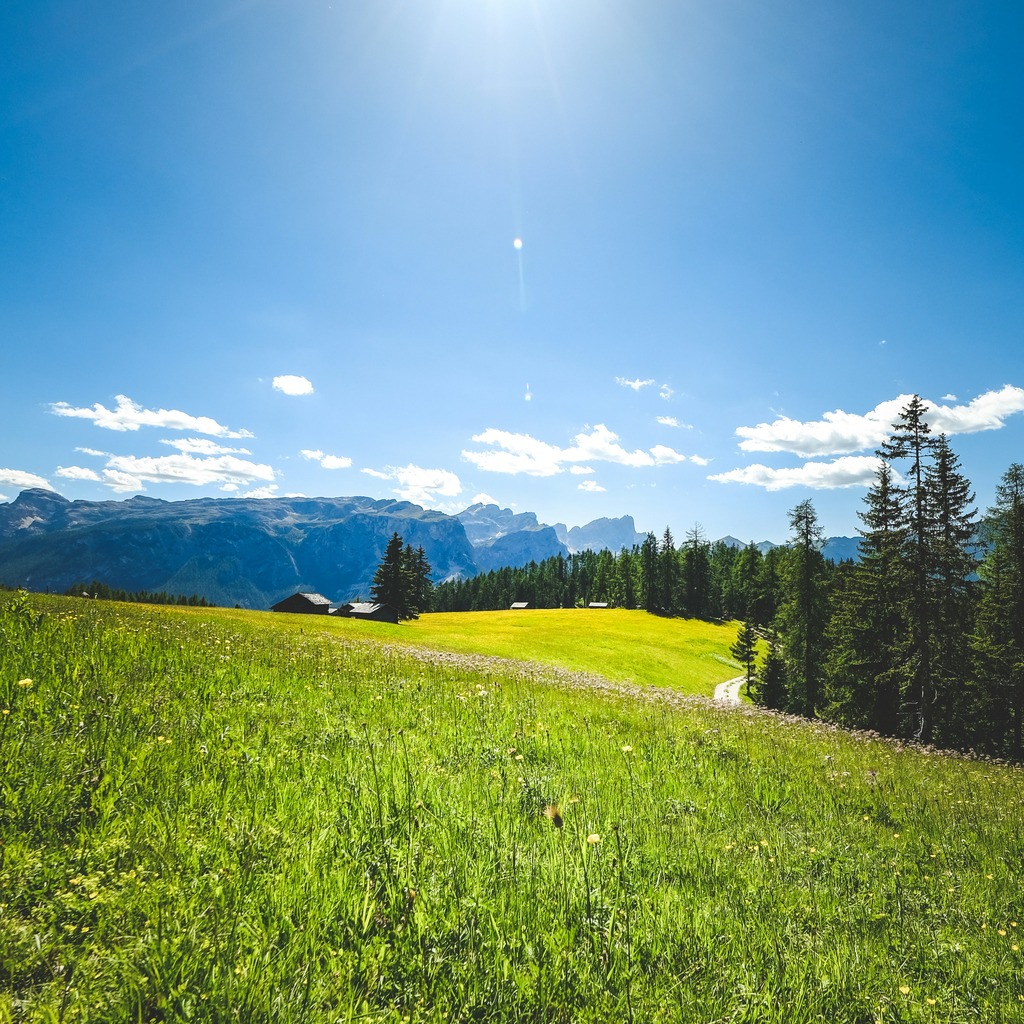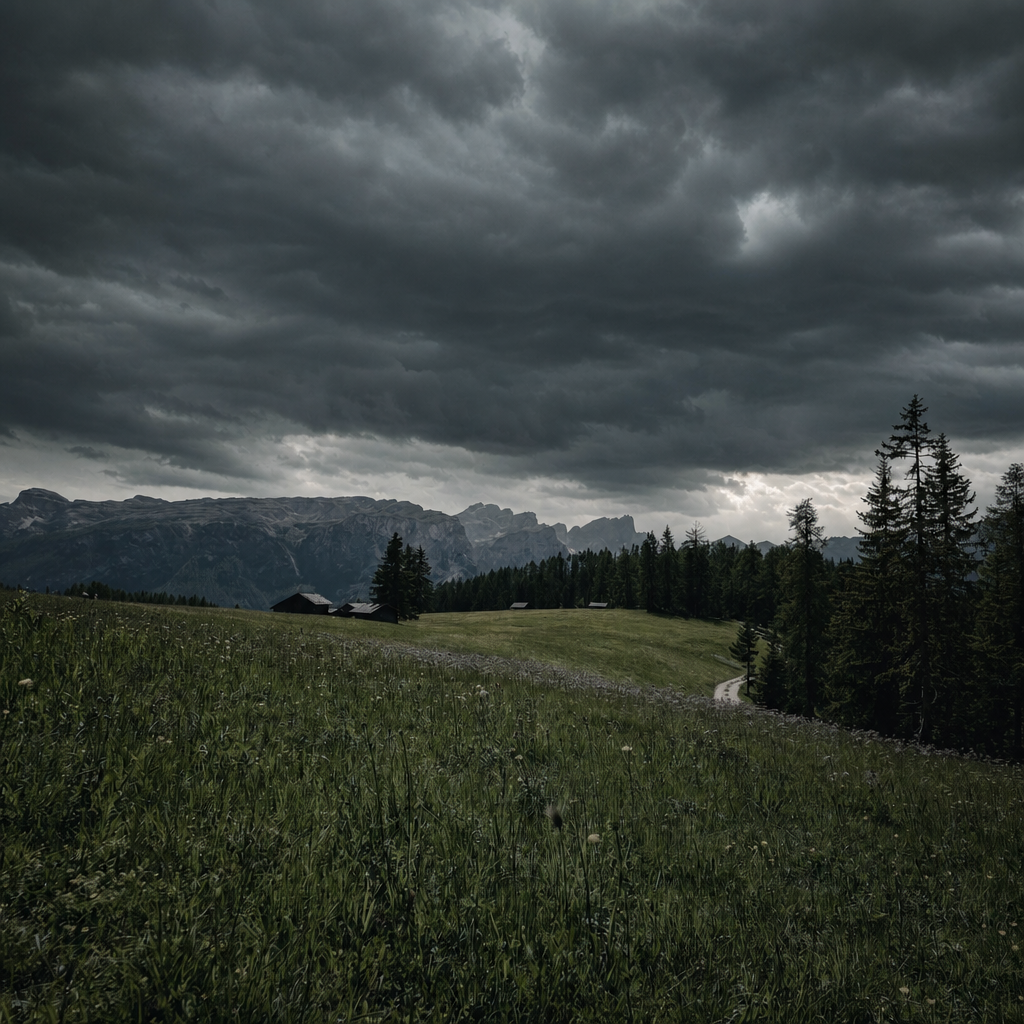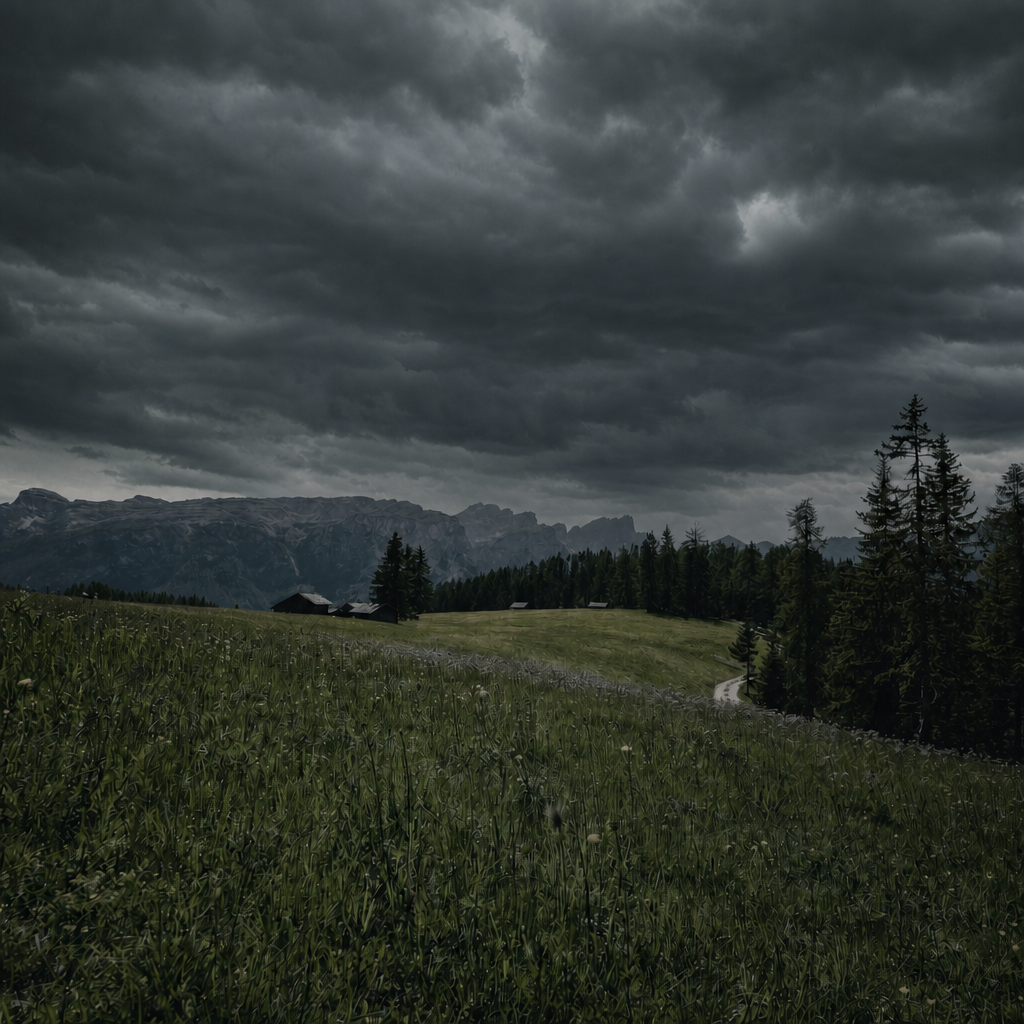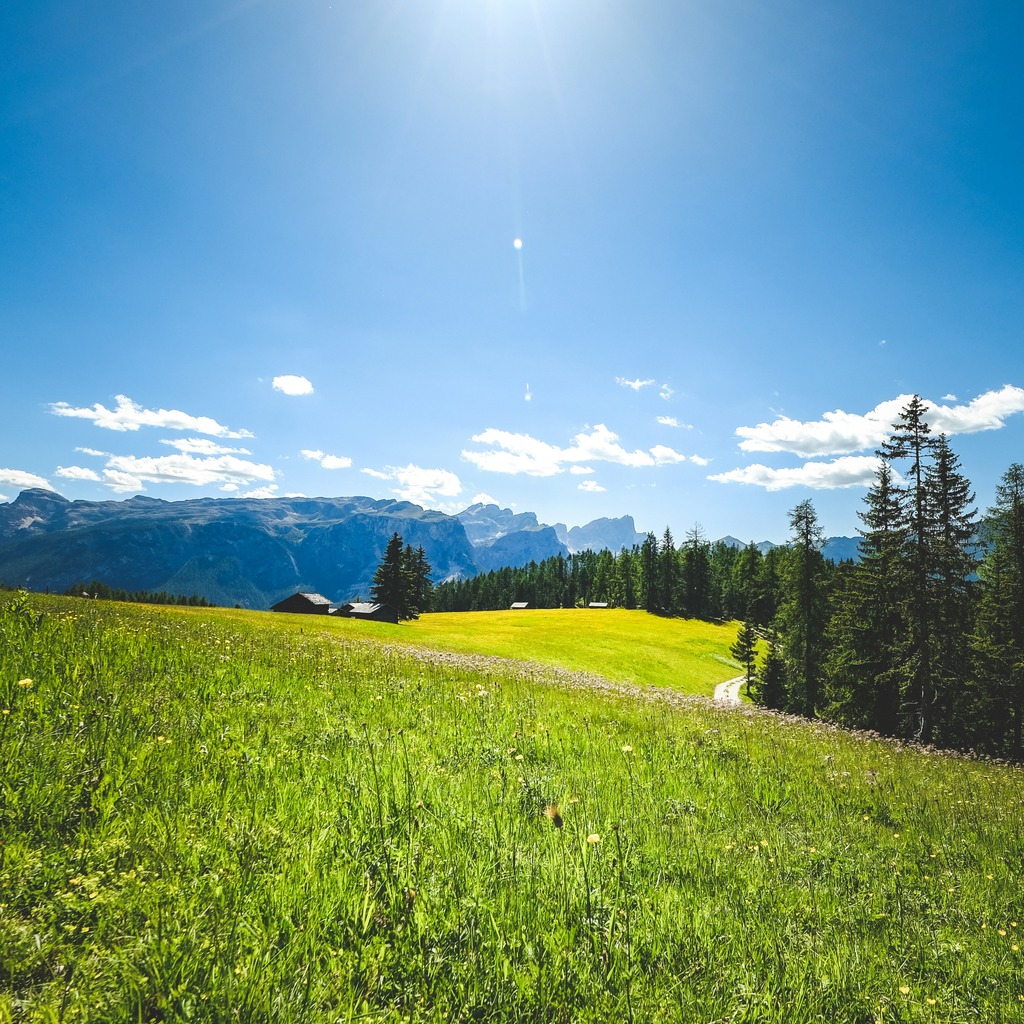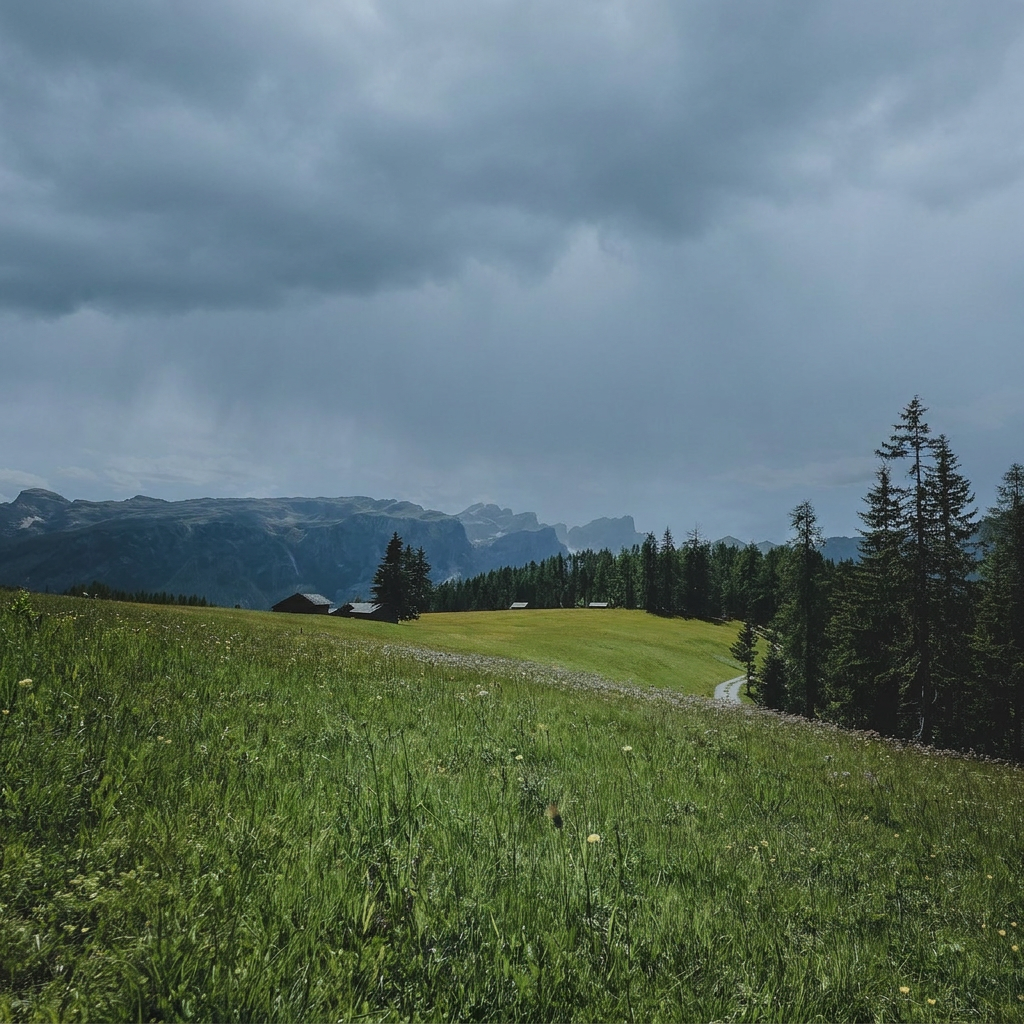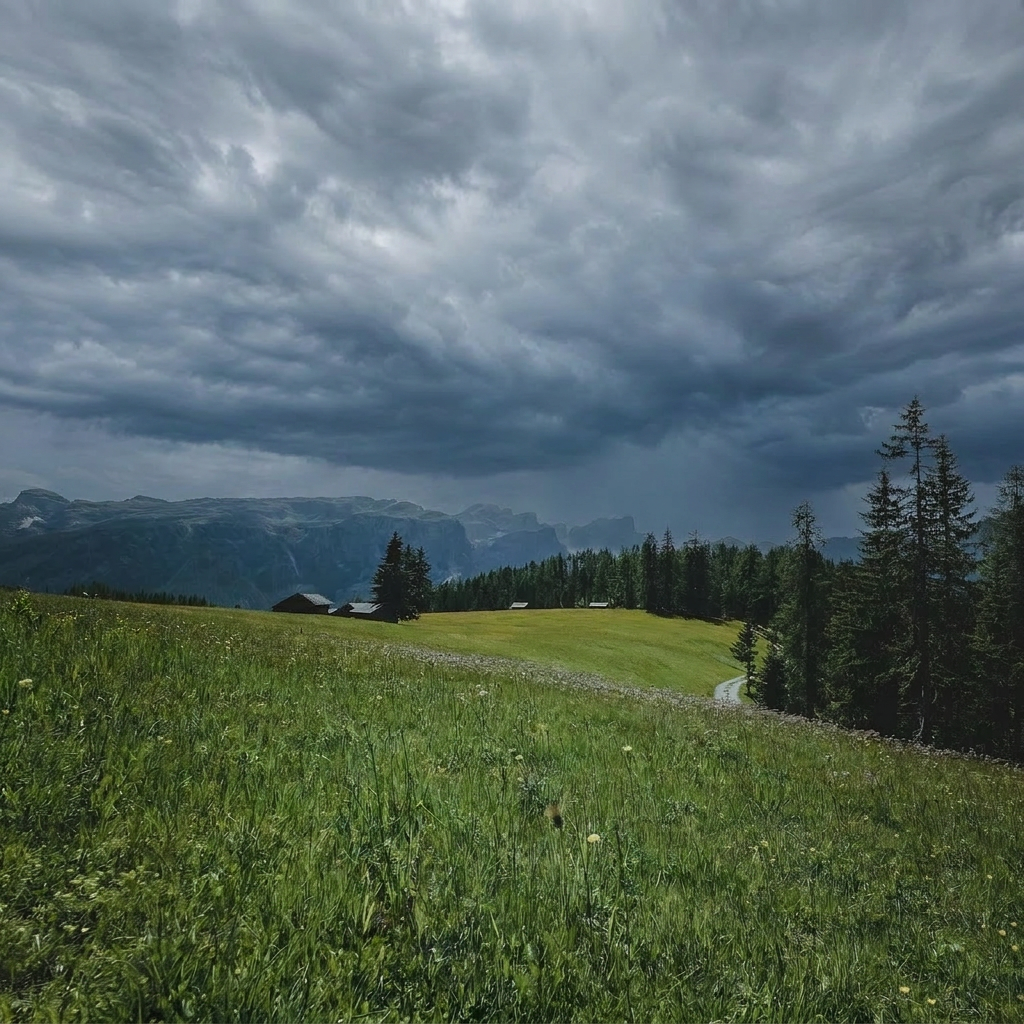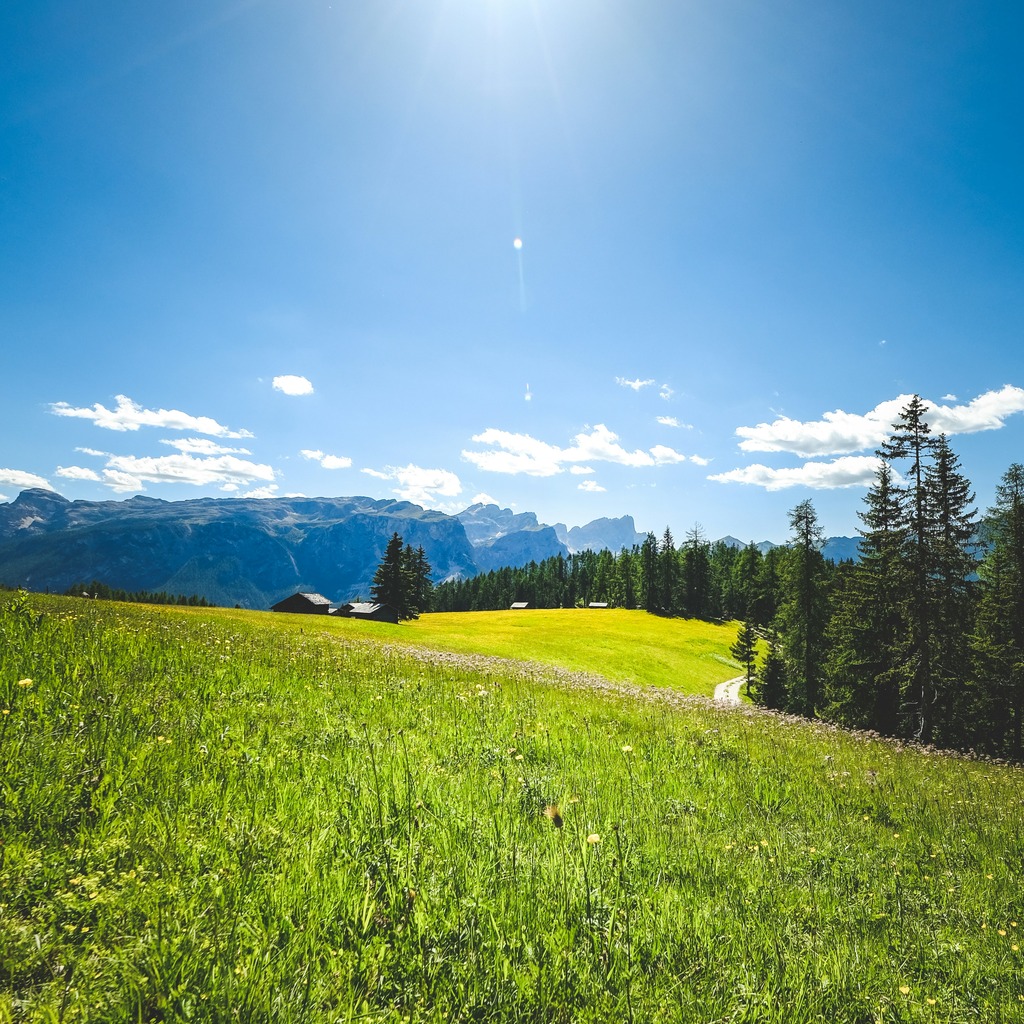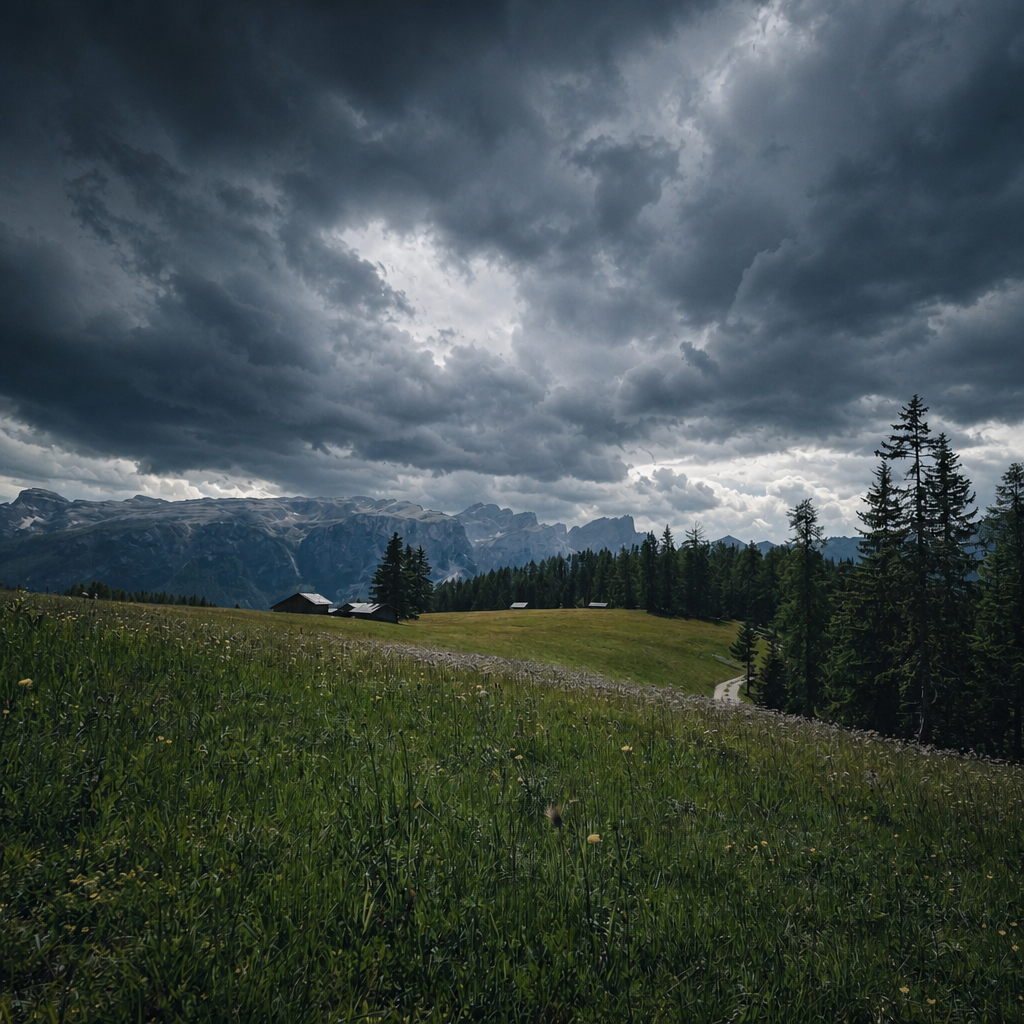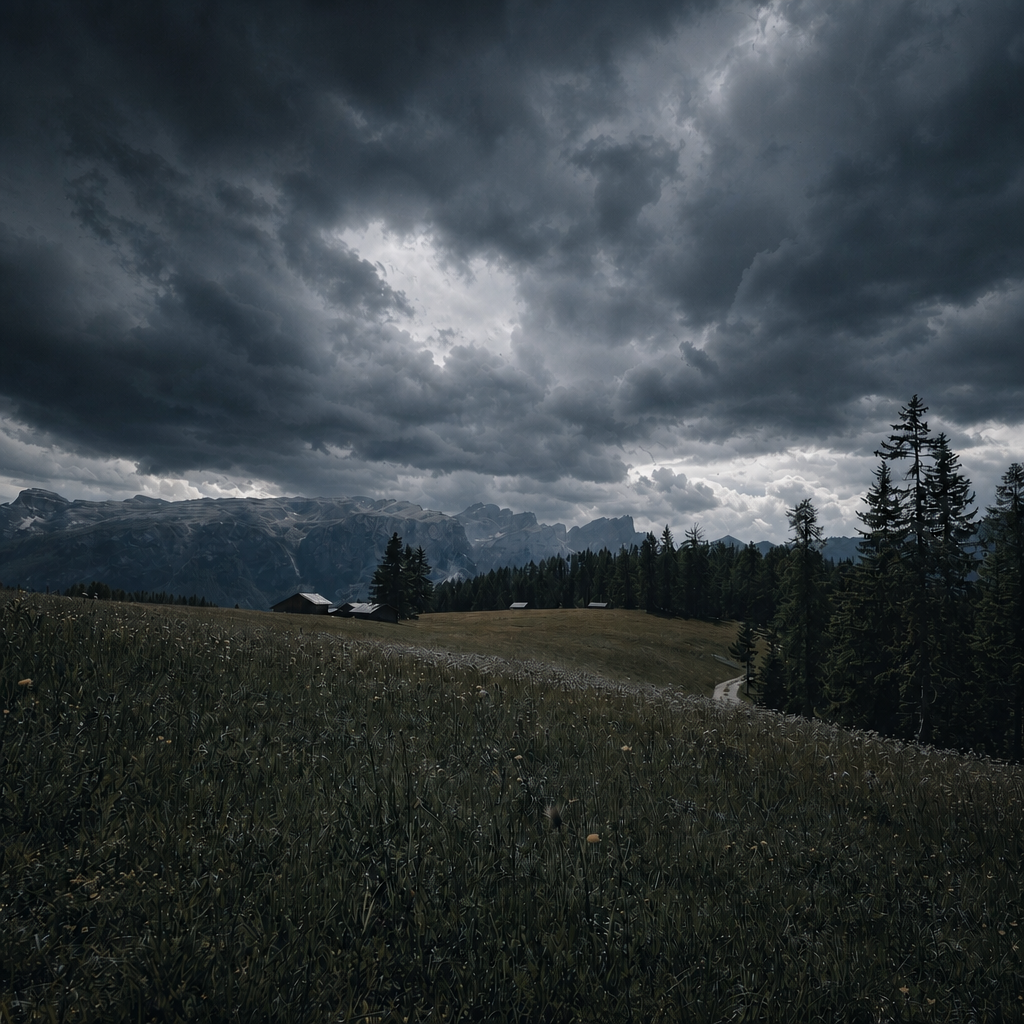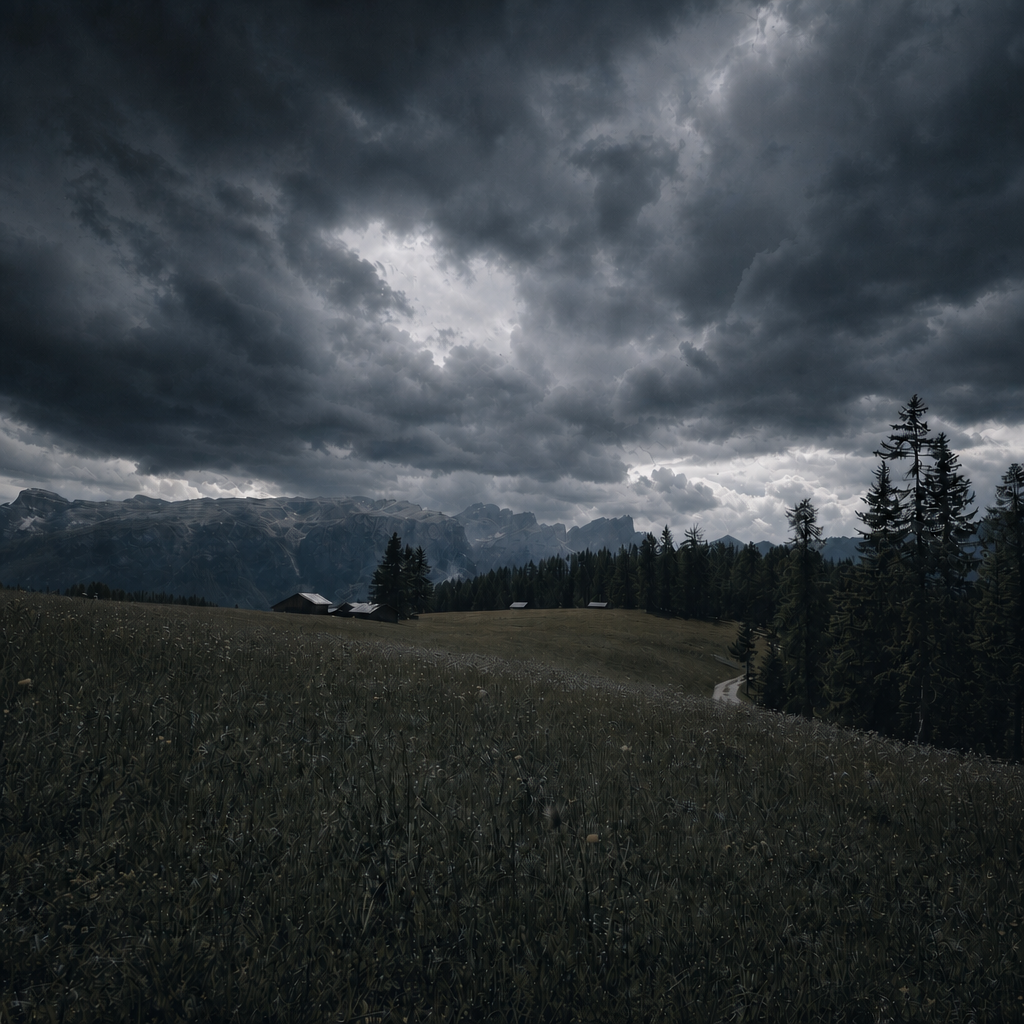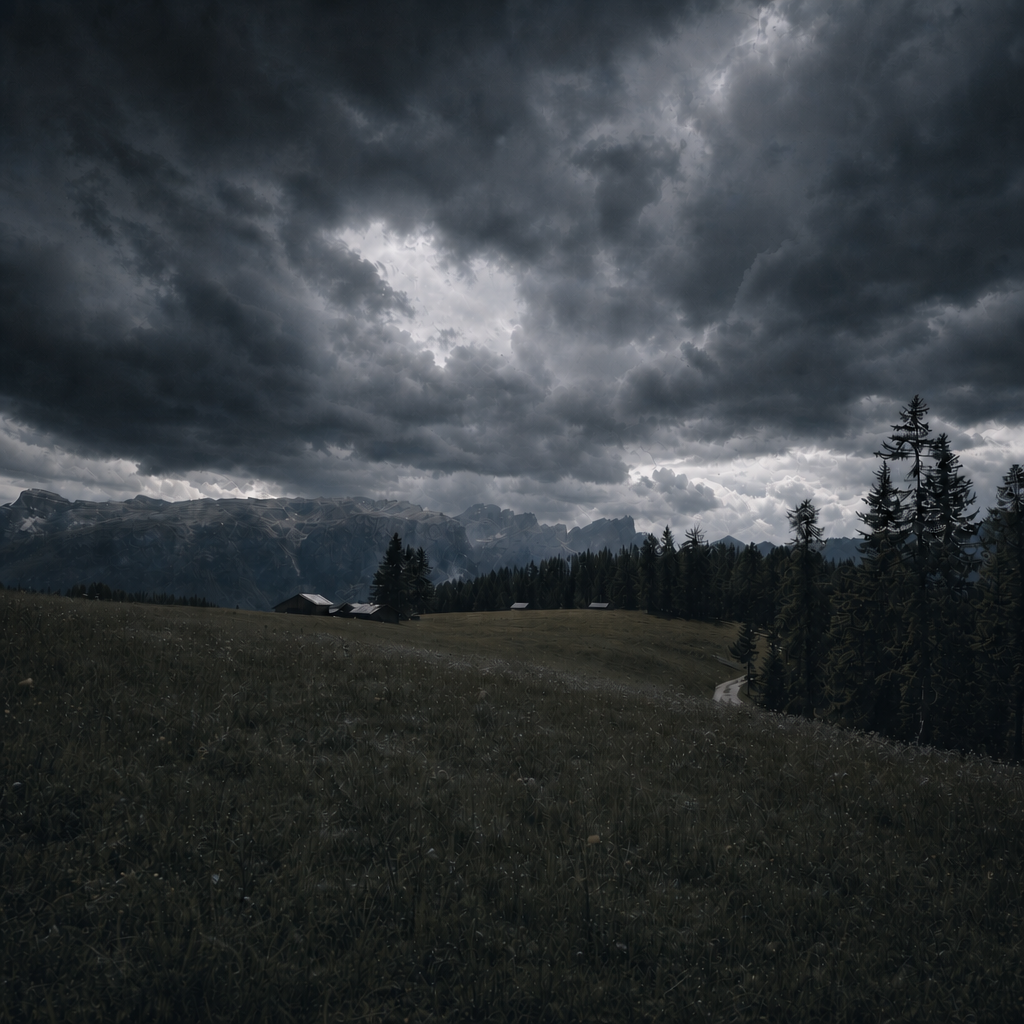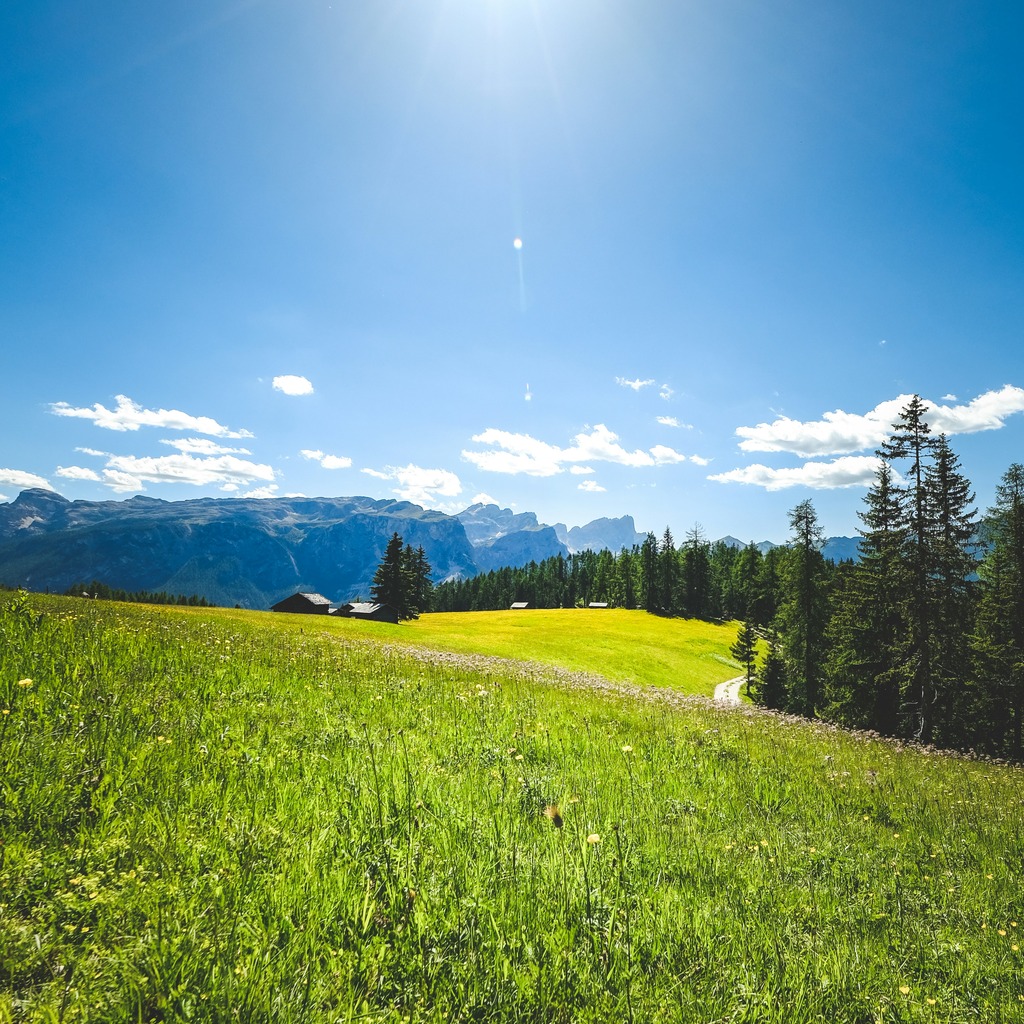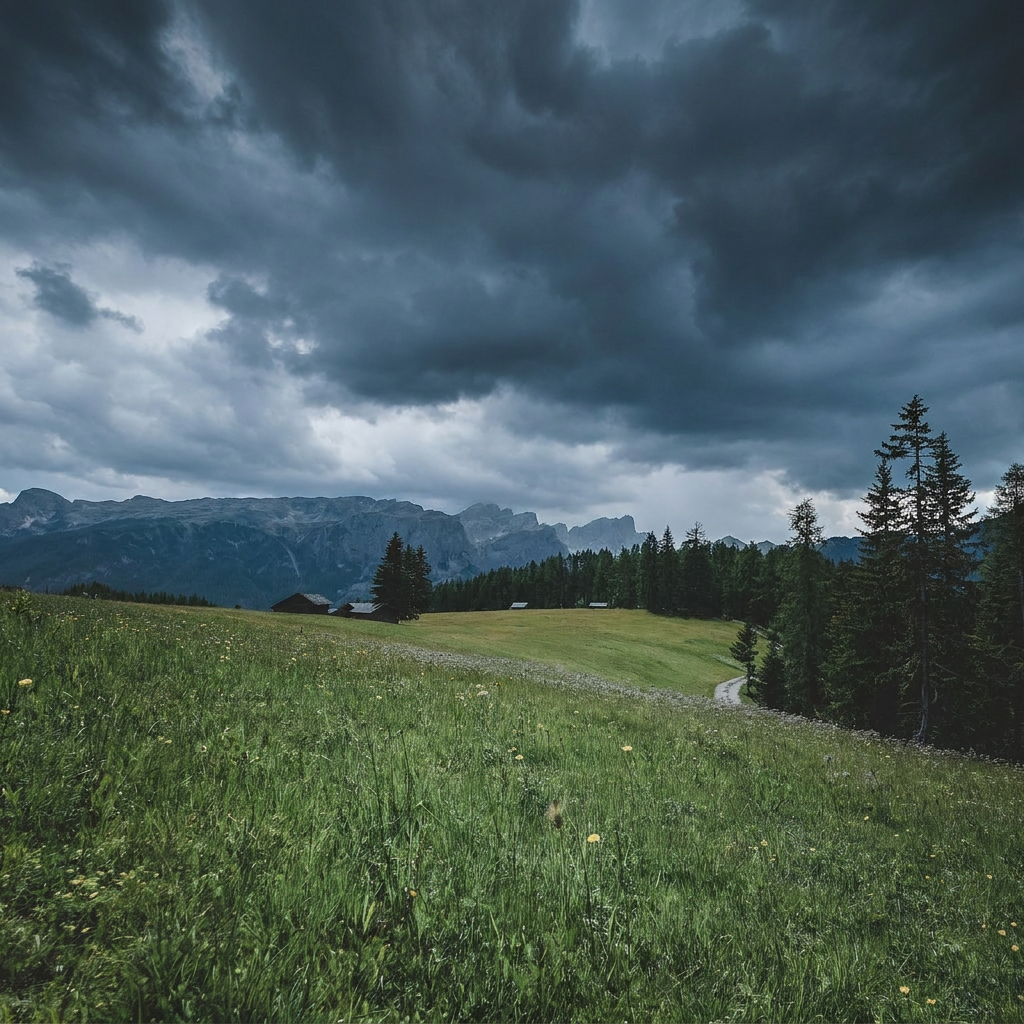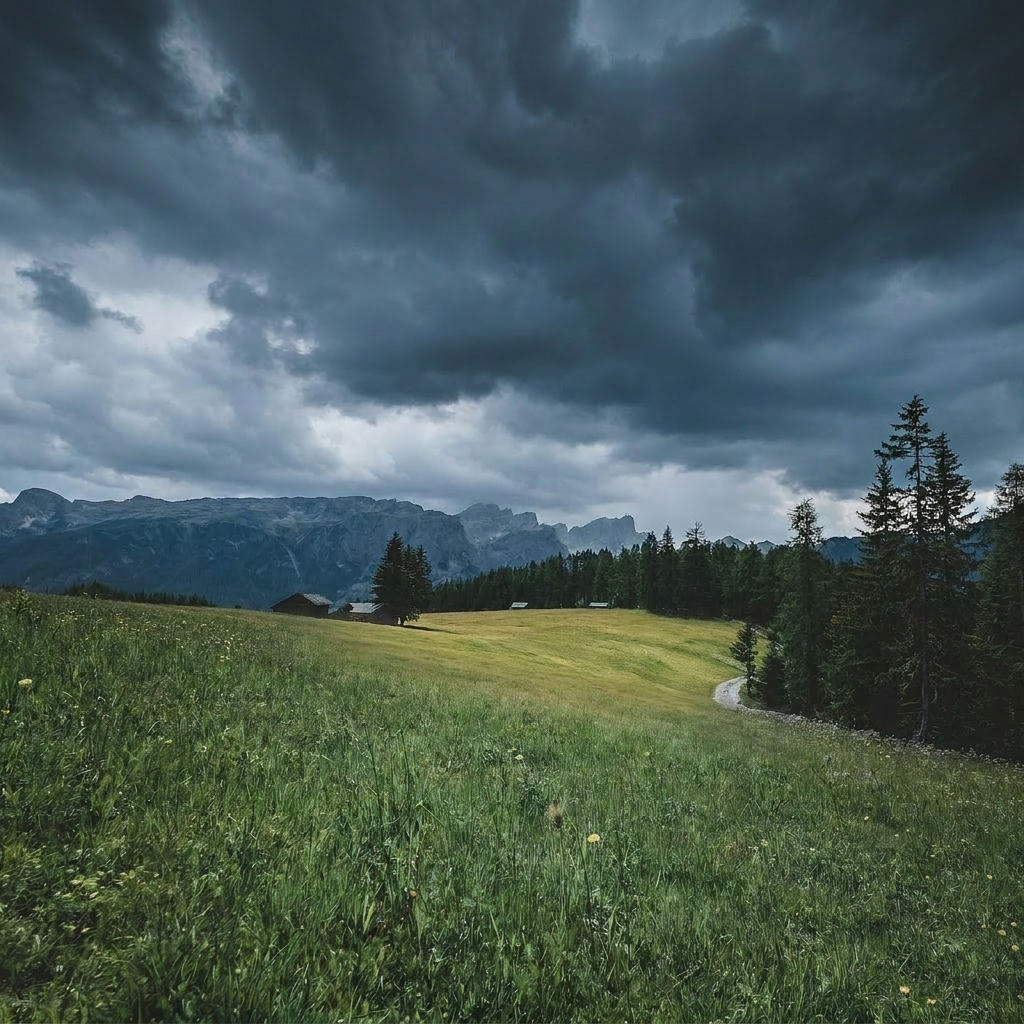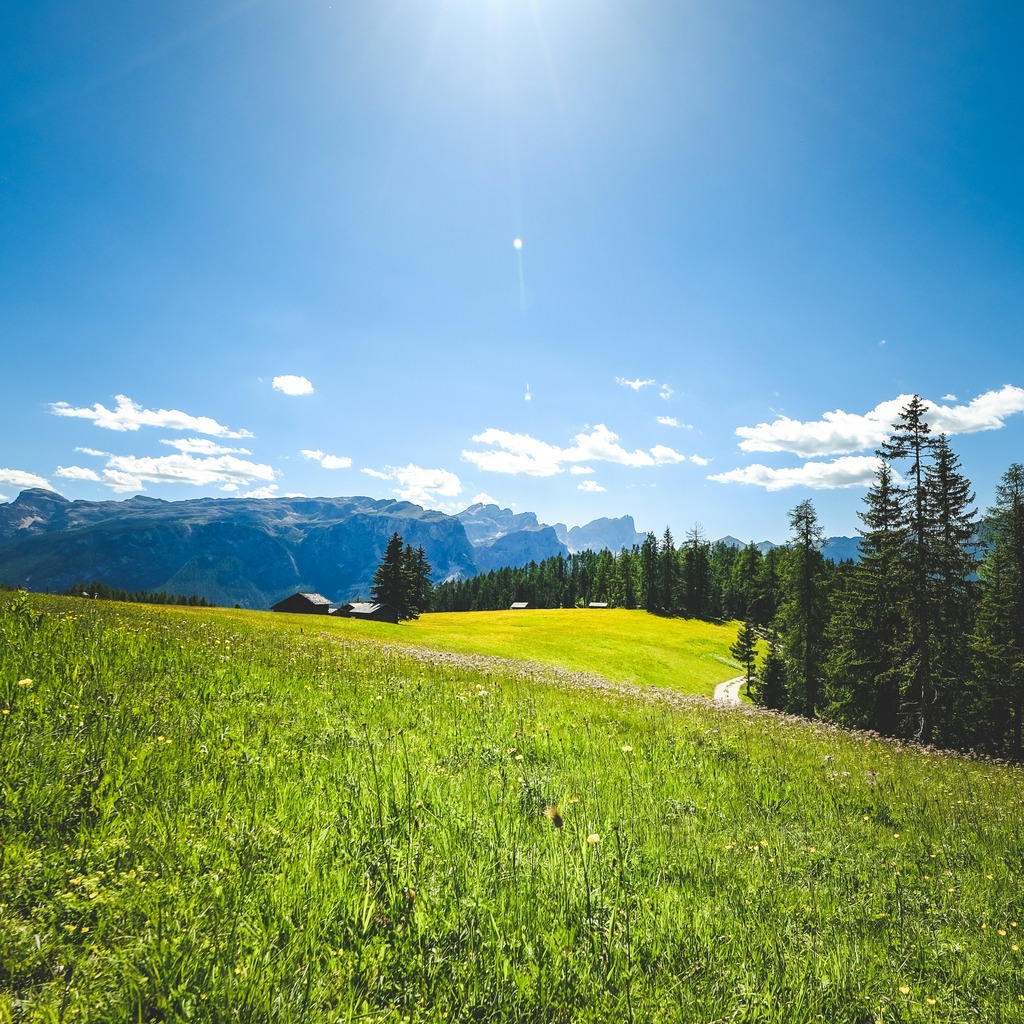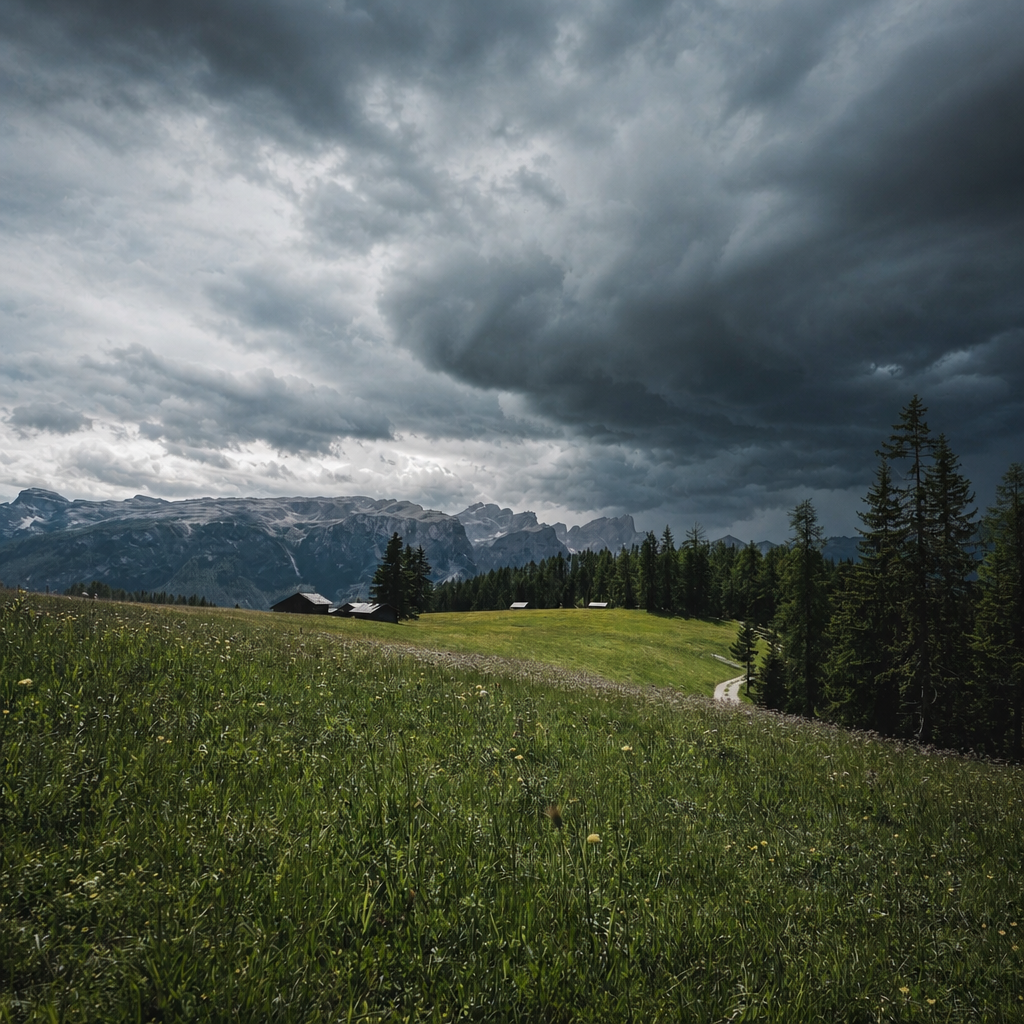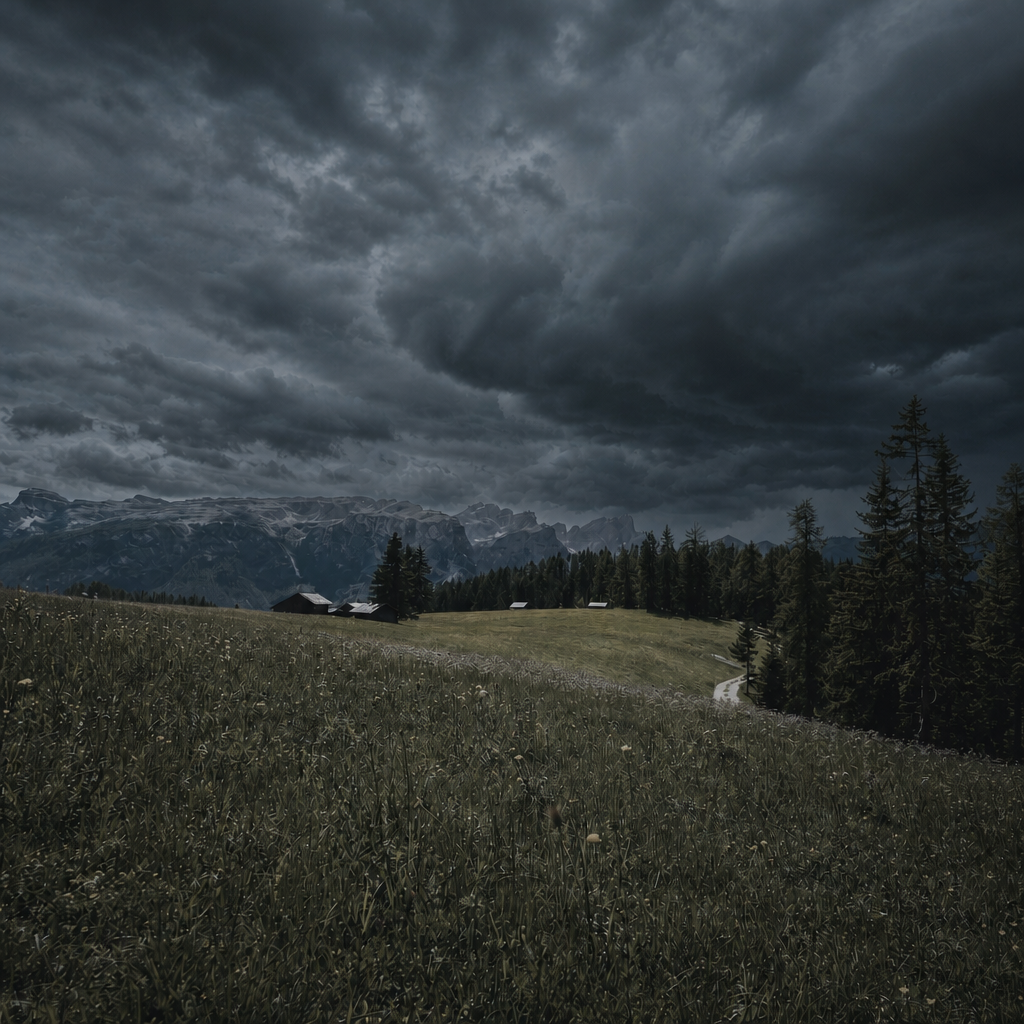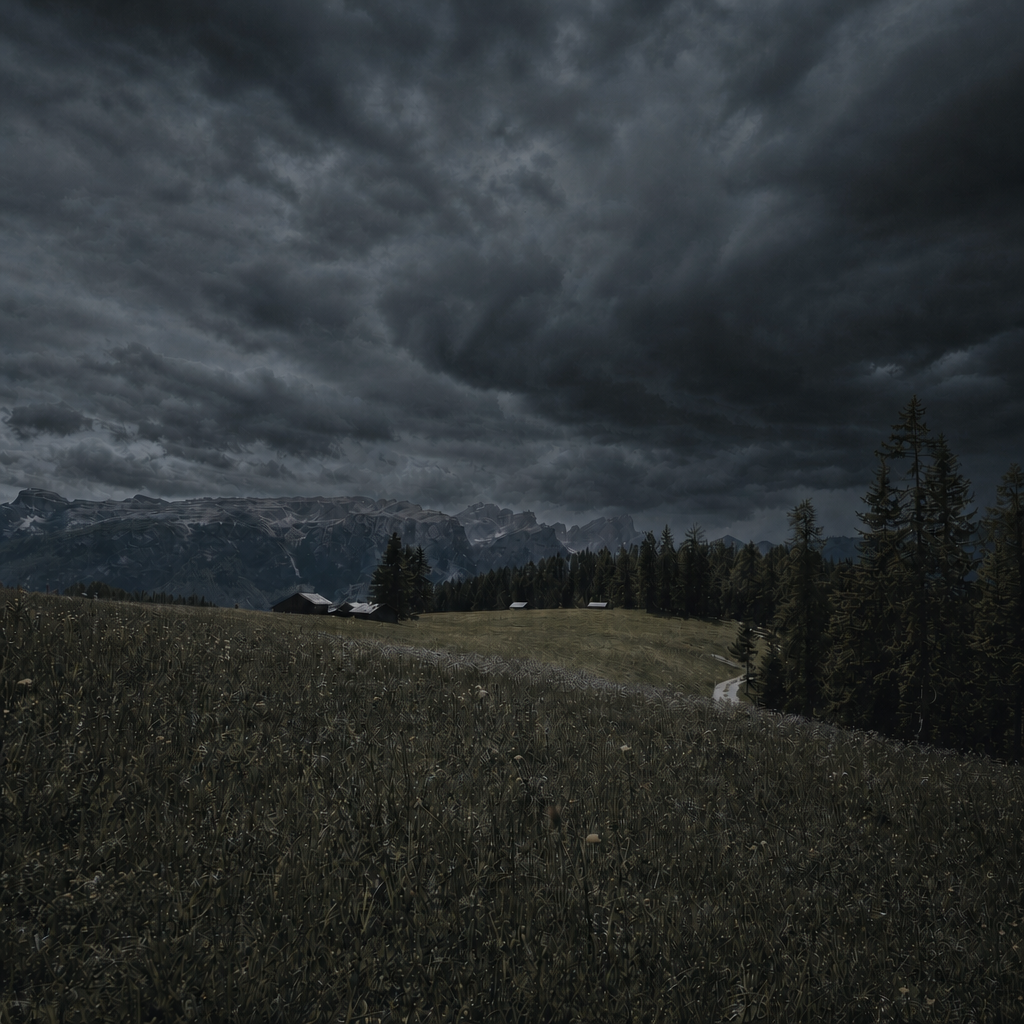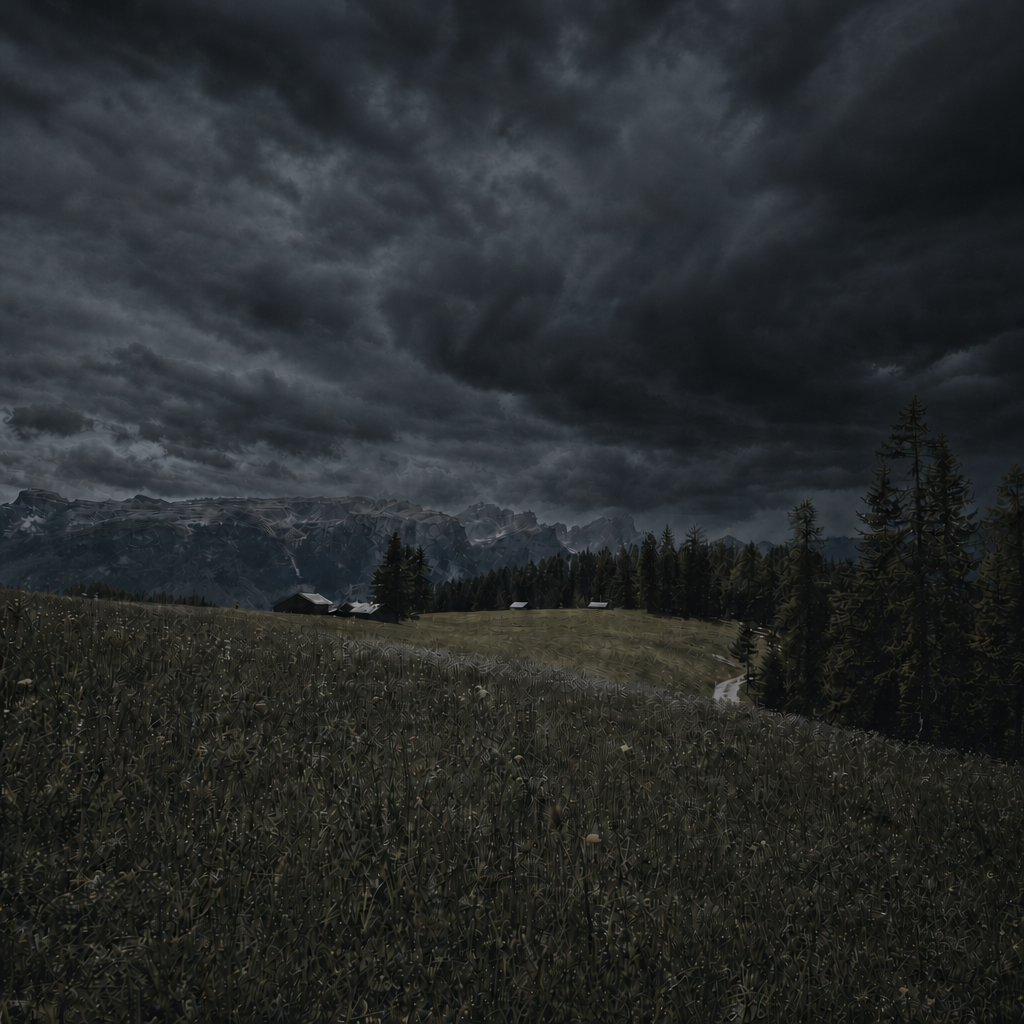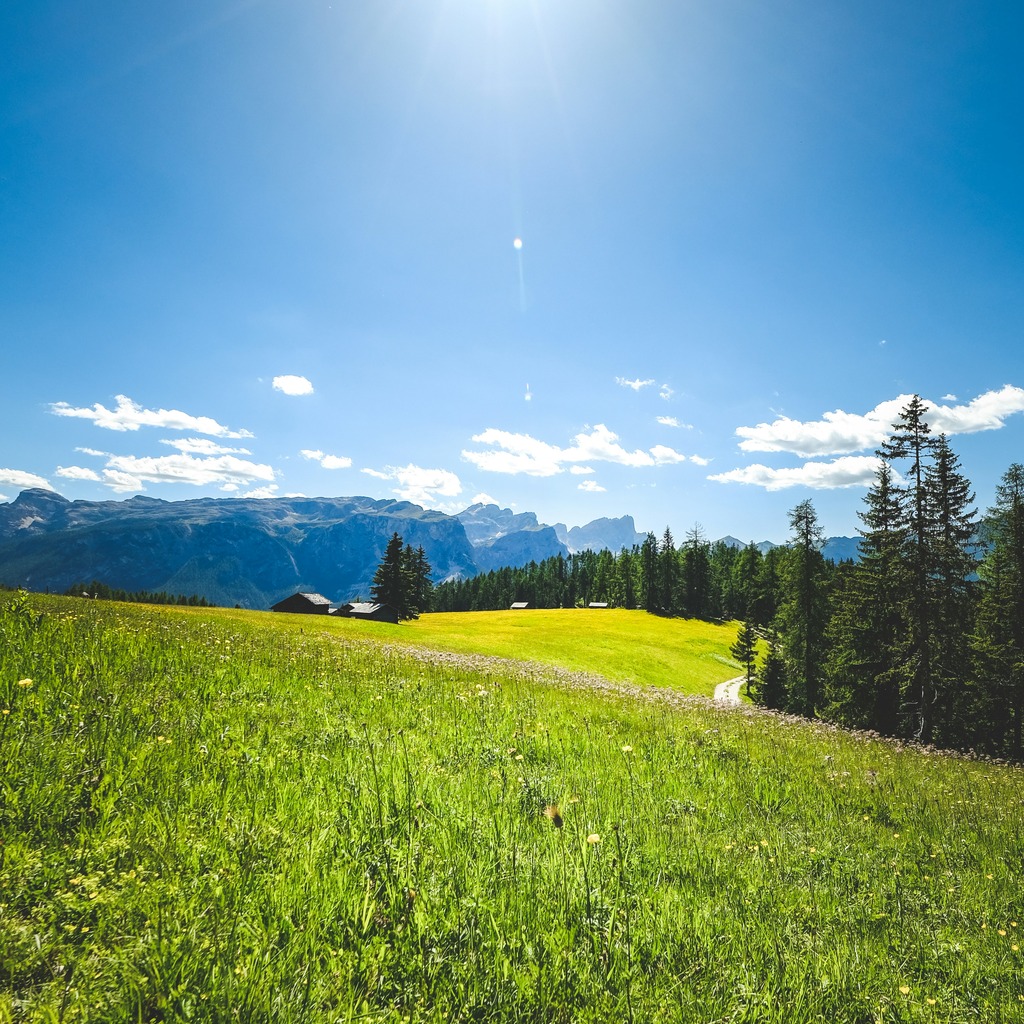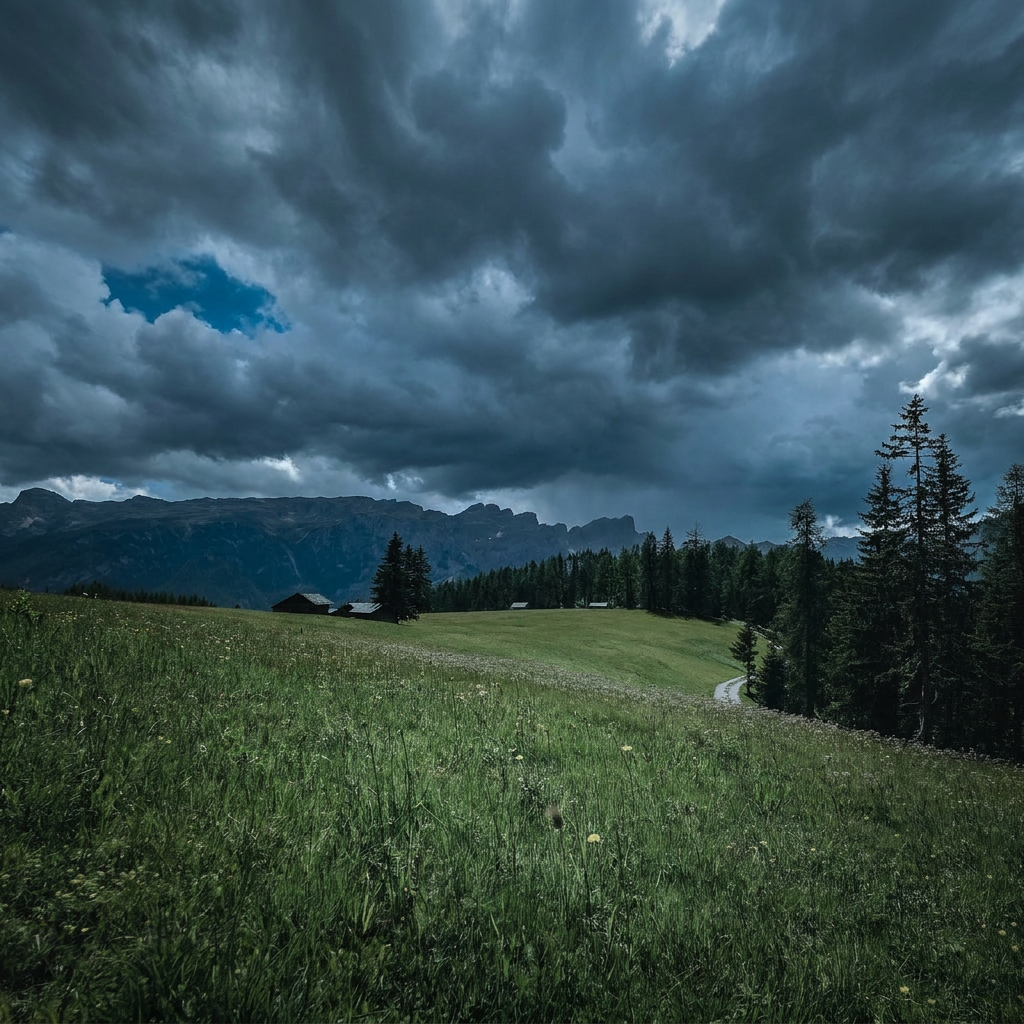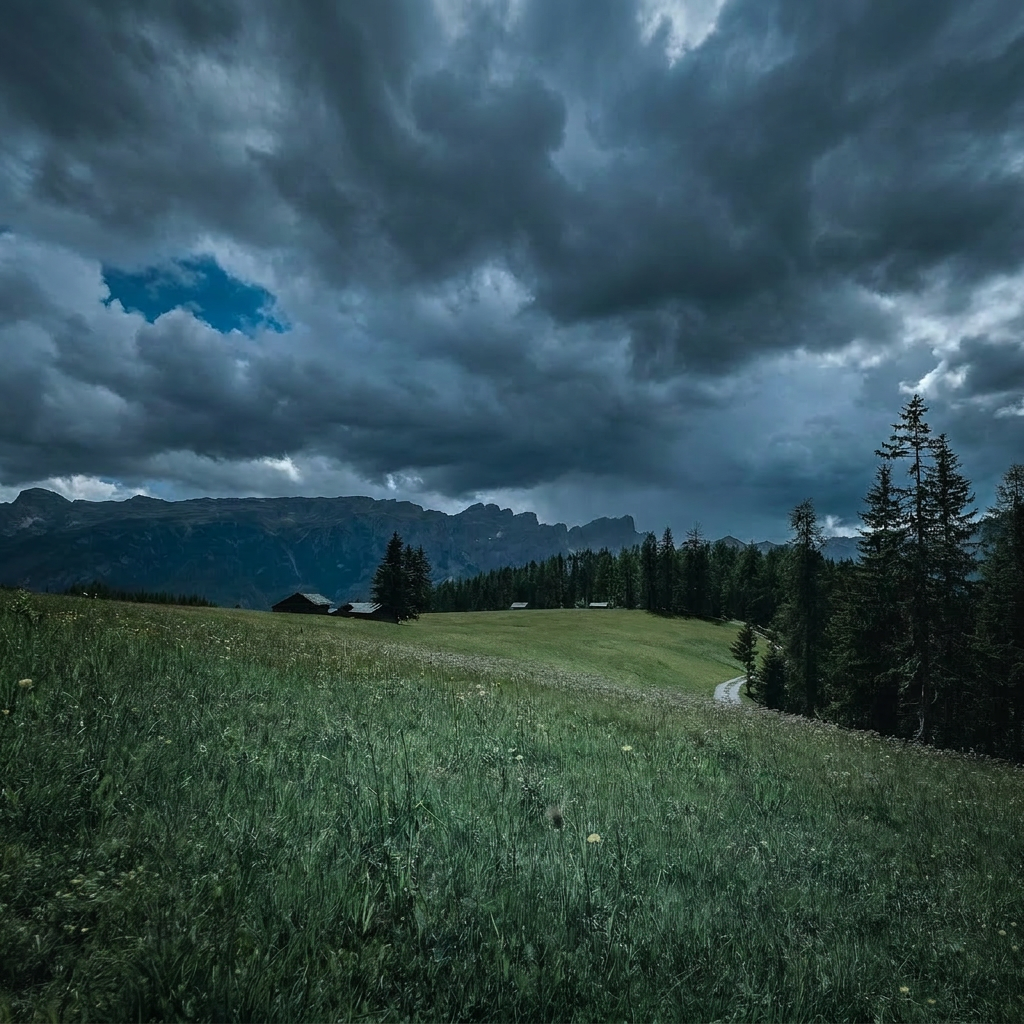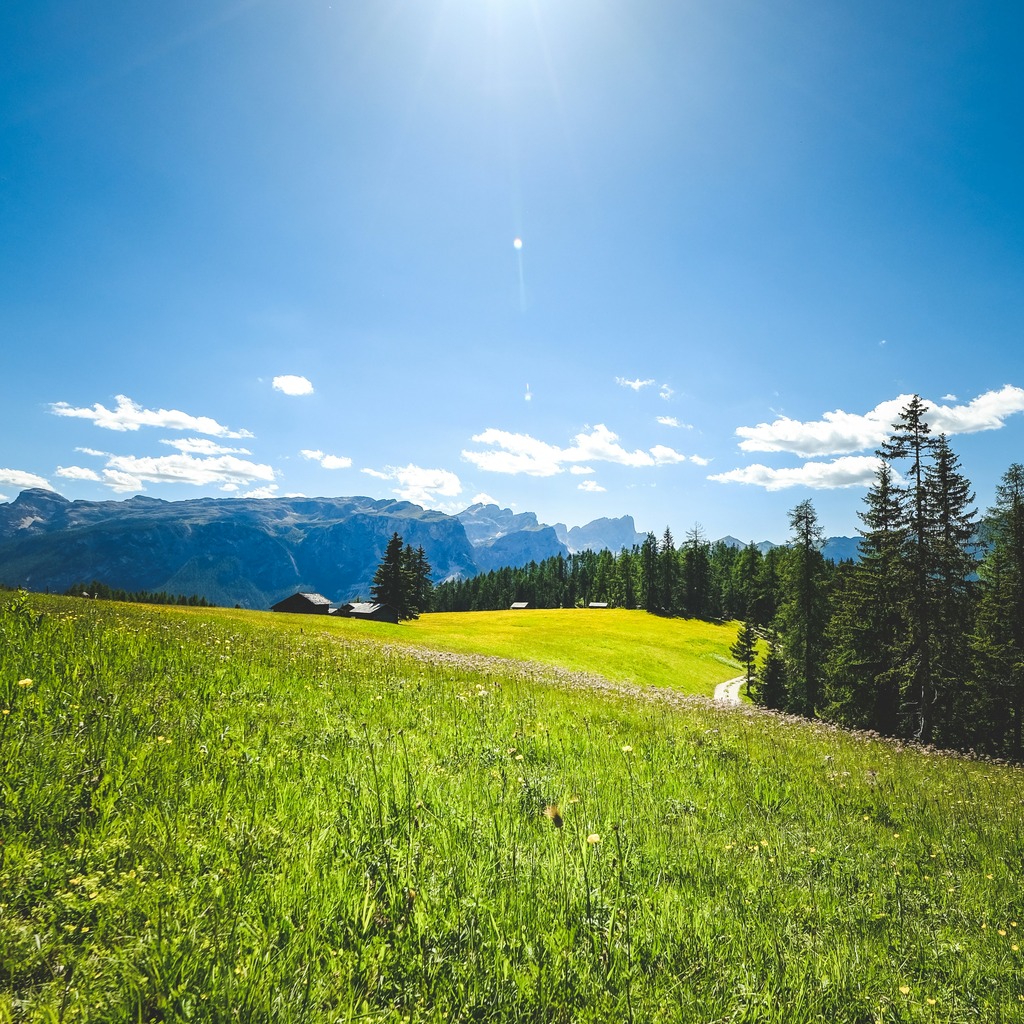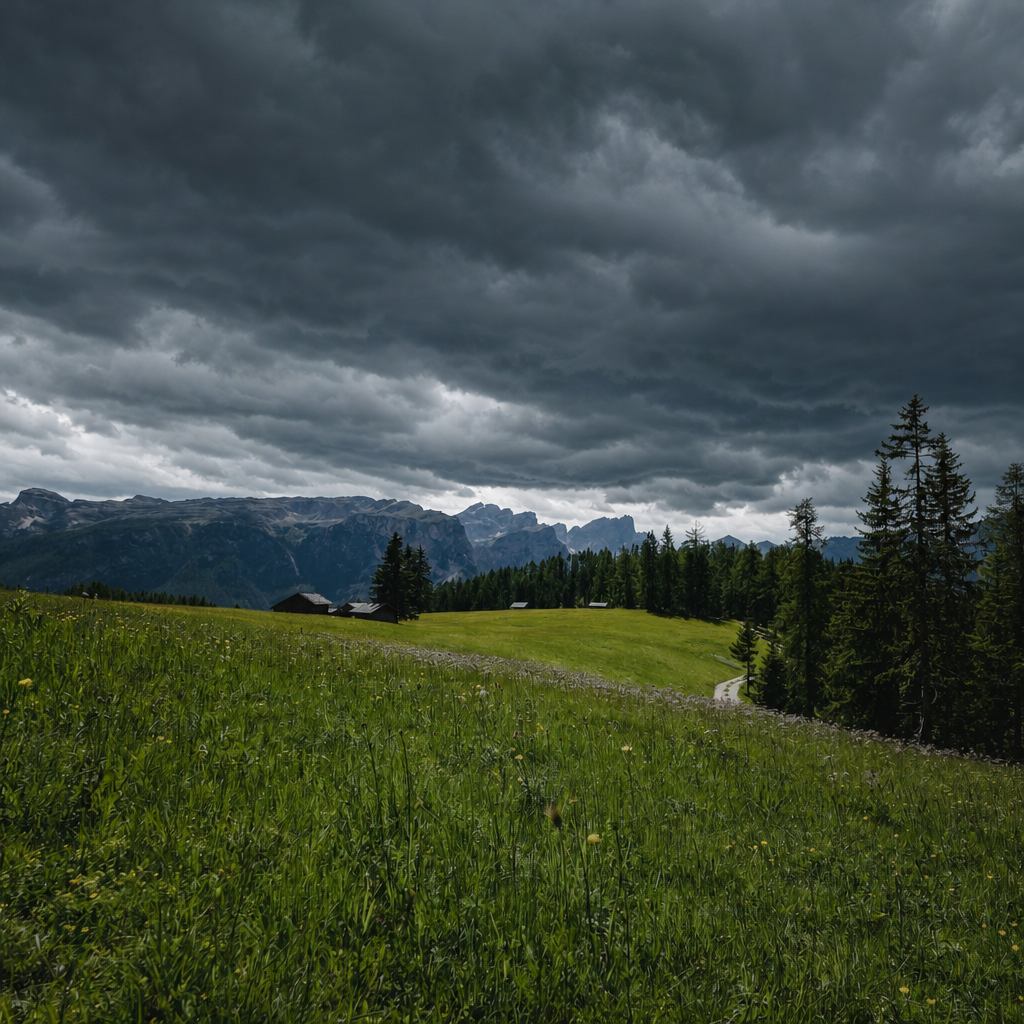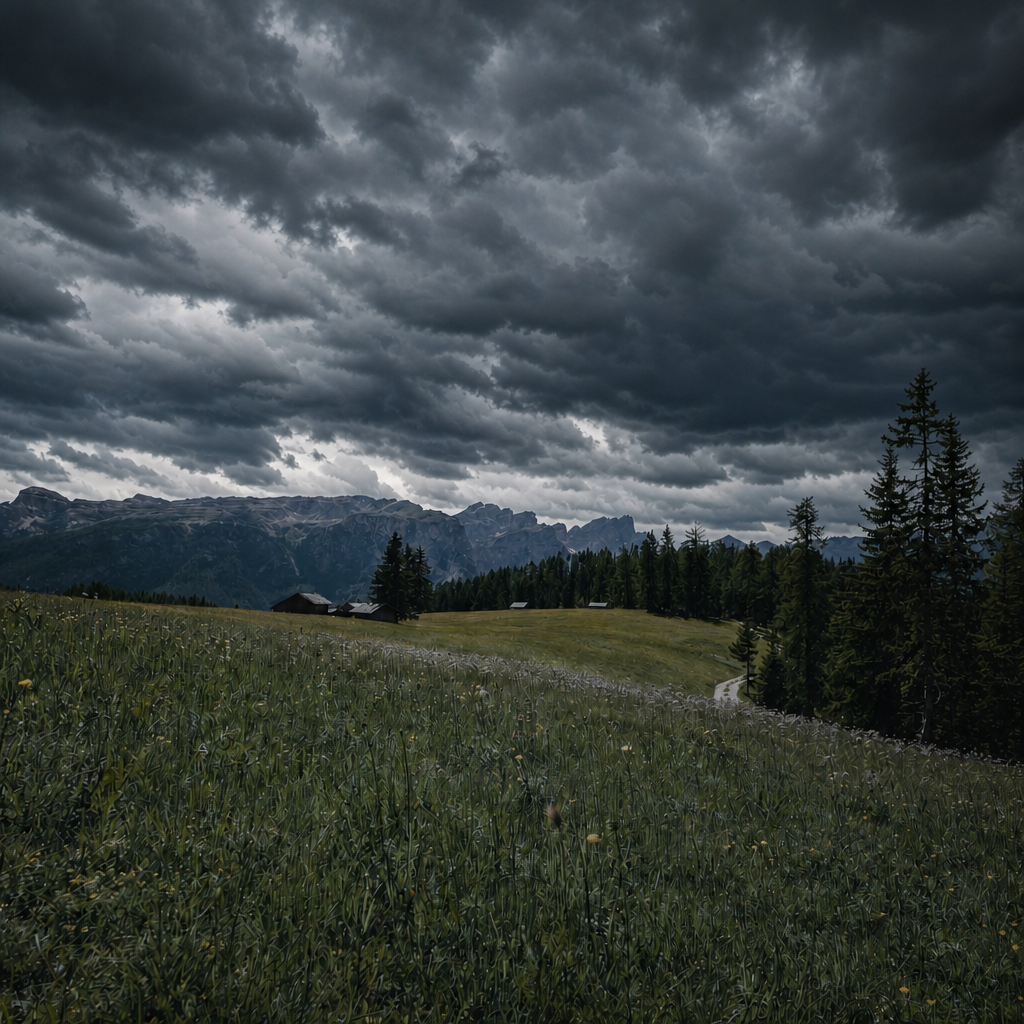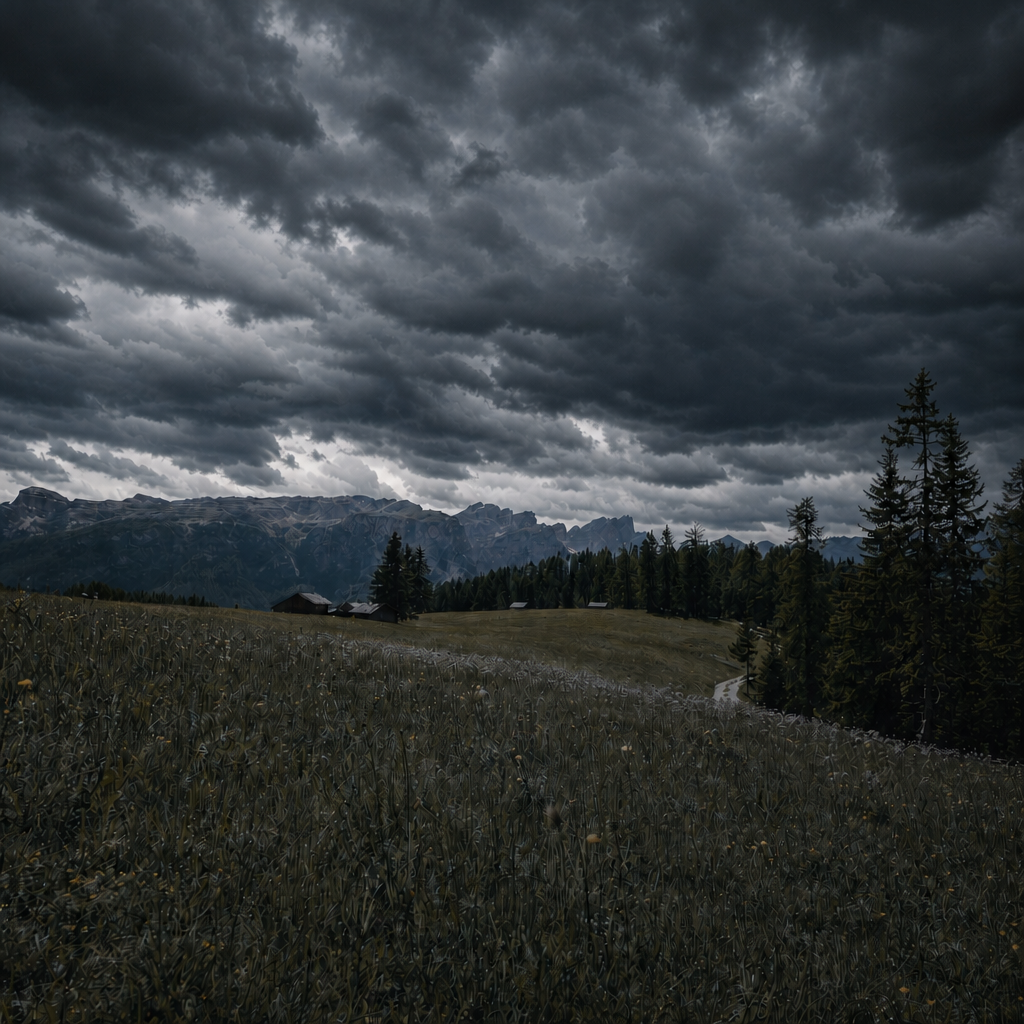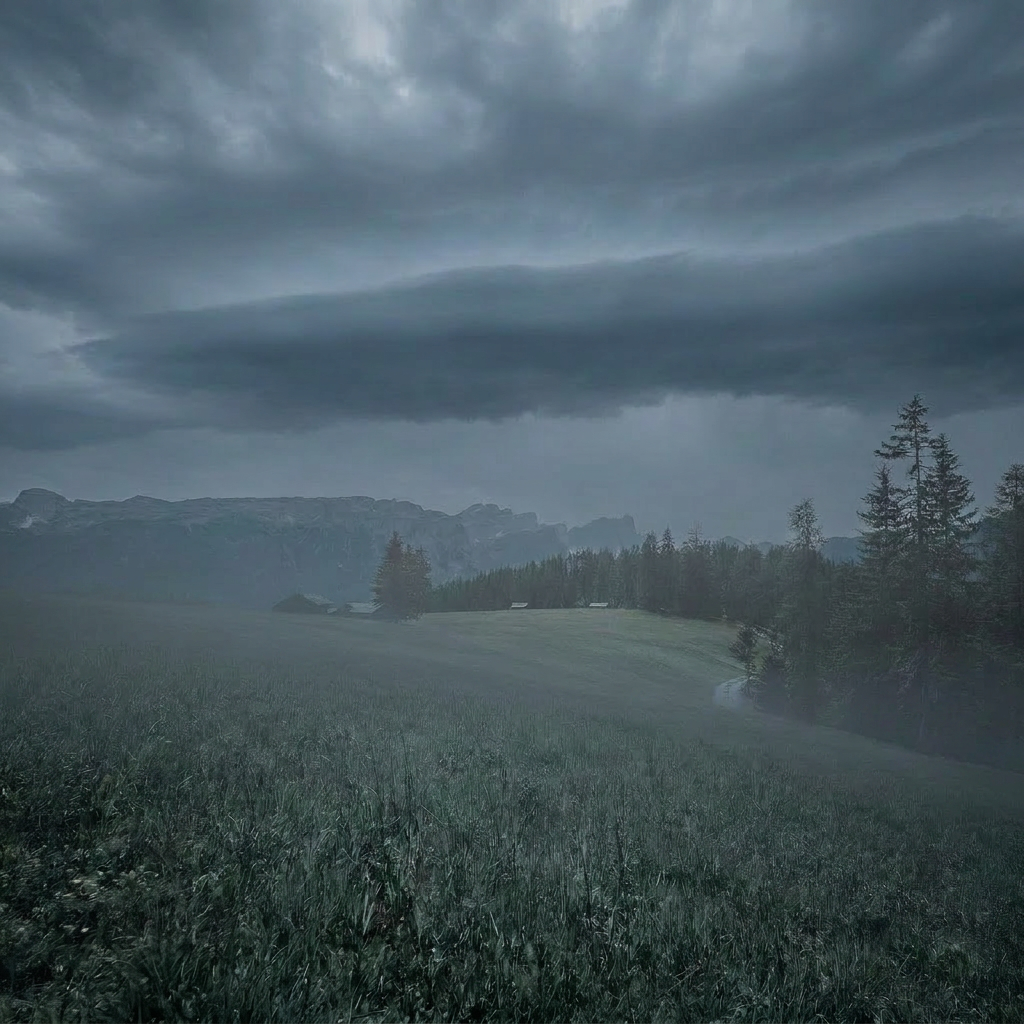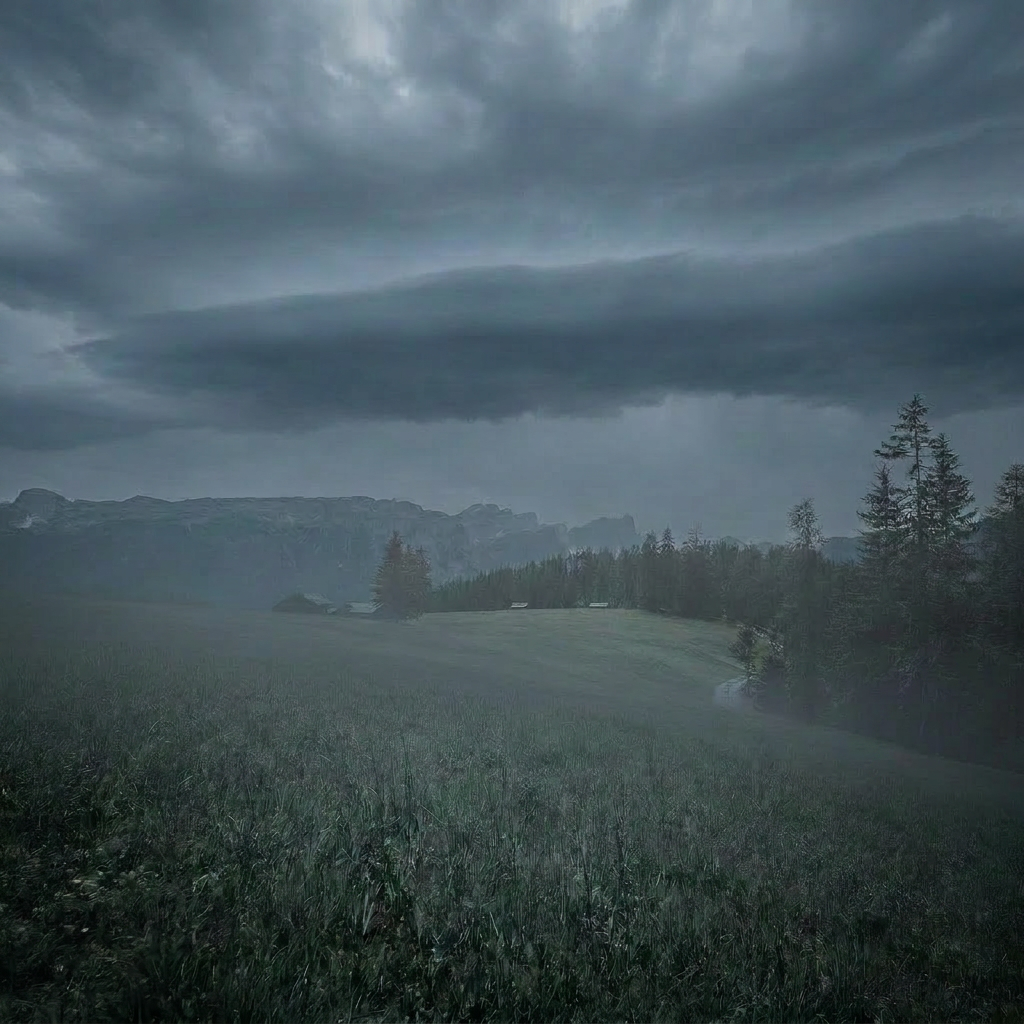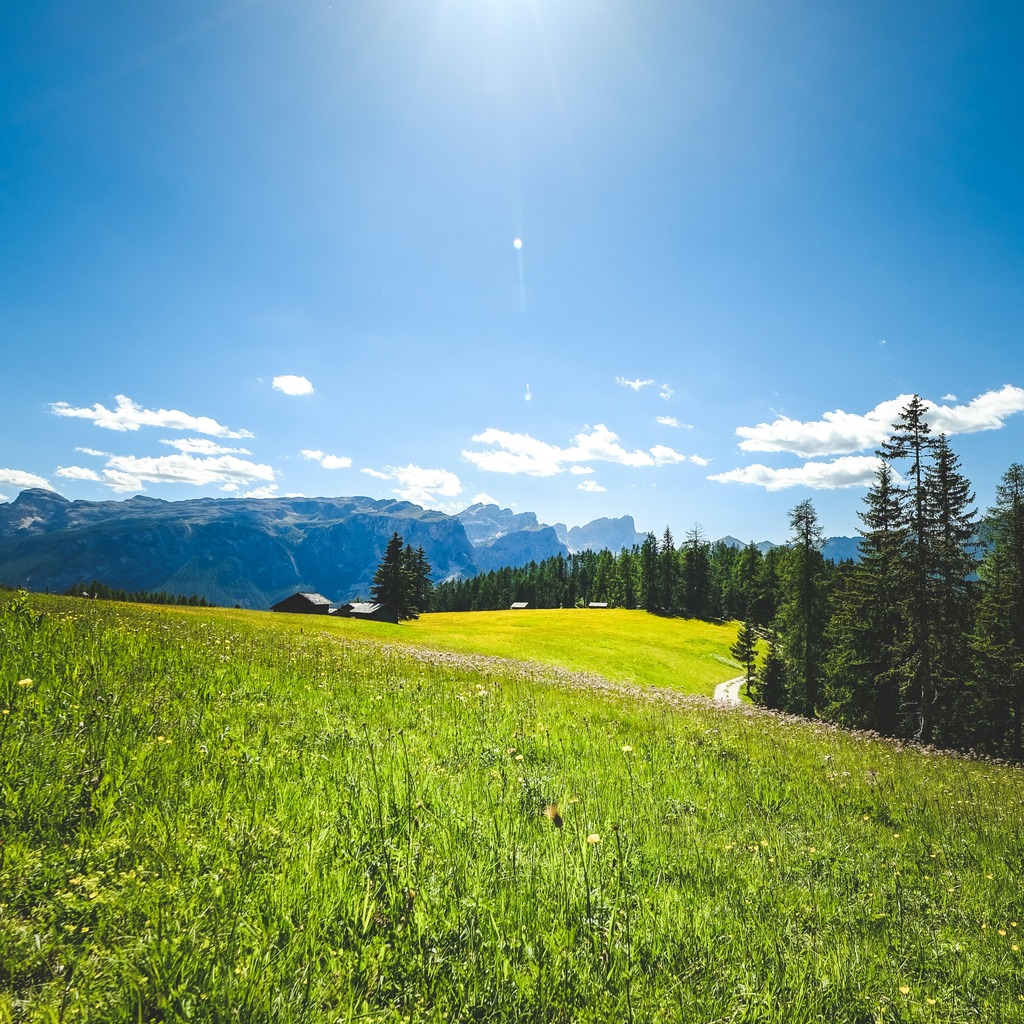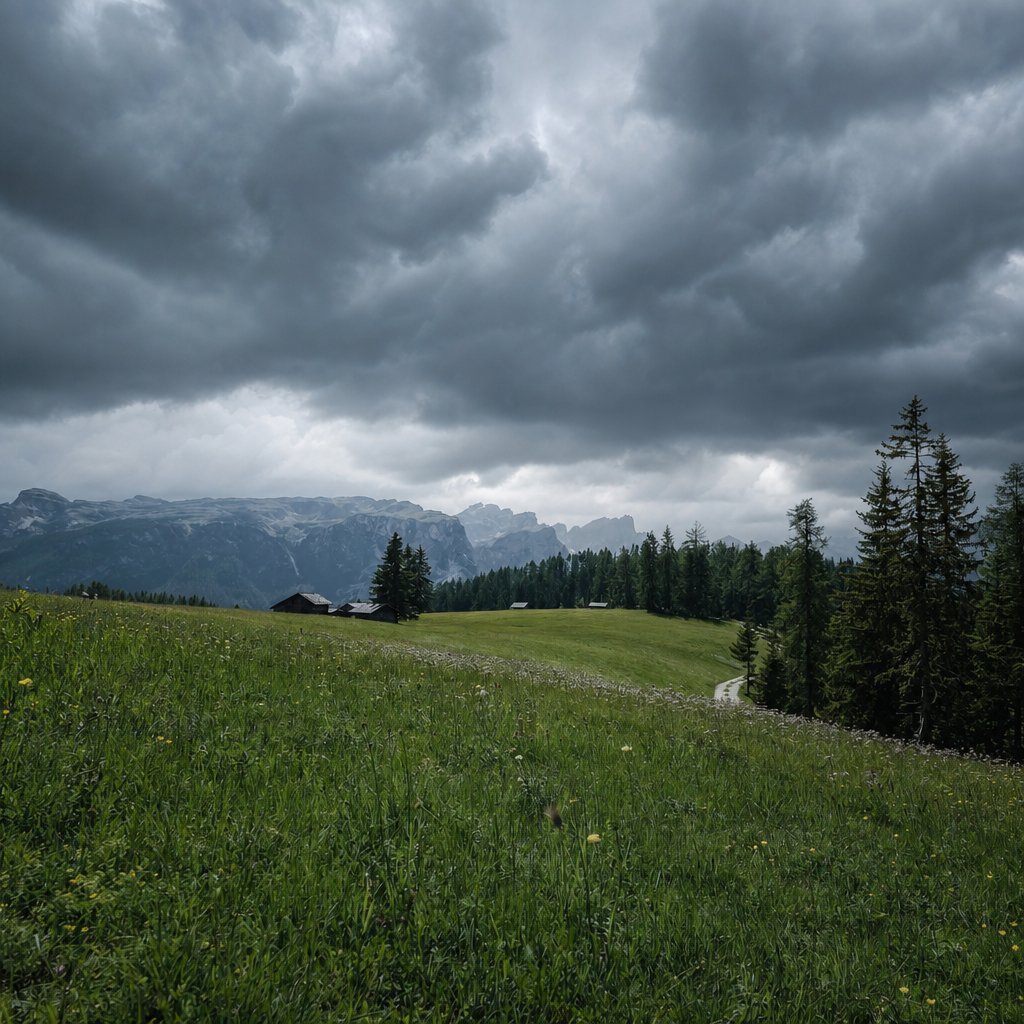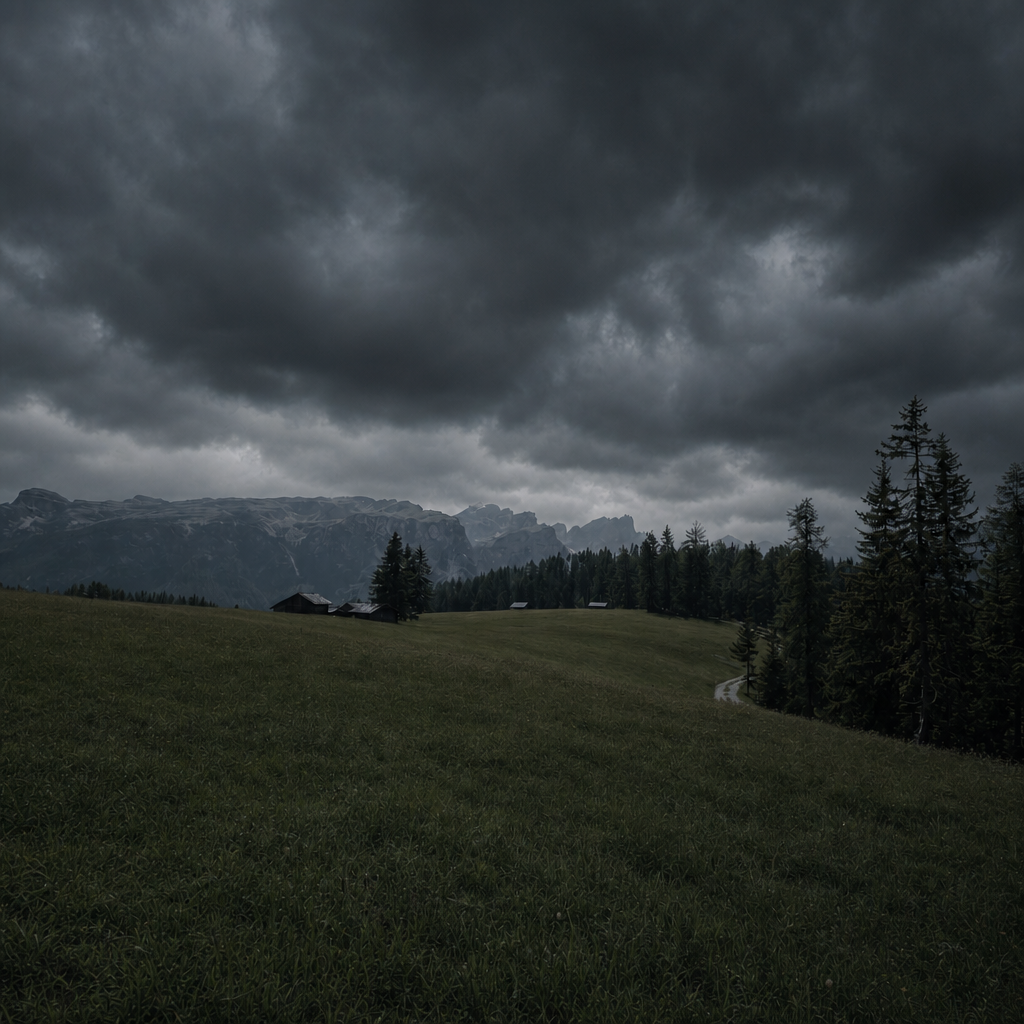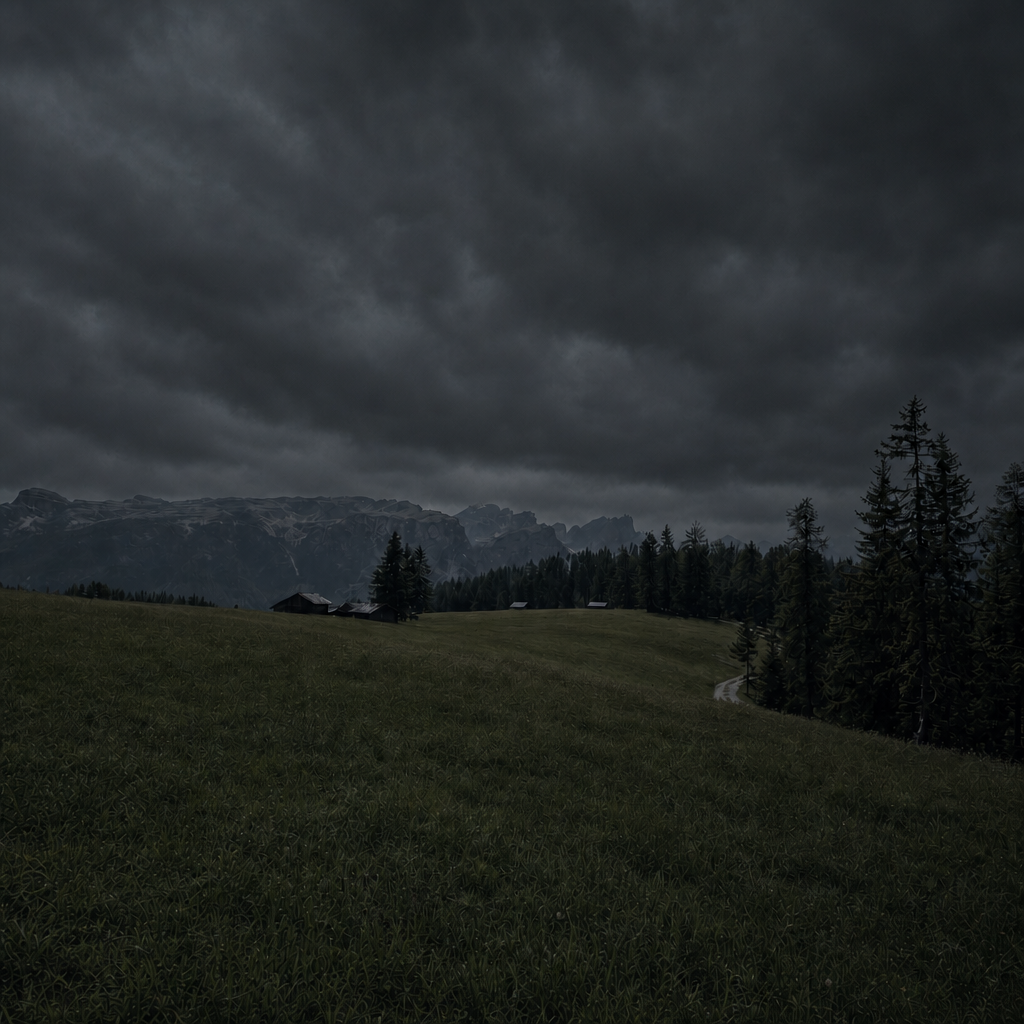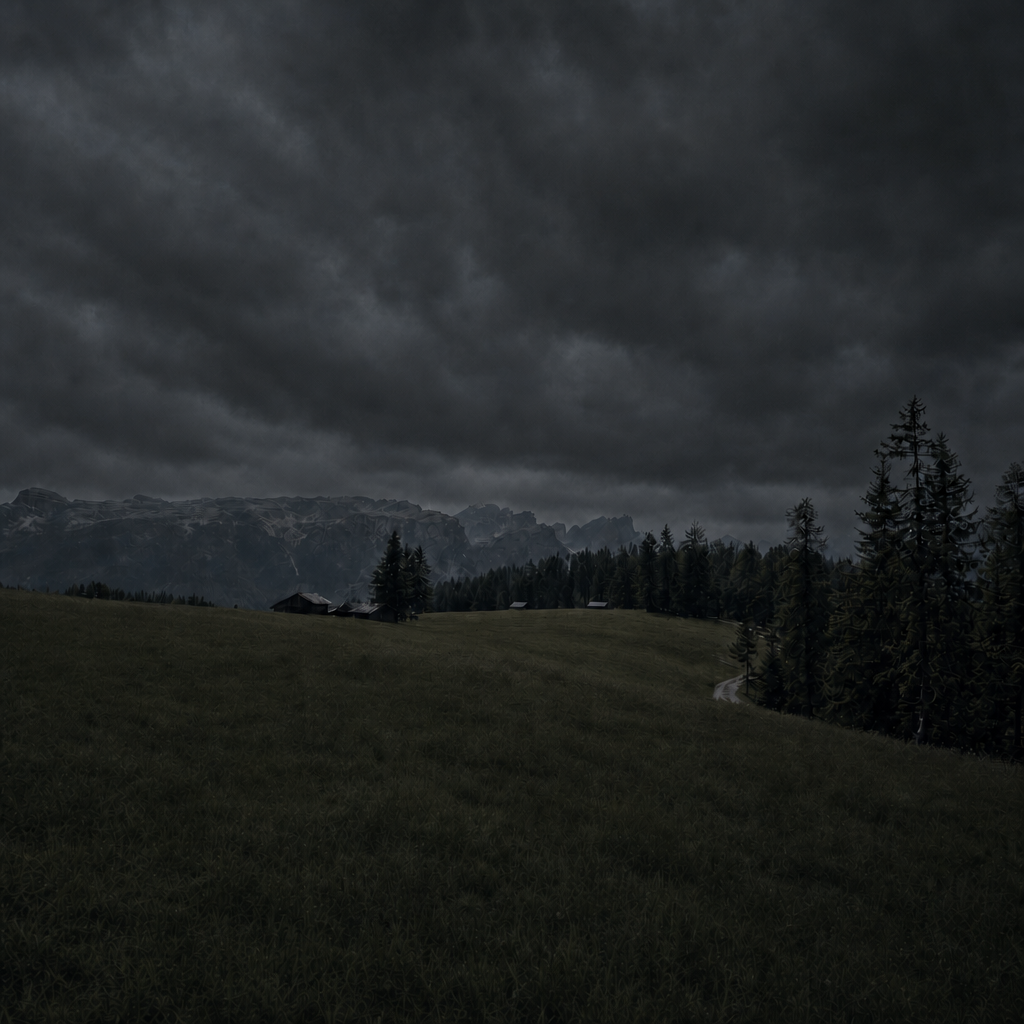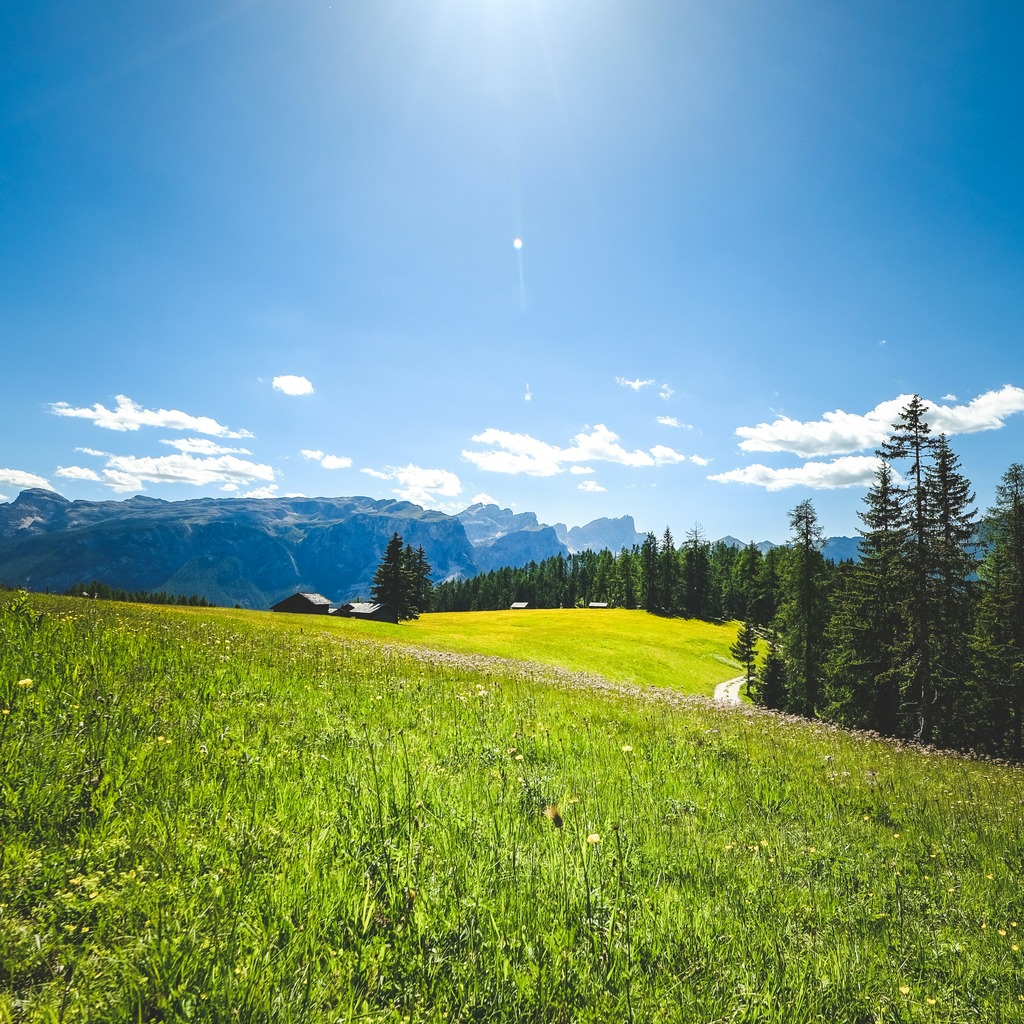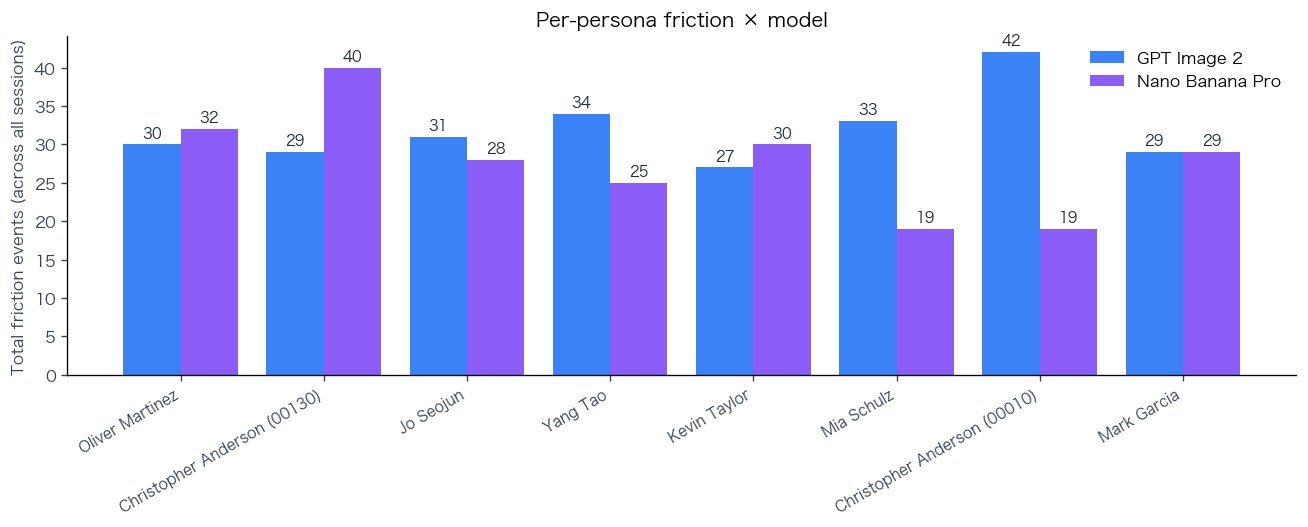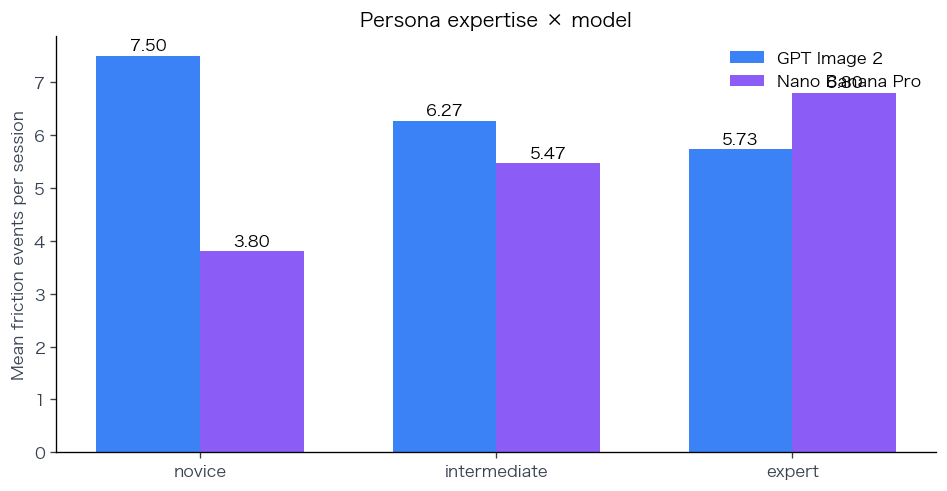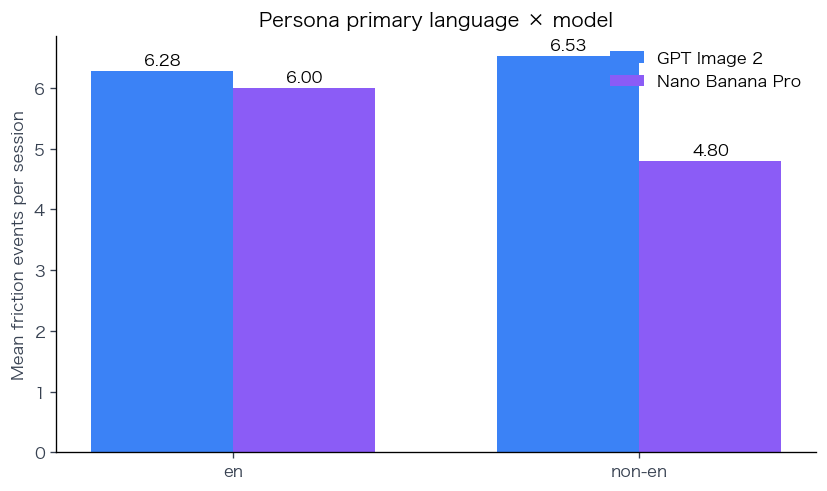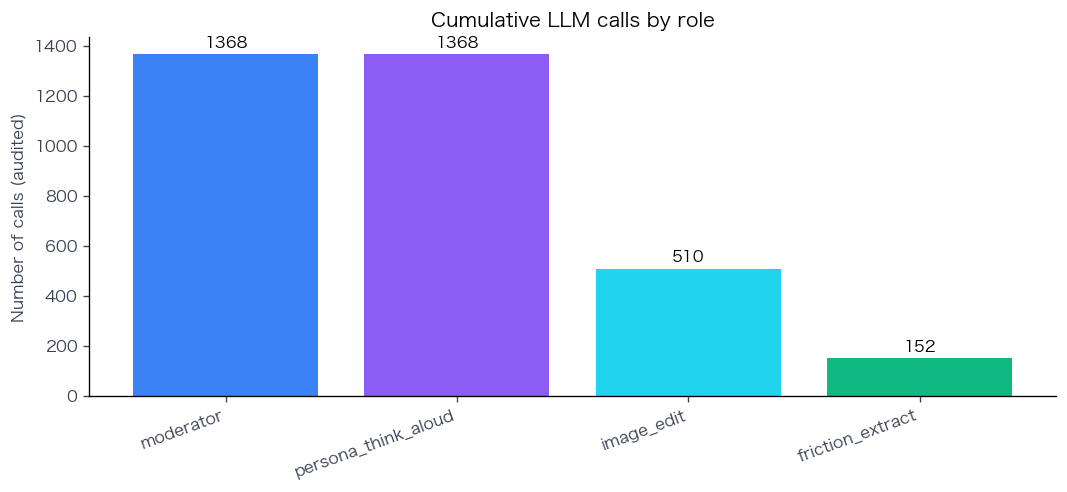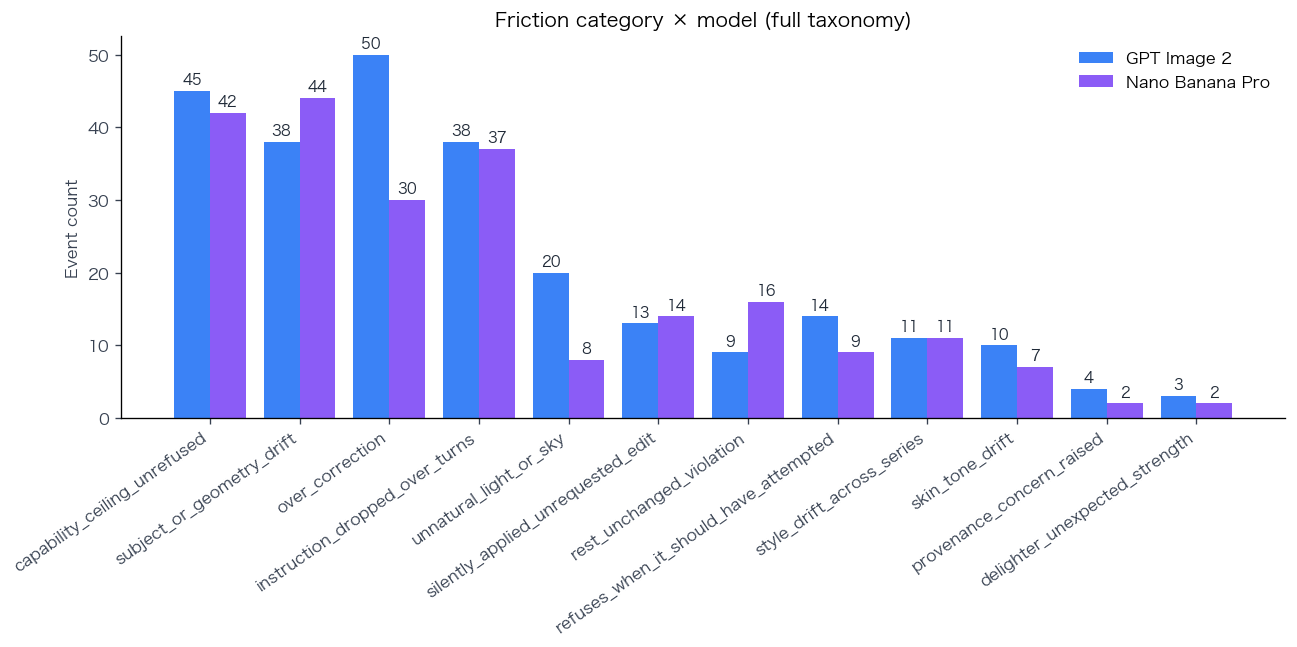
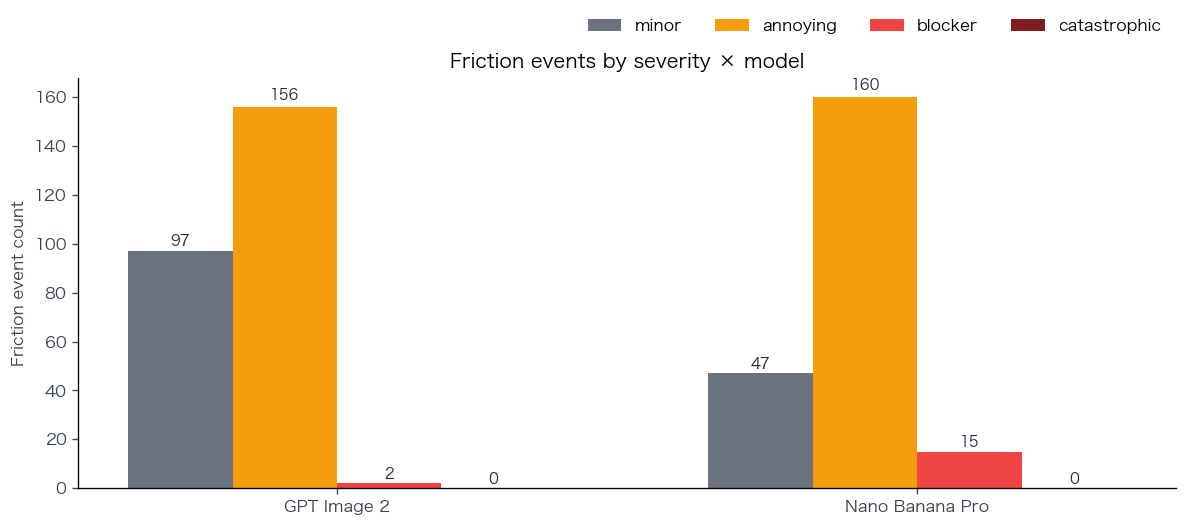
Oliver Martinez · Deadline Retouch · GPT Image 2
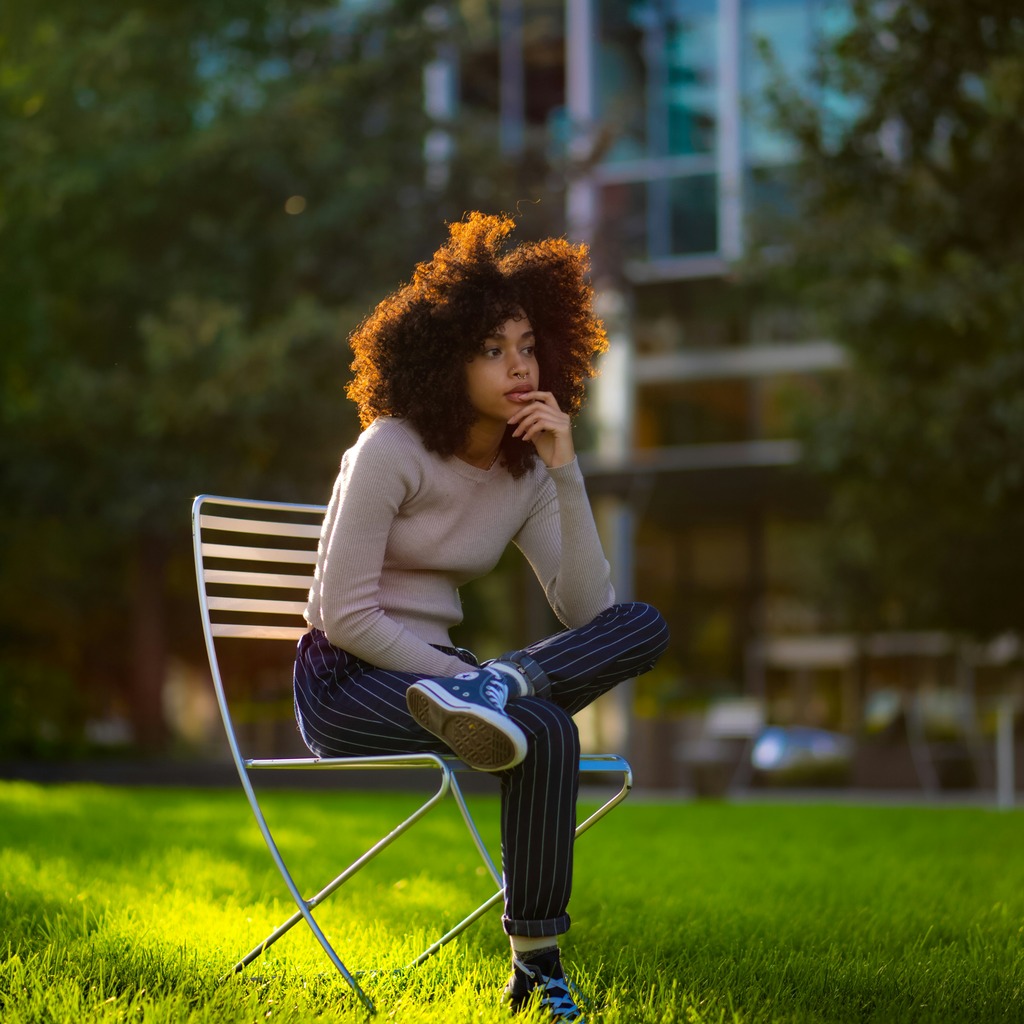
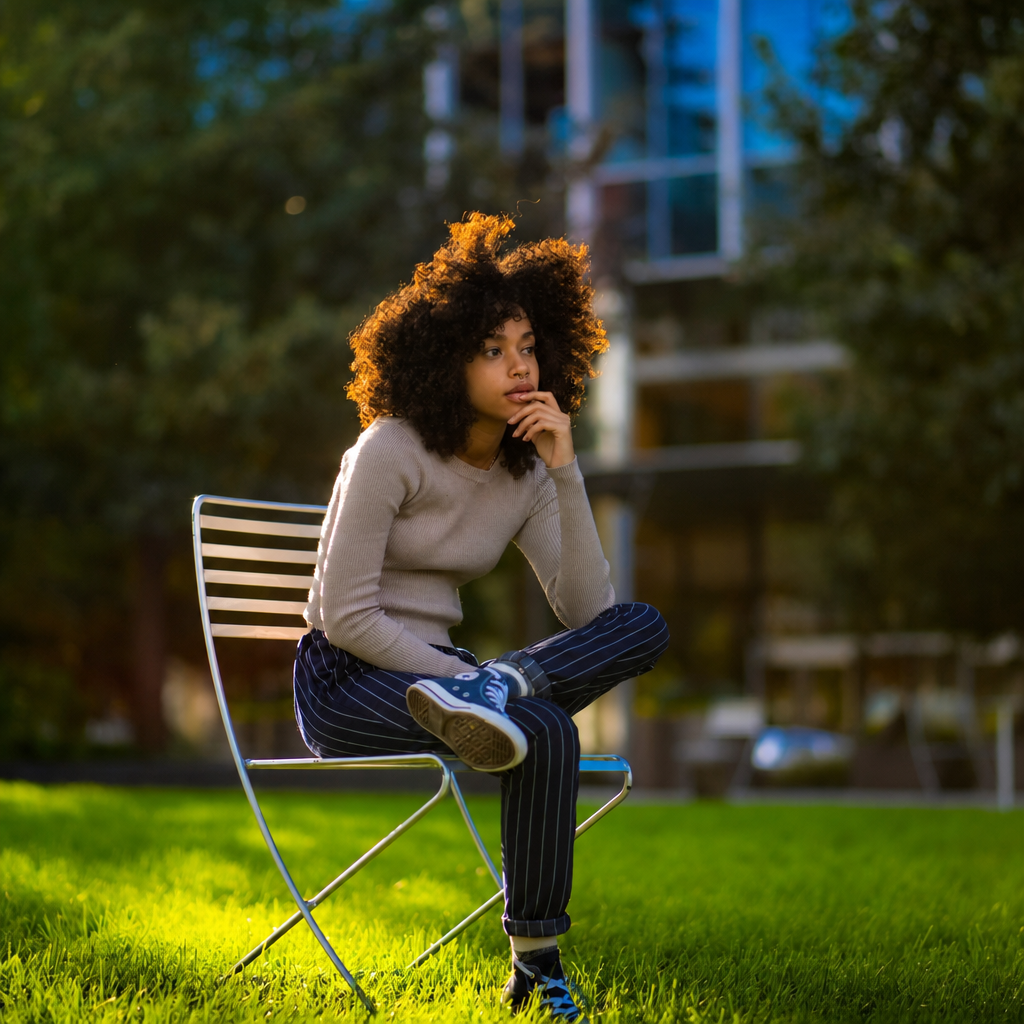
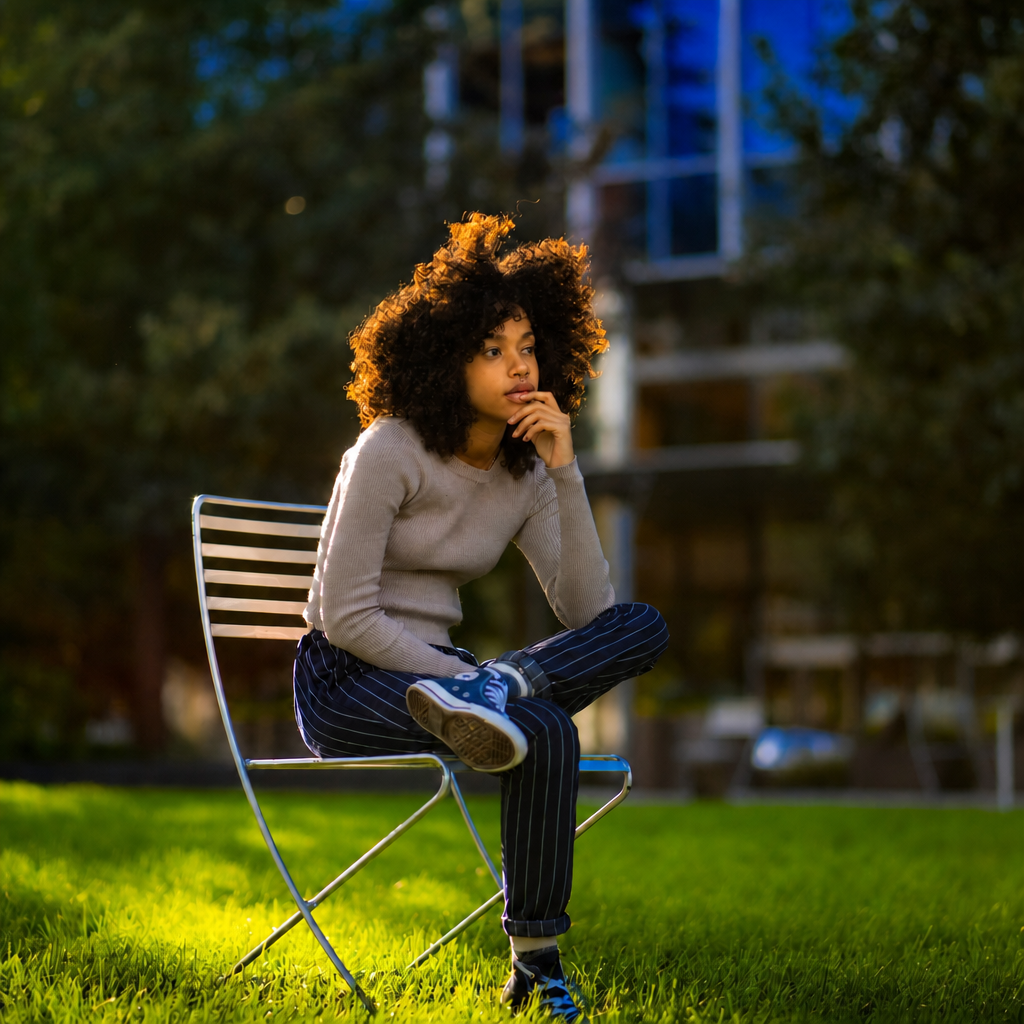
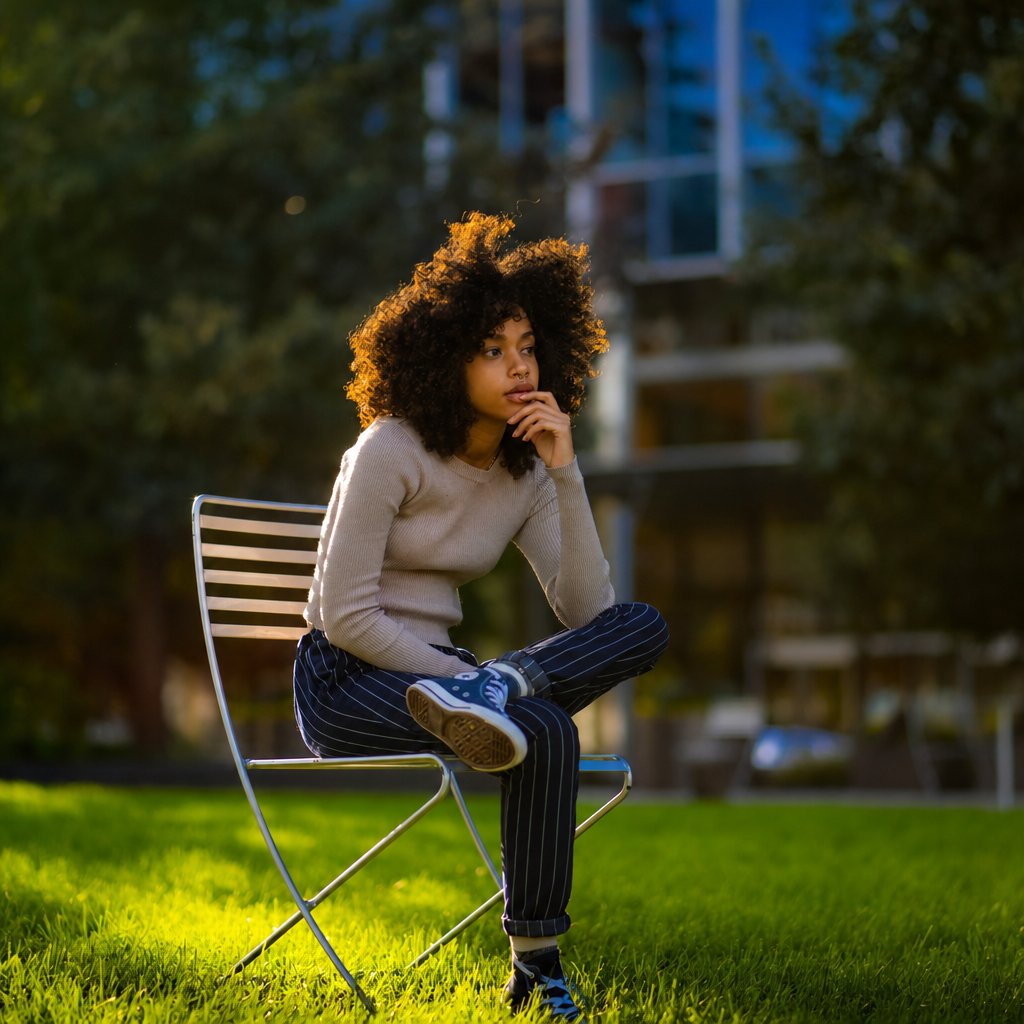
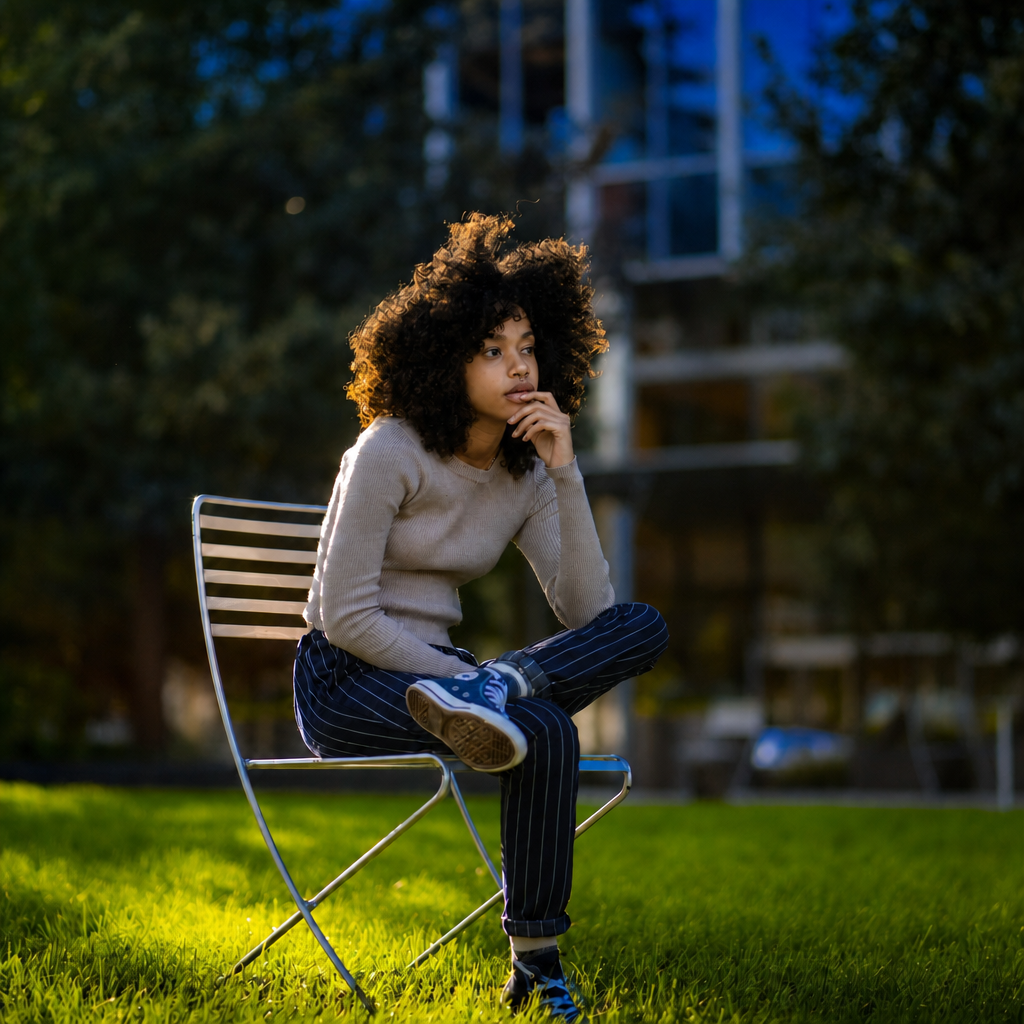
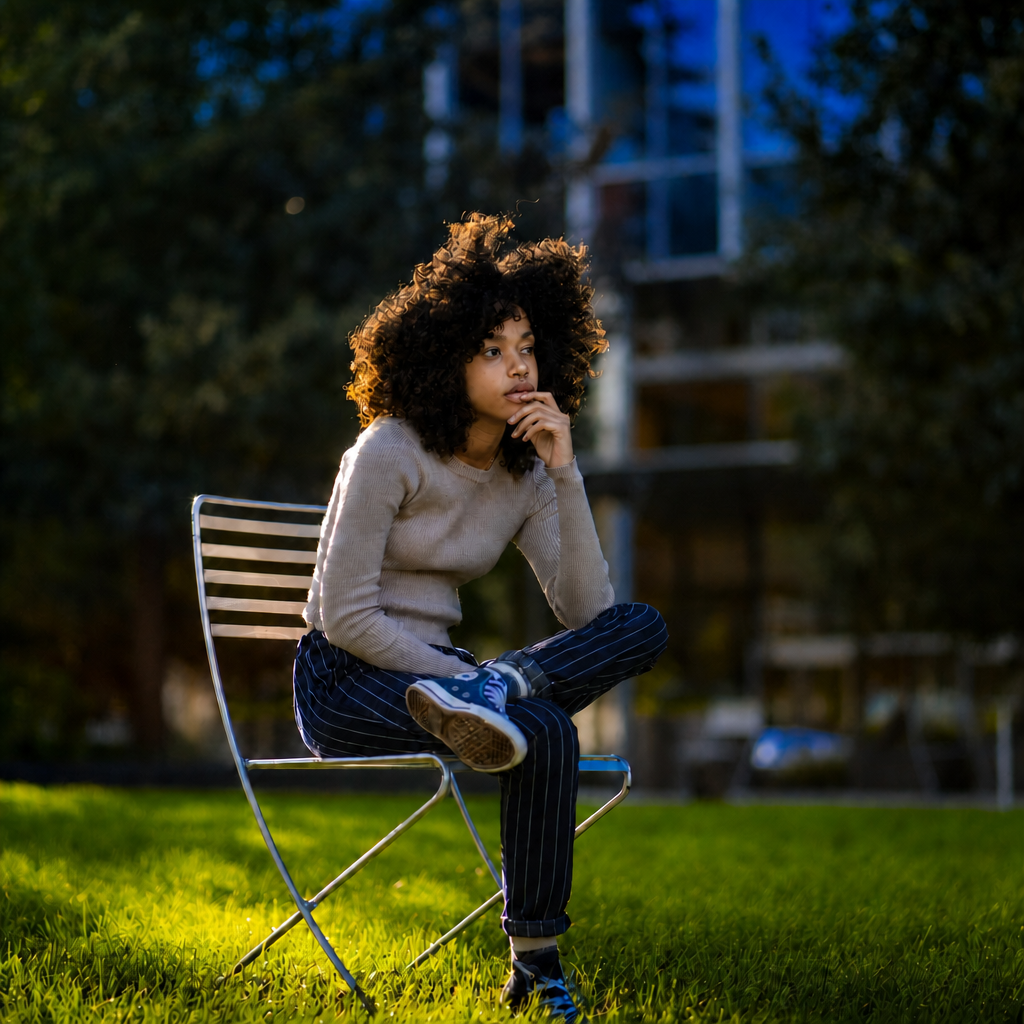
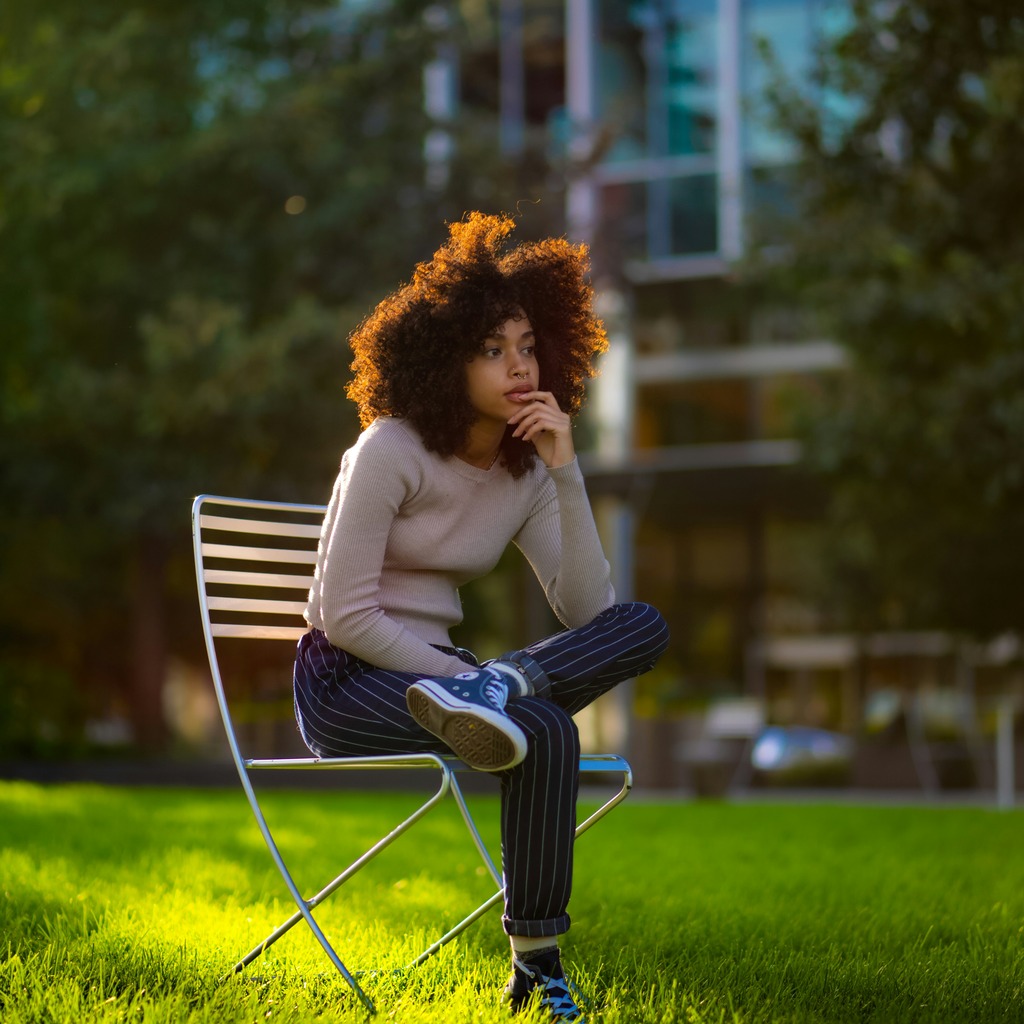
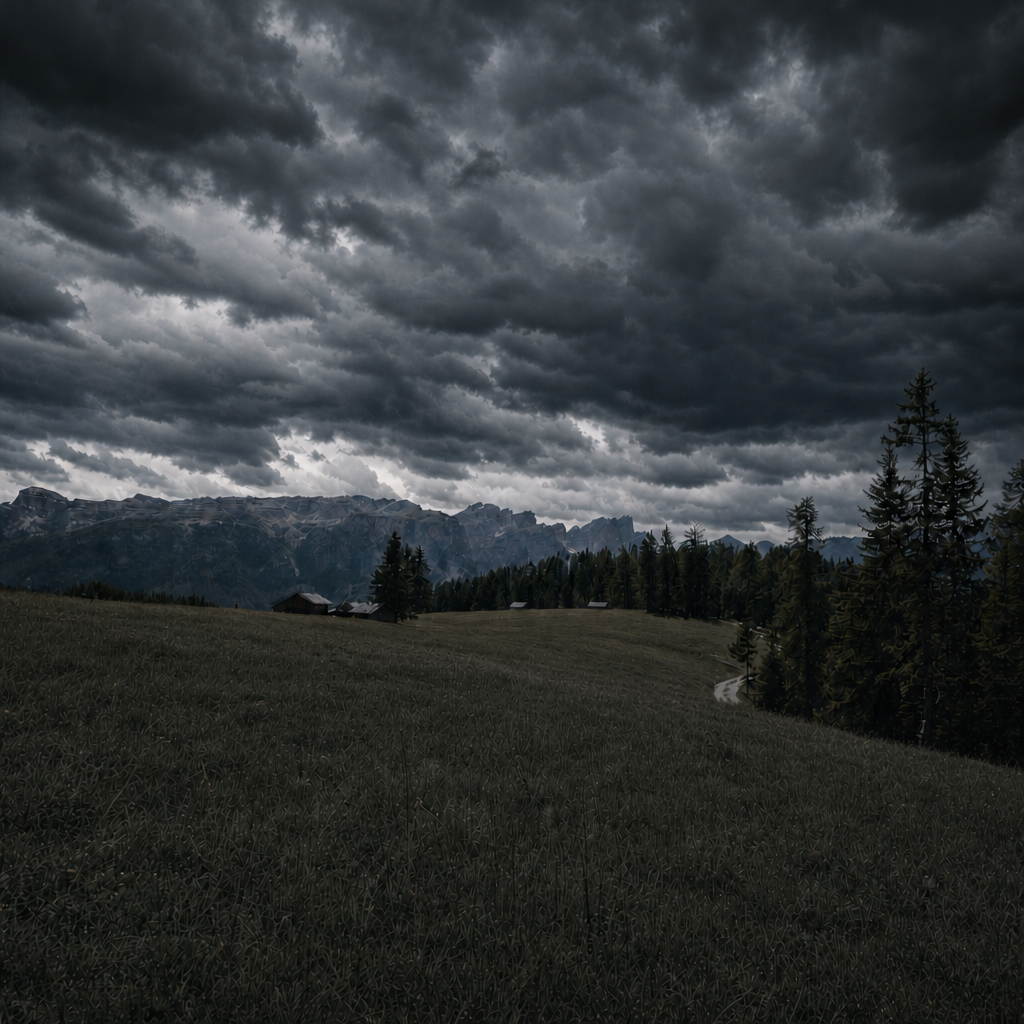
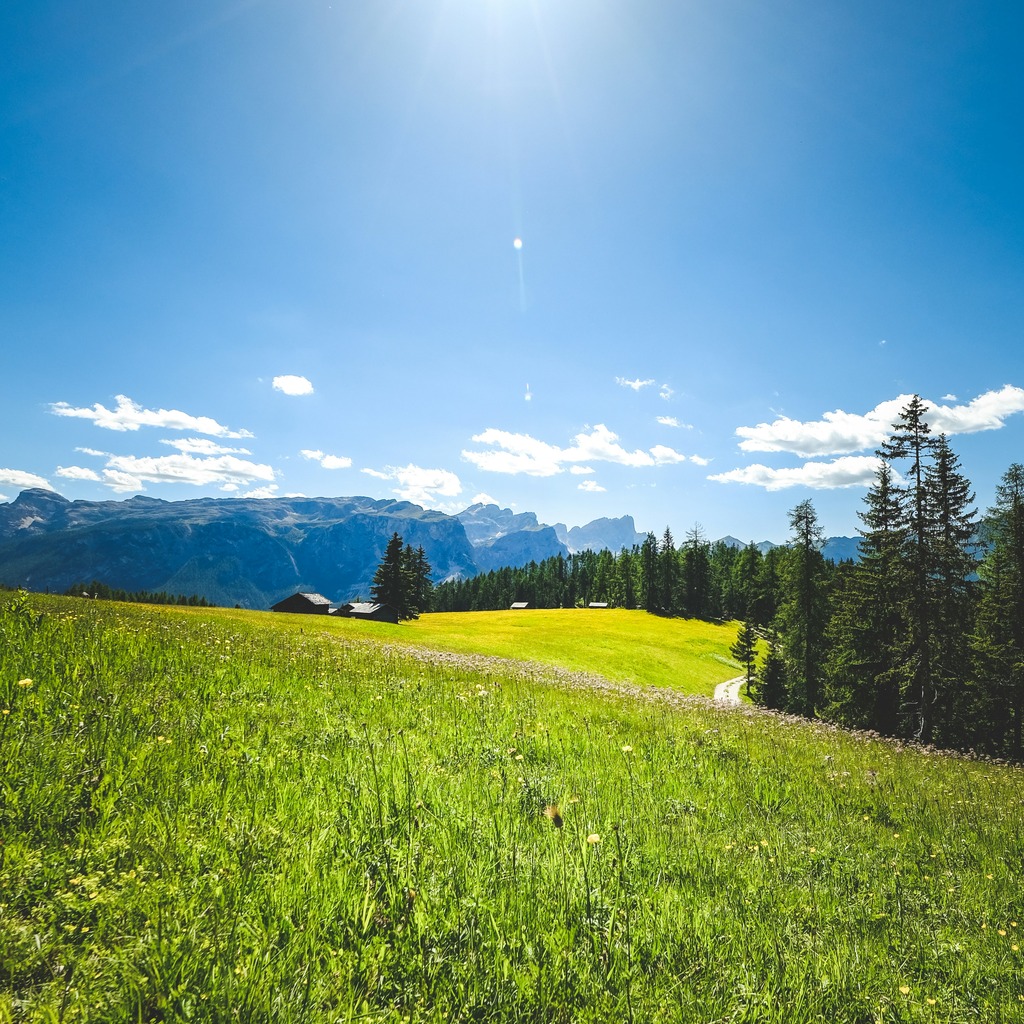
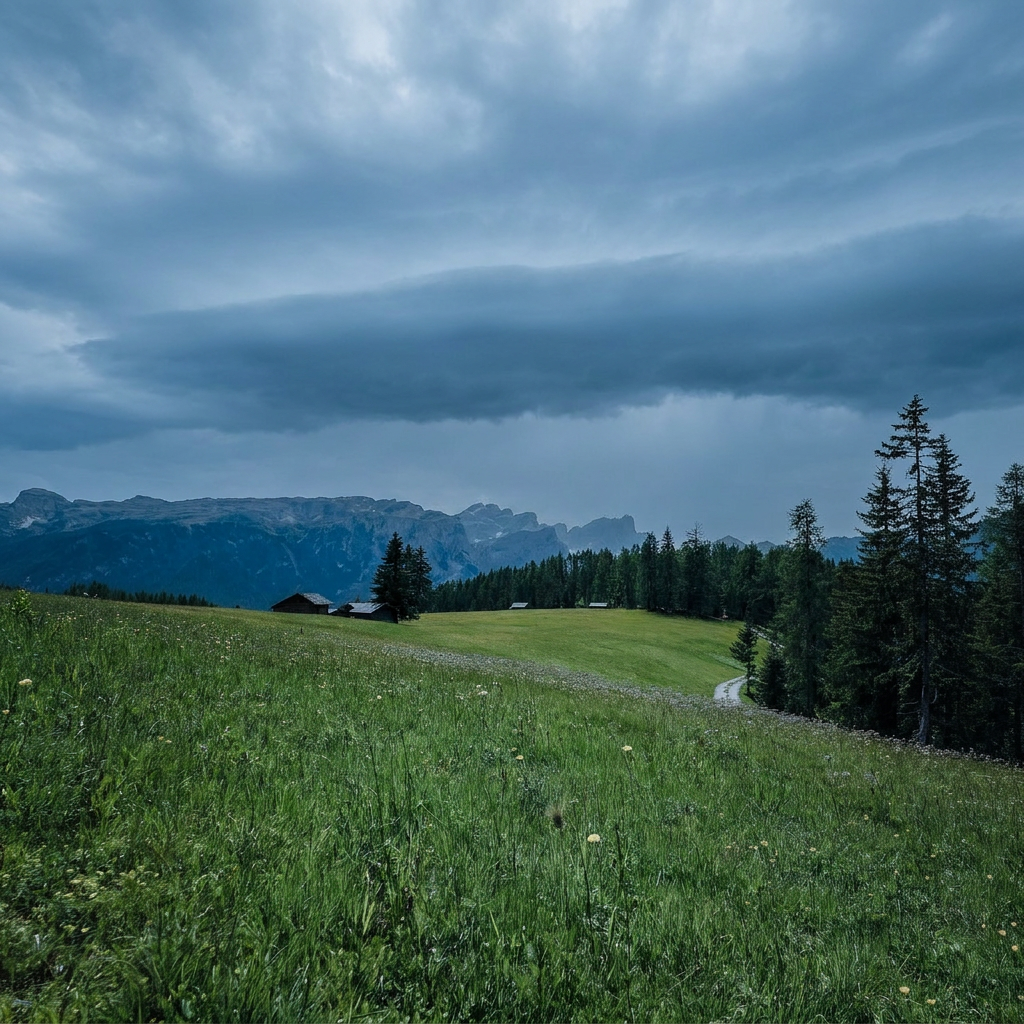
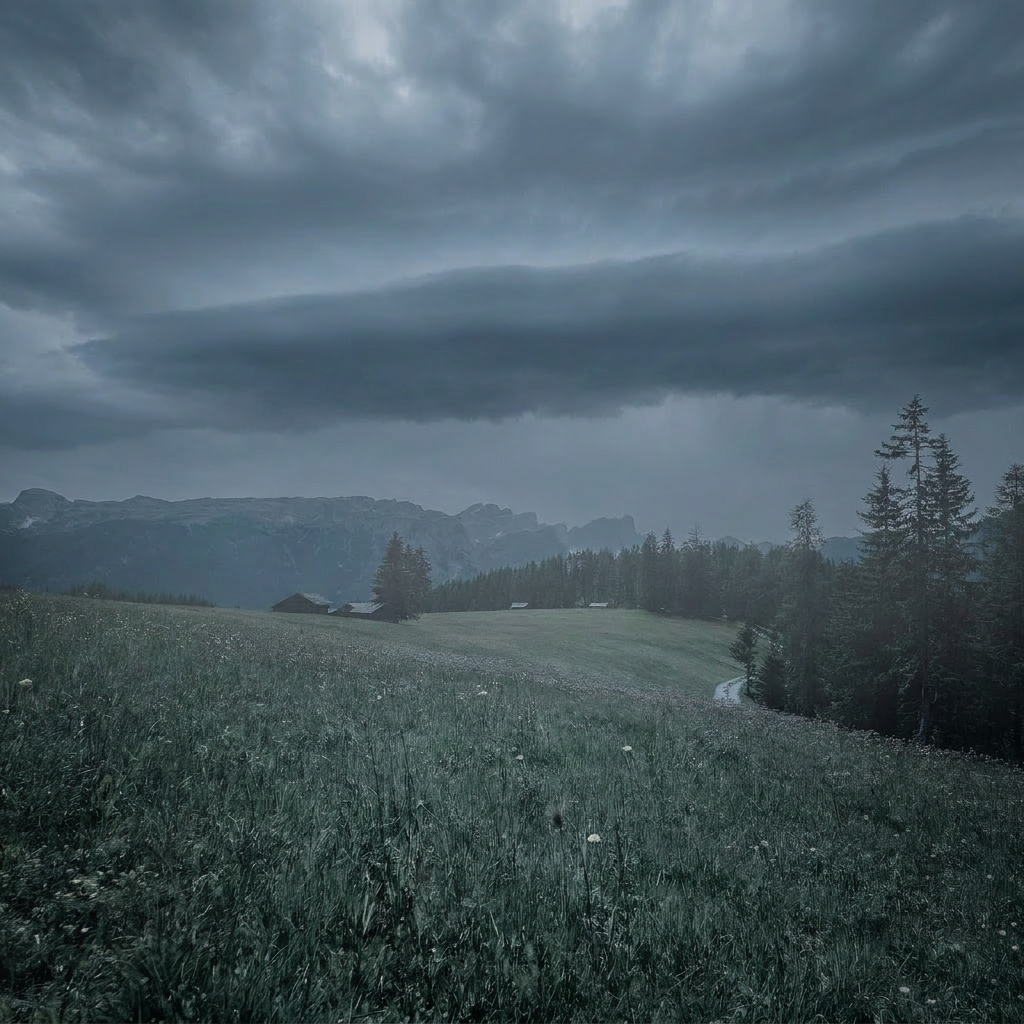
Image evolution
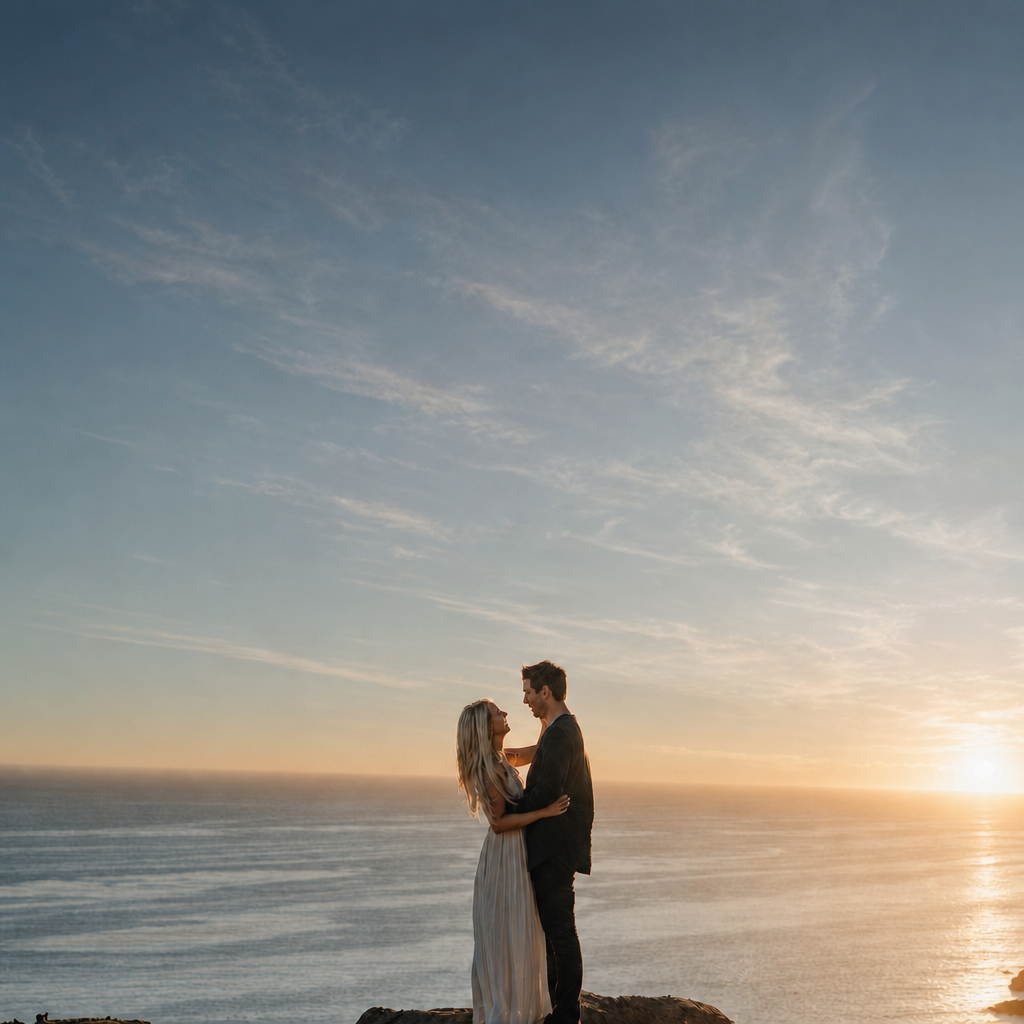
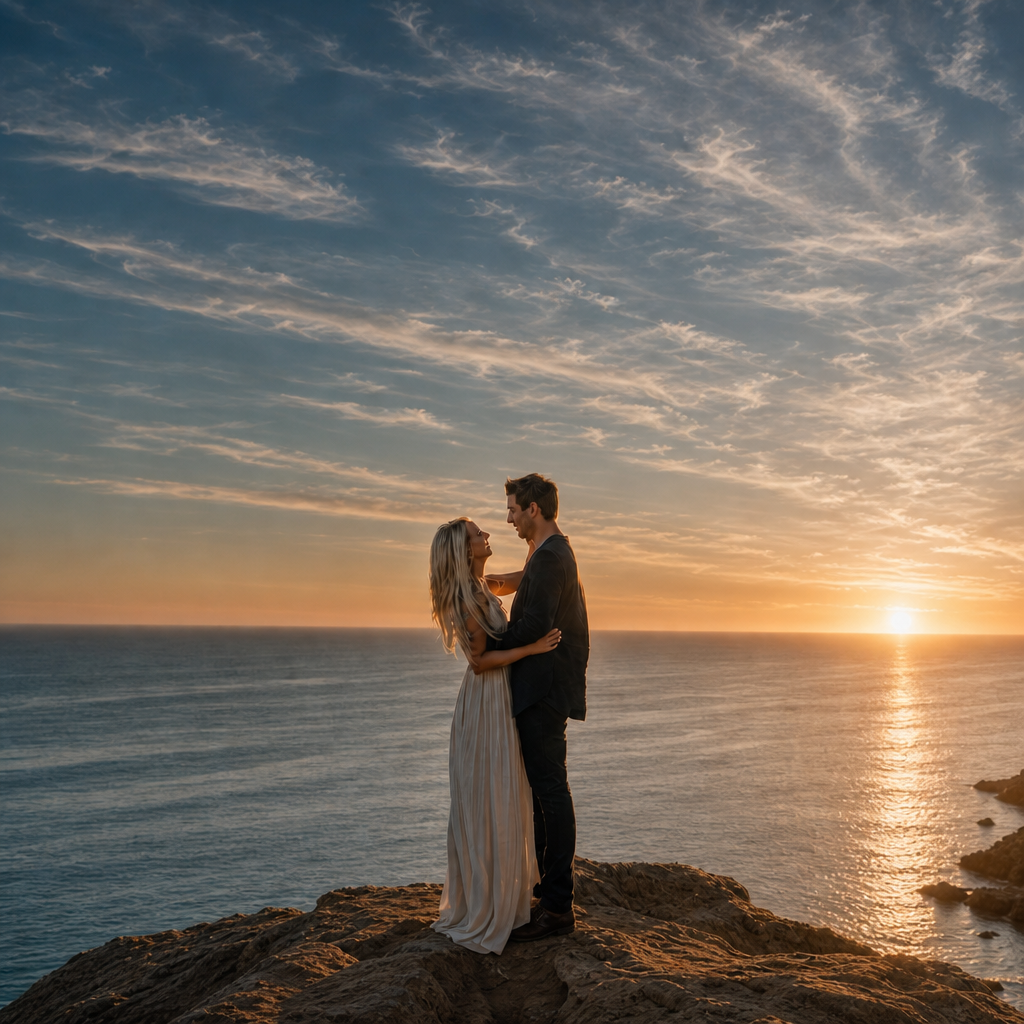
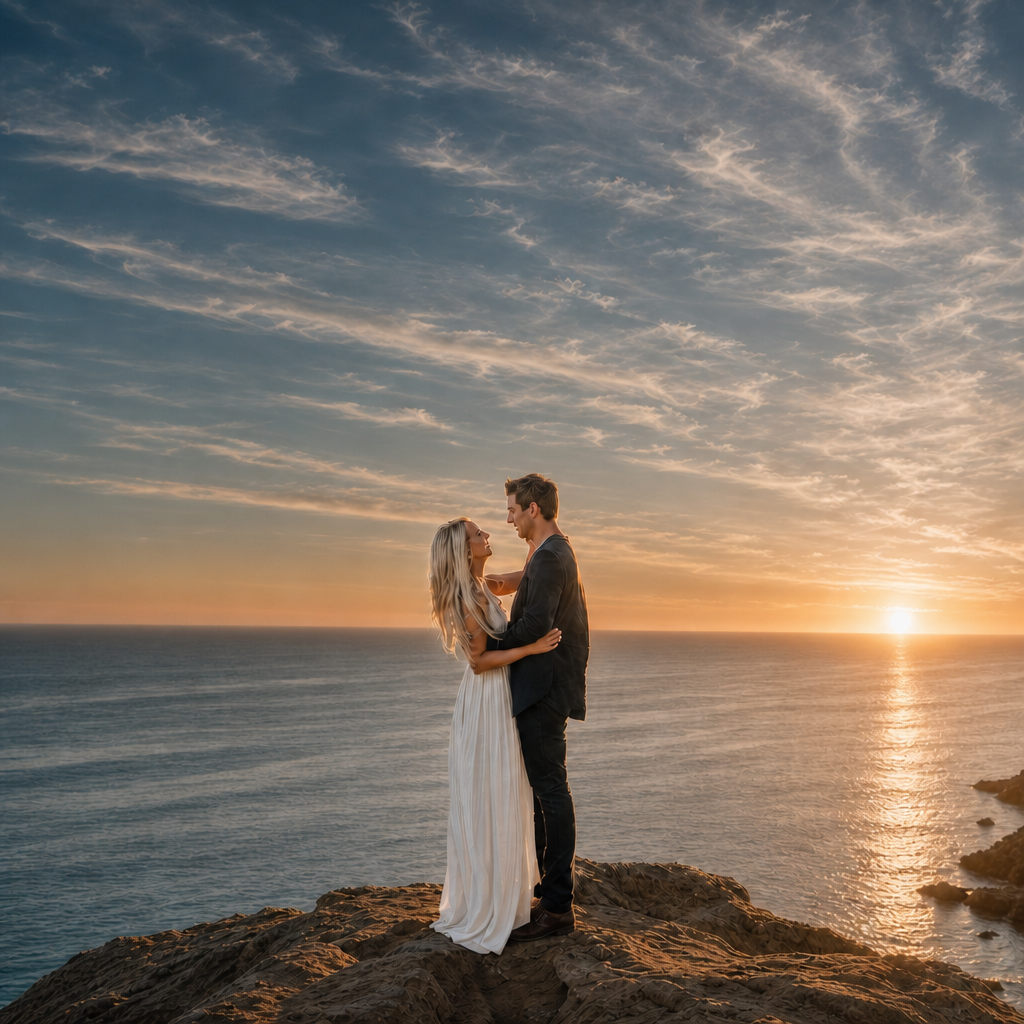
Moderator ↔ Participant (first 14 turns)
Tell me a little about your usual editing workflow when you’re under wedding-day deadline pressure.
Under wedding deadline pressure I stop pretending I’m “editing” in the artistic sense and I move straight into damage control and consistency. First pass is always cull for keepers, then I batch the whole set so skin tone, exposure, and color don’t drift from frame to frame. I’ll usually get one hero frame right, then sync that look across the delivery set and only break from the batch when a frame is genuinely off — mixed light, weird white dress spill, someone’s face turned into a shadow, that kind of thing. If it’s a reception set, I’m prioritizing clean skin, usable whites, and consistent warmth over perfect nuance because the client is never comparing a single frame in isolation; they’re looking at the gallery flow. Faster if I can stay in one color family and avoid heroic retouching on every image.
When you’re in that damage-control mode, what’s the first thing that tends to slow you down?
The first thing that slows me down is white balance drift, because it’s never just one problem — it drags exposure and skin tone with it. One bad DJ light or a mixed chandelier setup and suddenly the bride’s skin goes from warm to orange to sickly pink across the same moment. That’s the stuff that burns time, because I can’t just globally slam a preset on it and move on. Normally I’d fix the anchor frame first, then sync that correction across the burst or table sequence and do a quick per-frame tweak only where the light actually changes. If I try to “save” each frame individually right away, I lose the batch rhythm and the whole delivery gets slower.
When that white balance drift shows up, how do you decide which frame becomes the anchor frame?
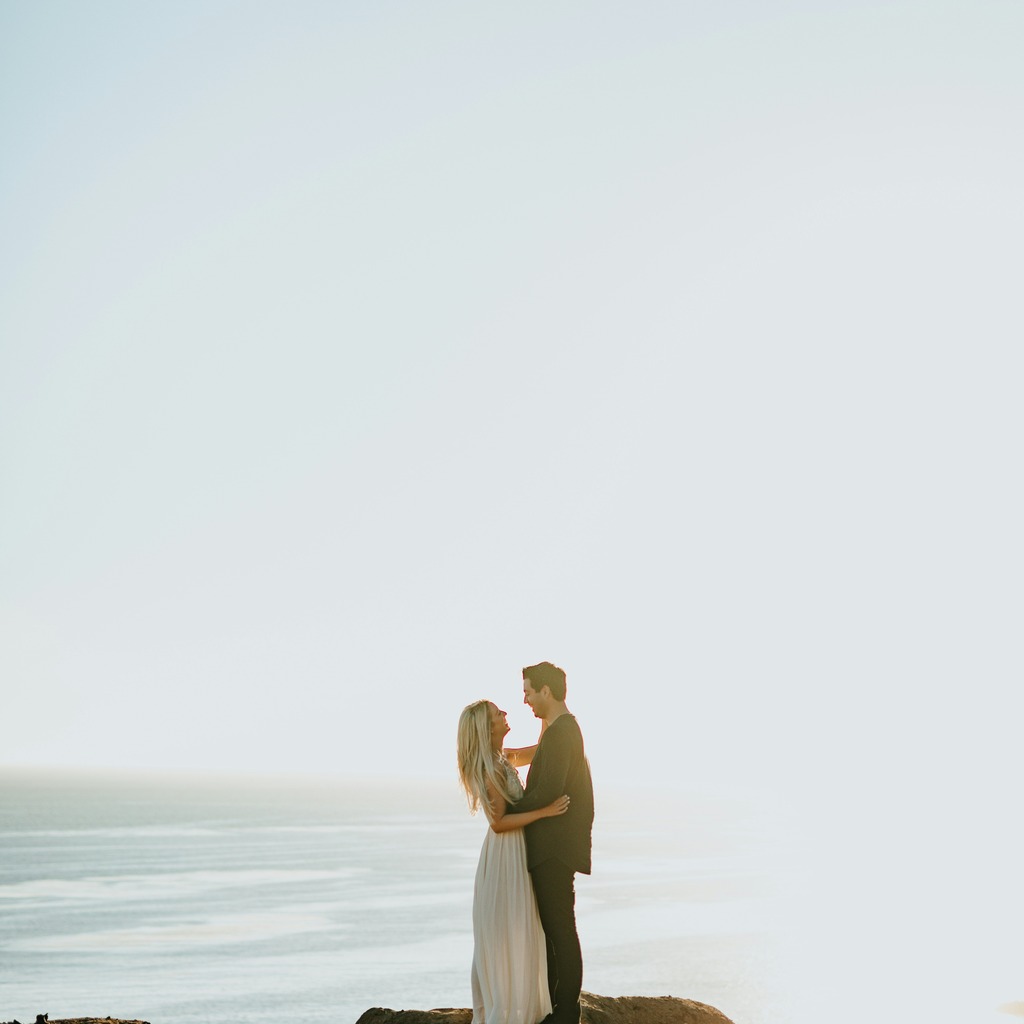
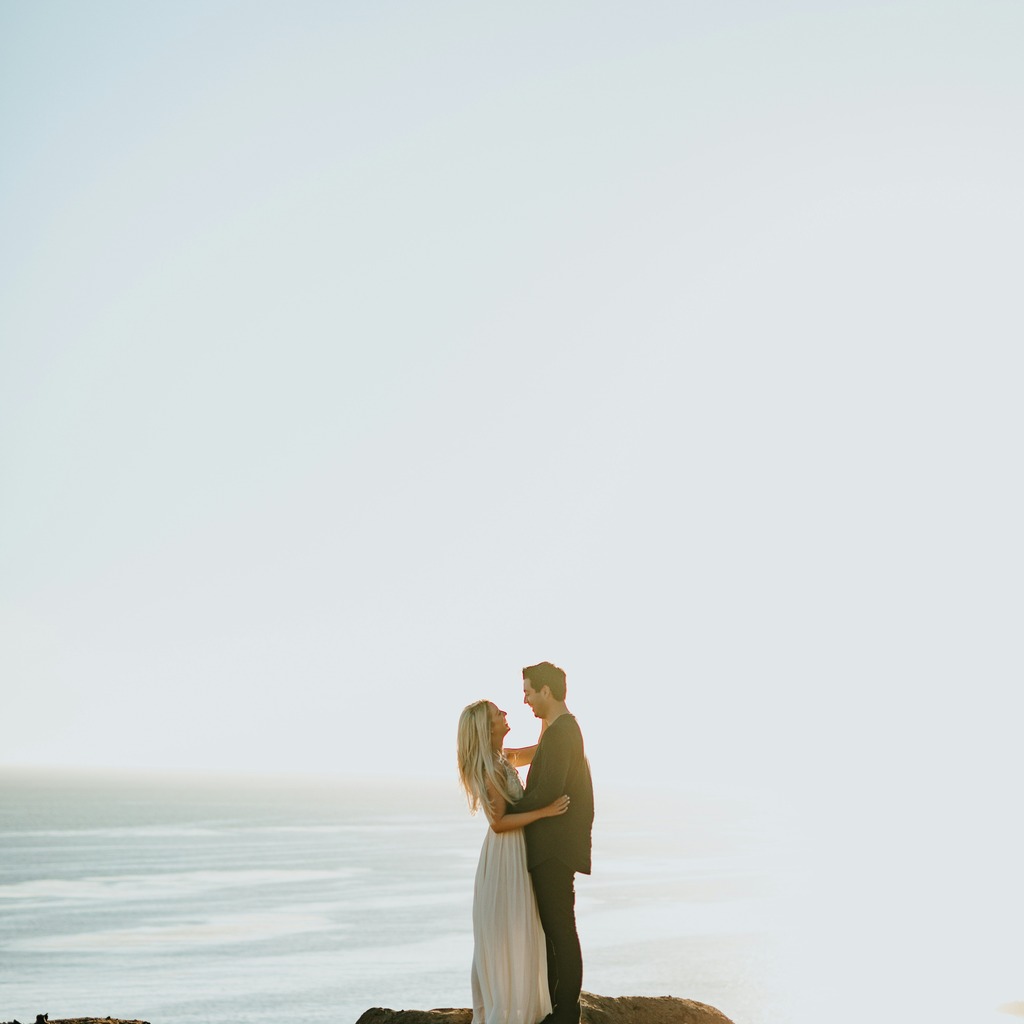
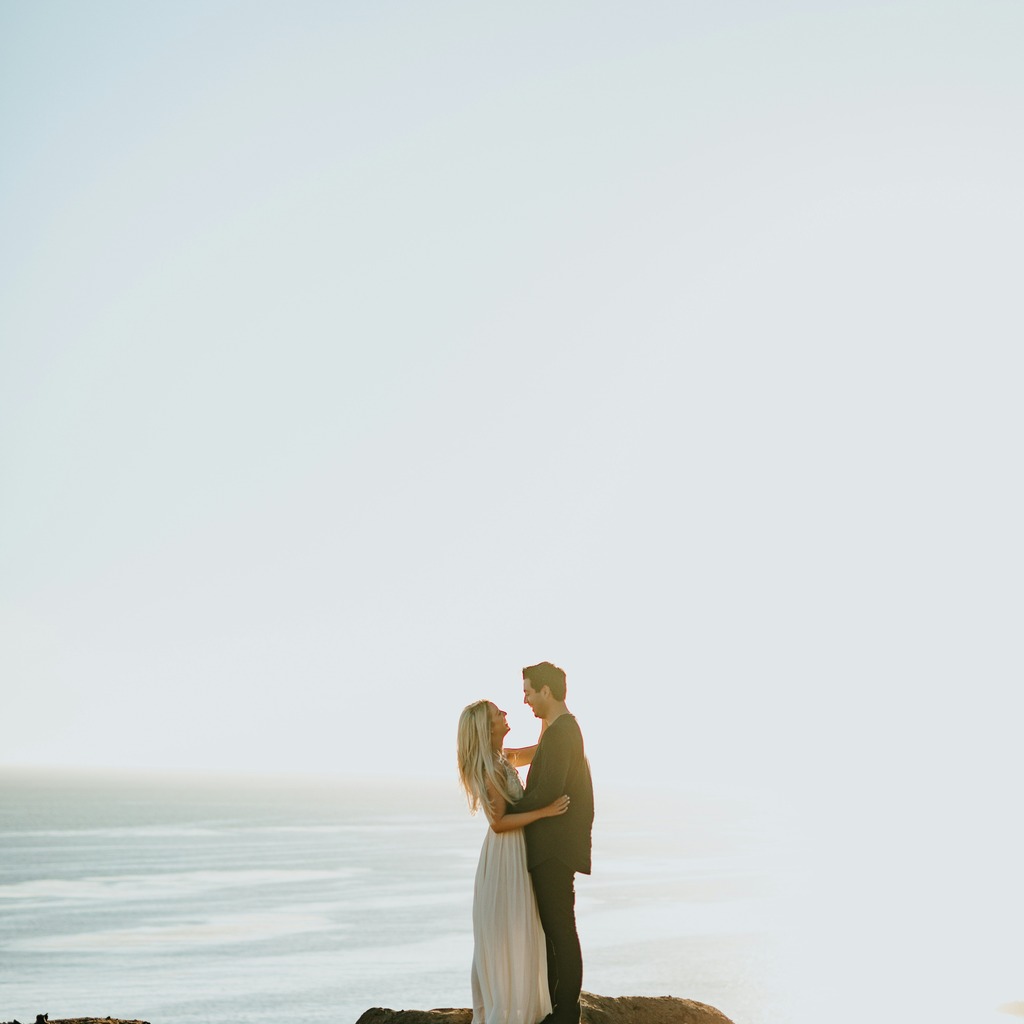
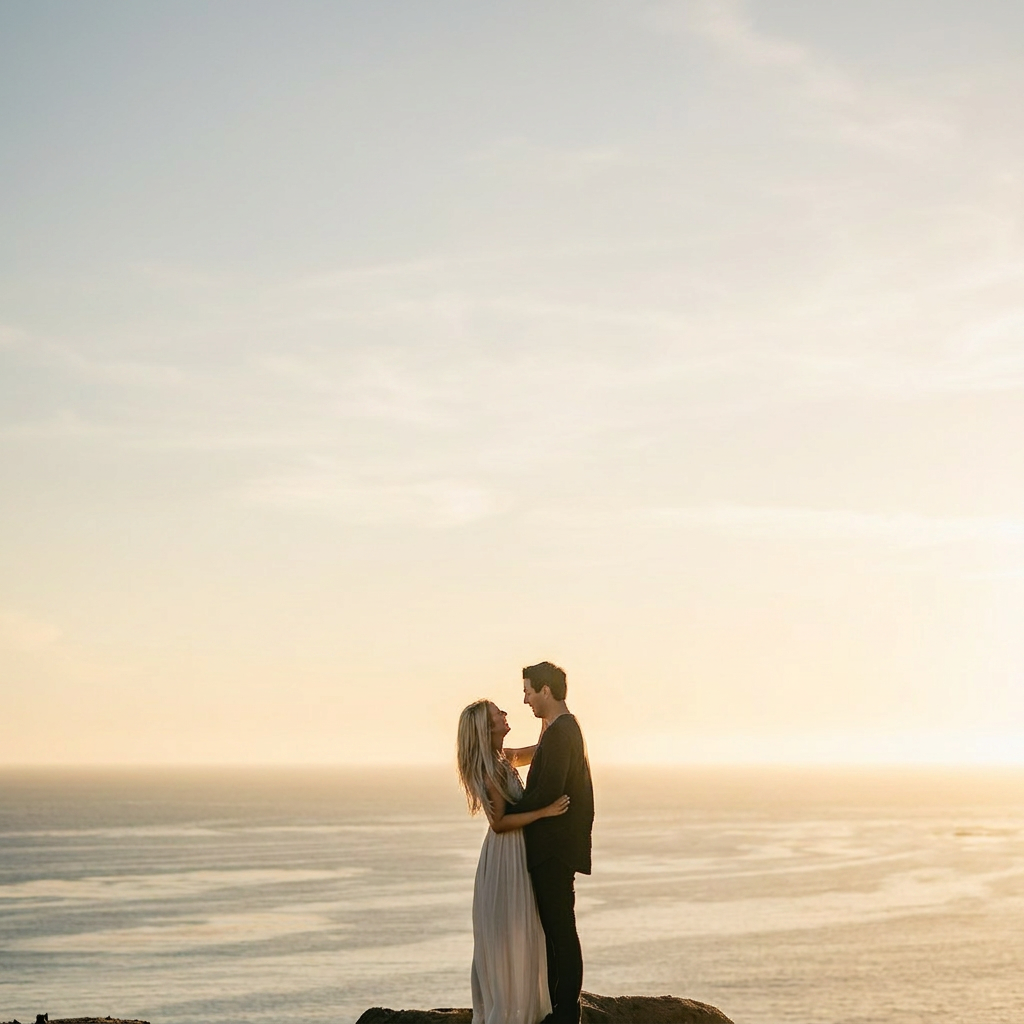
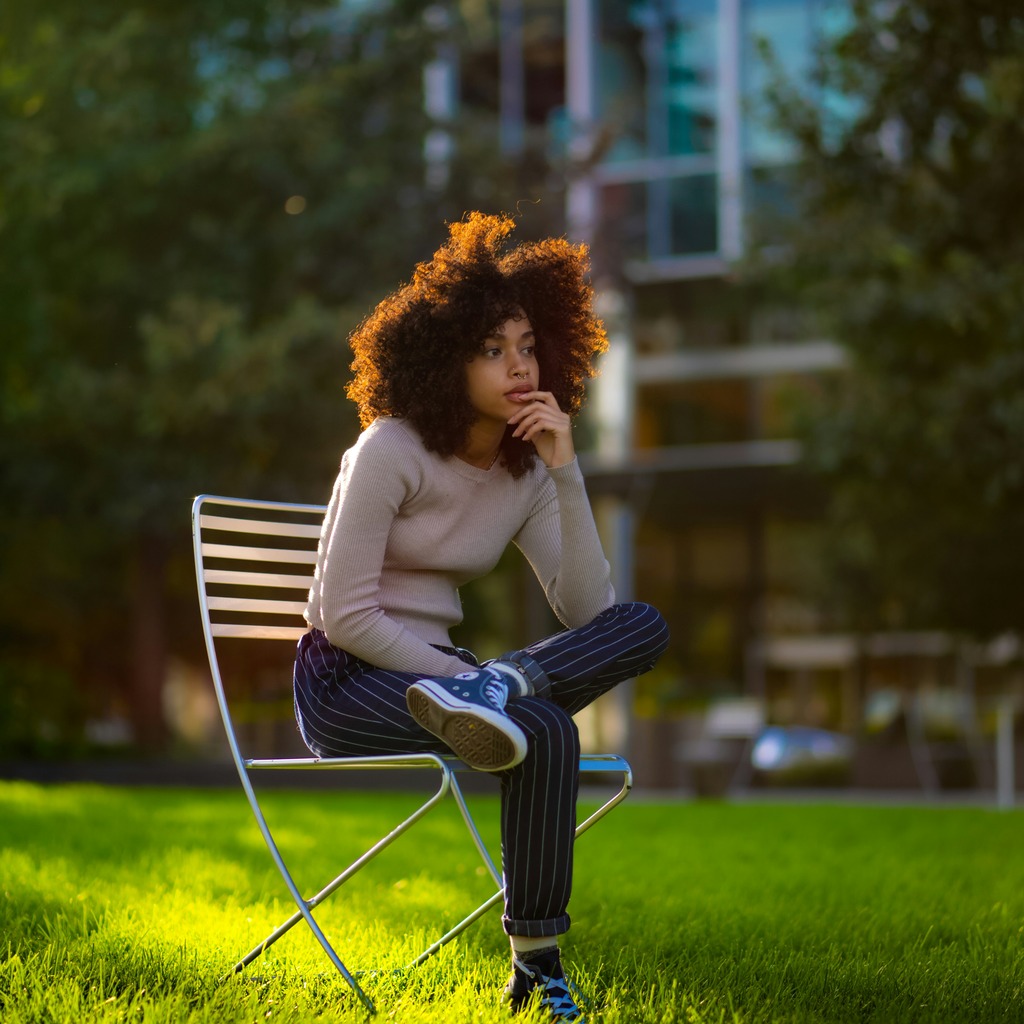
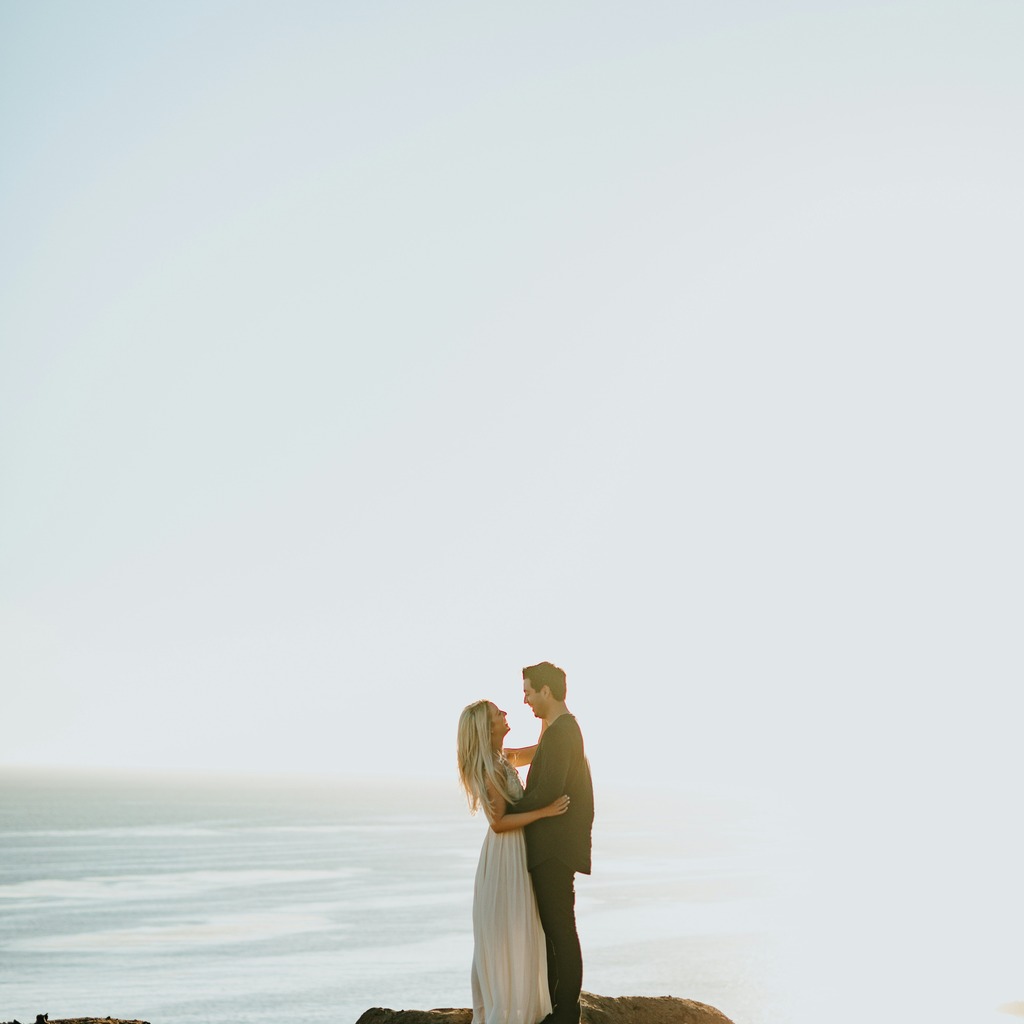
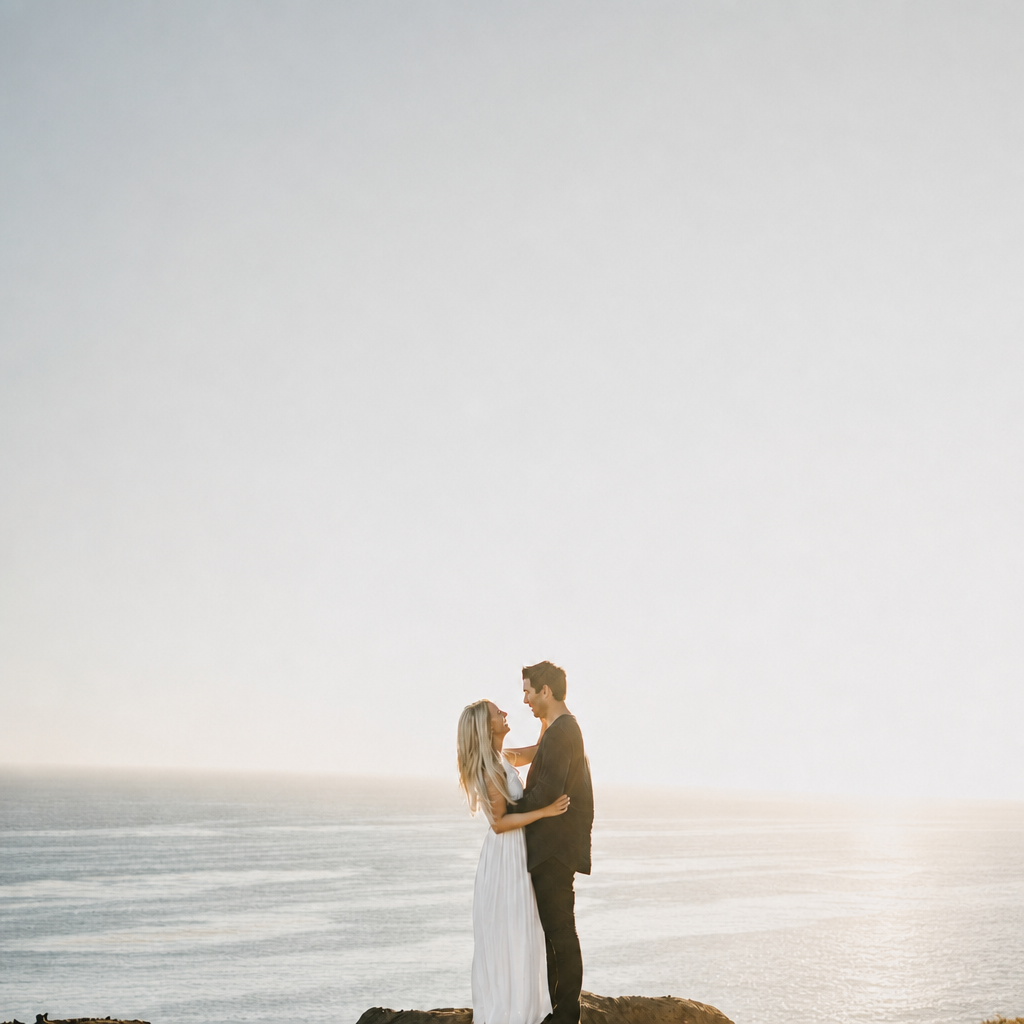
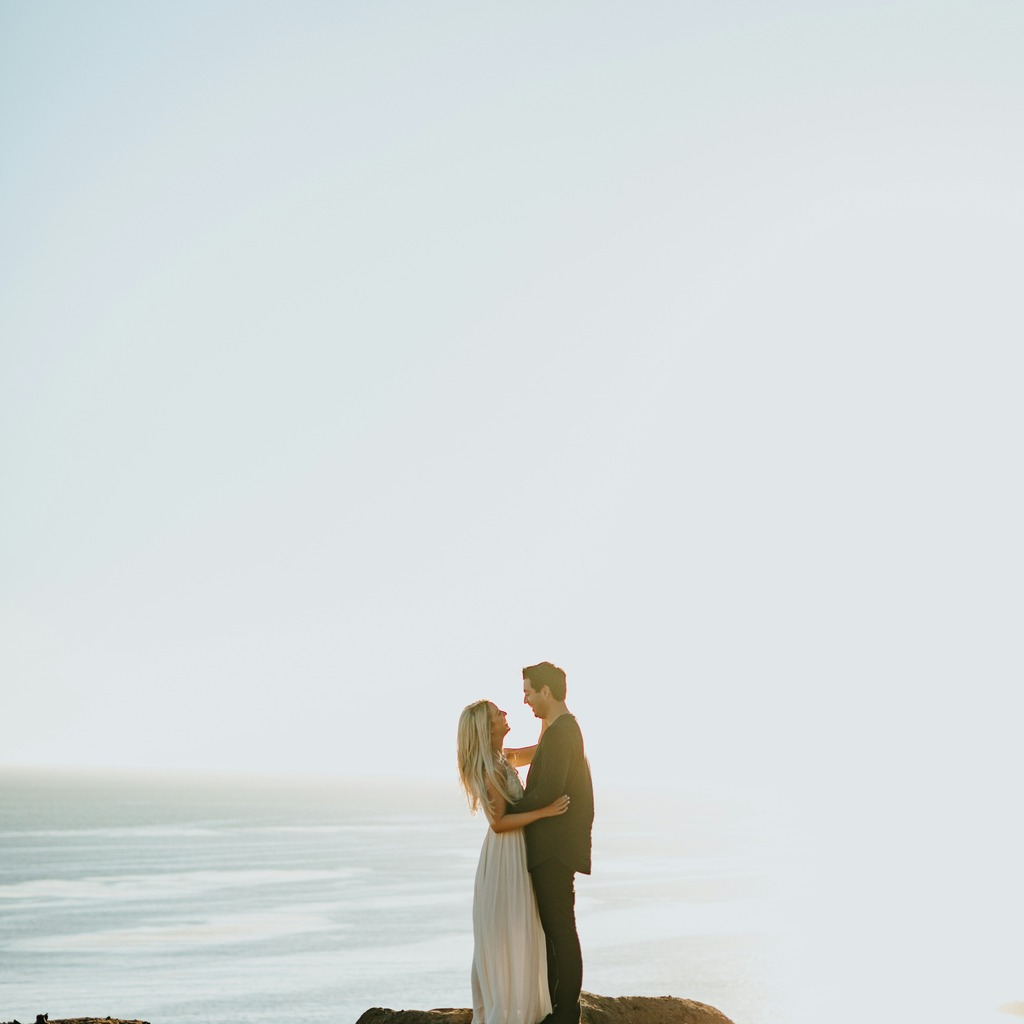
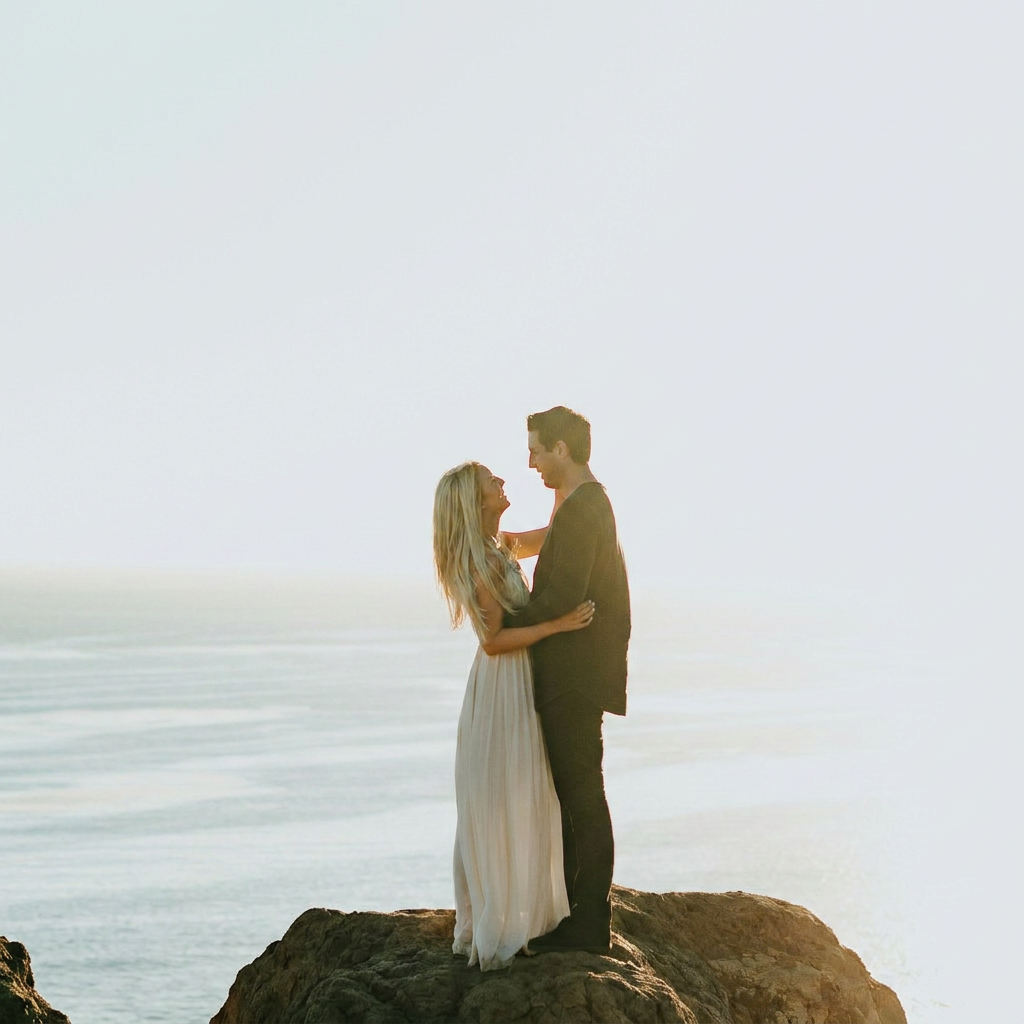
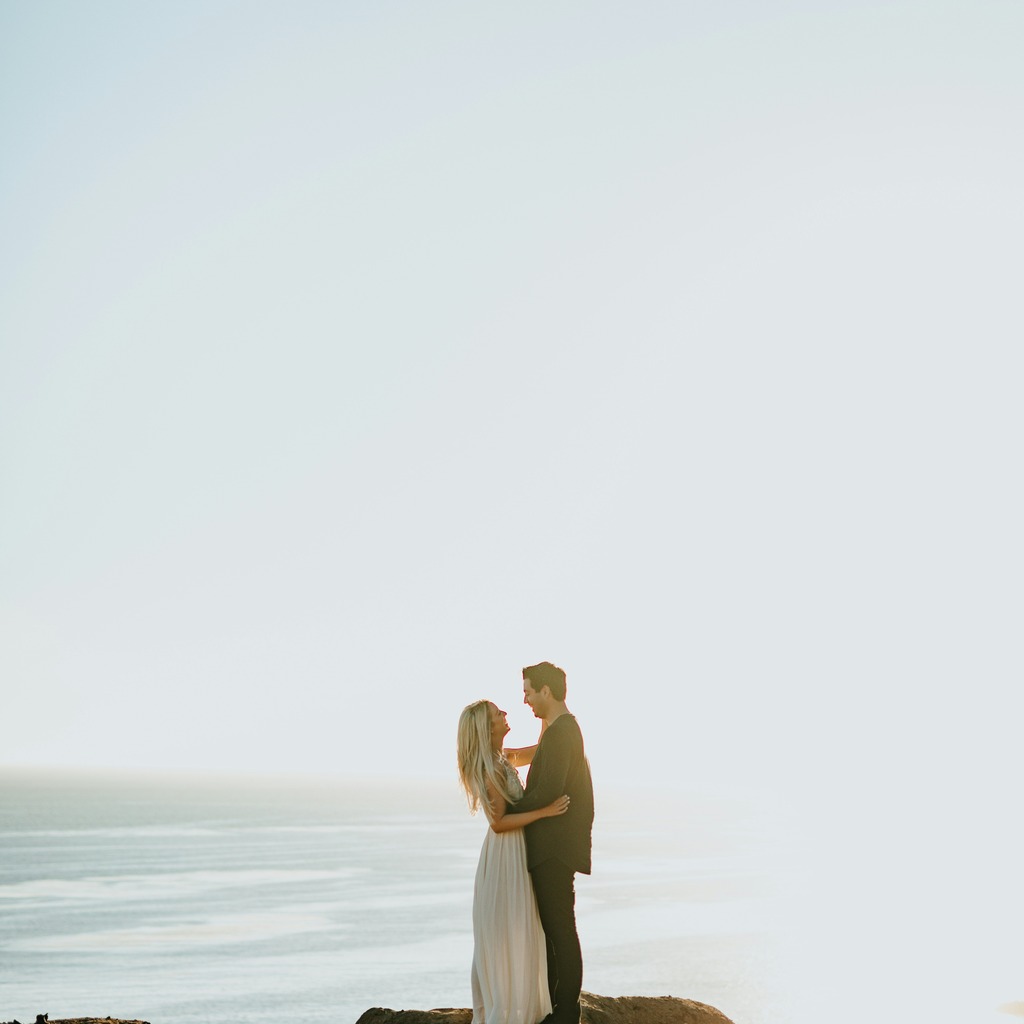
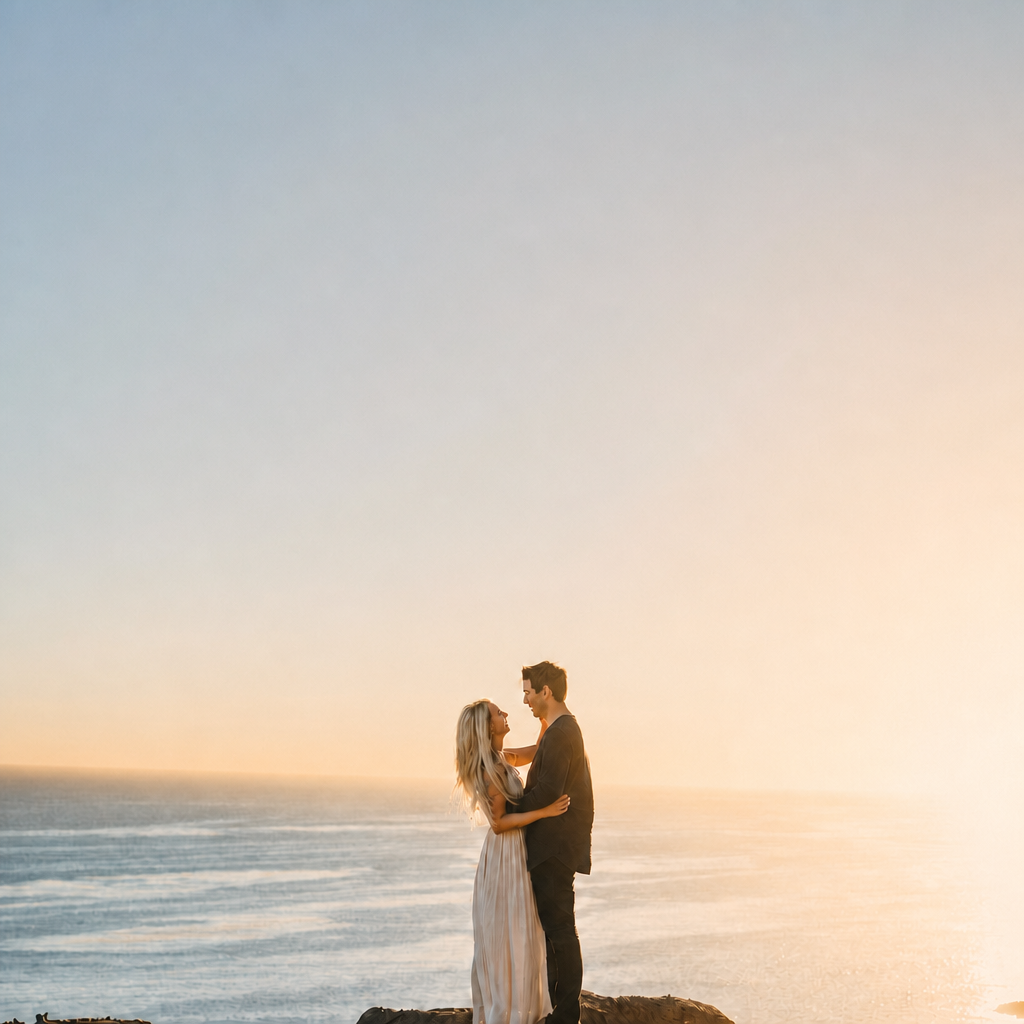
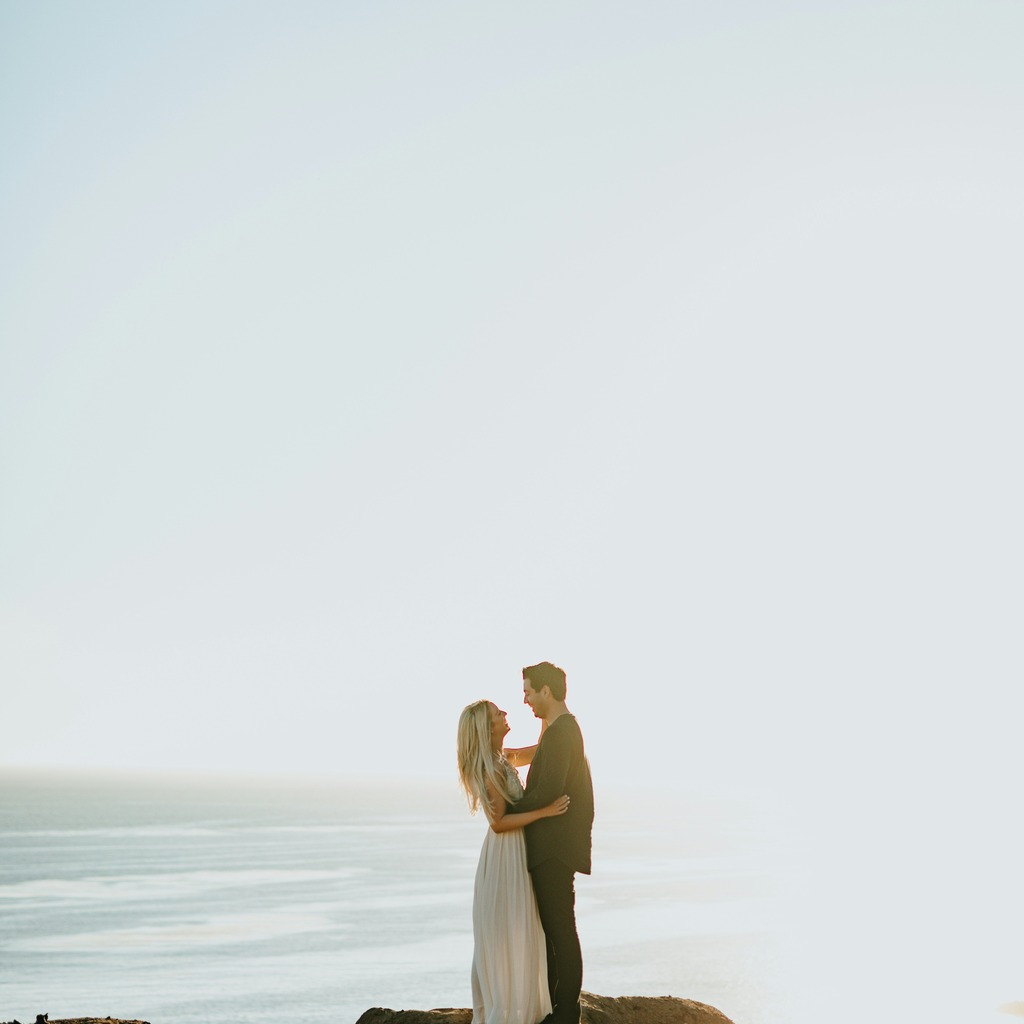
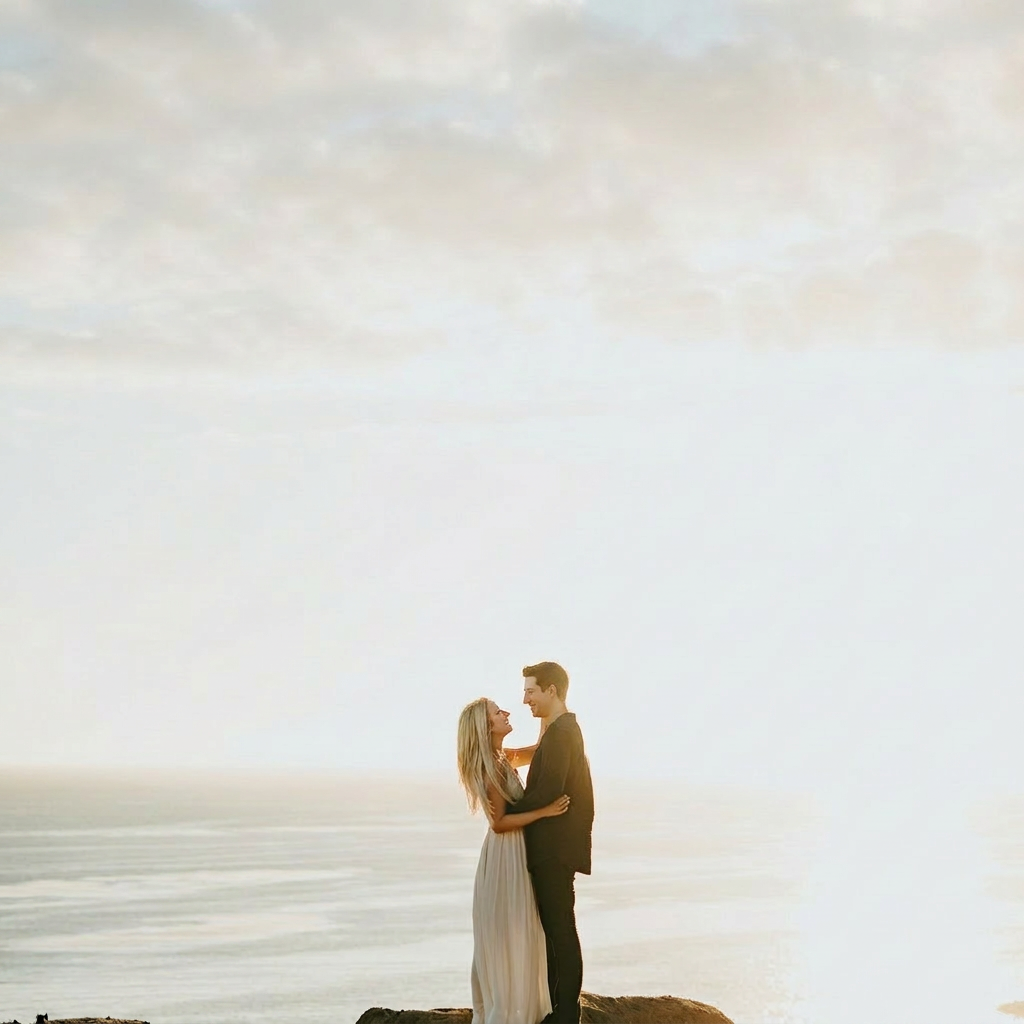
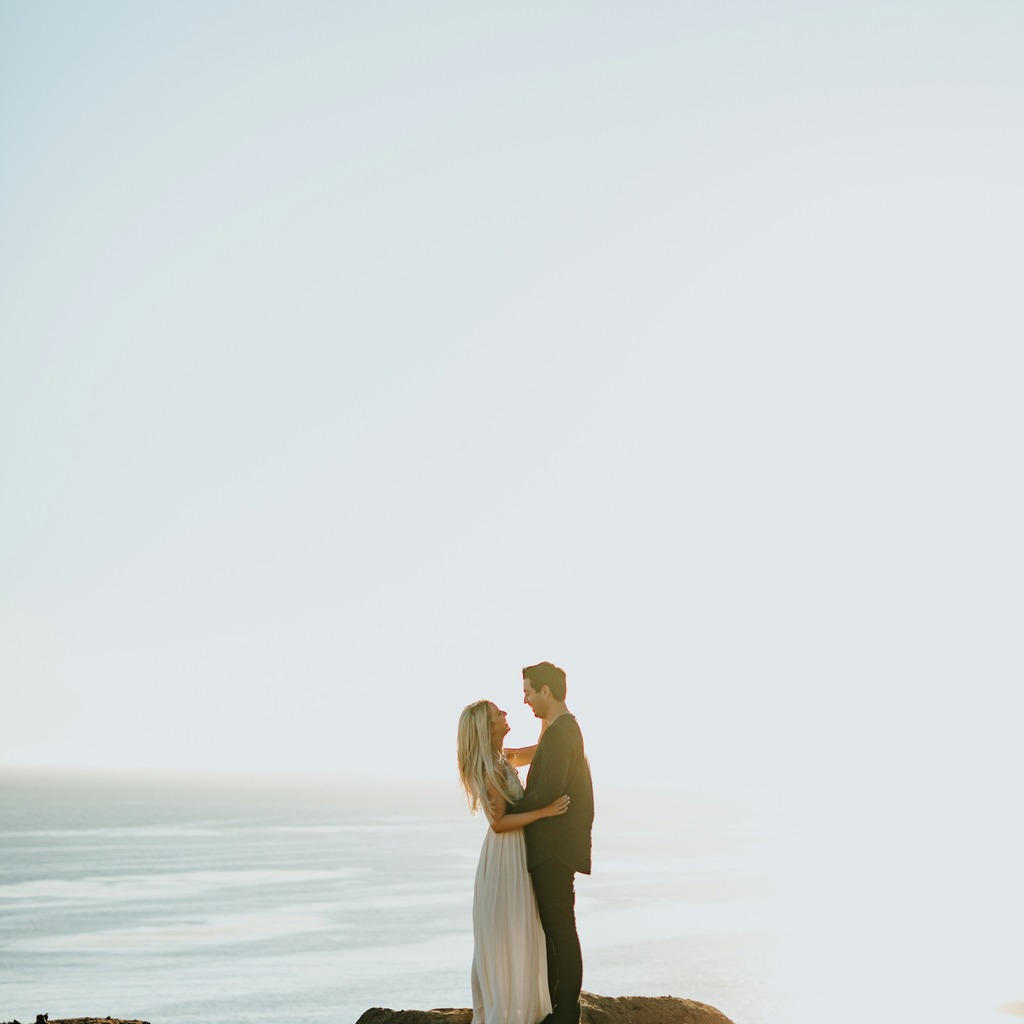
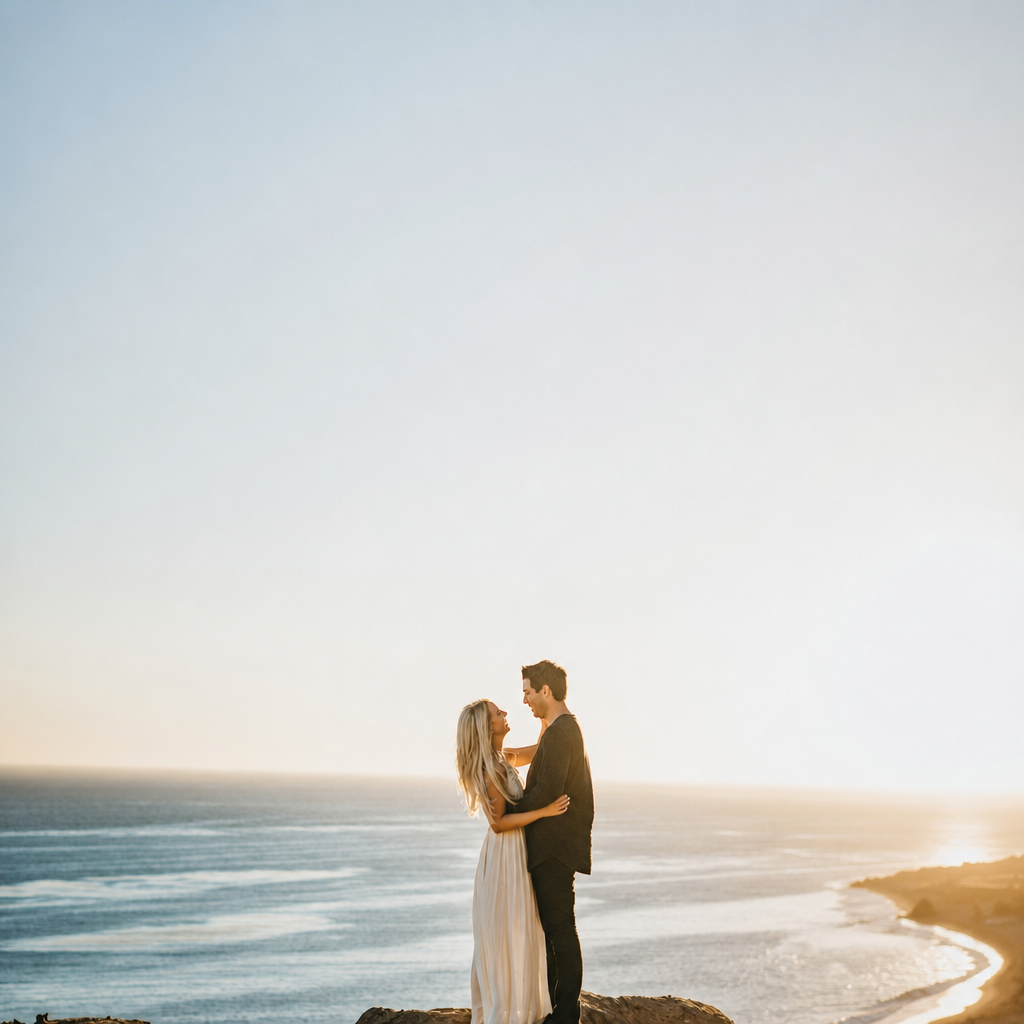
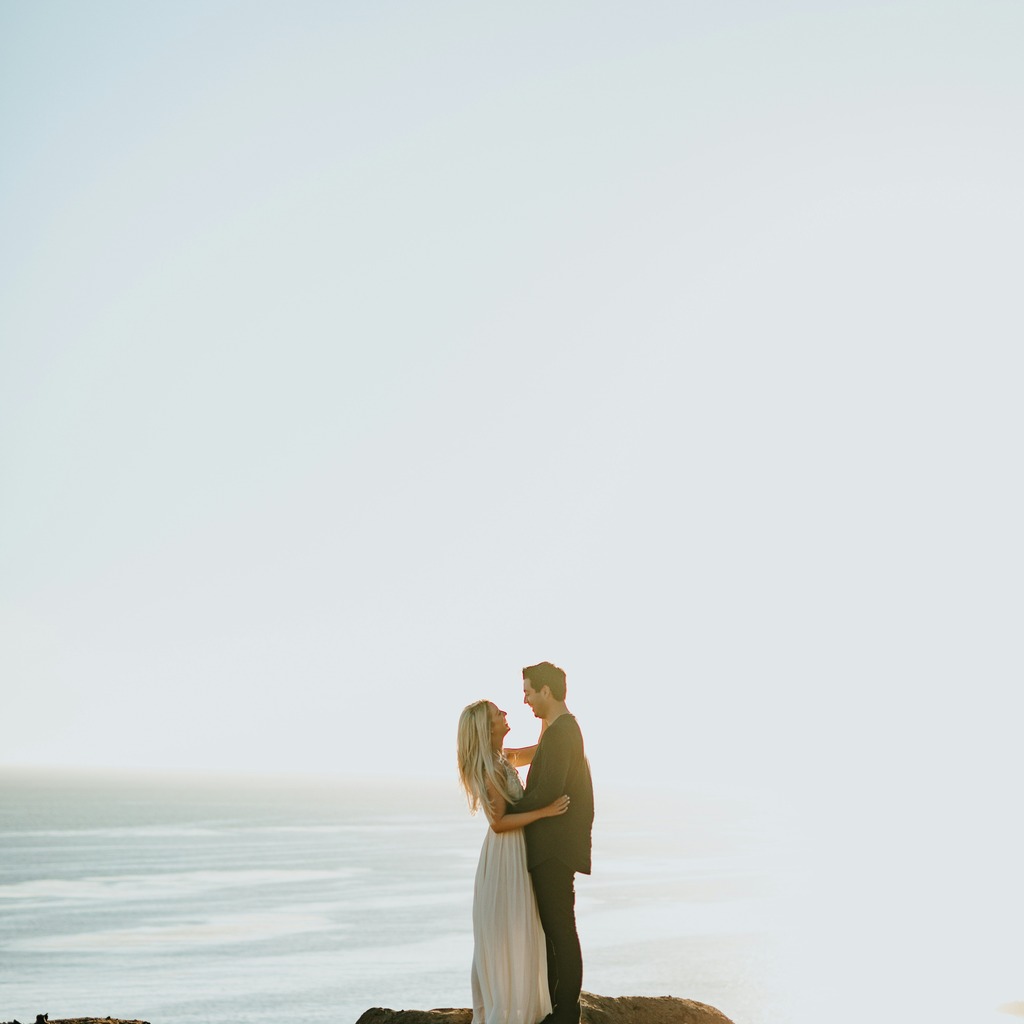
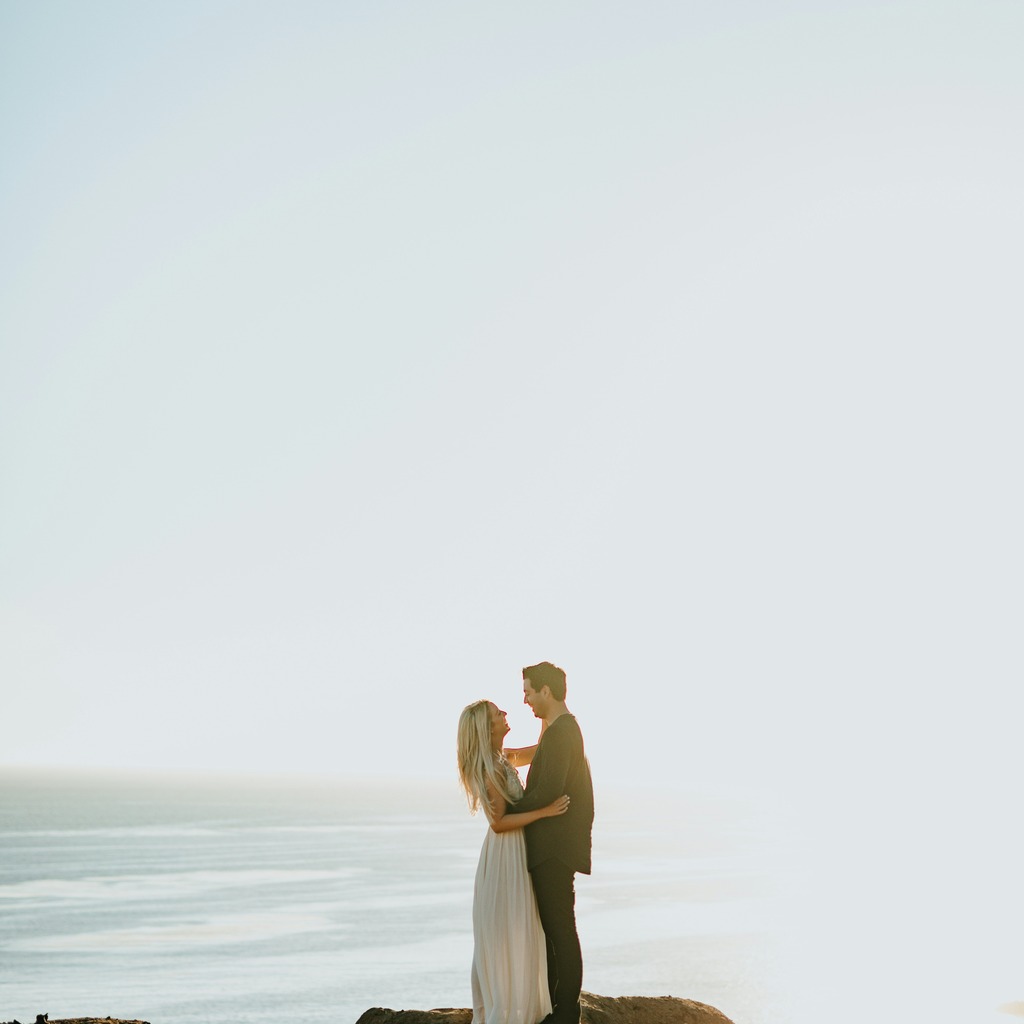
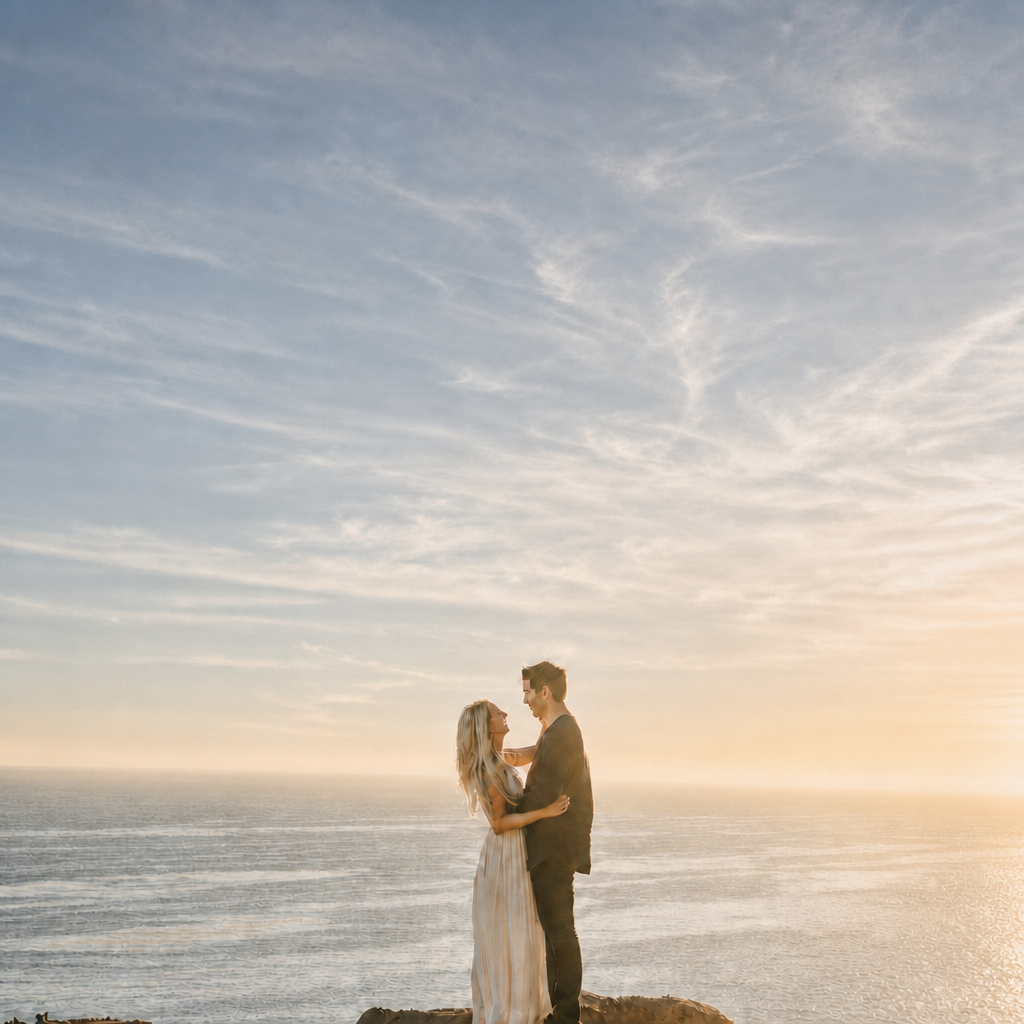
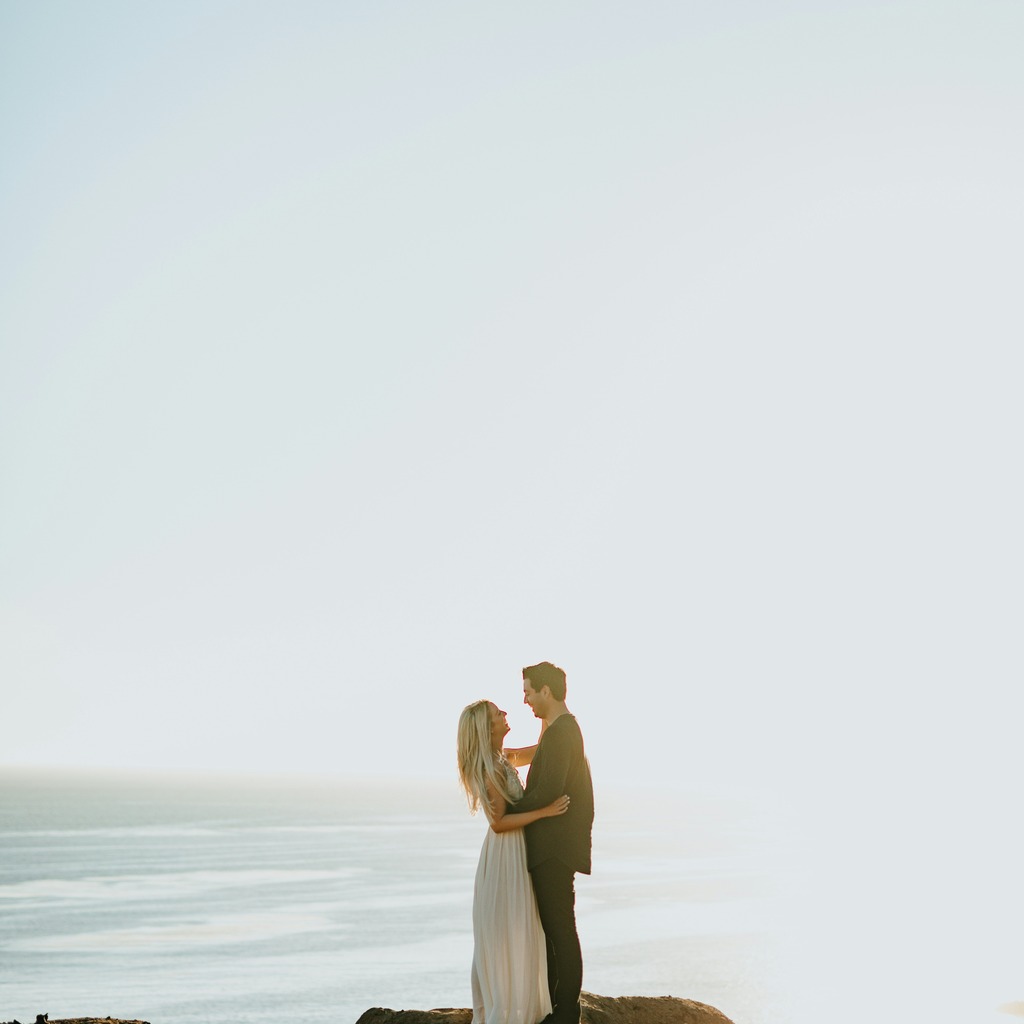
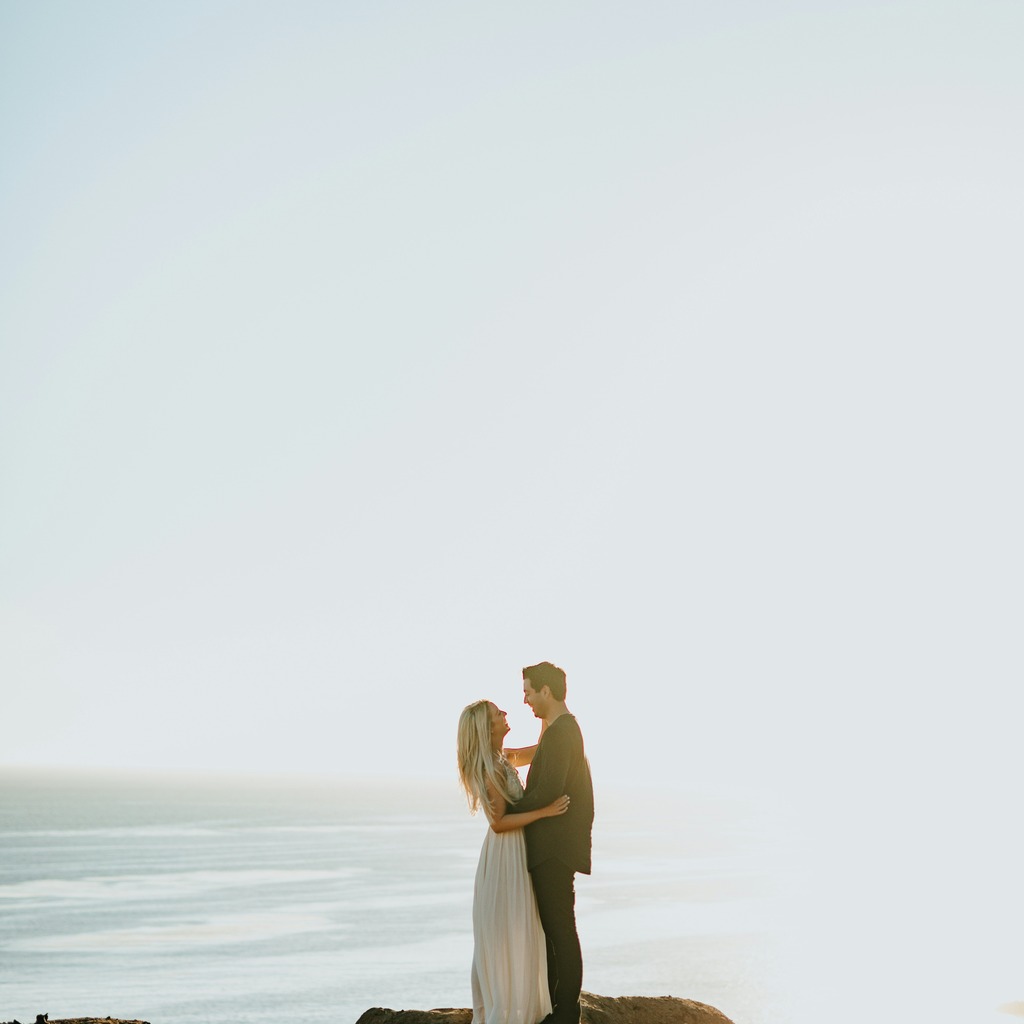
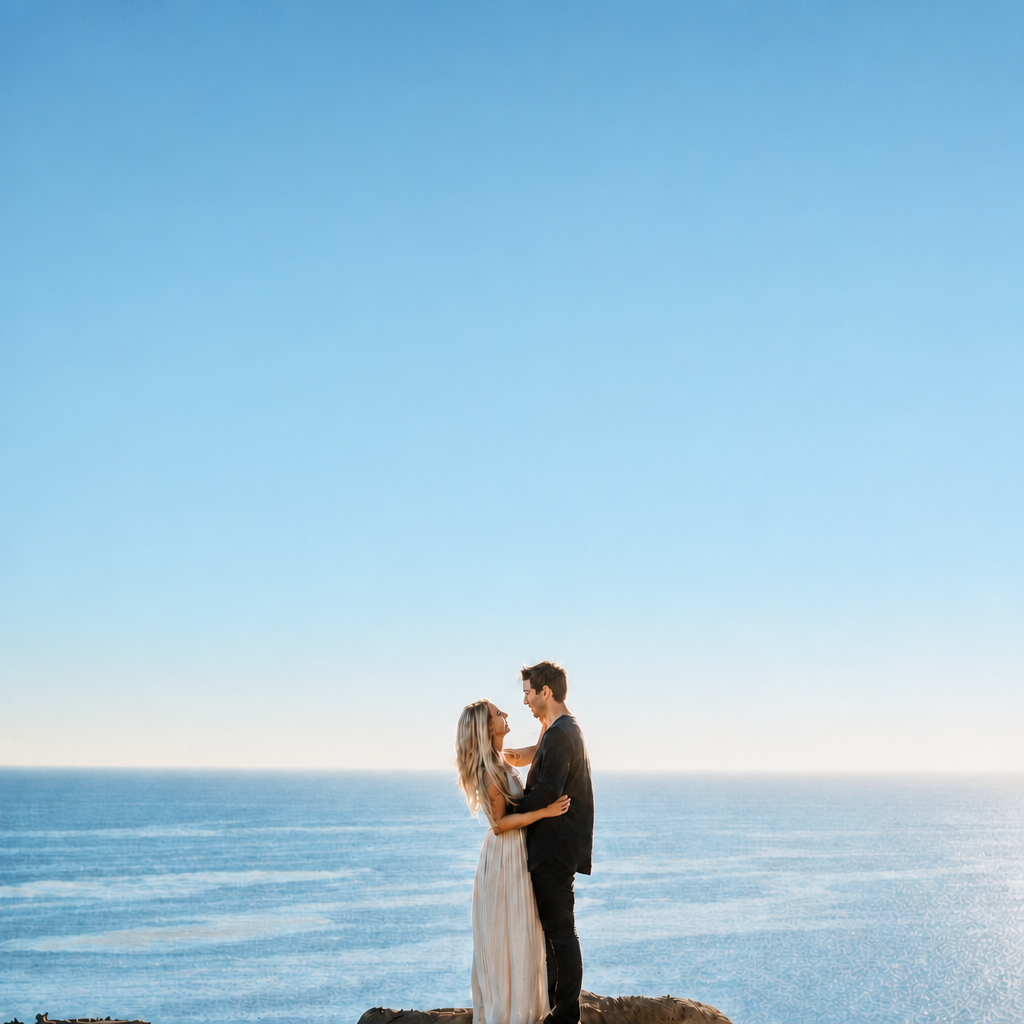
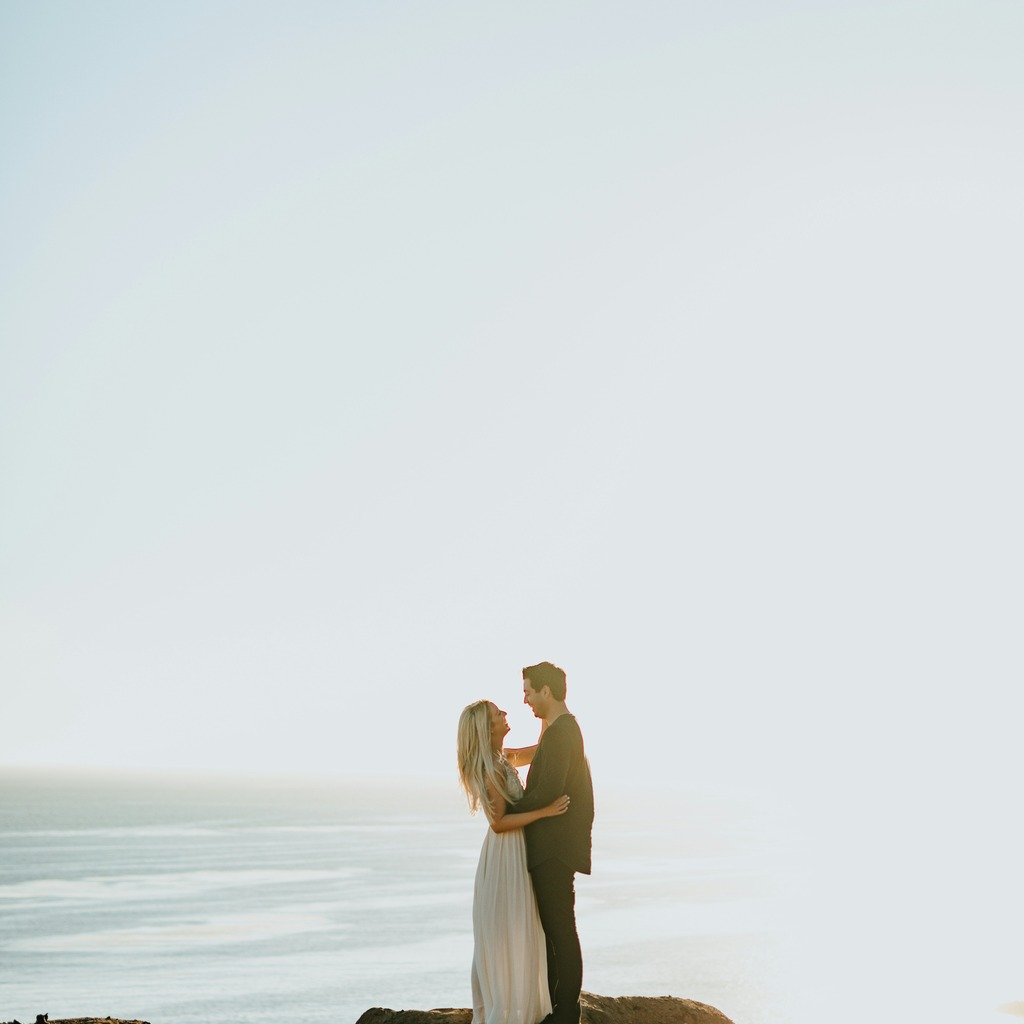
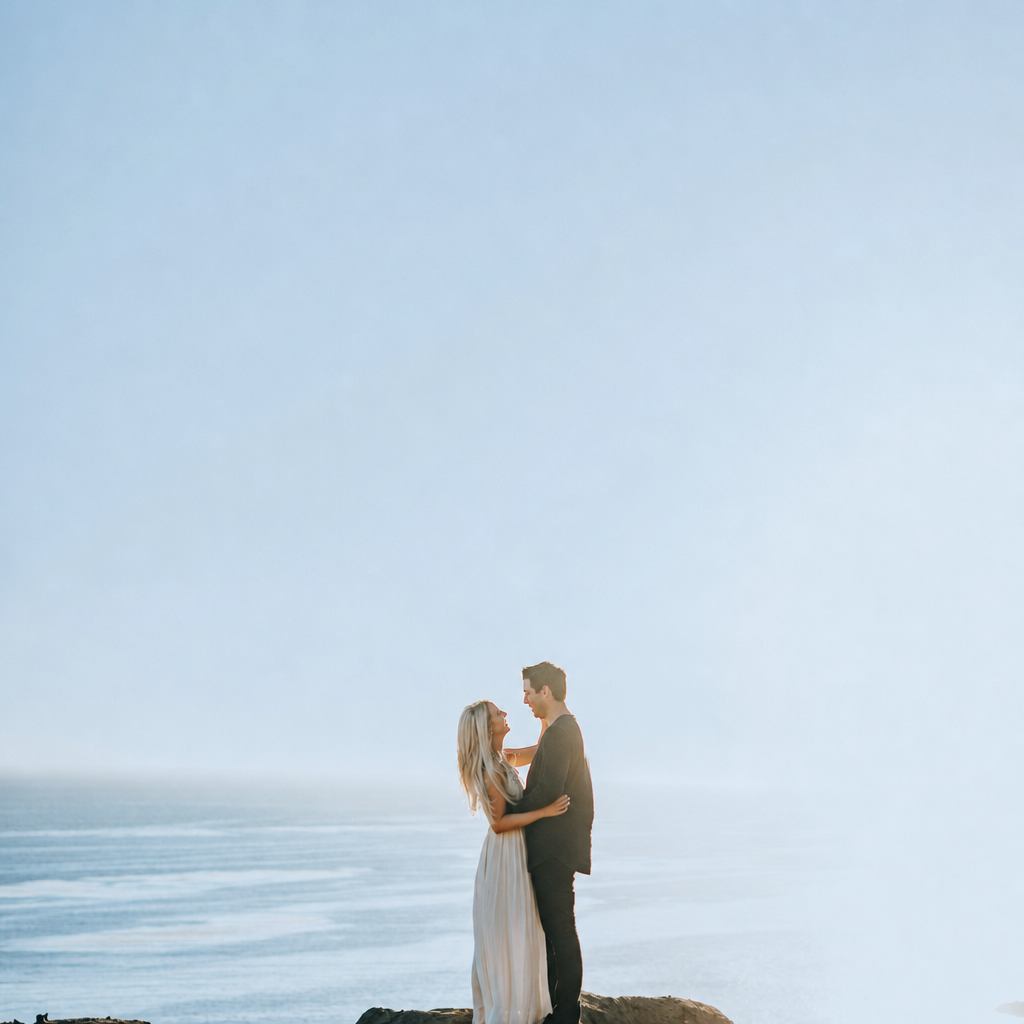
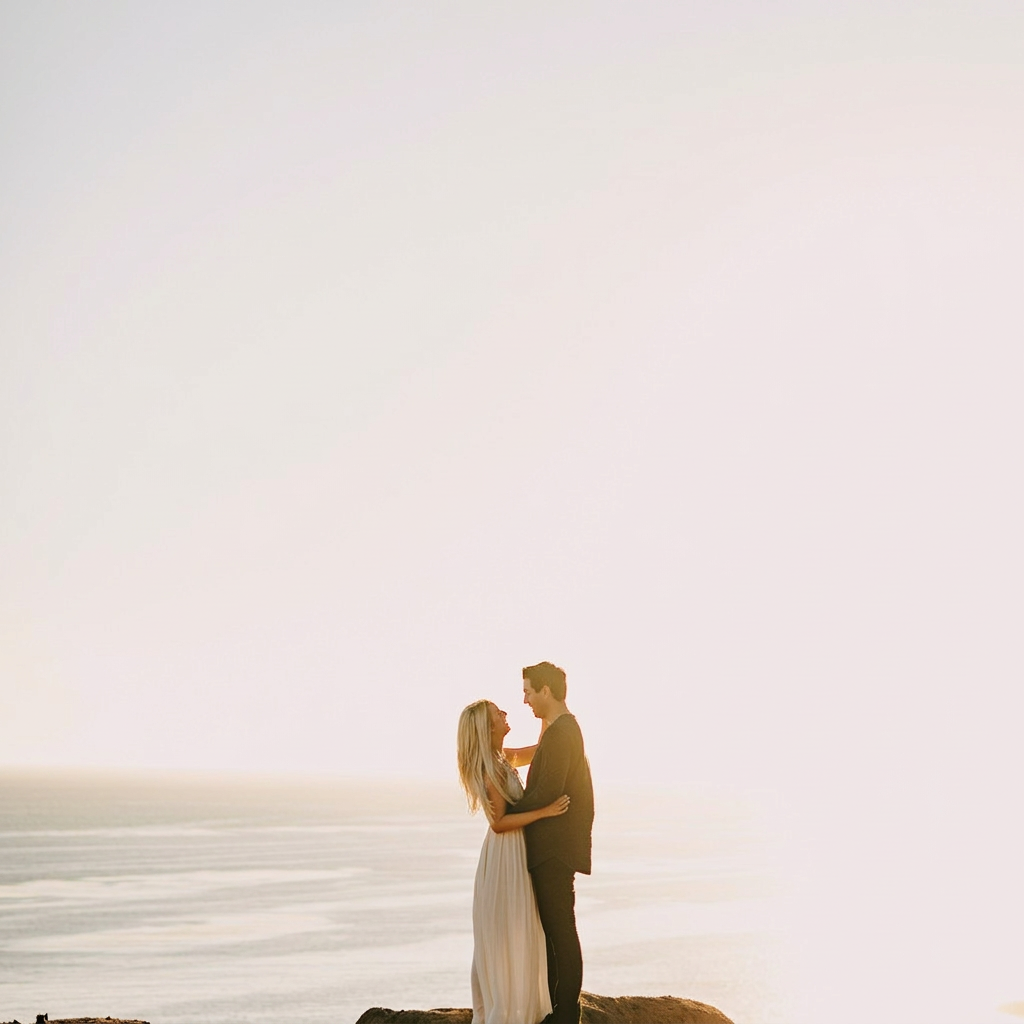
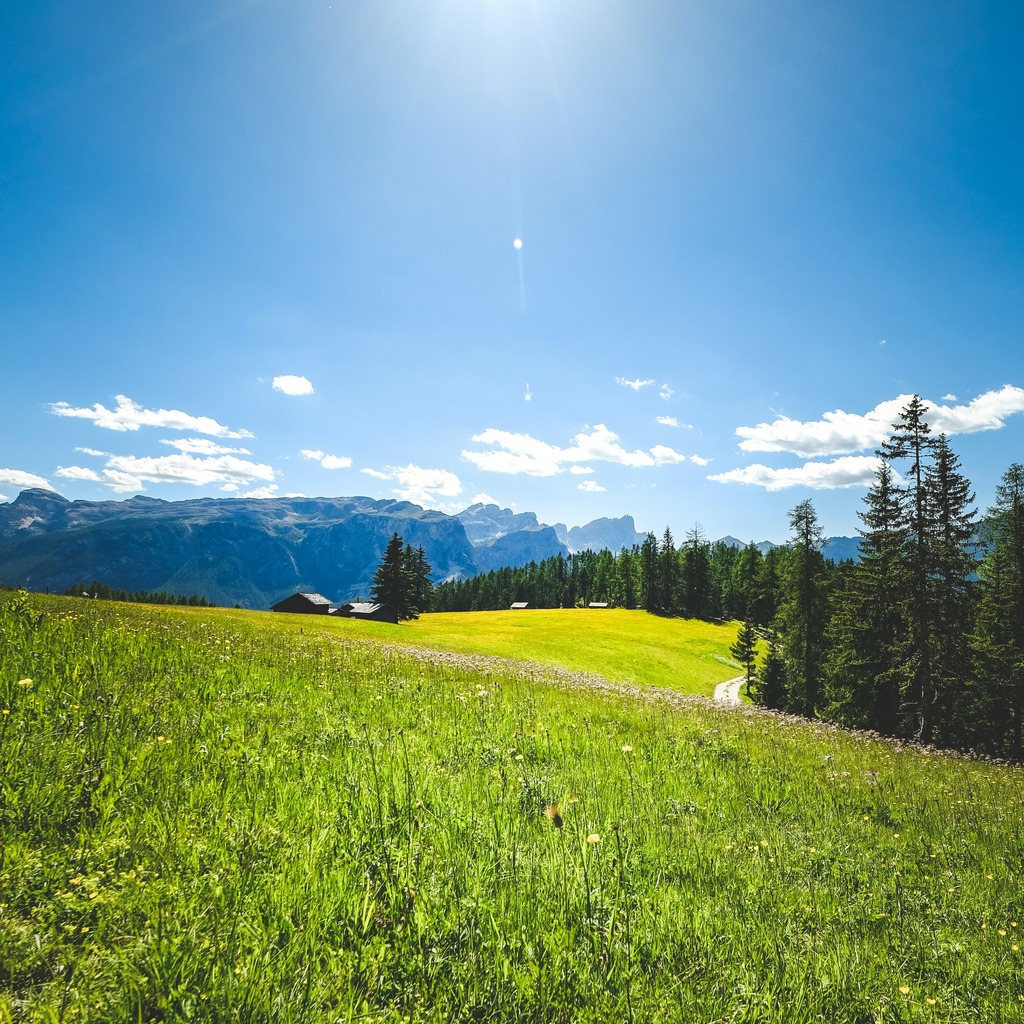
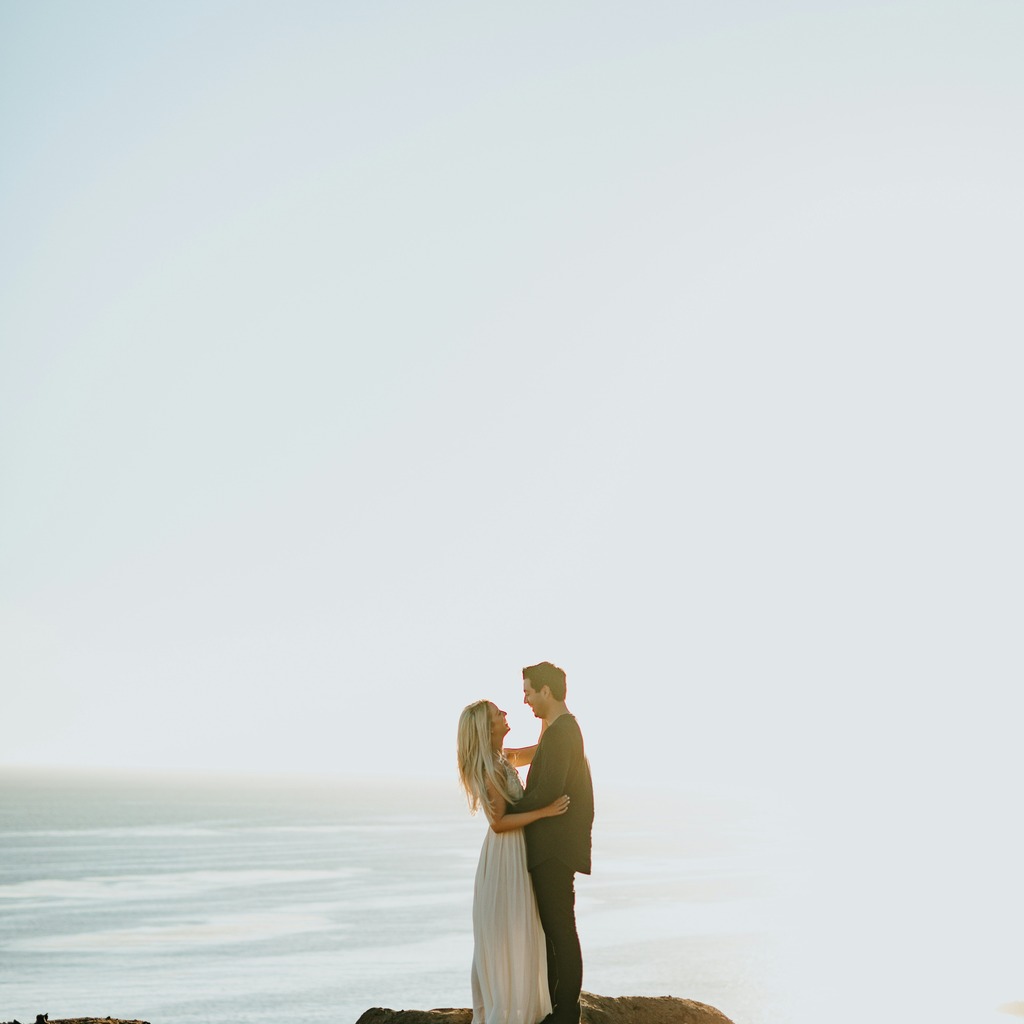
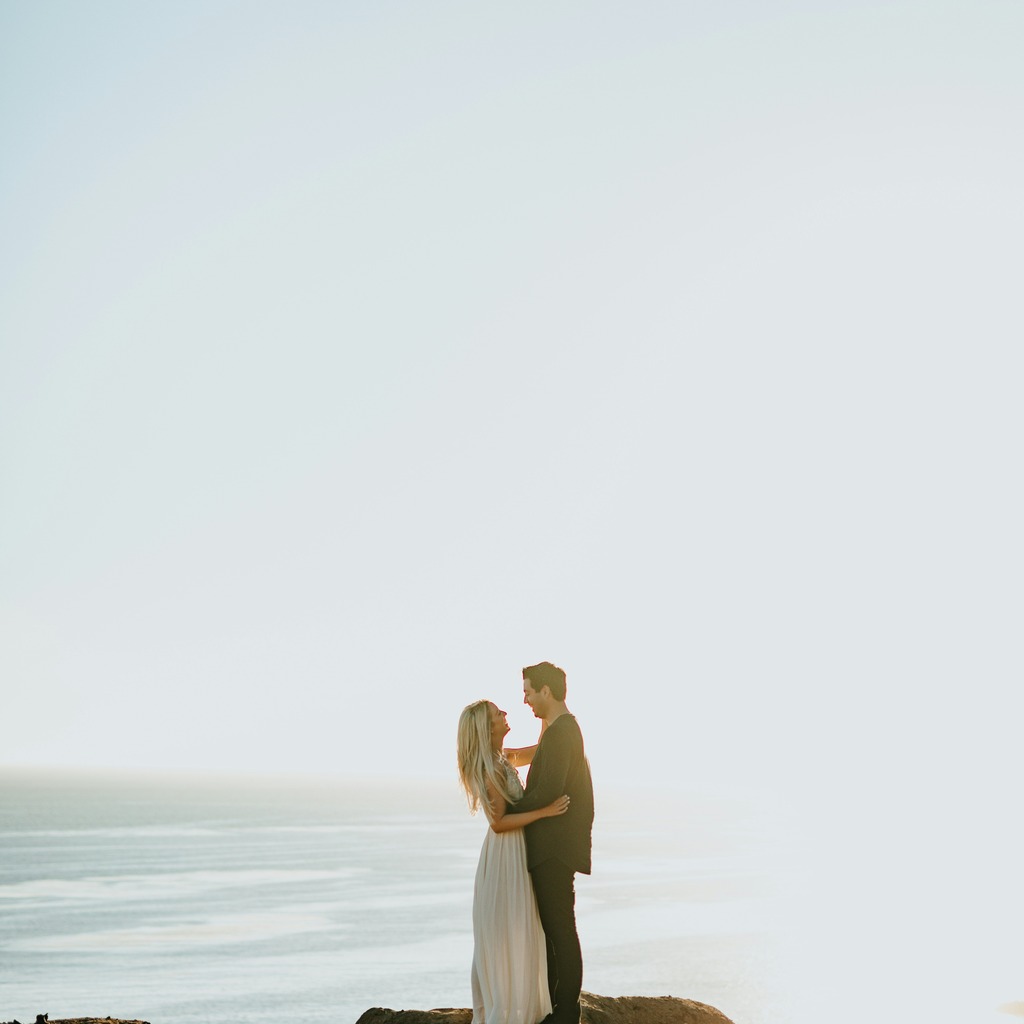
I’d anchor on the frame where the bride’s skin looks most believable and the dress still reads clean white without going nuclear. In practice that means the frame with the least mixed-light contamination and the most neutral midtones — not necessarily the prettiest pose, just the one that gives me the best starting color for the whole sequence. This image is actually a decent anchor candidate because the backlight is consistent and the whites aren’t getting smashed too hard. What makes me pause is how washed out the sky is and how the couple is sitting pretty small in the frame; if I were working this for delivery, I’d normally fix the exposure and contrast on the anchor first, then sync the look. Right now it feels a little too airy and thin to be the final anchor without tightening it up. EDIT_INSTRUCTION: "Lift overall contrast slightly, recover some sky detail, keep the backlit glow but reduce the washed-out haze, and make the couple read a touch more clearly while preserving natural skin tones and the white dress."
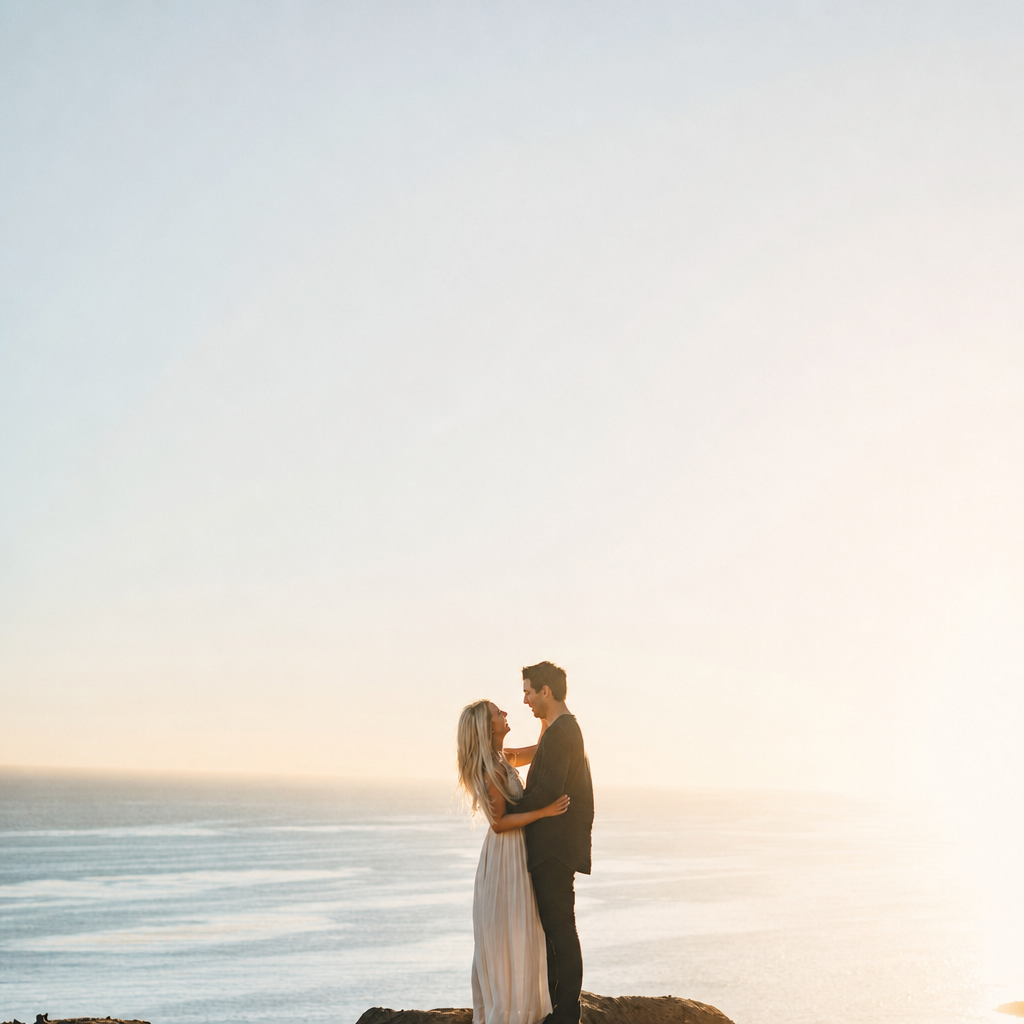
SYSTEM: [GPT Image 2 applied → turn_1_edit.png sha256=07fb5577ed7e]
What feels like the main friction here: getting the anchor frame right, or keeping the synced look consistent across the rest of the set?
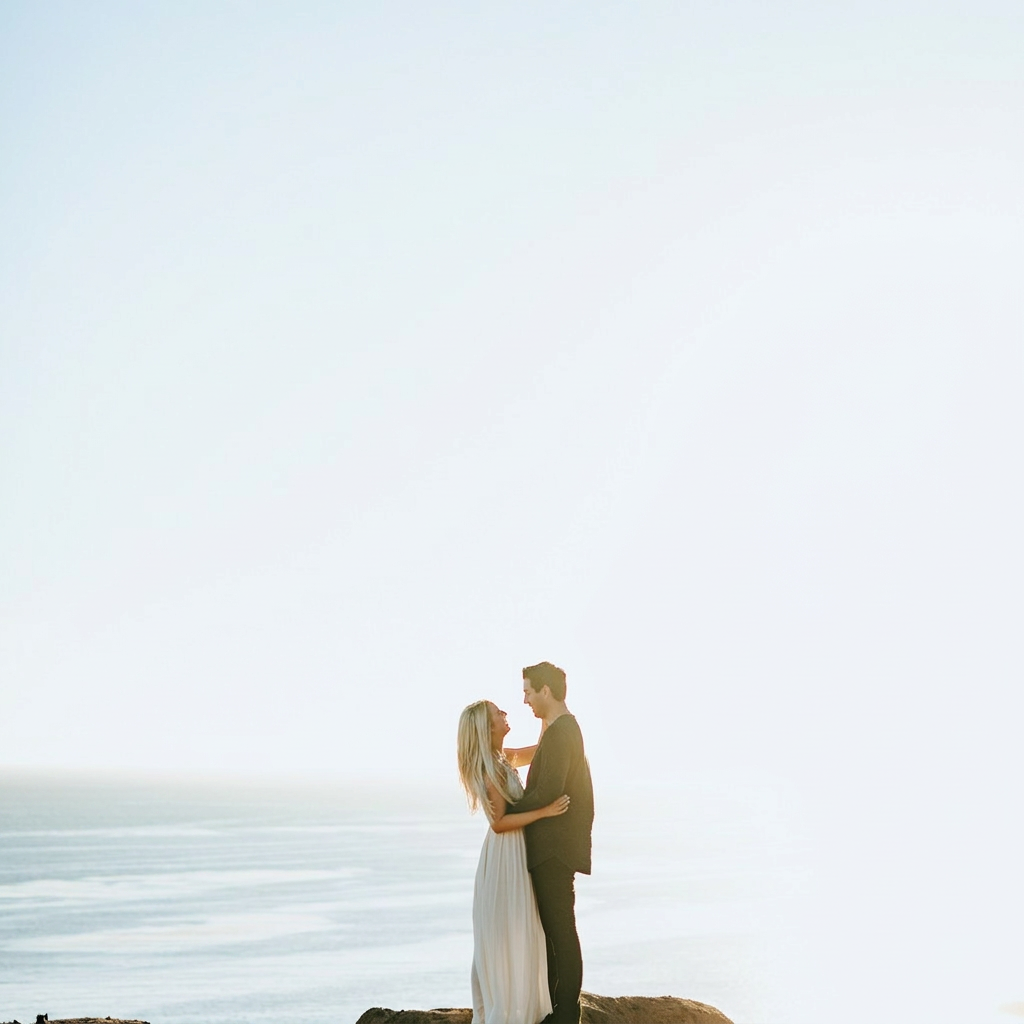
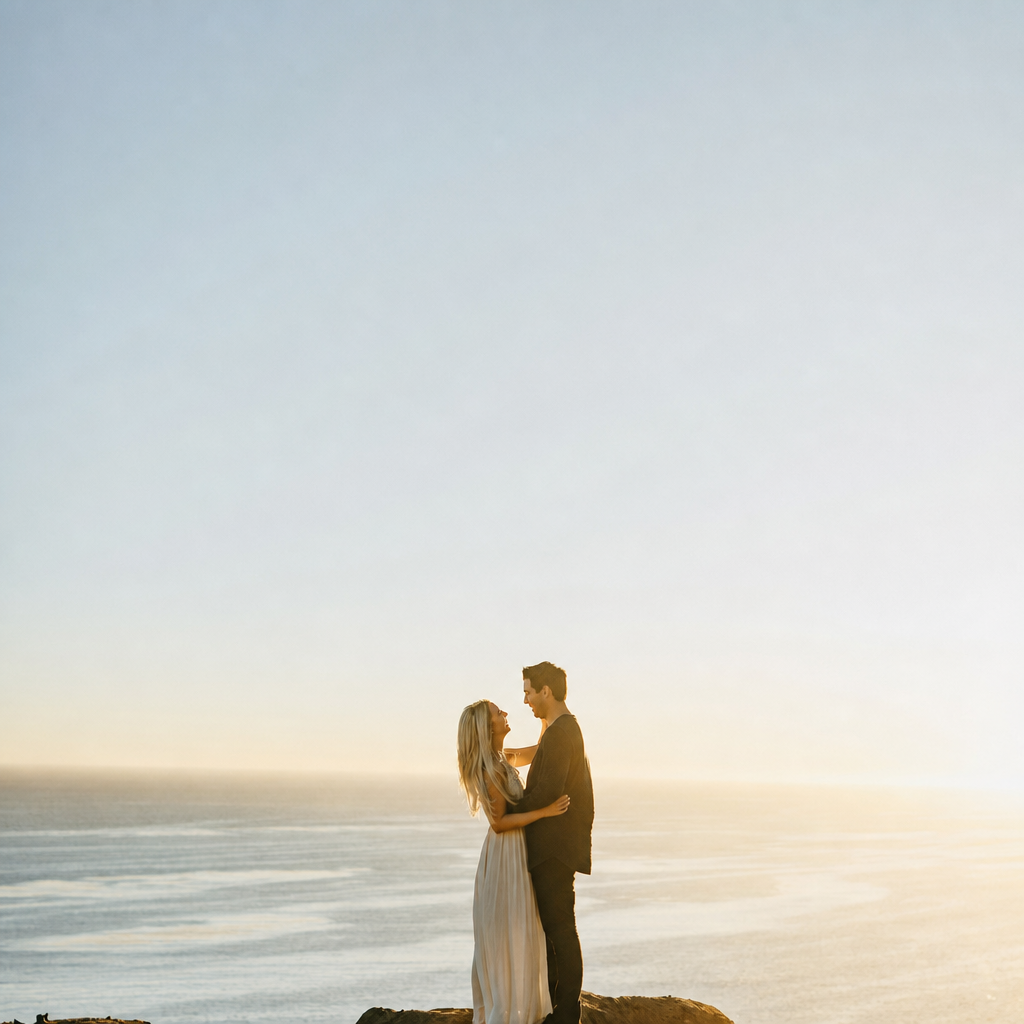
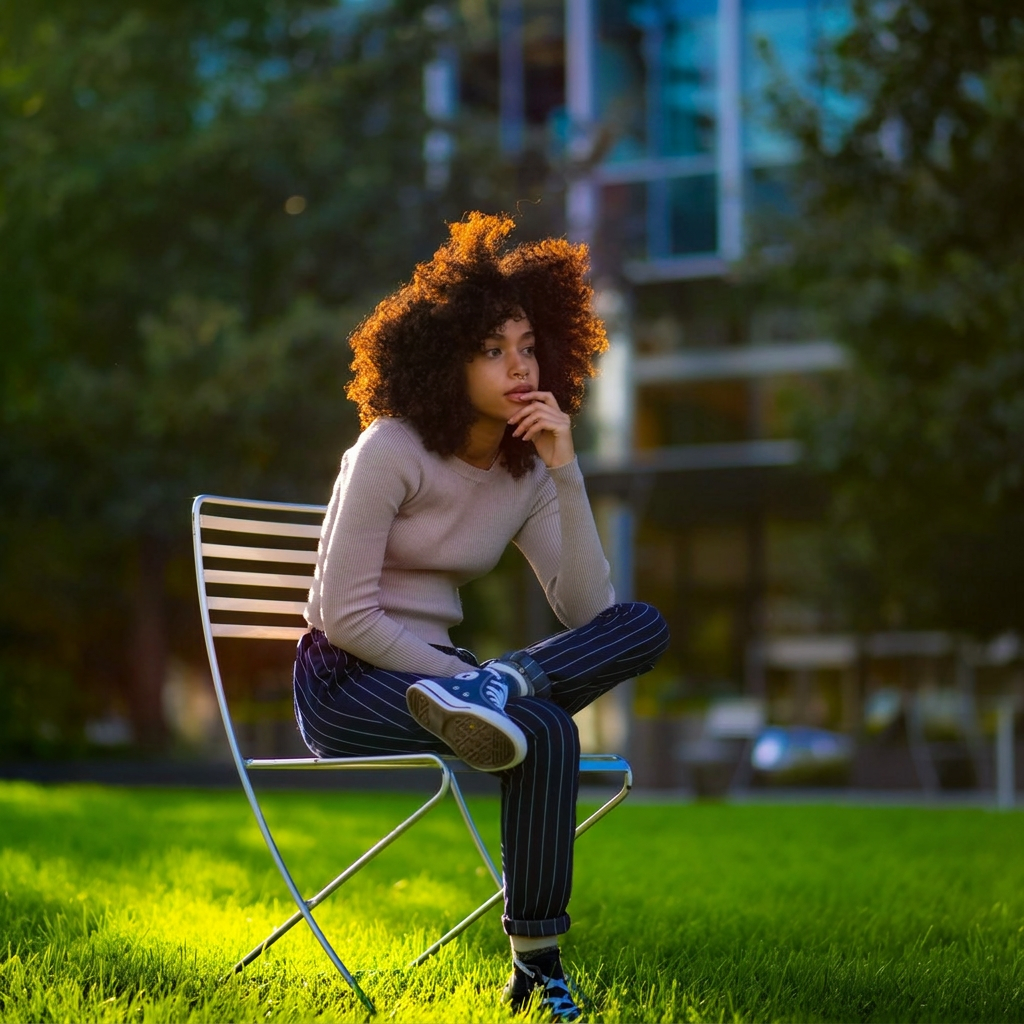
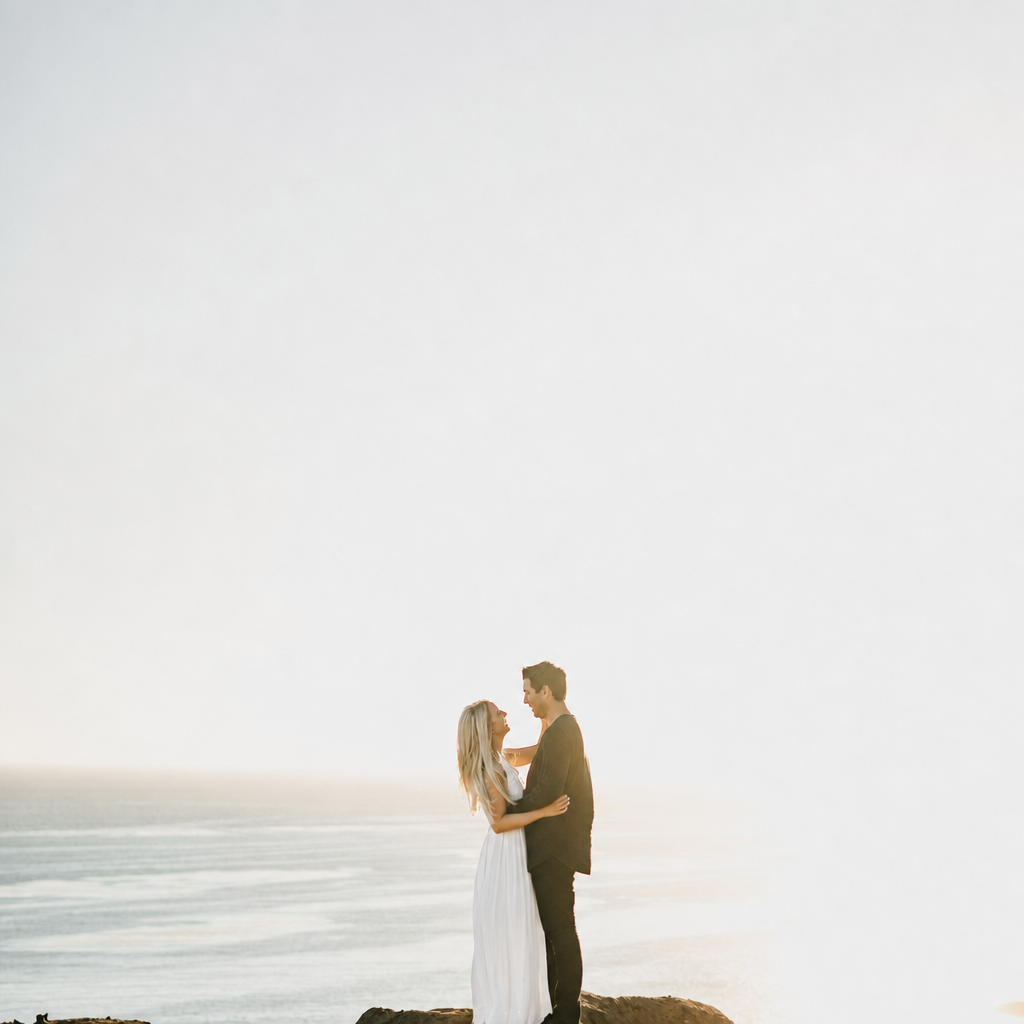
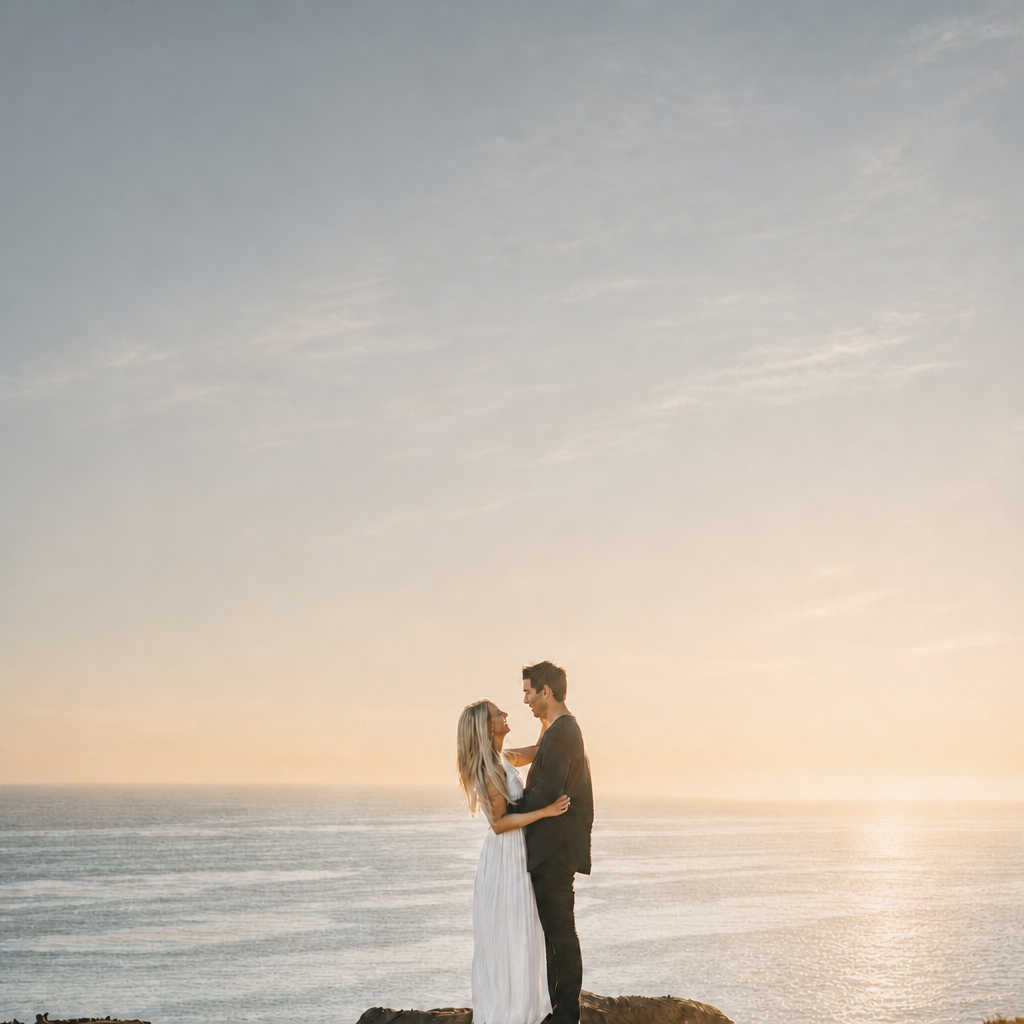
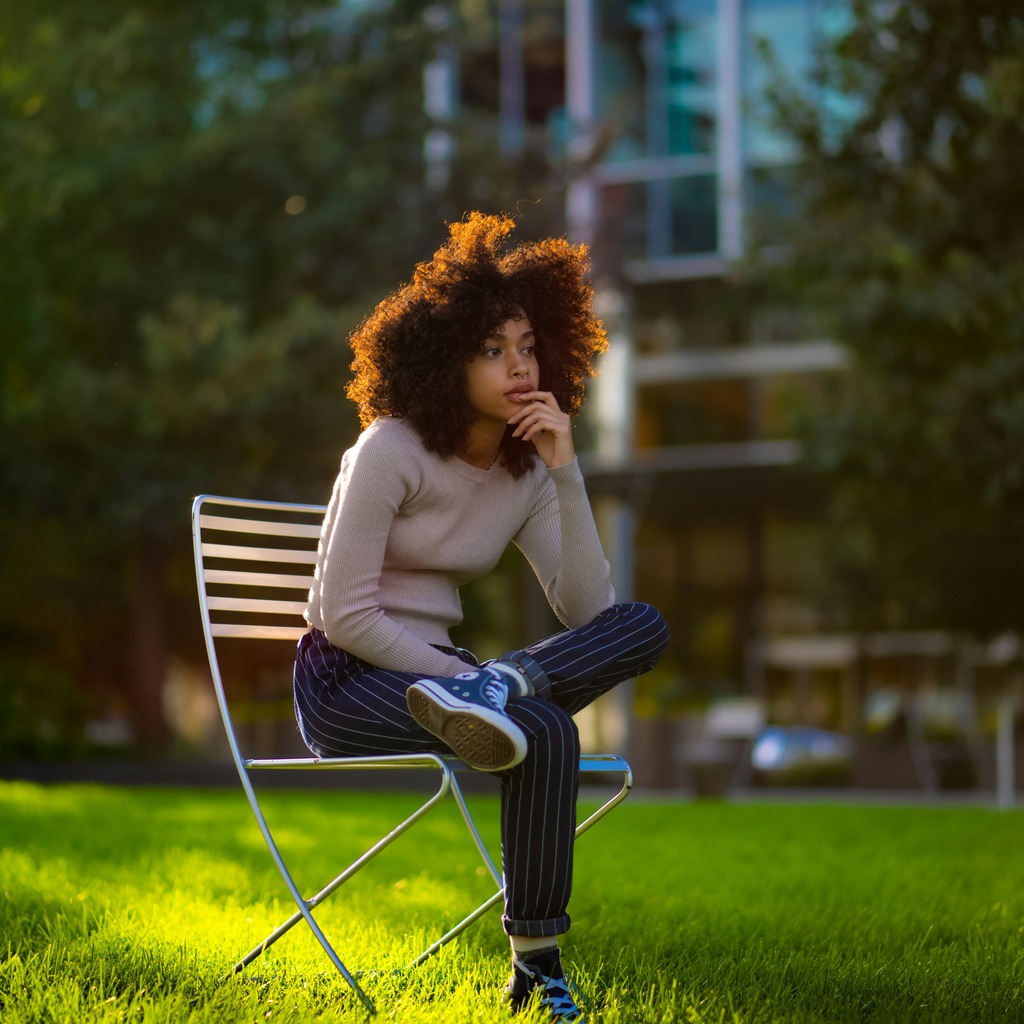
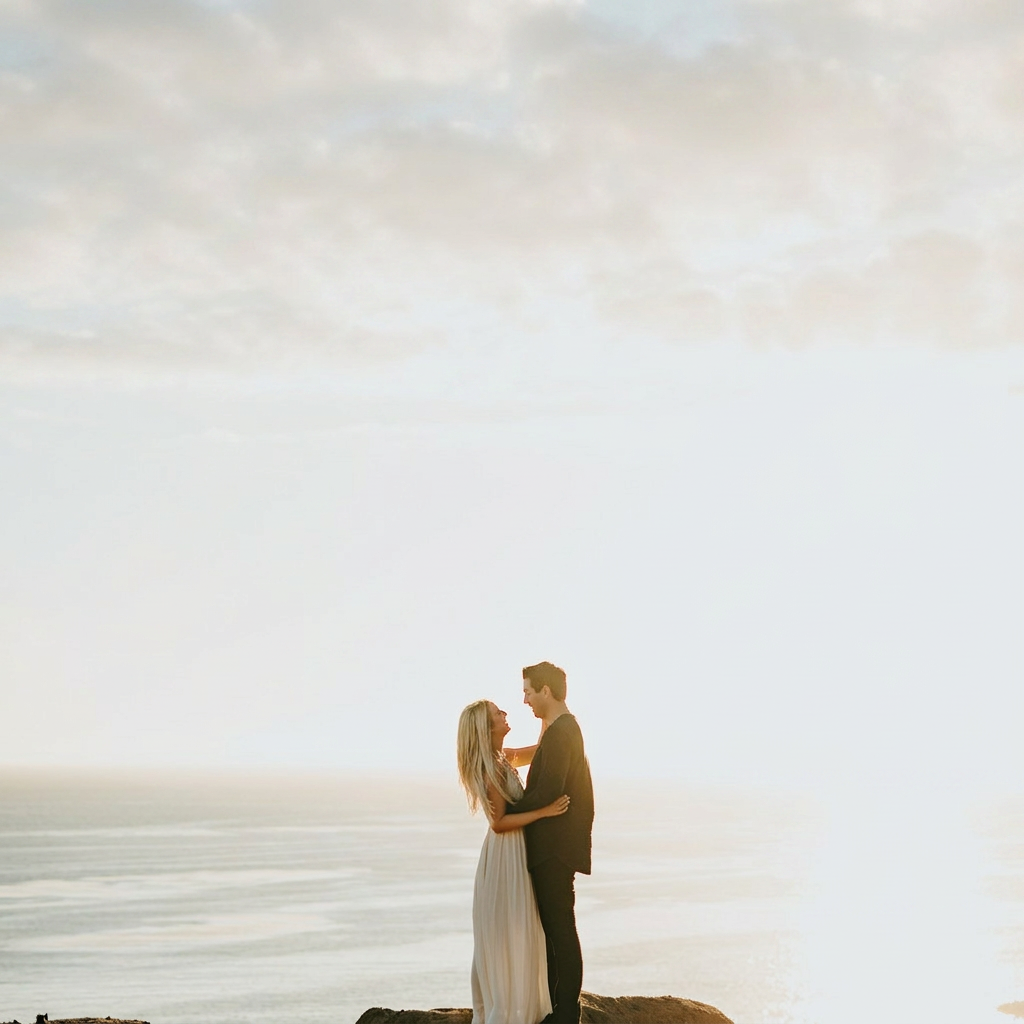
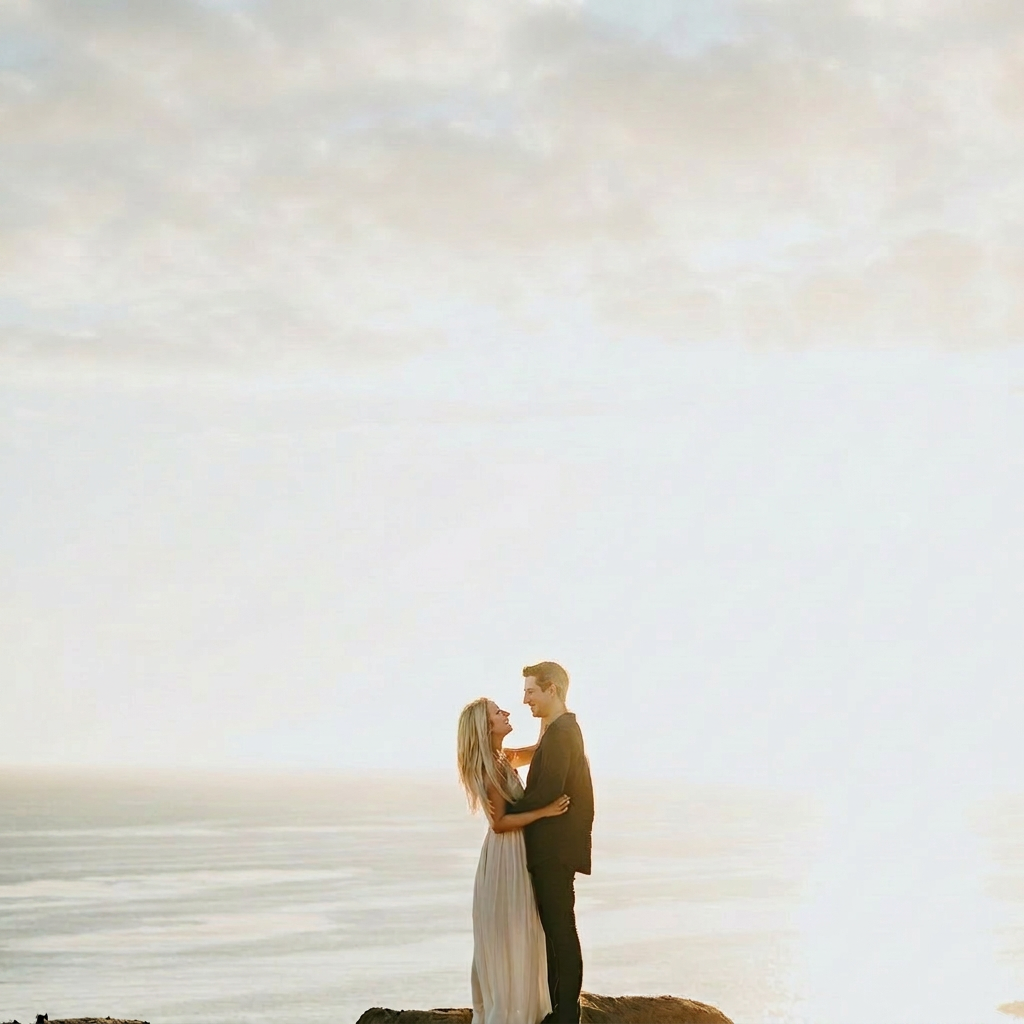
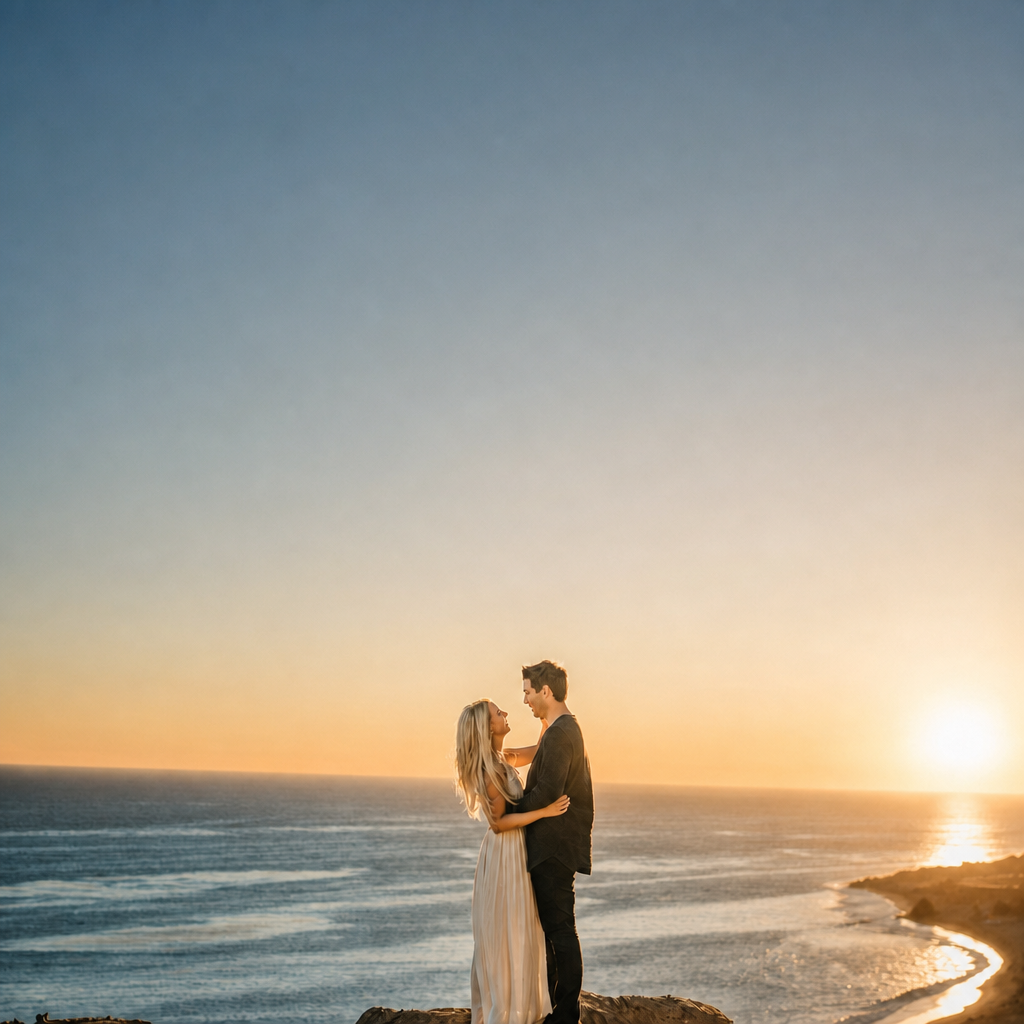
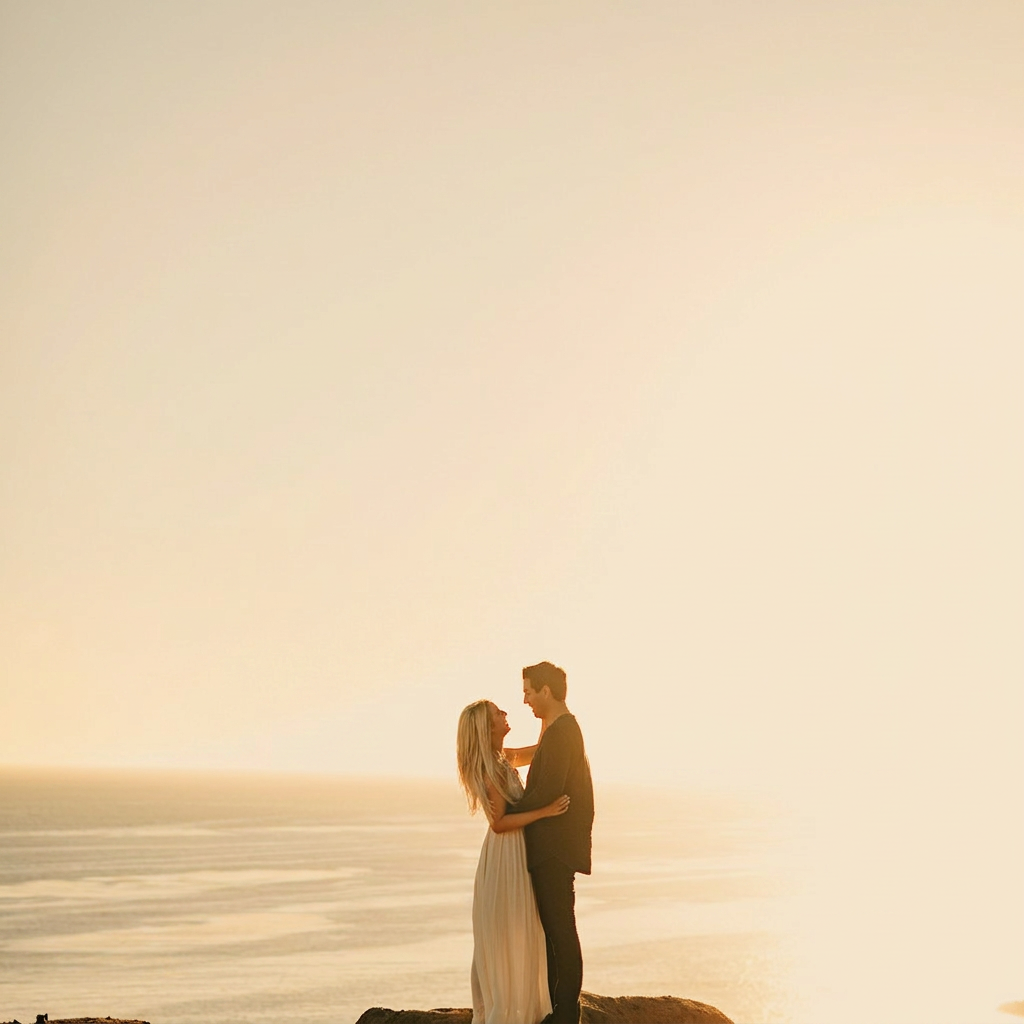
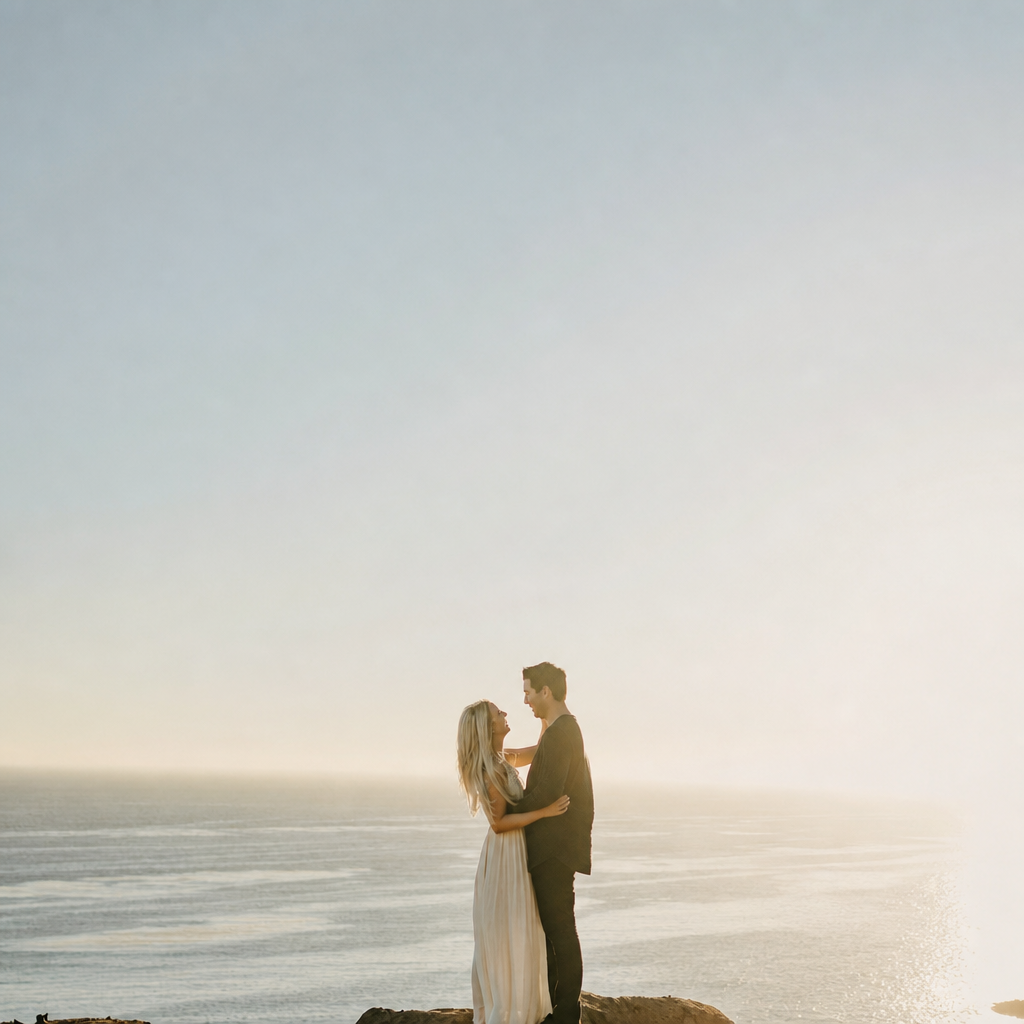
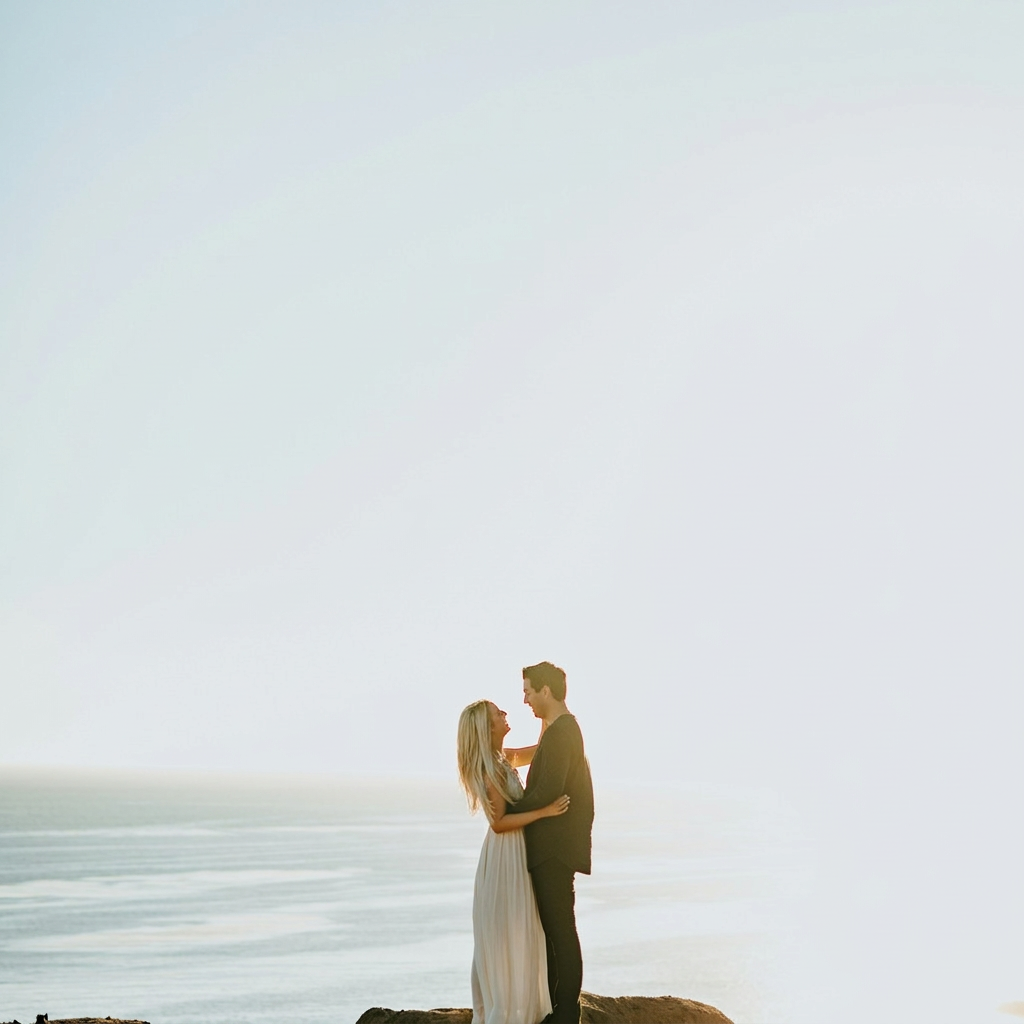
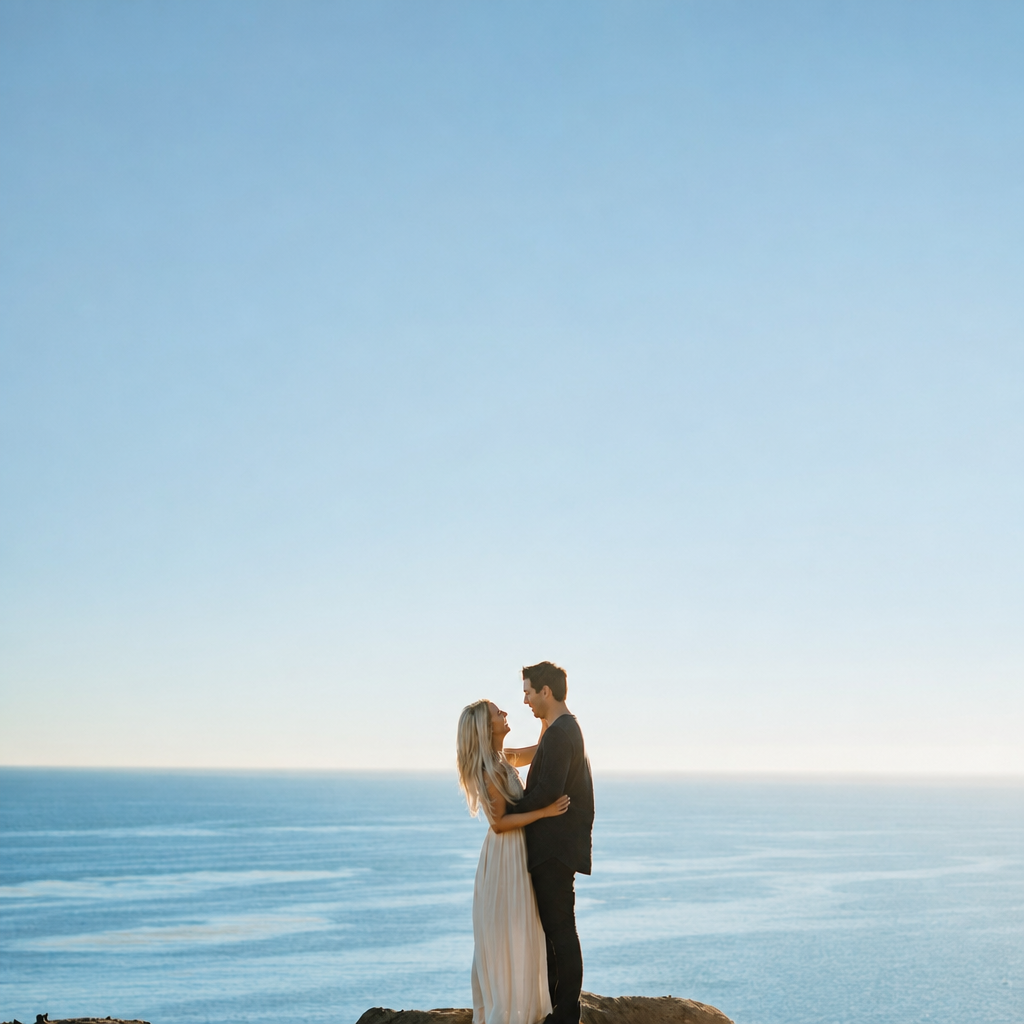
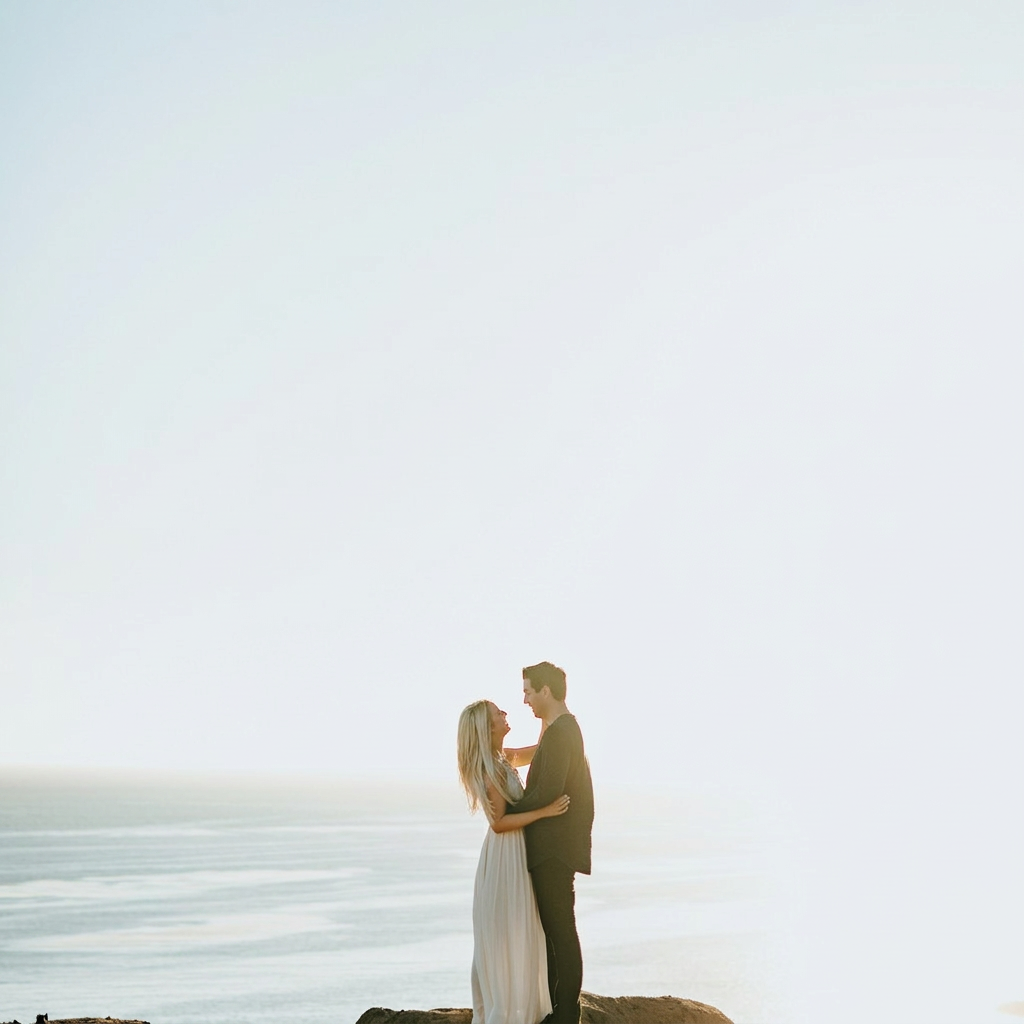
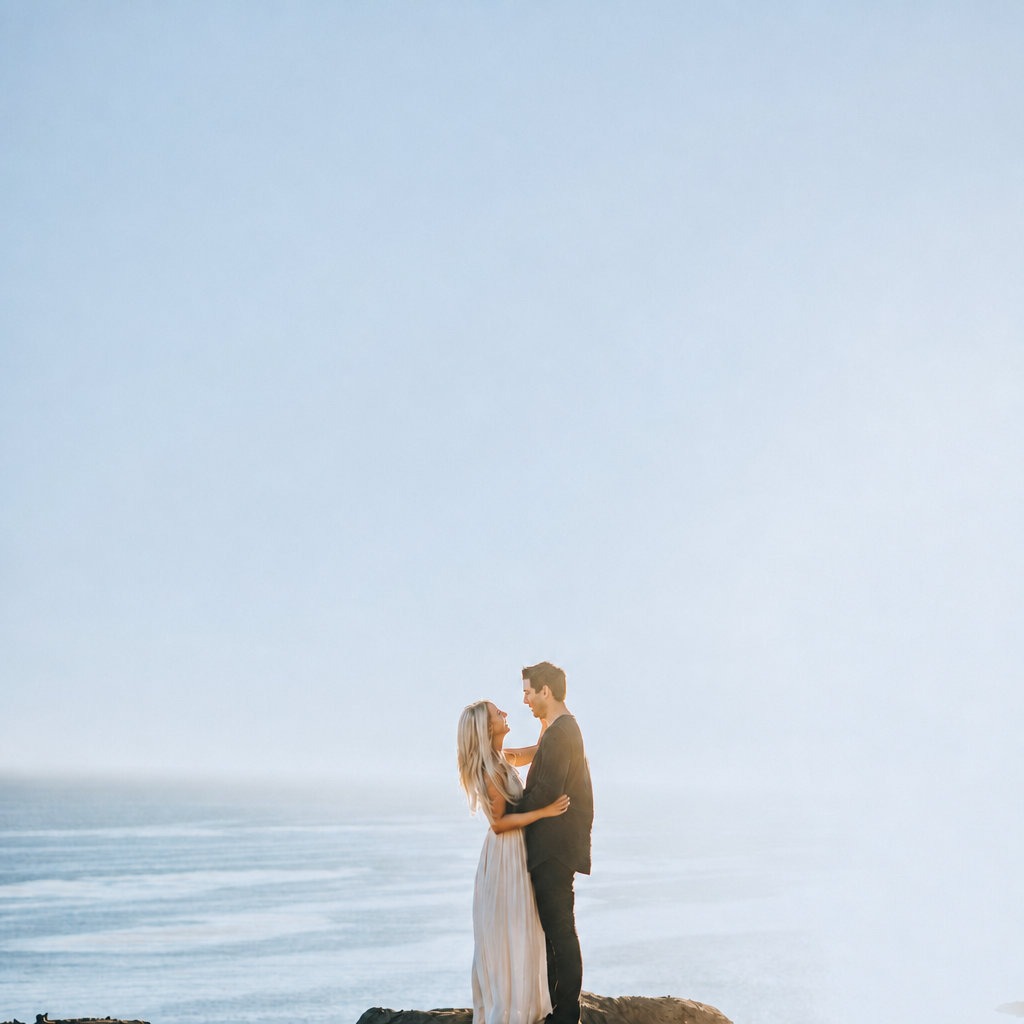
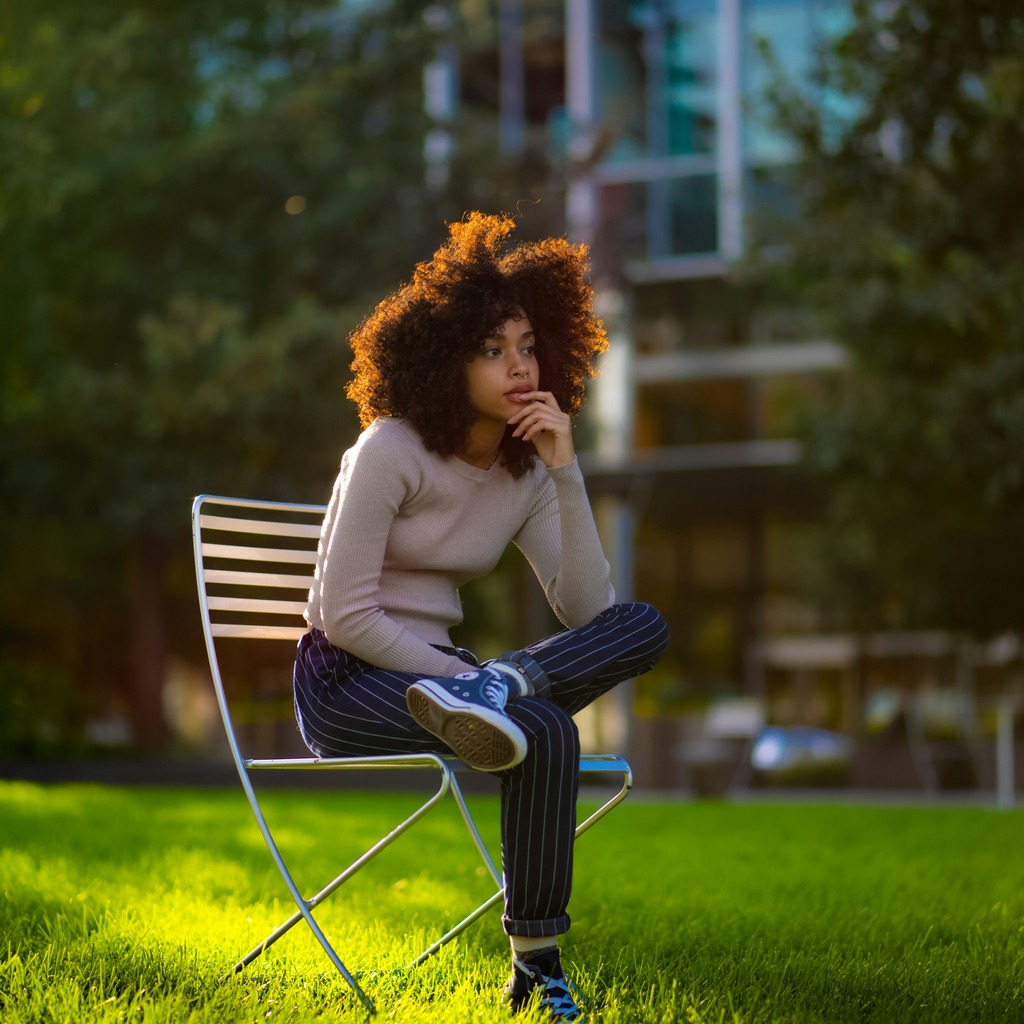
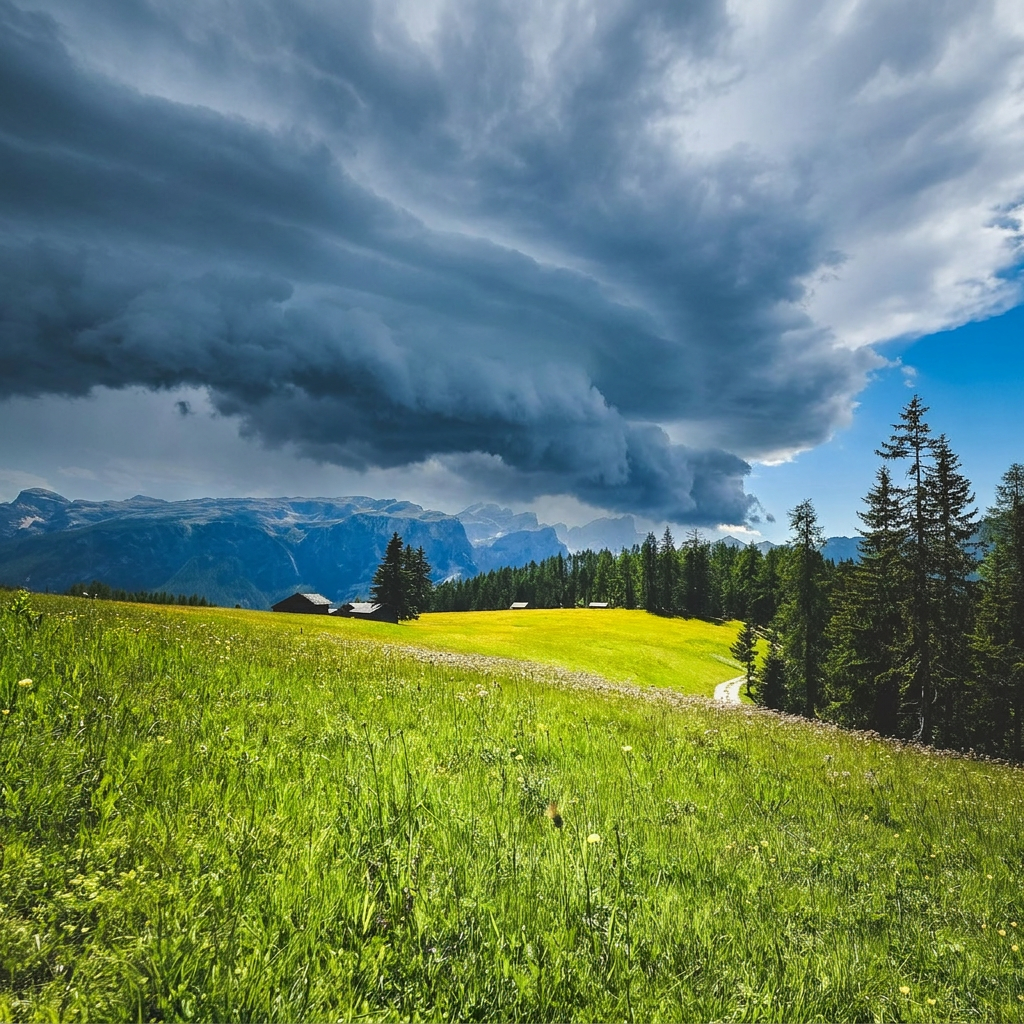
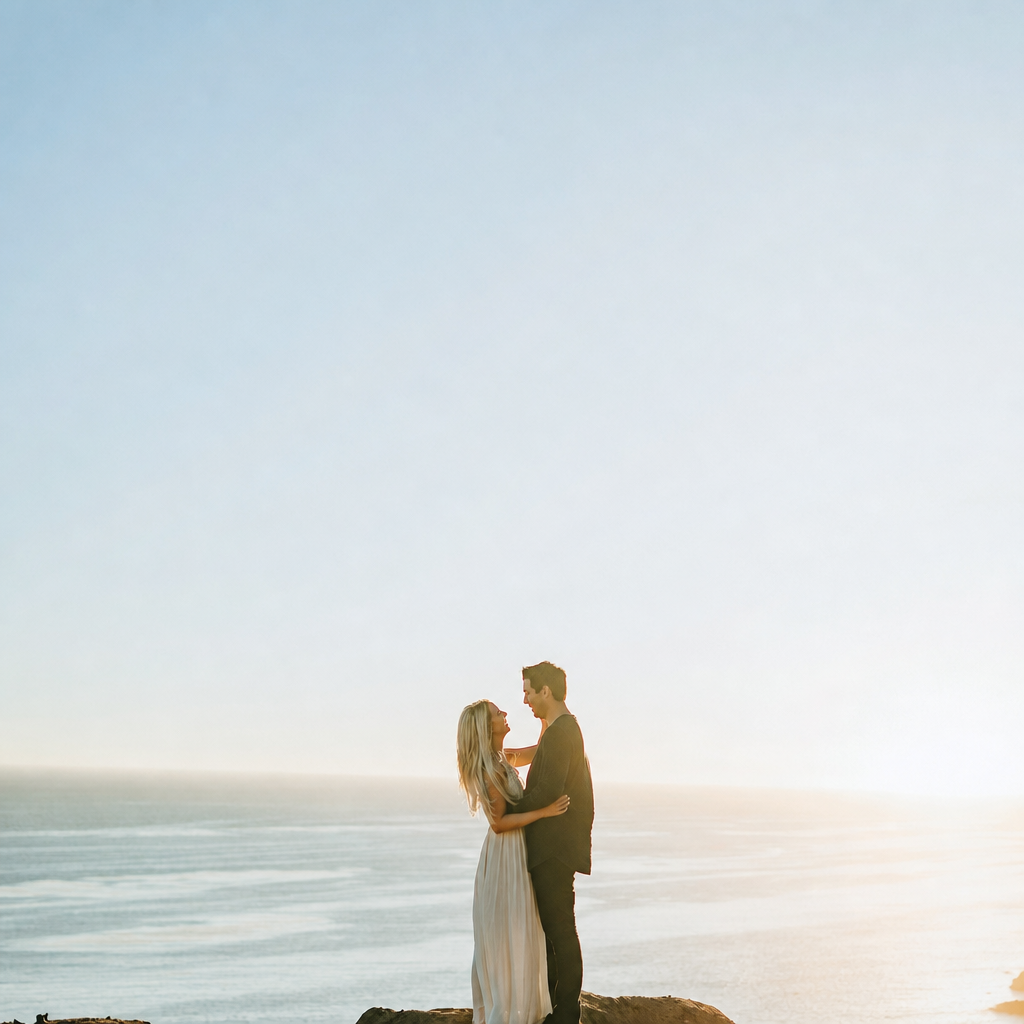
The main friction is getting the anchor frame right. If that first frame is off, everything else gets dragged with it, and then I’m spending the whole set fighting the same mistake over and over. This frame is closer, but it still feels a little too airy for an actual delivery anchor. The sky’s basically a bright sheet, and the couple still read a bit too tiny against all that negative space. I’d rather have the anchor carry slightly more subject weight before I sync anything. EDIT_INSTRUCTION: "Darken the sky and upper background enough to bring back visible texture and tonal separation, deepen the foreground and subjects slightly so the couple reads more clearly, and keep the warm backlit edge without clipping the highlights or making skin tones too orange."
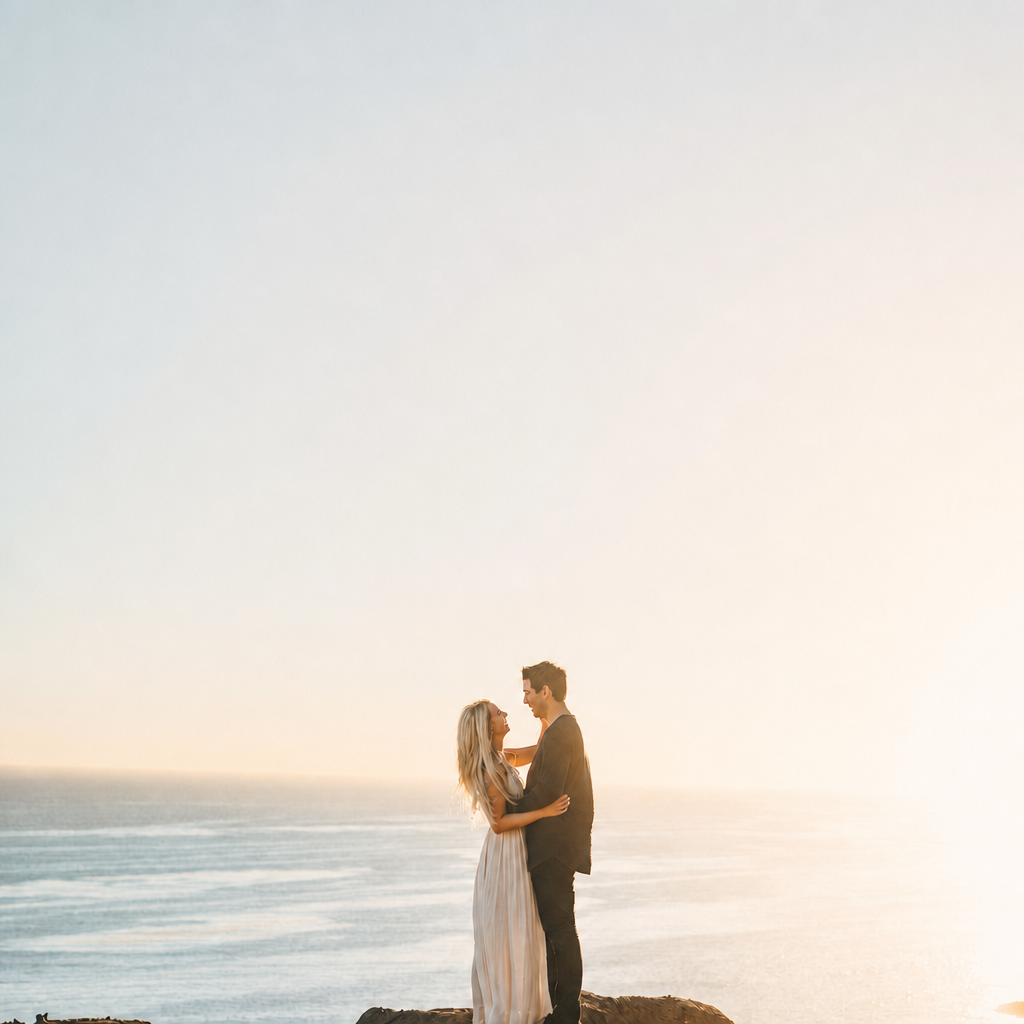
SYSTEM: [GPT Image 2 applied → turn_2_edit.png sha256=a28d970cbfa3]
What do you do when the anchor frame still doesn’t feel solid enough to sync from?
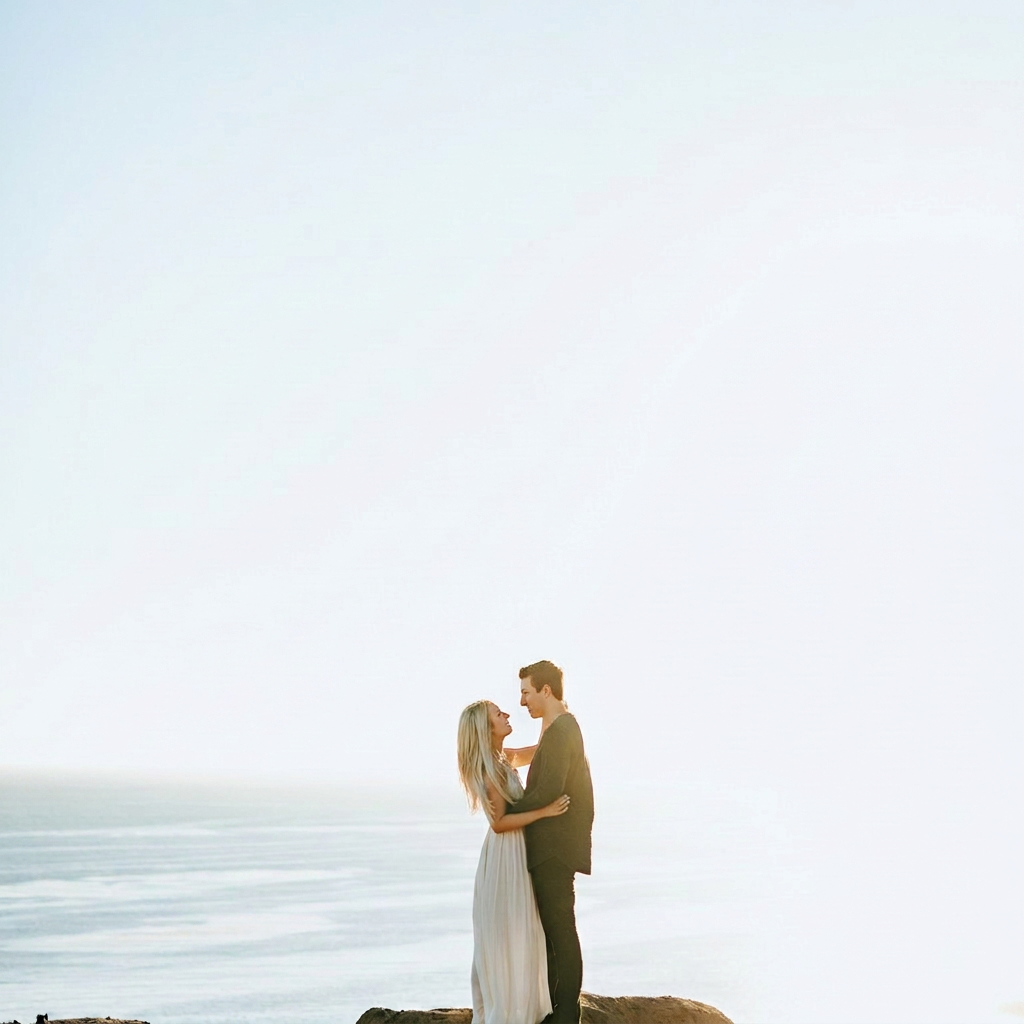
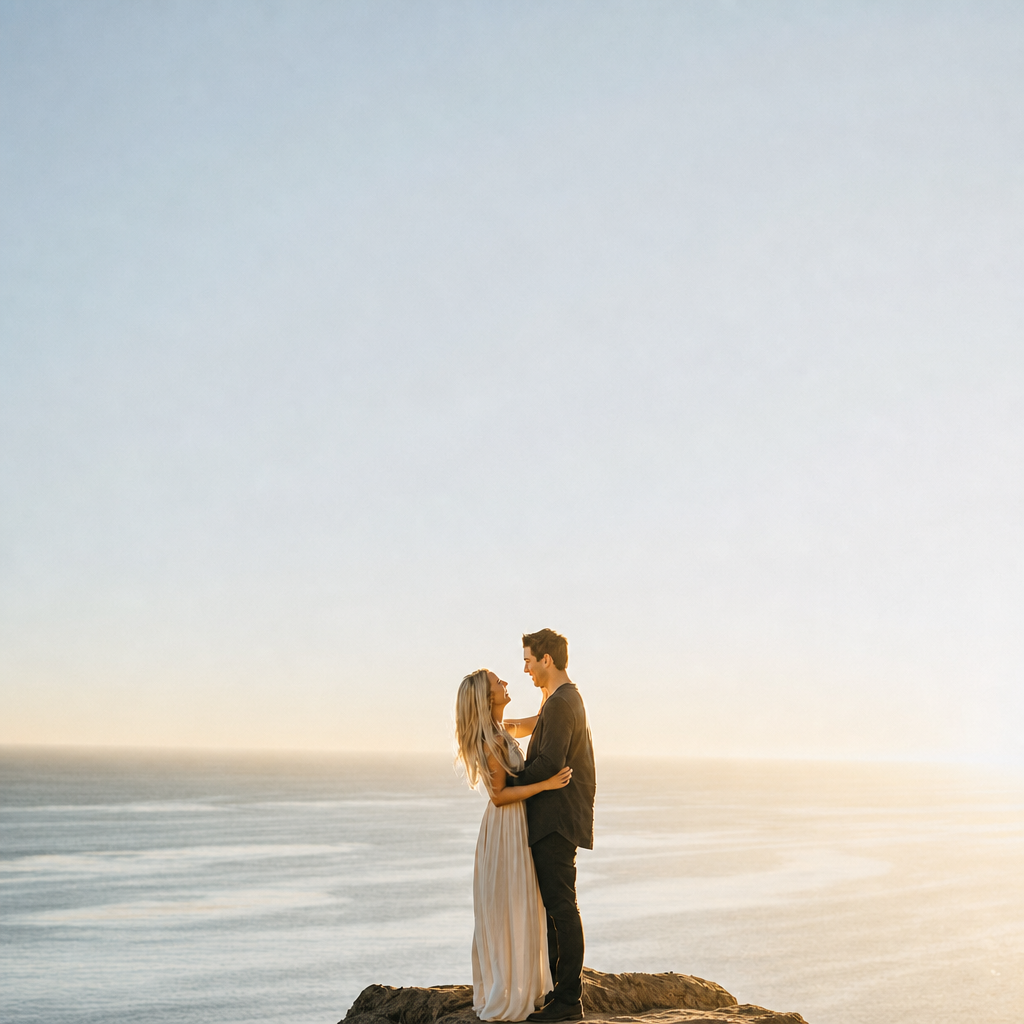
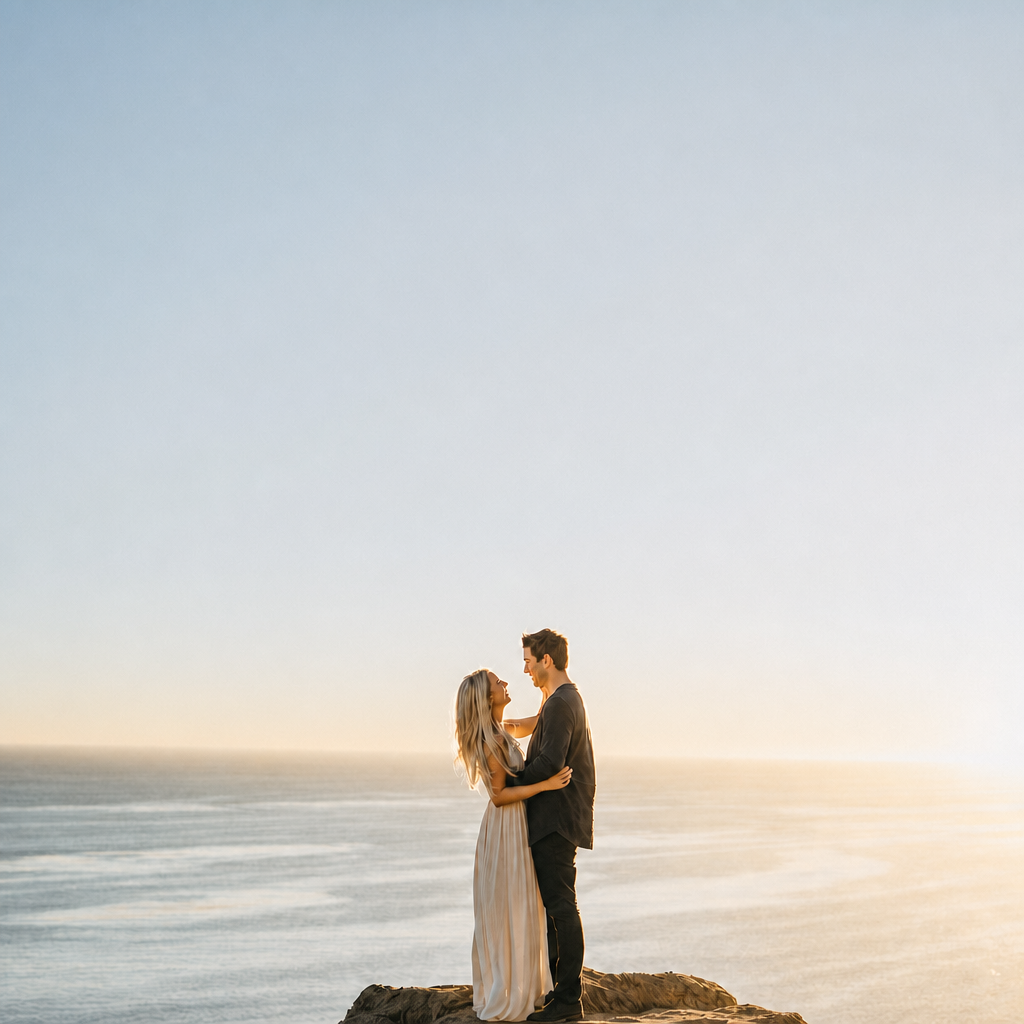
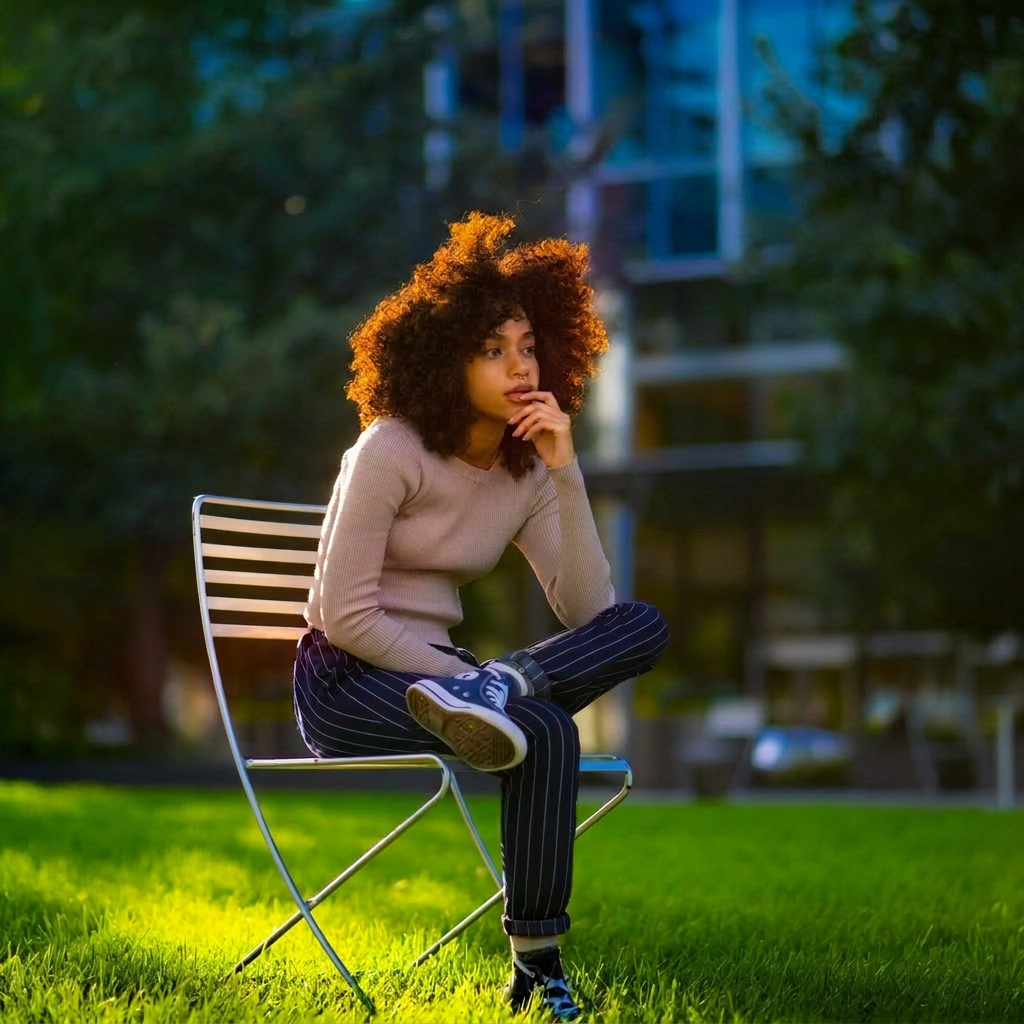
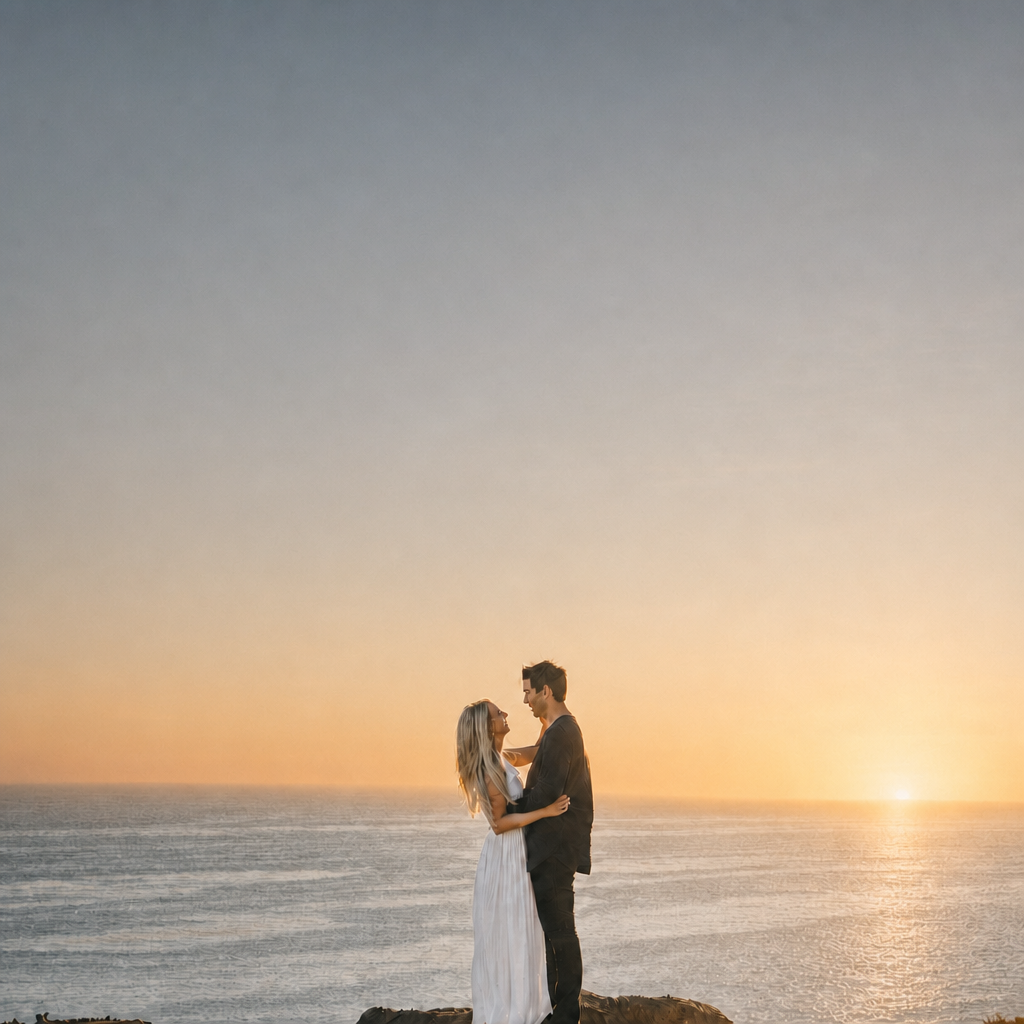
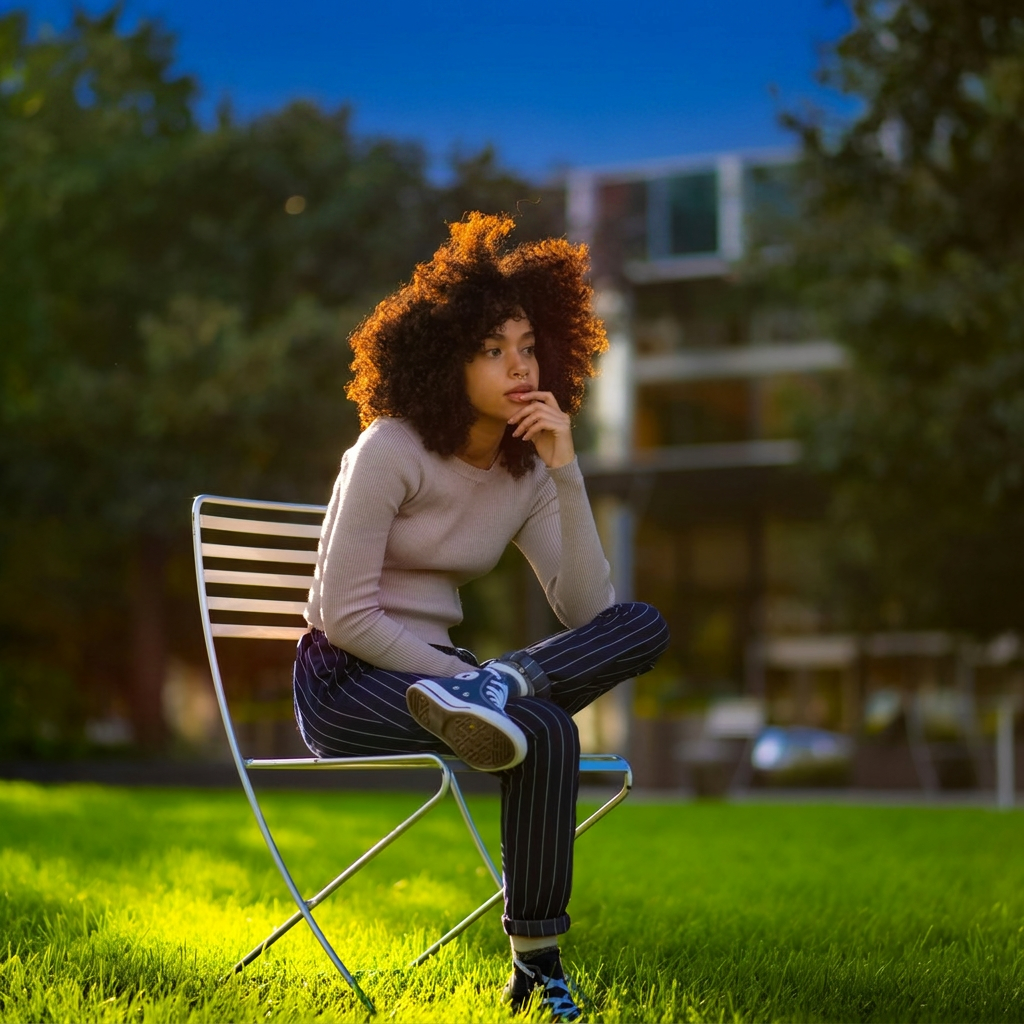
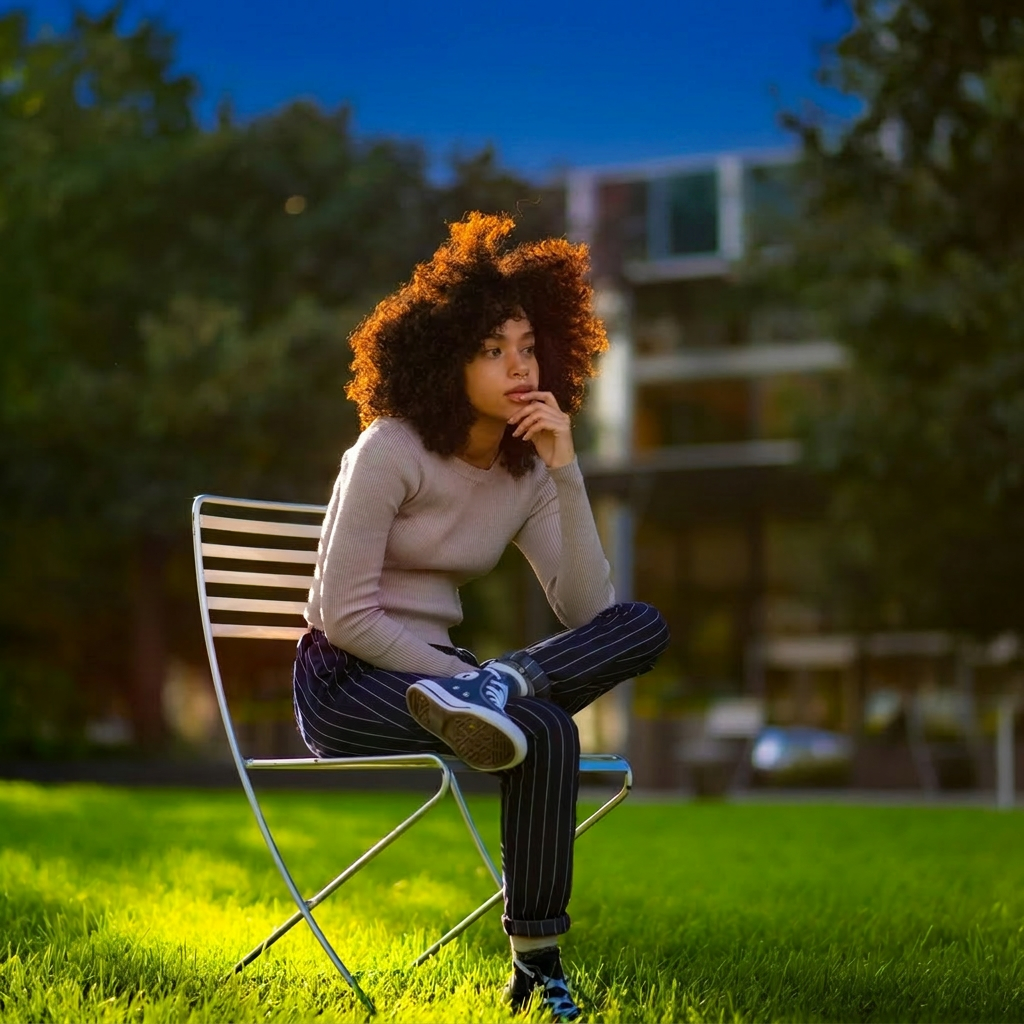
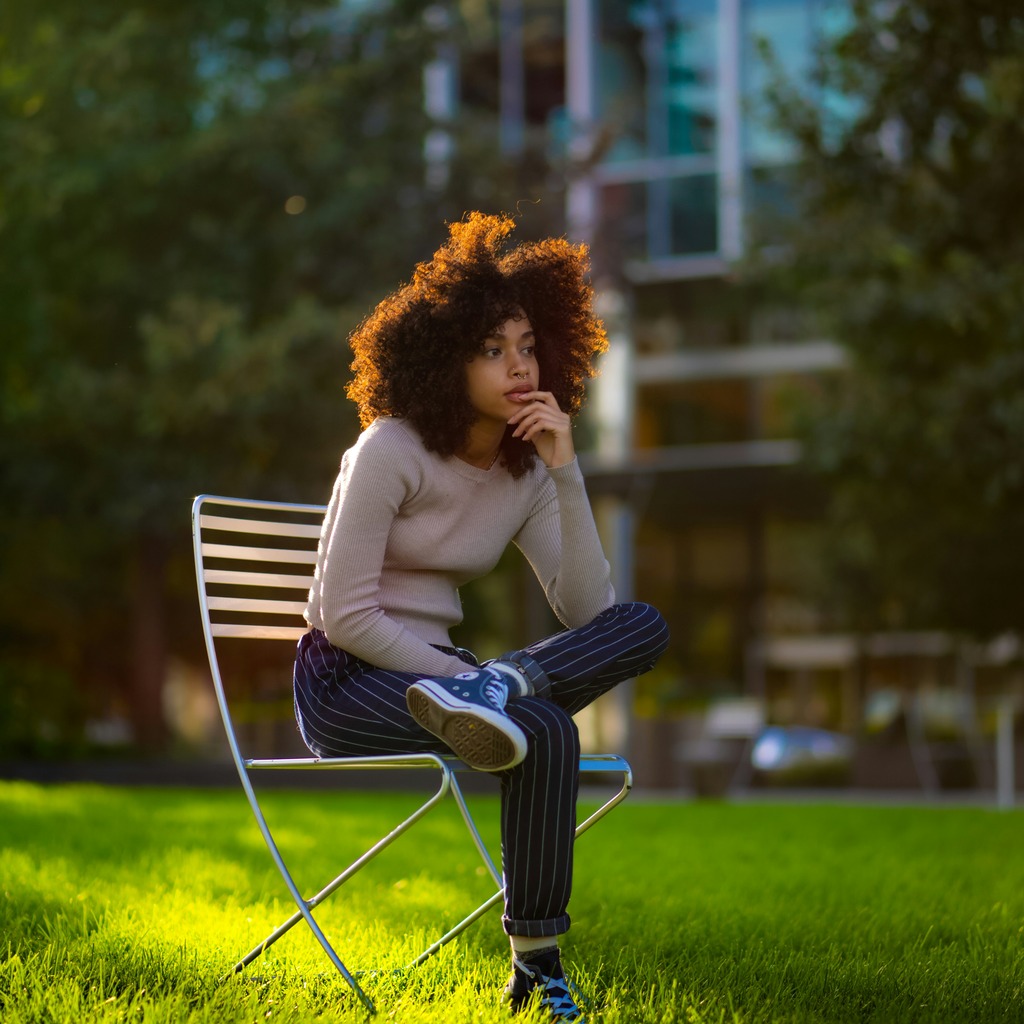
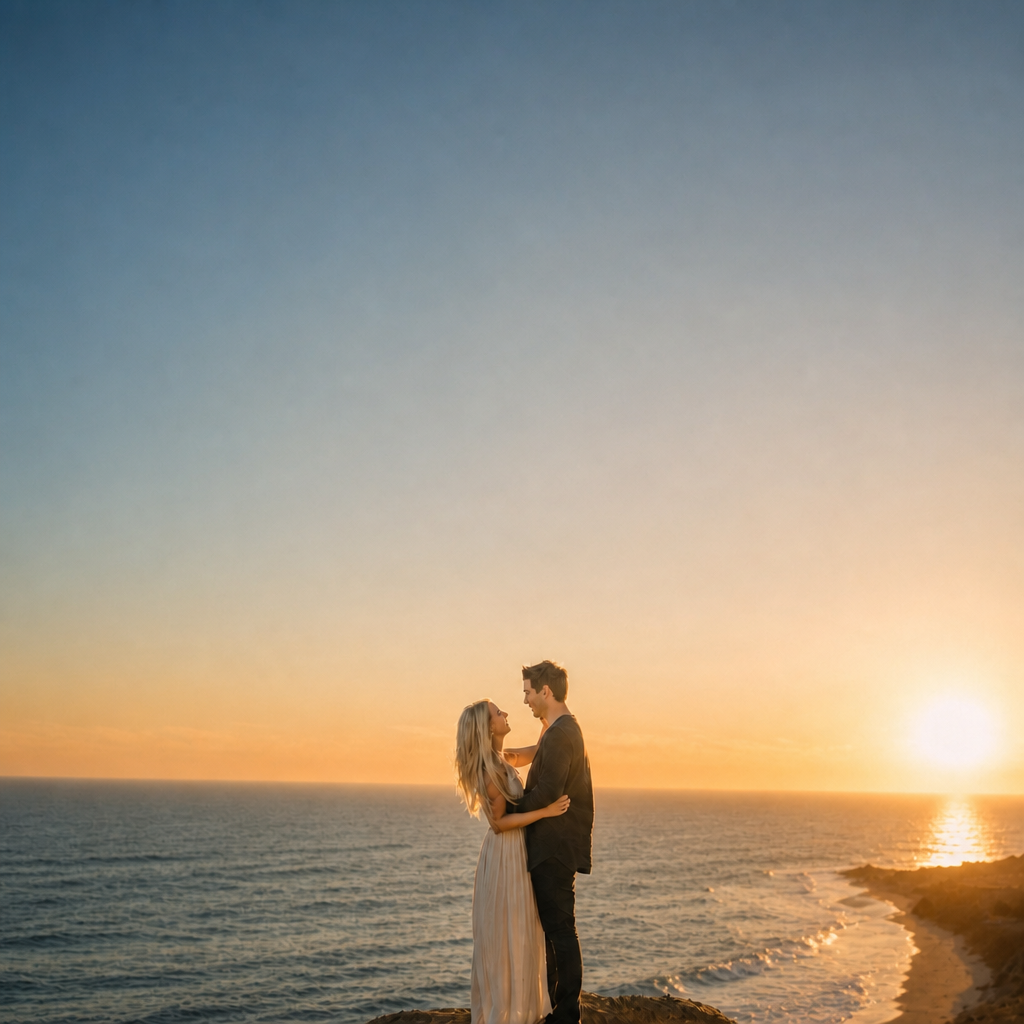
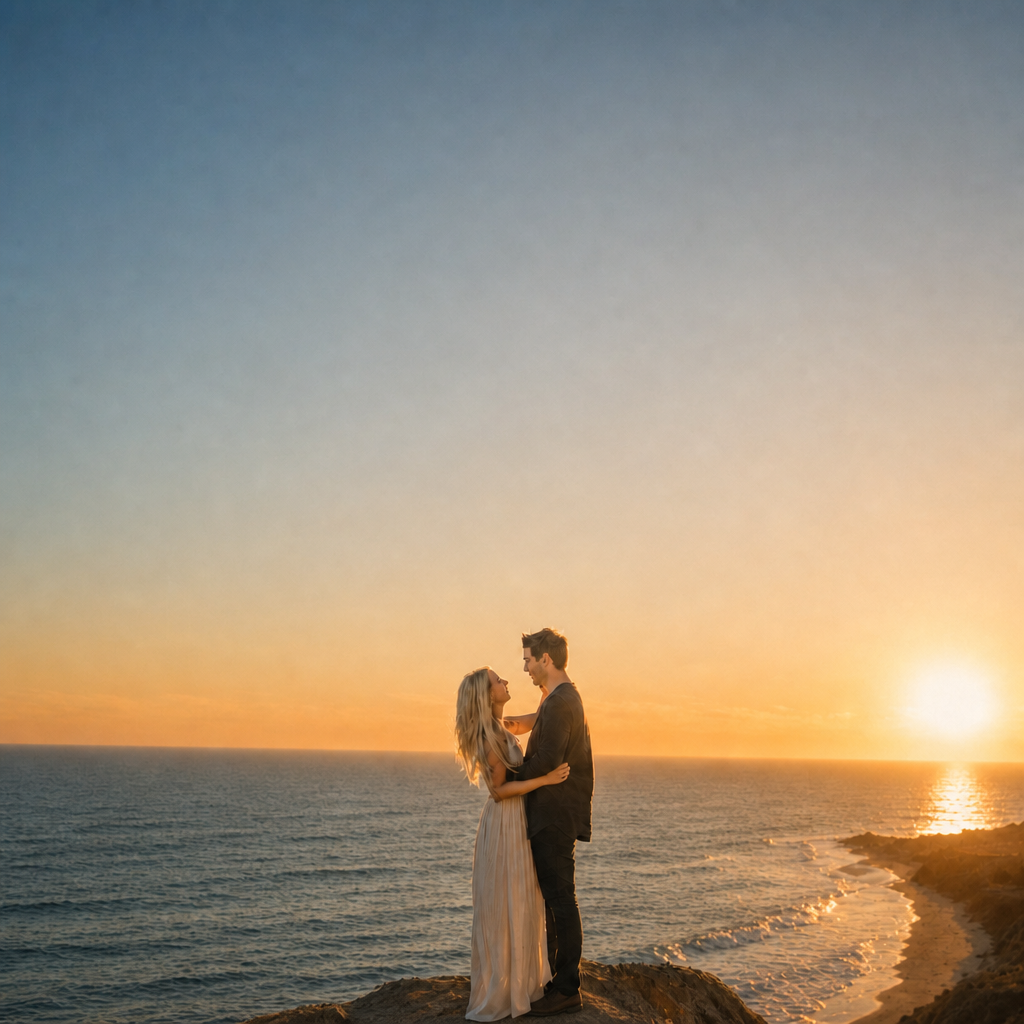
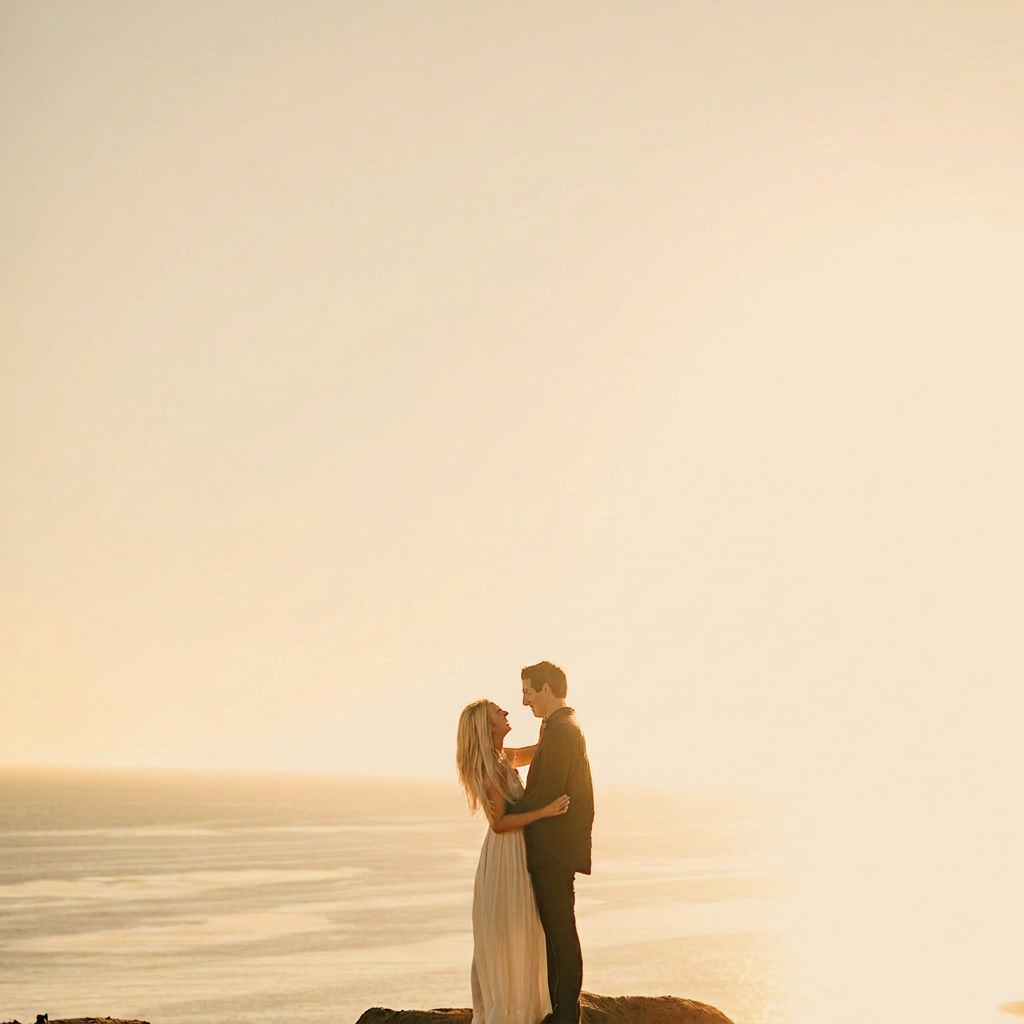
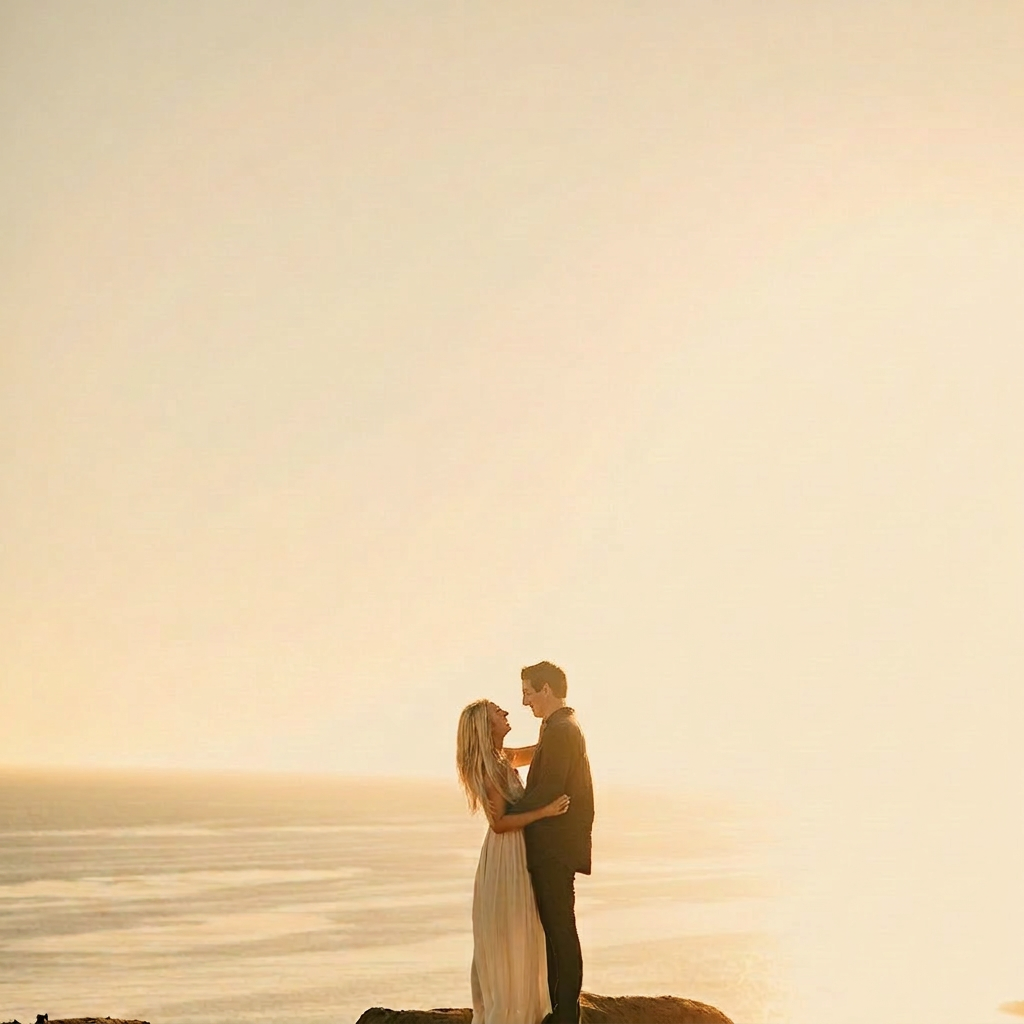
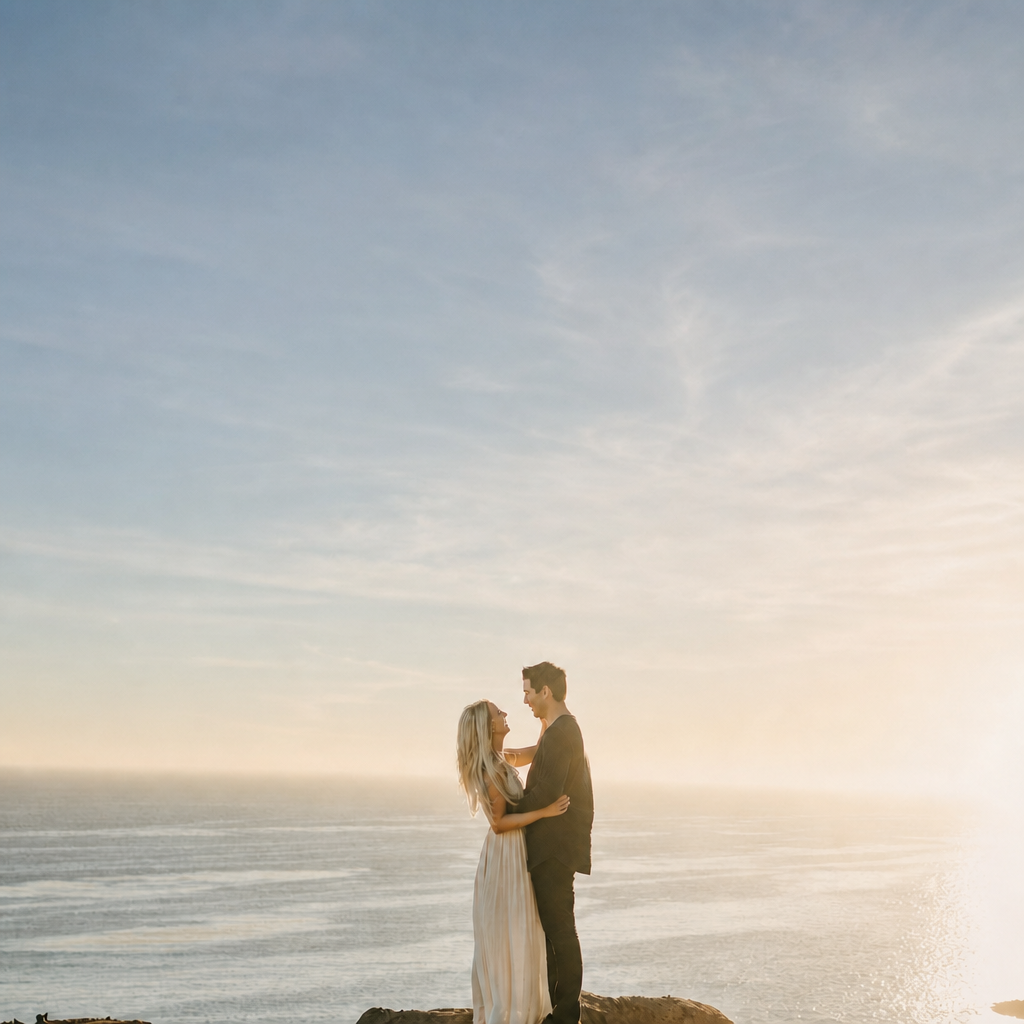
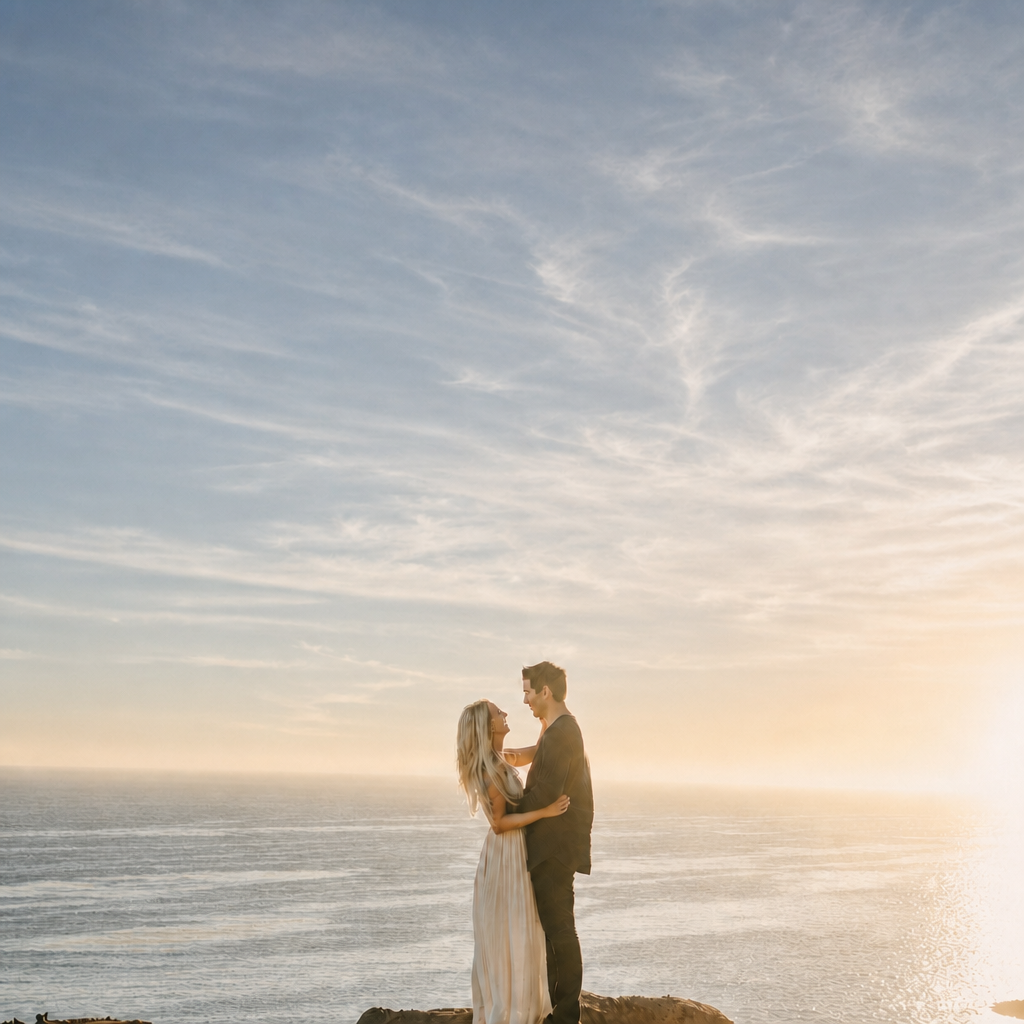
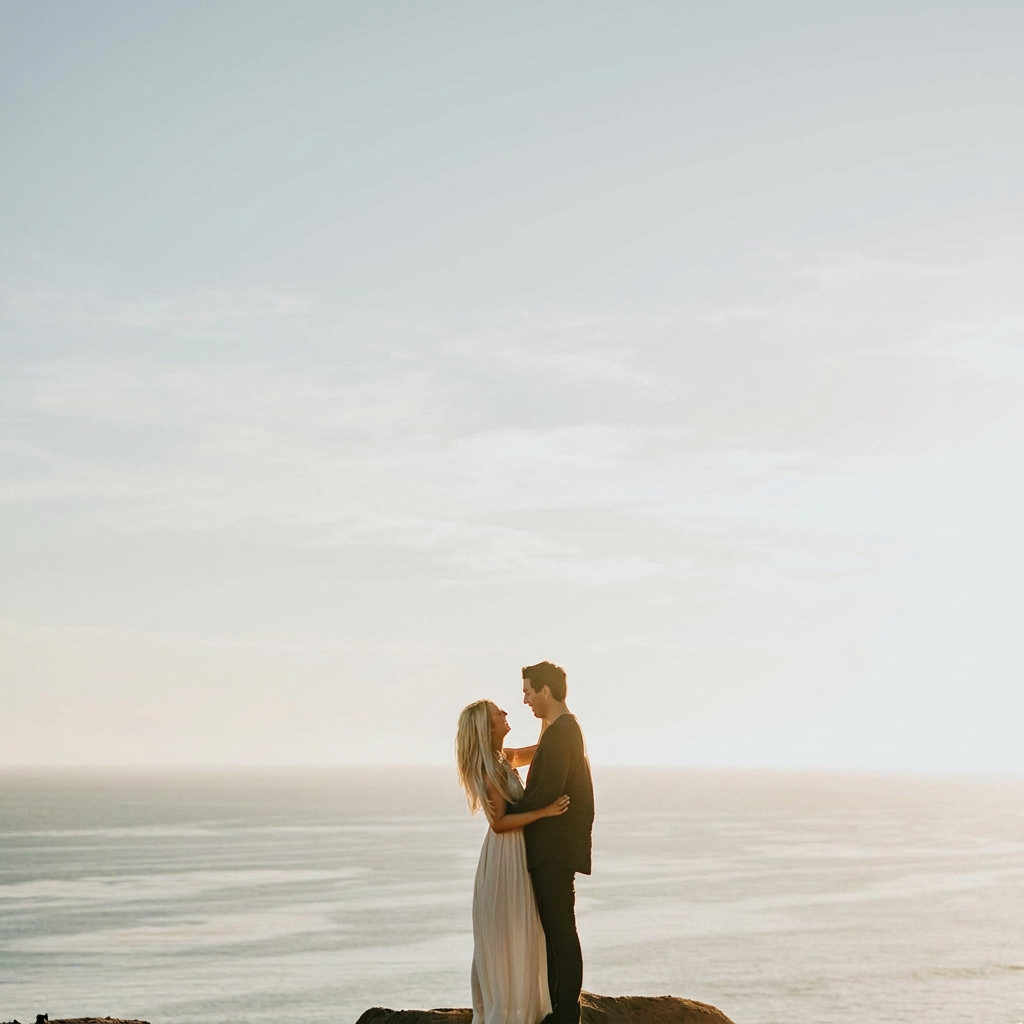
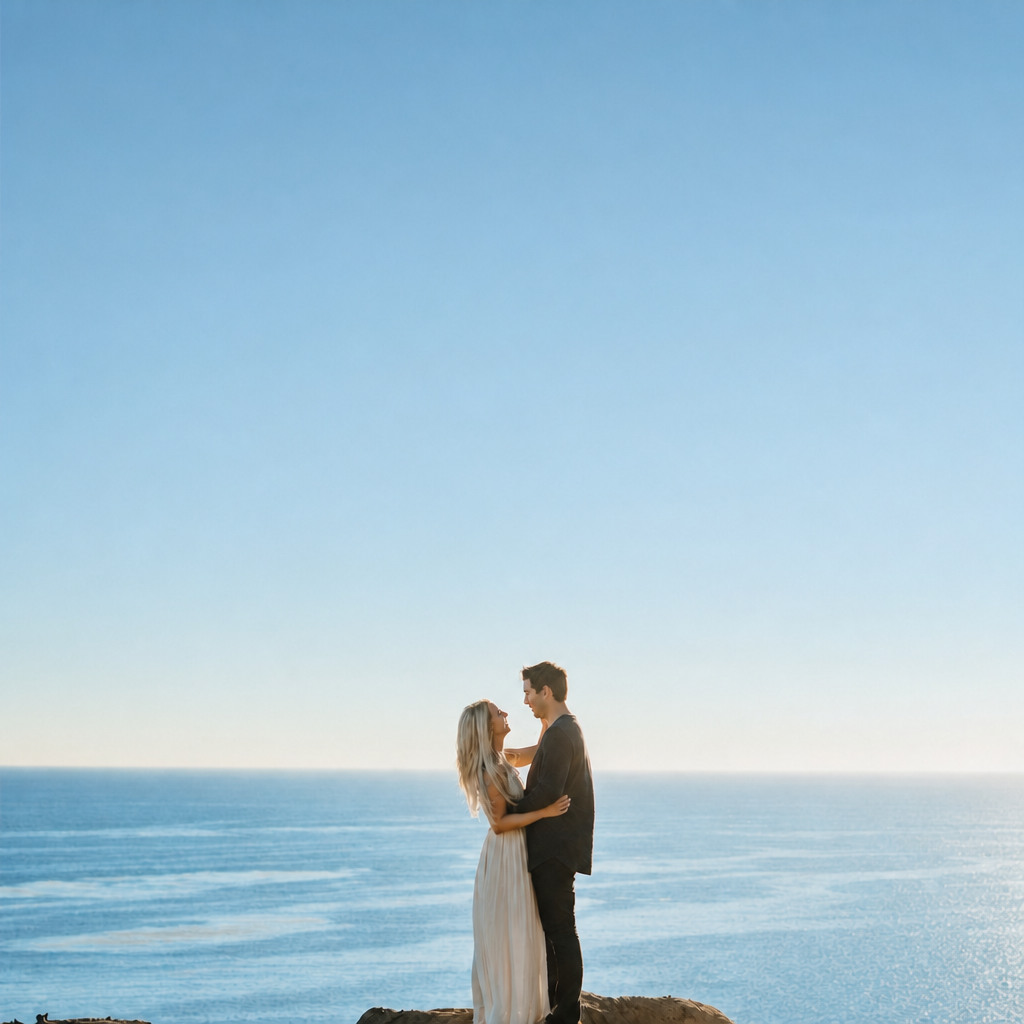
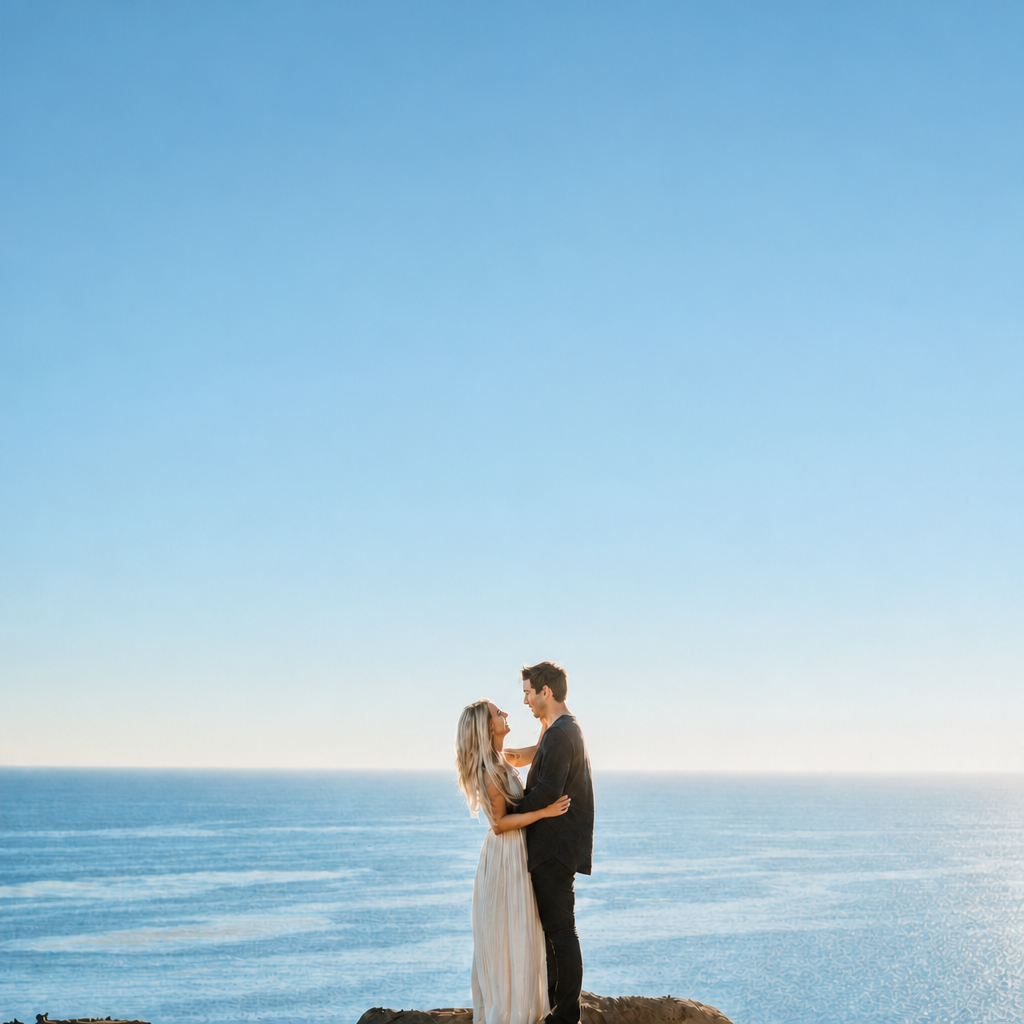
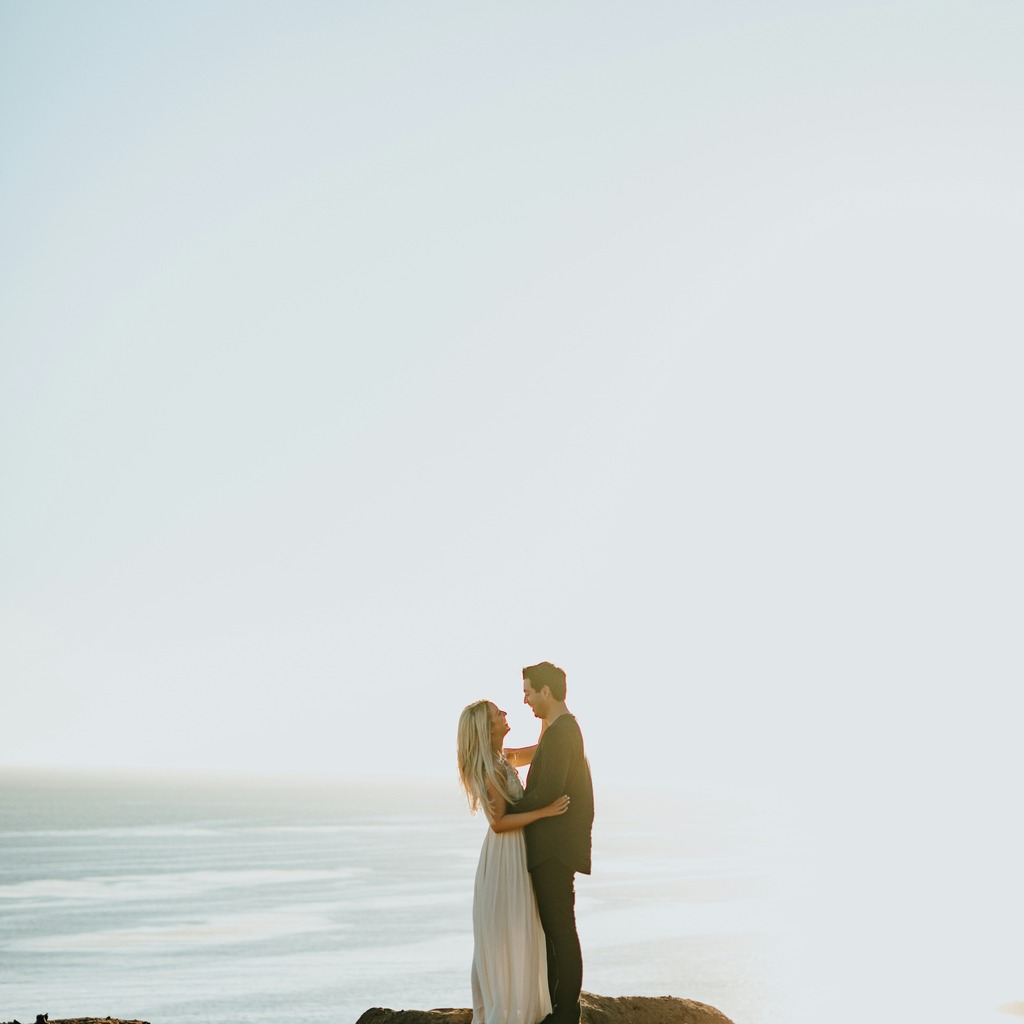
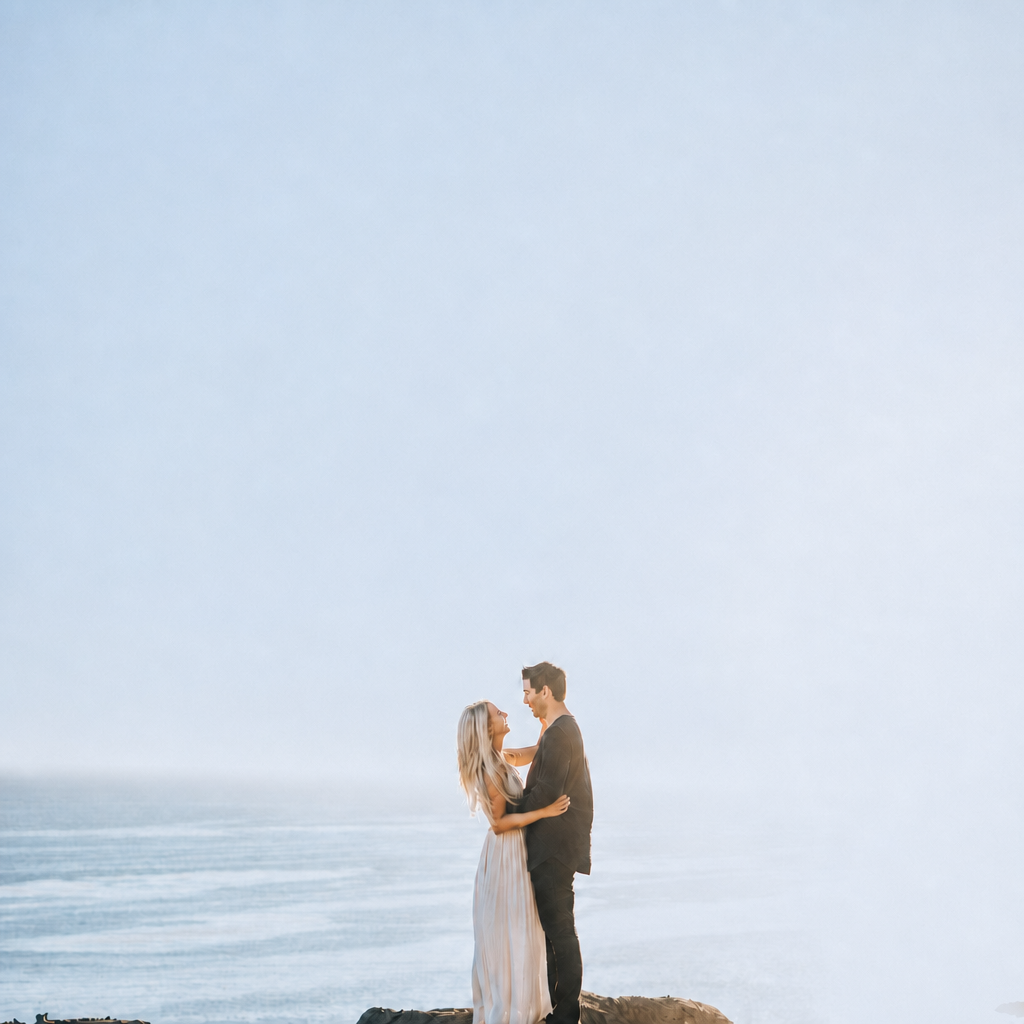
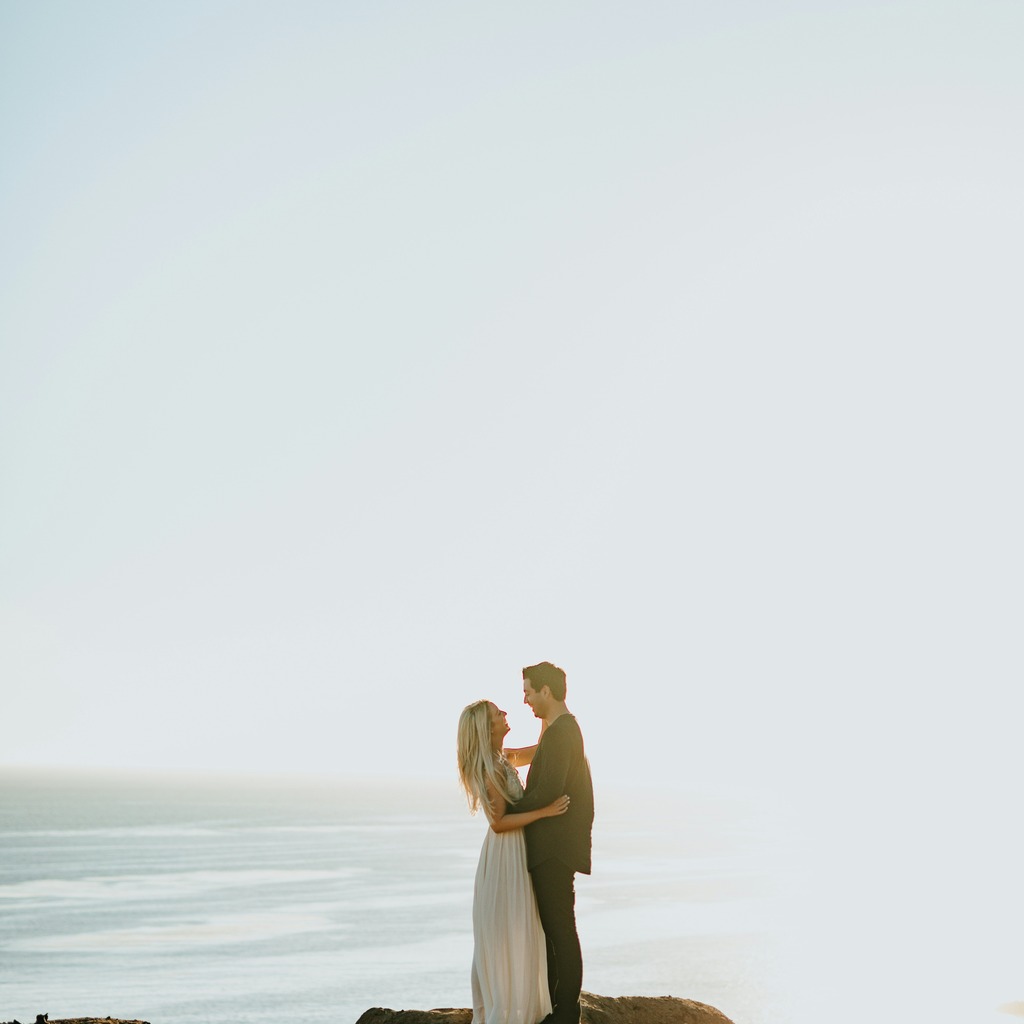
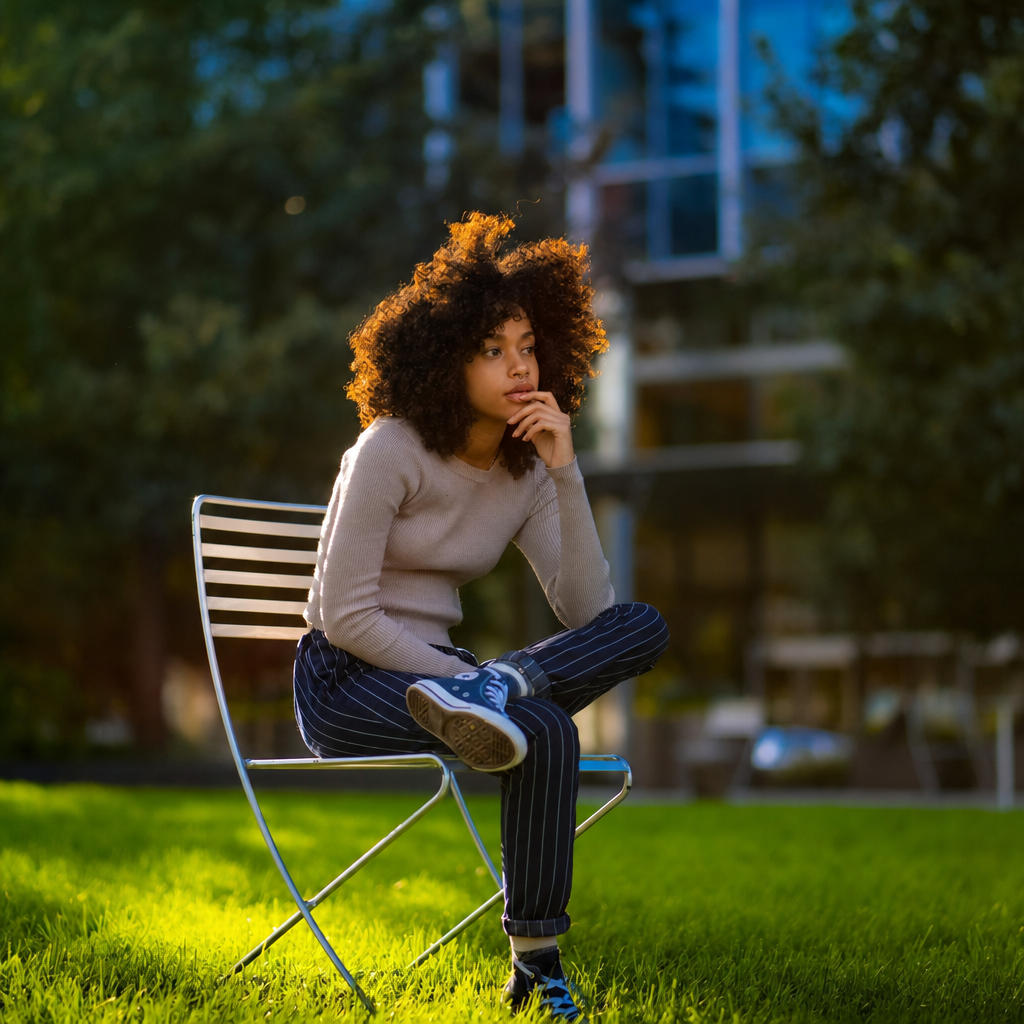
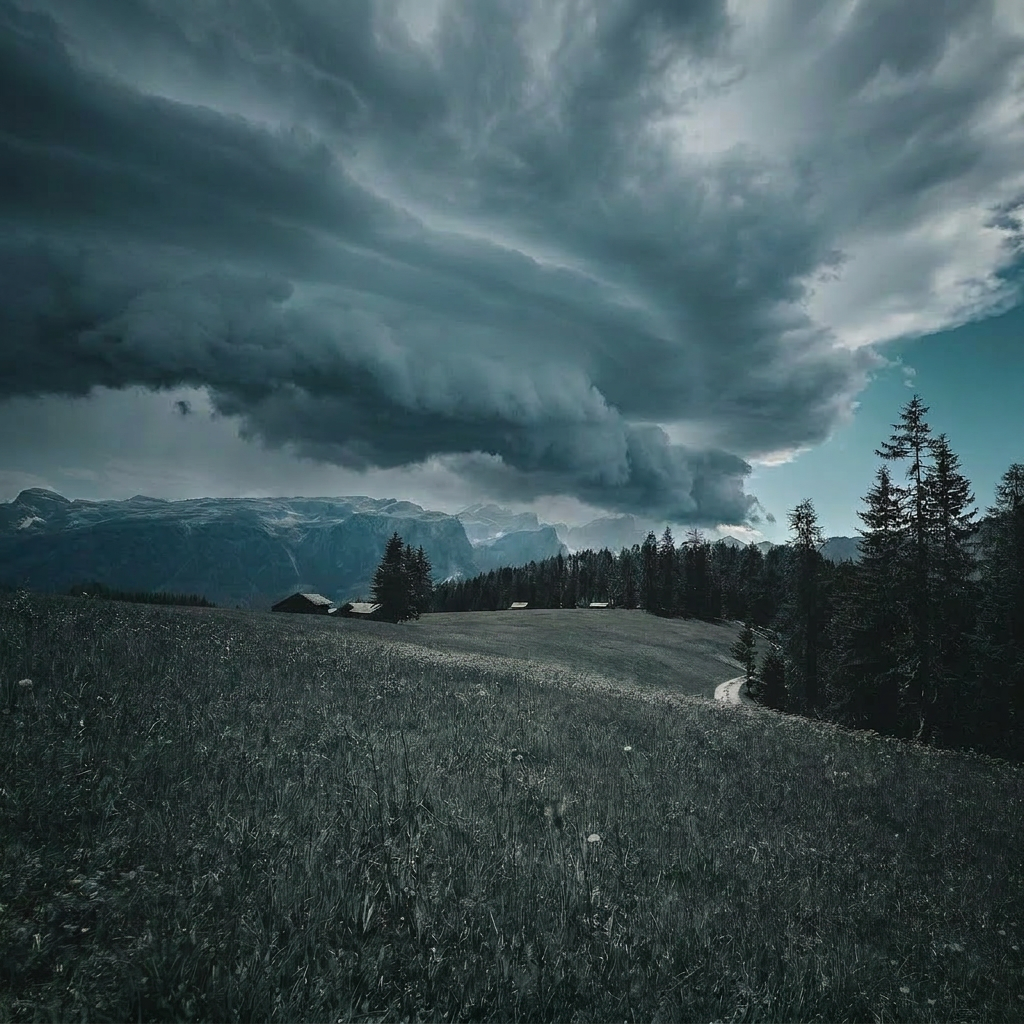
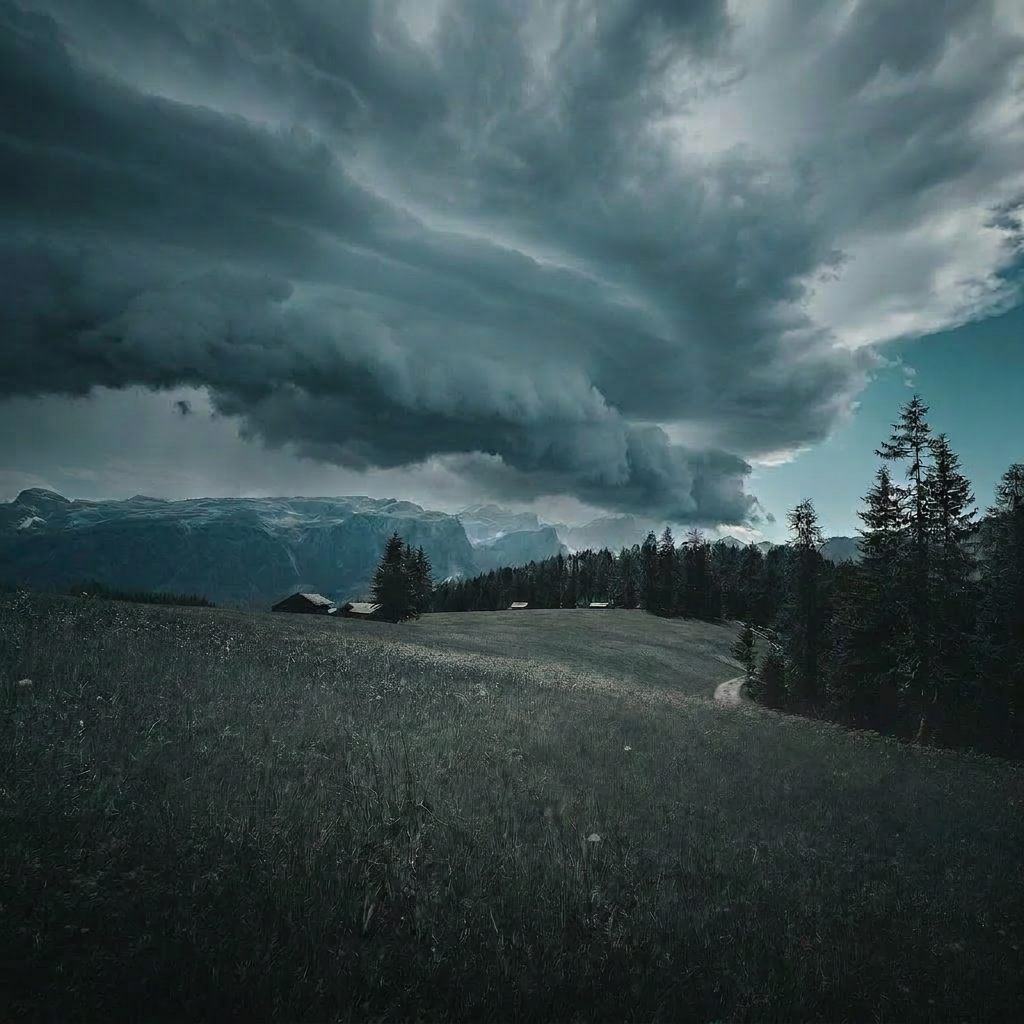
If the anchor still doesn’t feel solid, I stop forcing it. I’ll either find a cleaner frame in the sequence or make a very conservative correction and use that as the sync base instead of trying to “perfect” the whole look in one pass. Normally I’d rather sacrifice a little drama than build the whole set on a frame that’s fighting me. This one’s still not quite there. The subject read is better, sure, but the image is hanging on a lot of empty sky and the exposure still feels a touch too romantic-forgiveness instead of delivery-ready clarity. The sky needs more shape, and I want the couple to feel like the center of the frame, not just a small silhouette in a postcard. EDIT_INSTRUCTION: "Tighten the composition feel without cropping, reduce the dominance of the empty sky by darkening it slightly and adding more visible cloud texture, bring the couple forward with a modest lift in local contrast and midtone detail, keep the sunset glow on the horizon, and preserve natural skin tones and the white dress without making the scene look heavy or over-processed."
SYSTEM: [GPT Image 2 applied → turn_3_edit.png sha256=1fd11743ed53]
What’s the part of getting that anchor frame solid where you’re most likely to lose time?
Extracted friction (first 6 events)
- minor unnatural_light_or_sky — "What makes me pause is how washed out the sky is and how the couple is sitting pretty small in the frame" → fix the exposure and contrast on the anchor first, then sync the look
- minor subject_or_geometry_drift — "This frame is closer, but it still feels a little too airy for an actual delivery anchor." → darken the sky and upper background enough to bring back visible texture and tonal separation
- minor refuses_when_it_should_have_attempted — "If the anchor still doesn’t feel solid, I stop forcing it." → find a cleaner frame in the sequence or make a very conservative correction and use that as the sync base
- minor capability_ceiling_unrefused — "The time sink is the local balancing, not the broad stroke." → stop chasing perfect subject separation and accept a workable anchor if the set is moving
- minor instruction_dropped_over_turns — "I usually just lock the anchor, sync it, and move on with a quick sweep for any frame that obviously breaks from the batch." → flag the outliers and only break sync when a frame has a real problem